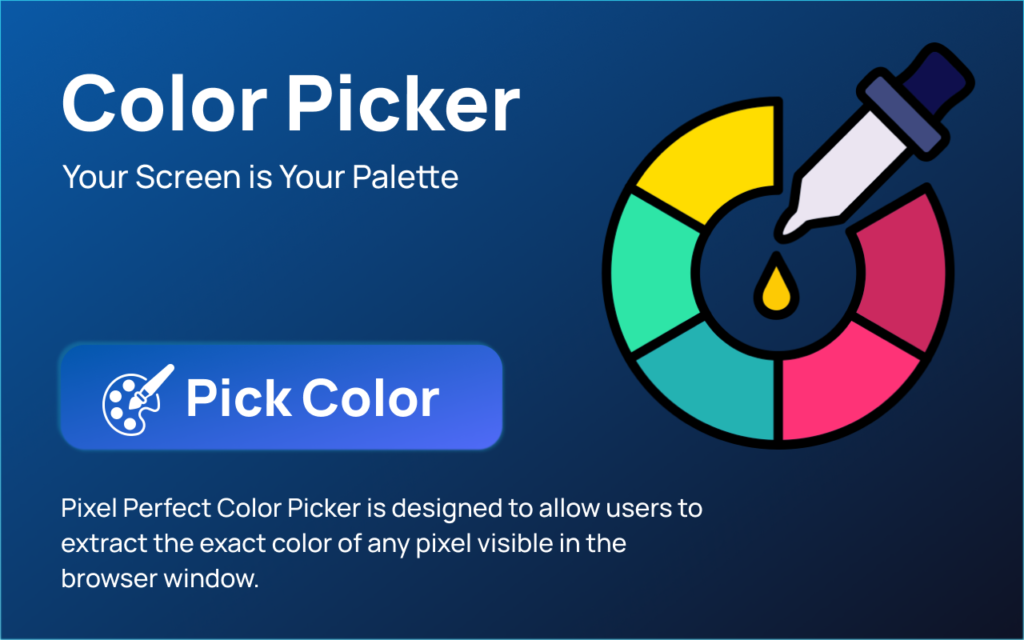

Pixel Perfect Color Picker
Introduction
In the world of design and development, color accuracy is everything. Whether you are building a website, refining a brand kit, or adjusting UI elements, even a slight mismatch in color can affect the overall visual experience. This is where the Pixel Perfect Color Picker, a microtool by Altf Tool, steps in.
Designed to be simple yet highly precise, this tool focuses on one core function—helping users capture exact color codes instantly. Instead of complicated interfaces or heavy software, it delivers a clean and focused experience that saves time and improves workflow efficiency.
What Is Pixel Perfect Color Picker?
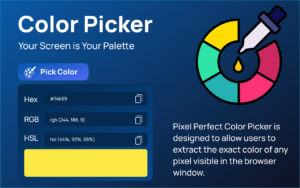
Pixel Perfect Color Picker is a lightweight browser-based microtool that allows users to extract precise color values from any point on their screen. With just a click, it provides accurate HEX, RGB, or other color formats, making it ideal for designers, developers, and digital creators.
Unlike bulky design applications, this microtool works quickly without slowing down your system. It is built for users who need fast results without navigating through unnecessary features.
Key Features at a Glance
Below is a quick overview of what the tool offers:
| Feature | Description | Benefit |
|---|---|---|
| Instant Color Detection | Picks color directly from screen pixels | Saves time and increases accuracy |
| Multiple Color Formats | Provides HEX and RGB values | Easy integration into design tools |
| Lightweight Interface | Simple and minimal design | No learning curve |
| Browser-Based Functionality | Works directly within browser | No heavy installation required |
| Fast Performance | Quick response time | Improves workflow efficiency |
This table highlights why the tool stands out as a practical solution for everyday design needs.
User Experience and Performance

One of the strongest aspects of Pixel Perfect Color Picker is its simplicity. The interface feels intuitive from the first use. There are no unnecessary buttons, pop-ups, or distractions. Everything is designed to help users focus on capturing the right color instantly.
Performance-wise, the tool responds quickly and accurately. The pixel detection feels reliable, which is especially important when working on detailed UI components. Designers often struggle with slight color inconsistencies, but this tool reduces that risk significantly.
Another important factor is accessibility. Since it works directly in the browser, users do not need powerful hardware or complex installations. This makes it suitable for freelancers, students, and professionals alike.
Why Designers Will Appreciate This Tool
Designers often switch between multiple applications during a project. A tool that simplifies even one small task can improve overall productivity. Pixel Perfect Color Picker eliminates the guesswork involved in identifying shades.
Instead of manually approximating colors or using heavy editing software just to grab a code, this microtool delivers instant results. It supports precision work, especially in UI/UX design, branding, and front-end development.
For teams that prioritize visual consistency, this tool can become an essential part of their daily workflow.
Frequently Asked Questions
Final Thought
Pixel Perfect Color Picker proves that even a small tool can make a big impact. It focuses on precision, speed, and simplicity—three qualities every designer values. Instead of overcomplicating the process, it delivers exactly what users need: accurate color codes in seconds.
For designers and developers who want a reliable, no-distraction color grabbing solution, this microtool stands out as a practical and efficient choice.
AI Automation Guide 2026: Work Smarter, Faster & Better
Artificial intelligence and automation are changing the way people work, manage information, communicate, and complete…

Tool Reviews: Find the Best Tools for Every Need
Every single morning, millions of people open their laptops to a screen crammed with open…
The Best Audio Editing Software 2026: Music, Podcasts & More
Good audio can completely change how a song, podcast, video, or voice recording feels.Audio Editing…
Tool Reviews 2026: Explore, Compare & Find Better Tools
Finding the right digital tool can save time, simplify repetitive tasks, and make everyday work…

The Best No-Code Automation Tools Simplify Workflows & Save Time
A lot of everyday work follows the same pattern. No-Code Automation Someone fills out a…
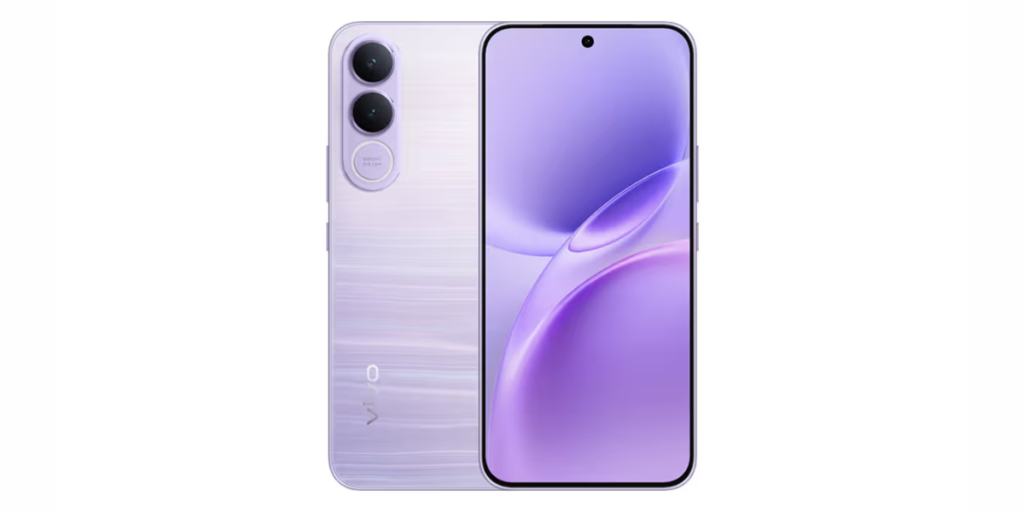
The Best Vivo V80 5G Expected Price, Camera & Features
The Vivo V80 5G is one of the upcoming smartphones attracting attention in India’s premium…
This review is based on general usability, features, and performance observations of the tool. Individual experiences may vary depending on browser settings and updates made by the platform.
#PixelPerfectColorPicker #AltfTool #ToolReview #DesignTools #WebDesign #ColorPicker #UIUX #MicroTool #Carrerbook #Anslation