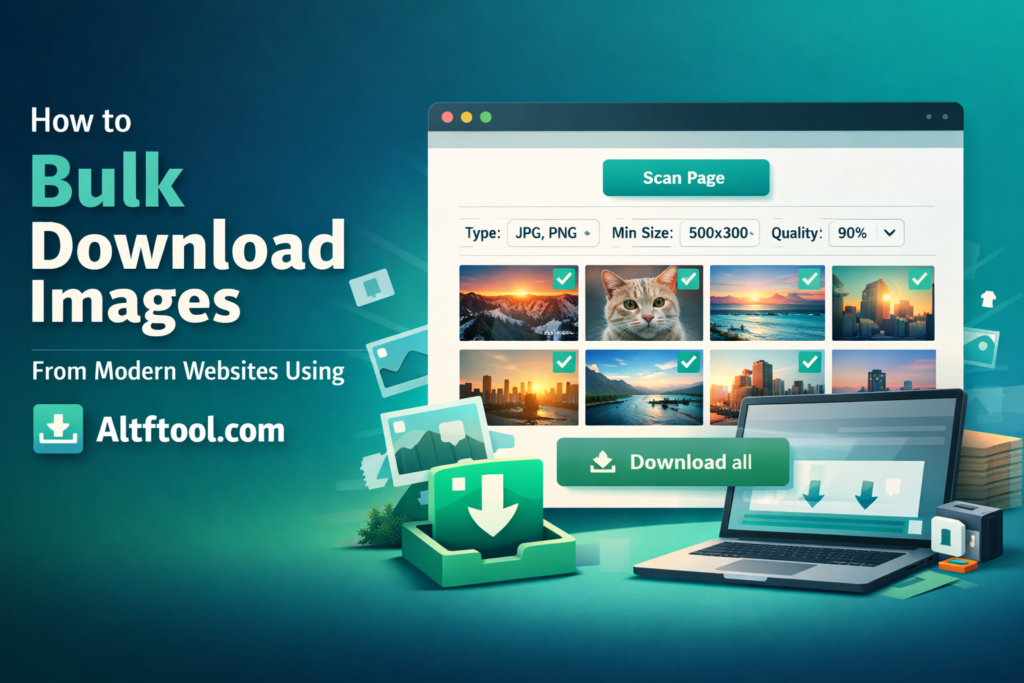
Modern websites are no longer simple image galleries. They use lazy loading, background rendering, sliders, dynamic injection, and formats like WebP. Because of this, saving images one by one is slow and inefficient.
With Altftool.com Image Download Helper, you can scan any webpage, filter the results, preview images, and download them in bulk — all directly inside your browser. The extension processes everything locally using Chrome APIs, ensuring privacy and fast performance.
Why Manual Image Saving No Longer Works
Most modern websites use advanced loading techniques that hide images until you scroll or interact with the page. Many images are also embedded as background elements rather than standard image tags.
This makes right-click saving unreliable. You might miss high-resolution files or download unnecessary icons and ads.

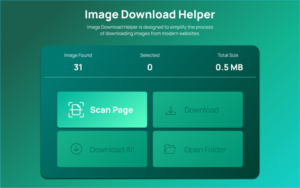
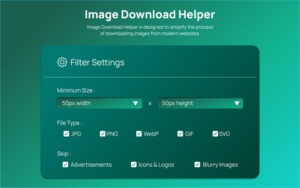
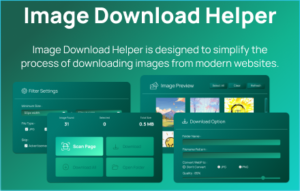
How Image Download Helper Solves This Problem
The extension intelligently scans the active tab and detects:
- Standard images
- Lazy-loaded images
- Background images
- Dynamically injected images
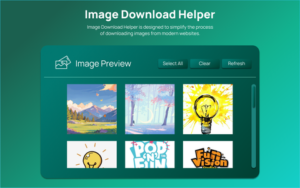
After scanning, it organizes them into a clean preview grid so you can review everything before downloading.
Key Features That Make Bulk Download Easy
The tool offers smart controls without making the process complicated. You can:
- Filter images by minimum width and height
- Select specific file types like JPG, PNG, or WebP
- Skip icons, ads, or blurry images
- Preview images with dimensions visible
- Download selected images or all at once
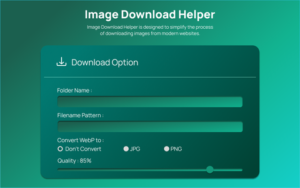
- Rename files using structured naming patterns
- Convert WebP images to JPG or PNG
- Adjust compression quality before saving
All settings are saved automatically for future use.
Step-by-Step: How to Bulk Download Images
Using the tool is simple:
- Install the Image Download Helper extension from Altftool.
- Open the website containing the images.
- Click the extension icon in your Chrome toolbar.
- Press Scan Page to extract images.
- Apply filters if needed.
- Select images from the preview grid.
- Click download to save them in bulk.
Who Can Benefit from This Tool?
This extension is ideal for:
- Bloggers collecting media
- Designers gathering references
- E-commerce sellers saving product images
- Social media managers
- Students and researchers
Final Thoughts
Bulk downloading images from modern websites doesn’t have to be complicated. With Altftool.com Image Download Helper, you can extract, filter, preview, and download high-quality images in just a few clicks.
It saves time, improves workflow efficiency, and eliminates the frustration of manual downloading.
#ImageDownloadHelper #Altftool #ChromeExtension #BulkImageDownloader #WebPConverter #ProductivityTools #BrowserTools #Carrerbook #Anslation

AI Automation Guide 2026: Work Smarter, Faster & Better
Artificial intelligence and automation are changing the way people work, manage information, communicate, and complete…

Tool Reviews: Find the Best Tools for Every Need
Every single morning, millions of people open their laptops to a screen crammed with open…

The Best Audio Editing Software 2026: Music, Podcasts & More
Good audio can completely change how a song, podcast, video, or voice recording feels.Audio Editing…

Tool Reviews 2026: Explore, Compare & Find Better Tools
Finding the right digital tool can save time, simplify repetitive tasks, and make everyday work…
The Best No-Code Automation Tools Simplify Workflows & Save Time
A lot of everyday work follows the same pattern. No-Code Automation Someone fills out a…

The Best Vivo V80 5G Expected Price, Camera & Features
The Vivo V80 5G is one of the upcoming smartphones attracting attention in India’s premium…