
Let’s be honest: trying to run a team without clear processes is exhausting. Tasks get buried in chaotic email chains, nobody remembers who was supposed to sign off on what, and critical deadlines quietly slip through the cracks. Workflow management software acts as your operational safety net, turning frantic, manual handoffs into predictable, automated routines.
When you trade scattered spreadsheets and endless status updates for one centralized workspace, the shift is instant. Your team stops wasting hours on administrative busywork, gains complete visibility into every project, and actually delivers consistent work without the burnout.
Why Modern Workflow Systems Are a Game-Changer

Strip away the corporate jargon, and every business is just a series of repeatable steps—whether you are onboarding a new hire, approving an invoice, or launching a marketing campaign. A workflow management system gives those routines a clear home.
- Standardized Playbooks: Everyone follows the exact same process, so quality stays consistent no matter who is handling the job.
- Instant Bottleneck Checks: Spot stuck approvals, overloaded team members, and blocked tasks before they turn into late deliverables.
- Fewer Costly Mistakes: Stop manually copy-pasting data between apps. Automated rules handle the transfer so human error doesn’t creep in.
- Total Accountability: Track task owners, status updates, and timelines in real time without having to micro-manage or send “just checking in” messages.
Top Workflow Tools: Simple Breakdown
Different teams work in wildly different ways. Here is how the top players stack up so you can match one to your team’s style and budget:
| Platform | What Makes It Stand Out | Entry Price | Best Fit For |
| monday.com | Visual status boards, intuitive layout, and simple “recipe-style” automations. | Starts around $9/user/month | Fast-growing teams that want visual clarity and zero learning curve. |
| ClickUp | Highly customizable, deeply nested subtasks, and endless features under one roof. | Starts near $7/user/month (Free tier available) | Teams looking to consolidate multiple separate tools into one giant hub. |
| Smartsheet | Spreadsheet interface paired with powerful formula tracking and full audit trails. | Starts around $9/user/month | Finance and operations teams moving away from static Excel files. |
| Zapier | Connects thousands of apps together using simple, natural-language AI rules. | Tiered task plans (Free tier available) | Bridging software gaps without needing a team of software developers. |
| Asana | Cross-team timelines, interactive workload tracking, and clear project views. | Tiered team plans | Mid-to-large teams balancing complex, multi-layered project schedules. |
Essential Features Worth Looking For
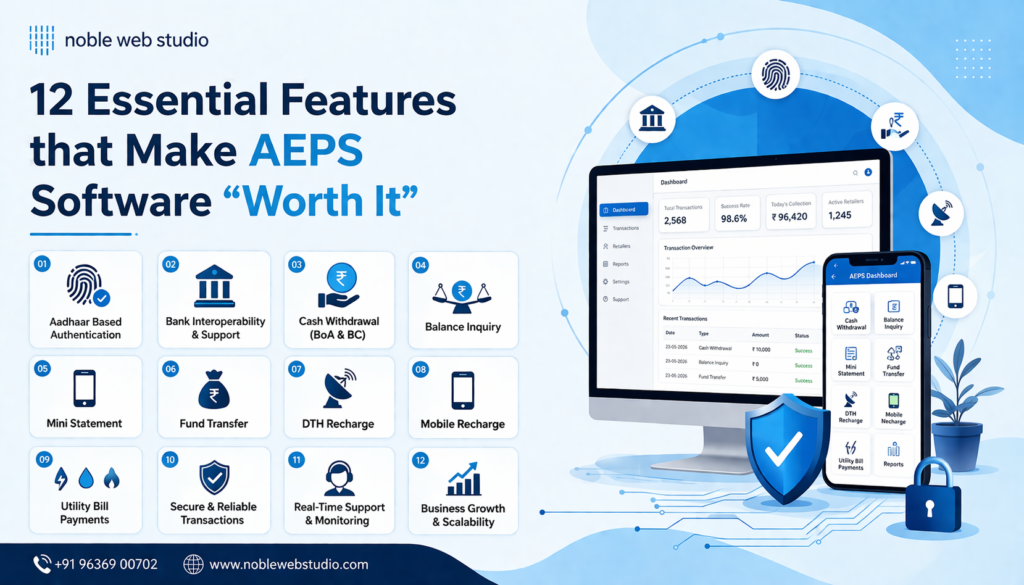
Don’t fall for flashy tools you will never use. Focus on core capabilities that genuinely make your daily workload lighter:
- Drag-and-Drop Builders: Visual flowcharts let anyone on the team design and adjust process steps without asking IT for help.
- Smart Conditional Logic: If/then routing rules direct traffic automatically—like pushing budget requests over $5,000 straight to executive review while auto-approving small expenses.
- AI Assistance: Embedded AI tools draft quick status summaries, extract details from incoming forms, and turn plain text instructions into ready-to-use automations.
- Deep API Connections: Deep integrations keep your software stack talking to each other seamlessly, rather than just sending basic one-way notifications.
- Role-Based Permissions: Flexible access controls make sure team members see what they need to see while keeping sensitive data secure.
The 4 Stages of Building a Great Workflow
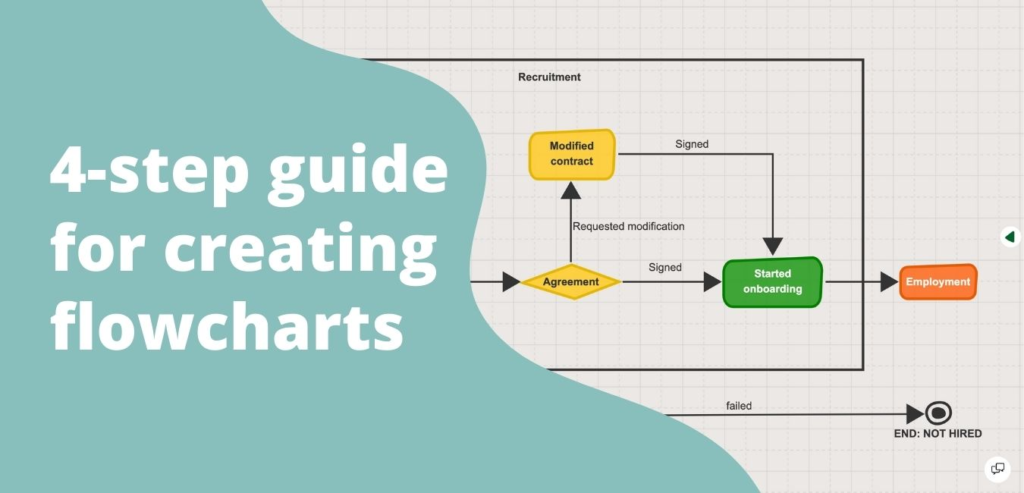
Setting up a new system doesn’t happen overnight. To build something your team will actually enjoy using, take it one step at a time:
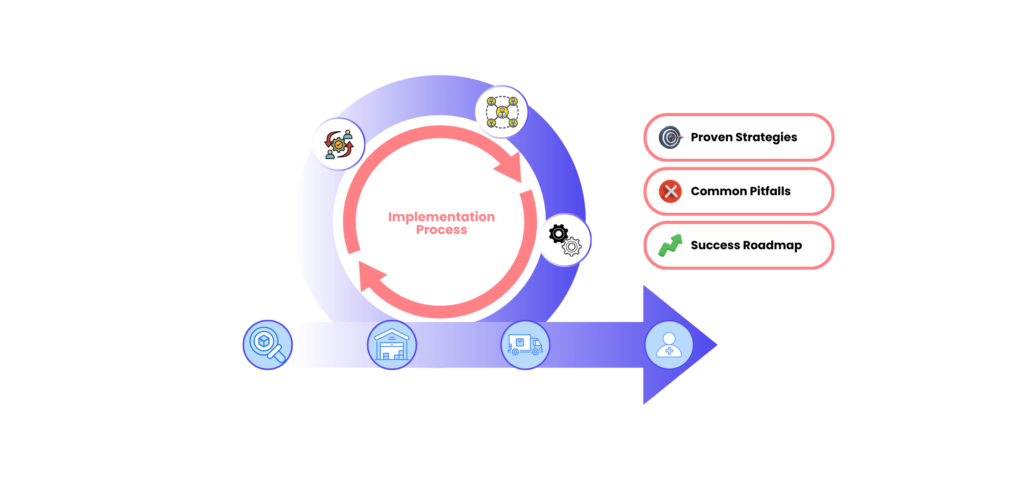
- Stage 1 — Sketch the Process: Grab a whiteboard and map out the full journey. Identify what kicks off the task, what data is needed, who handles each step, and where the final deliverable goes.
- Stage 2 — Connect and Automate: Build the pipeline in your tool. Set up simple automations to assign tasks, send reminders, and move data between apps.
- Stage 3 — Put It to Work: Bring your team in. Make it clear that all discussions, file uploads, and status changes happen inside the platform—not in private chats or emails.
- Stage 4 — Review and Tweak: Check in monthly to see where tasks are getting stuck. Prune redundant approval steps and keep your automation rules fresh.
Common Pitfalls (And How to Avoid Them)

Rolling out new software often meets a little friction. Here is how to keep things running smoothly:
- Pushback from the Team: People naturally stick to old habits like sending quick emails or keeping private spreadsheets. Win them over by showing how automation cuts out the tedious admin work they hate.
- Over-Engineering Day One: Don’t build a massive web of 50 complicated rules right out of the gate. Start lean, get the basic process working, and add smart logic later.
- Data Trapped in Silos: Disconnected tools ruin visibility. Make sure your primary communication, file storage, and CRM platforms are linked directly to your workflow hub.
- Setting It and Forgetting It: Workflows decay when business needs change but software rules stay frozen. Appoint a couple of internal champions to review your setups quarterly.
Straightforward Implementation Tips
- Map on Paper First: Outline every step and handoff before you touch a single setting in the software.
- Start with a Small Pilot: Test the new setup on one simple process—like creative requests or new client onboarding—before rolling it out company-wide.
- Enforce One Source of Truth: If an update isn’t logged in the platform, it didn’t happen. Eliminating side conversations is key to making the system work.
- Refine as You Grow: Treat your workflows as living systems. Listen to team feedback and strip out unnecessary steps whenever you find them.
Frequently Asked Questions
What is workflow management software in simple terms?
It is a central platform that organizes, automates, and tracks routine business tasks. Instead of manually passing files back and forth, the software directs work from one step to the next automatically.
What features matter the most?
Focus on visual process builders, automated triggers, customizable templates, clear progress dashboards, easy app integrations, and flexible permission settings.
Is workflow software useful for small businesses?
Absolutely. Small teams usually wear multiple hats. Automating repetitive handoffs saves precious time, helping smaller teams stay organized and compete with larger organizations.
How does workflow software differ from project management tools?
Project management tools focus on unique projects with specific deadlines and end dates. Workflow software focuses on repeatable, ongoing processes that run the exact same way every time.
Can these platforms really eliminate manual admin work?
Yes. They automatically handle task reassignments, status notifications, form extractions, customer reminders, and data syncs across your tech stack without requiring manual input.
Top Workflow Tools for Better Team Productivity in 2026
It rarely happens with a big dramatic crash. Instead, it’s a slow, quiet leak. You…

AI Automation Guide 2026: Work Smarter, Faster & Better
Artificial intelligence and automation are changing the way people work, manage information, communicate, and complete…
Tool Reviews: Find the Best Tools for Every Need
Every single morning, millions of people open their laptops to a screen crammed with open…

The Best Audio Editing Software 2026: Music, Podcasts & More
Good audio can completely change how a song, podcast, video, or voice recording feels.Audio Editing…
Tool Reviews 2026: Explore, Compare & Find Better Tools
Finding the right digital tool can save time, simplify repetitive tasks, and make everyday work…
The Best No-Code Automation Tools Simplify Workflows & Save Time
A lot of everyday work follows the same pattern. No-Code Automation Someone fills out a…

