
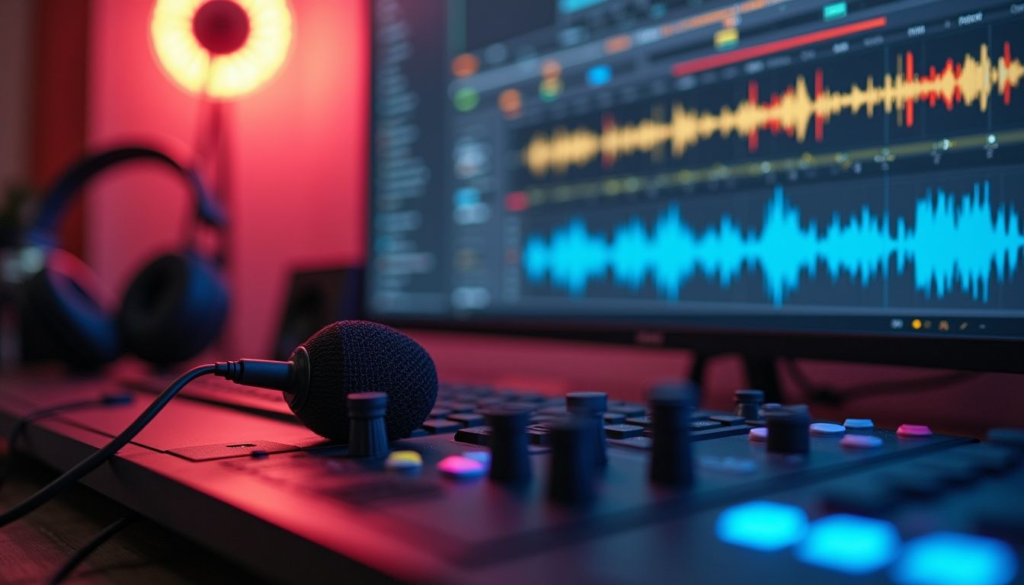
Good audio can completely change how a song, podcast, video, or voice recording feels.Audio Editing Software But getting clean, polished sound doesn’t always require a professional studio. With the right audio editing software, you can record, cut, mix, clean up, and improve audio directly from your computer.The tricky part is choosing the right tool.
There are simple editors made for quick voice recordings, full music production platforms packed with instruments and effects, and podcast-focused tools designed to make speech editing faster. Some are beginner-friendly, while others are built for producers and audio professionals who want detailed control over every track.
The best choice depends on what you actually want to create.
Whether you’re producing music, editing podcasts, recording voiceovers, making YouTube videos, or experimenting with sound for fun, this guide covers the main types of audio editing software worth considering in 2026.
What Is Audio Editing Software?
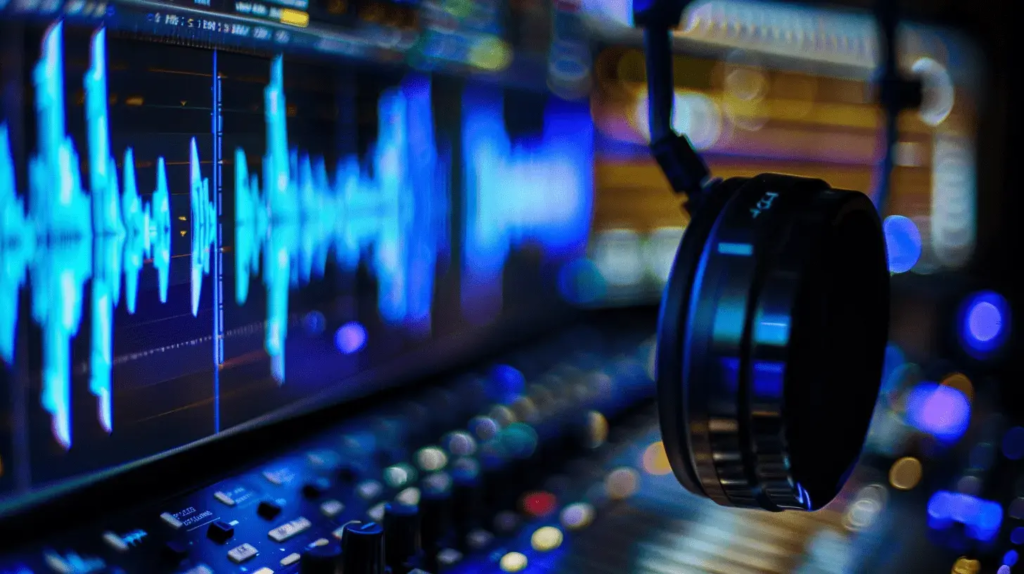
Audio editing software lets you record and manipulate sound files on a computer. Depending on the program, you can trim unwanted sections, remove noise, adjust volume, add effects, combine multiple recordings, and export the finished project in different formats.
More advanced programs can also work as digital audio workstations, commonly called DAWs. These tools allow you to arrange multiple tracks, use virtual instruments, record vocals, apply effects, automate changes, and build complete songs.
In simple terms, an audio editor is useful for changing sound, while a full music production platform can help you create an entire project from the beginning.
Best Audio Editing Software for Different Needs
There isn’t one audio editor that works perfectly for everyone. A podcaster may care more about fast voice editing, while a music producer may need virtual instruments, MIDI support, mixing tools, and advanced effects.
| Audio Software Type | Best For | Key Features | Experience Level |
|---|---|---|---|
| Basic Audio Editor | Quick edits and recordings | Cut, trim, fade, volume adjustment | Beginner |
| Music Production Software | Creating songs | Multitrack recording, instruments, effects, MIDI | Beginner–Professional |
| Podcast Editor | Podcasts and interviews | Voice editing, noise cleanup, multitrack workflows | Beginner–Intermediate |
| Voice Recording Tool | Voiceovers and narration | Recording, trimming, processing | Beginner |
| Professional DAW | Music production and studio work | Mixing, mastering, plugins, automation | Intermediate–Professional |
| Beat-Making Software | Beats and electronic music | Samples, loops, sequencing, virtual instruments | Beginner–Professional |
| Audio Restoration Tool | Cleaning damaged recordings | Noise reduction, restoration, audio repair | Intermediate–Professional |
| Video Audio Editor | Video creators | Dialogue editing, sound effects, music mixing | Beginner–Professional |
What Should You Look for in Audio Editing Software?
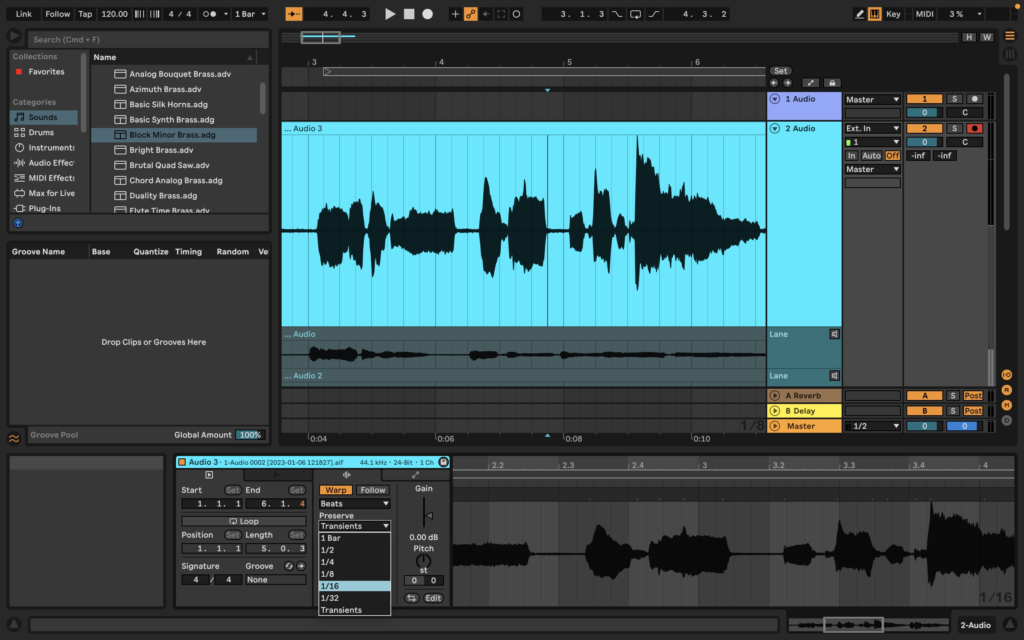
Before downloading an audio editor, think about the type of work you’ll actually be doing. Audio Editing Software A feature-packed program can be useful, but it can also feel unnecessarily complicated if all you want to do is cut a recording and remove a little background noise.
Here are some features worth checking.
Multitrack Editing
Multitrack editing allows you to work with several audio tracks at once. This is particularly useful for podcasts, music, interviews, videos, and other projects that combine voices, music, and sound effects.
For example, a podcast might have separate tracks for the host, guest, intro music, and advertisements.
Noise Reduction
Background noise can make an otherwise good recording sound distracting. Audio Editing Software Noise reduction tools can help reduce unwanted sounds such as constant hums, fans, or low-level background noise.
Results depend heavily on the original recording, so recording in a quiet environment still matters.
Recording Tools
If you plan to record directly inside the software, look for support for microphones, audio interfaces, and multiple recording sources.
Good monitoring controls are also useful when recording vocals, instruments, podcasts, or voiceovers.
Audio Effects
Common effects include equalization, compression, reverb, delay, distortion, limiting, and normalization.
These tools can help shape the sound and make different recordings work better together.
MIDI and Virtual Instruments
Music producers may need MIDI support and virtual instruments for creating melodies, drums, basslines, and other musical parts.
This feature is more important for music production than for straightforward podcast or voice editing.
Plugin Support
Third-party plugins can expand what your audio software can do.Audio Editing Software Depending on the platform, you may be able to add virtual instruments, effects, synthesizers, compressors, reverbs, and other processing tools.
Check plugin compatibility before building a workflow around a particular format.
Export Options
A good editor should make it easy to export your finished work in the format you need.
For basic projects, common formats such as WAV and MP3 may be enough. More advanced workflows may require additional formats or control over sample rate and bit depth.
Best Audio Editing Software for Music
Music production requires more than basic cutting and trimming.
If you’re creating songs, beats, electronic music, or instrumental tracks, look for software with multitrack recording, MIDI sequencing, virtual instruments, effects, automation, and mixing capabilities.
A full DAW can become the central workspace for your entire music workflow. You can record an instrument, add drums, arrange sections, edit vocals, mix individual tracks, and prepare the final project without constantly moving between different applications.
For beginners, the number of features can look intimidating at first. Starting with a small project—such as a simple beat or short song—can make the learning process much easier.
Best Audio Editing Software for Podcasts
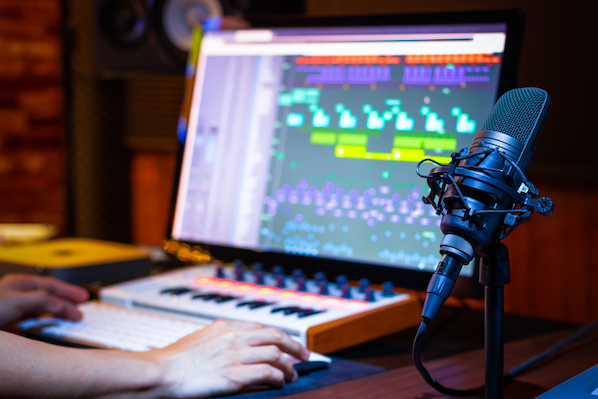
Podcast editing has its own priorities.
You generally want an editor that makes speech easy to cut, rearrange, clean, and balance. Multitrack support is especially useful when you’re working with multiple speakers.
A practical podcast workflow might include:
- Importing or recording the conversation.
- Removing obvious mistakes and long pauses.
- Cleaning unwanted background noise.
- Adjusting voice levels.
- Adding intro and outro music.
- Applying light compression or equalization.
- Listening through the complete episode.
- Exporting the final audio.
The best podcast software is often the one that makes these repetitive steps quick rather than forcing you to navigate complicated menus for every small edit.
Best Audio Tools for Voiceovers
Voiceover creators, YouTubers, online teachers, and video creators often need a straightforward workflow.
Useful features include clean recording, noise reduction, compression, equalization, silence removal, and easy export.
A good microphone and recording environment still make a major difference. Software can improve a recording, but it cannot completely fix every problem caused by poor microphone placement or heavy background noise.
Audio Editing for YouTube and Video Content
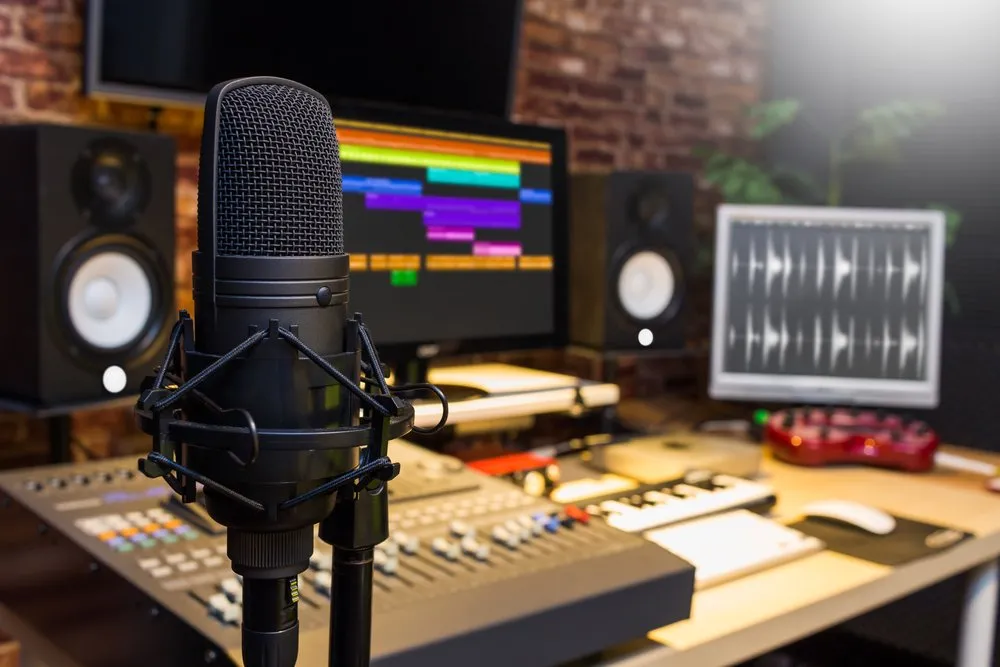
Audio is one of the easiest parts of video production to overlook.
Viewers may forgive a simple visual style, but distracting background noise, inconsistent dialogue volume, or harsh audio can make a video difficult to watch.
For video creators, useful audio features include:
- Dialogue cleanup
- Volume balancing
- Background music control
- Sound-effect editing
- Noise reduction
- Compression
- Fade-in and fade-out controls
- Multitrack editing
- Easy export
If your video editor already includes strong audio tools, you may not need a separate audio program for basic projects. More advanced sound work can benefit from dedicated audio software.
Free vs Paid Audio Editing Software
One of the biggest questions for beginners is whether they should pay for audio software.
Free tools can be surprisingly capable. If your needs are basic—such as trimming recordings, converting files, cleaning simple voice recordings, or making straightforward edits—a free editor may be enough.
Paid software tends to become more useful when you need advanced music production, professional mixing, extensive plugin support, sophisticated restoration, or specialized workflows.
The right choice depends on your projects rather than the price tag alone.
| Feature | Free Audio Software | Paid Audio Software |
|---|---|---|
| Basic editing | Usually available | Available |
| Recording | Usually available | Available |
| Multitrack editing | Depends on software | Common |
| Noise reduction | Basic to advanced | Often more advanced |
| Music production | Depends on software | Usually extensive |
| Virtual instruments | Limited to extensive | Often extensive |
| Plugins | Varies | Usually strong support |
| Advanced mixing | Varies | Usually available |
| Professional restoration | Limited | More specialized options |
| Best for | Beginners and basic projects | Advanced creators and professionals |
Audio Editing Software for Beginners
If you’re completely new to audio editing, don’t start by trying to learn every feature.
Begin with the basics:
- Import an audio file.
- Learn how to cut and move clips.
- Adjust volume.
- Add simple fades.
- Experiment with equalization.
- Try basic noise reduction.
- Learn how to export your project.
Once those steps become comfortable, move into multitrack editing, compression, effects, automation, and more advanced production techniques.
A simple workflow you understand well is more useful than a complicated setup you rarely use.
How to Choose the Right Audio Editor
Start by identifying what you’re creating.
Podcasts: Look for easy speech editing, multitrack support, noise reduction, and fast exporting.
Music: Prioritize MIDI, virtual instruments, multitrack recording, effects, automation, and mixing capabilities.
Voiceovers: Focus on recording quality, noise cleanup, equalization, compression, and simple editing.
For YouTube: Look for dialogue cleanup, music mixing, sound effects, and an efficient workflow.
For professional production: Consider advanced routing, plugin support, automation, detailed mixing controls, and compatibility with your existing studio setup.
Tips for Getting Better Audio Results
Great audio isn’t only about software. Your recording habits matter just as much.
Try to record in the quietest practical space you have. Keep the microphone at a consistent distance, monitor your recording levels, and avoid recording so loudly that the signal clips.
It also helps to keep your editing process organized. Name tracks clearly, save project versions, and keep original recordings separate from edited files.
Most importantly, listen to the finished recording on more than one device. Audio that sounds good through studio headphones may feel different through laptop speakers, earbuds, or a car system.
Frequently Asked Questions
1. What is the best audio editing software in 2026?
The best audio editing software depends on what you want to create. Music producers may need a full DAW, while podcasters and voiceover creators may prefer software focused on simple editing and speech cleanup.
2. What is audio editing software used for?
Audio editing software can be used to record, trim, cut, mix, clean up, enhance, and export audio. It is useful for music, podcasts, voiceovers, videos, interviews, and other sound projects.
3. Is free audio editing software good for beginners?
Yes. Free audio editors can be a good starting point for basic recording, trimming, volume adjustments, and simple audio cleanup. Beginners can move to more advanced software as their projects become more demanding.
4. What audio software is best for music production?
Music production generally requires software with multitrack recording, MIDI, virtual instruments, audio effects, automation, and mixing tools. A full digital audio workstation can provide these features in one workspace.
5. What should I look for in podcast editing software?
Look for easy speech editing, multitrack support, noise reduction, volume control, compression, music mixing, and convenient export options. A simple workflow can make editing long podcast episodes much faster.

