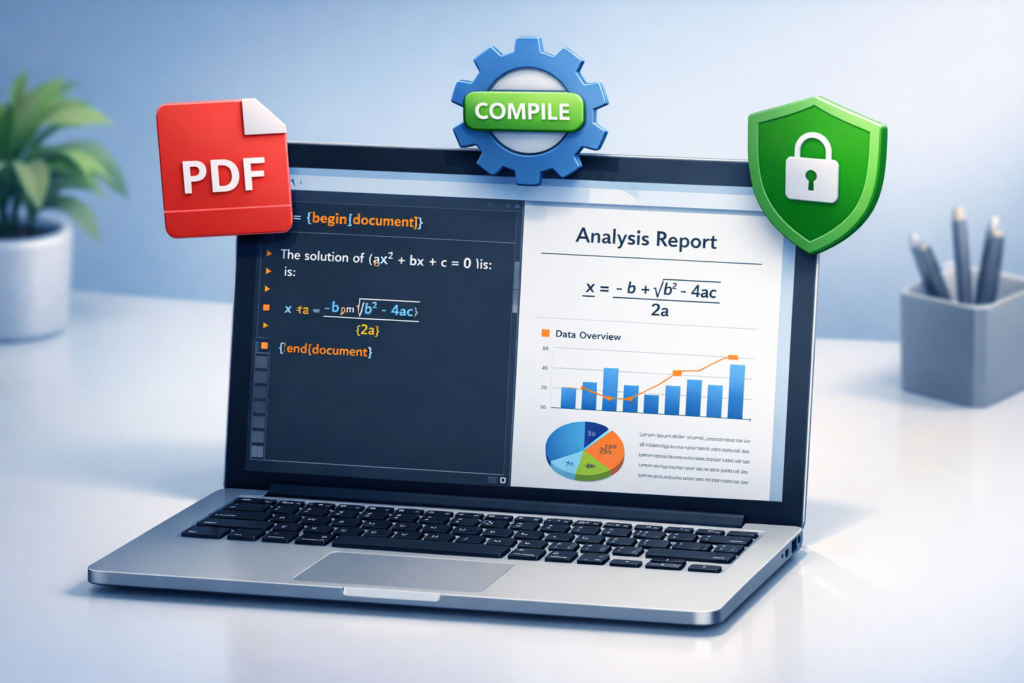
The LaTeX to PDF Editor is a digital utility provided by AltFTools designed to streamline the process of converting LaTeX source code into professional, high-quality PDF documents. It is primarily distributed as a browser extension for Google Chrome.
Below is a comprehensive breakdown of the tool’s features, technical specifications, and benefits based on the latest information from the AltFTools platform.
Core Functionality
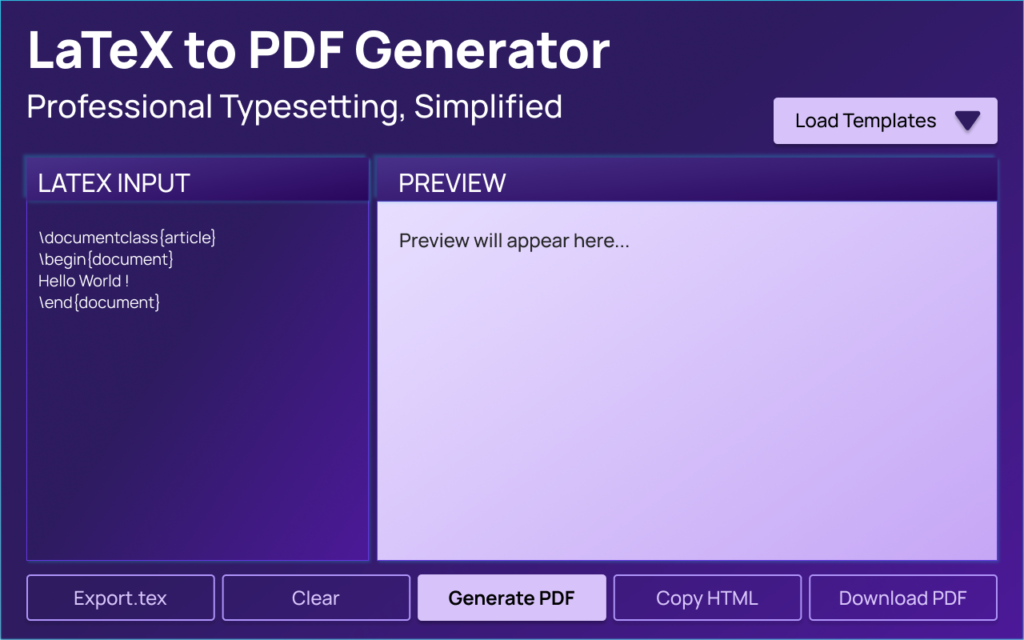
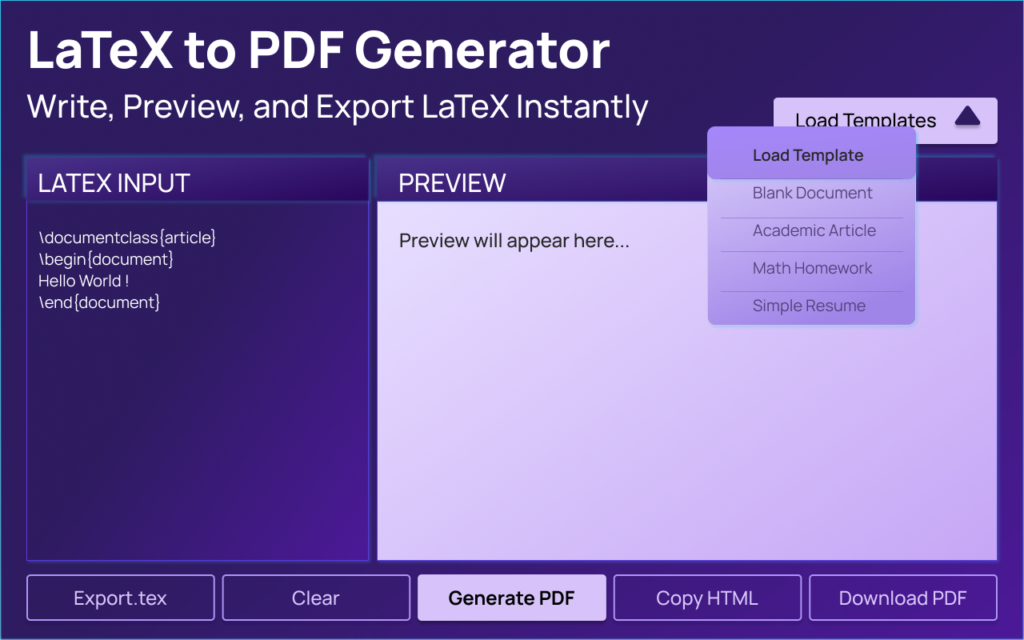
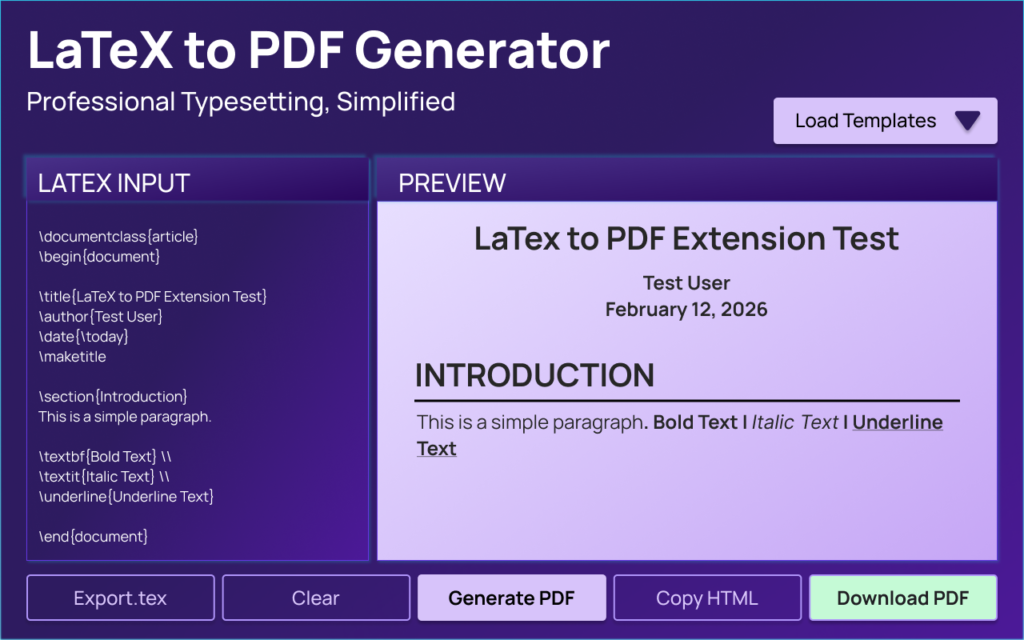
The extension functions as a lightweight IDE (Integrated Development Environment) within your browser, specifically tailored for LaTeX document creation. It eliminates the need for heavy, local LaTeX installations like MiKTeX or TeX Live for many standard tasks.
- LaTeX to PDF Conversion: The primary function is to transform raw LaTeX syntax into a downloadable PDF file.
- Live Preview: As you type or edit your code, the tool provides a real-time rendering of the document, allowing you to see the visual output immediately.
- Syntax Error Highlighting: To assist in debugging, the editor flags syntax errors, helping users identify missing brackets, incorrect commands, or formatting issues quickly.
Extension Specifications
The following details provide an overview of the tool’s current version and its standing in the developer community:
| Feature | Details |
|---|---|
| Current Version | v1.2.0 |
| Total Downloads | 10,000+ |
| License | MIT License (Open Source) |
| Category | File, Data & Formatter Tools |
| Developer | AltFTools |
| Rating | 5.0 / 5.0 |
Why Use This Tool?
- Simplicity and Efficiency: It is designed for developers, designers, and researchers who need a “no-bloat” solution for quick document generation without opening complex desktop software.
- High-Quality Output: Despite being a browser-based tool, it focuses on high-quality PDF exports suitable for professional reports, academic papers, or resumes.
- Ease of Access: Being a Chrome extension, it is accessible directly from your browser toolbar regardless of which website you are currently browsing.
Privacy and Security
A significant highlight of this extension is its Privacy First approach.
- Local Processing: Your data and LaTeX code stay on your device.
- No Tracking: The developer states there are no ads and no user tracking scripts included.
- Security: Because it operates under the MIT License, the transparency of the code allows for better security auditing by the community.
How to Install and Use
- Installation: You can find the extension on the Chrome Web Store.
- Usage: Once installed, open the extension, paste or write your LaTeX code in the editor pane, and use the preview window to check your work.
- Export: Click the download or export button to save the final PDF to your local storage.

AI Automation Guide 2026: Work Smarter, Faster & Better
Artificial intelligence and automation are changing the way people work, manage information, communicate, and complete…

Tool Reviews: Find the Best Tools for Every Need
Every single morning, millions of people open their laptops to a screen crammed with open…

The Best Audio Editing Software 2026: Music, Podcasts & More
Good audio can completely change how a song, podcast, video, or voice recording feels.Audio Editing…

Tool Reviews 2026: Explore, Compare & Find Better Tools
Finding the right digital tool can save time, simplify repetitive tasks, and make everyday work…

The Best No-Code Automation Tools Simplify Workflows & Save Time
A lot of everyday work follows the same pattern. No-Code Automation Someone fills out a…

The Best Vivo V80 5G Expected Price, Camera & Features
The Vivo V80 5G is one of the upcoming smartphones attracting attention in India’s premium…
Summary of Key Points
- Real-time editing with live preview and error detection.
- High privacy with no data tracking and local processing.
- Open-source under the MIT license with over 10,000 active users.
- Lightweight alternative to full LaTeX suites for quick PDF generation.
#LaTeX #PDFEditor #AltFTools #ChromeExtension #LaTeXtoPDF #WebExtension #DeveloperTools #TechUtility #DigitalTools #ResearchTools #Typesetting #ProductivityTools #Anslation #Carrerbook