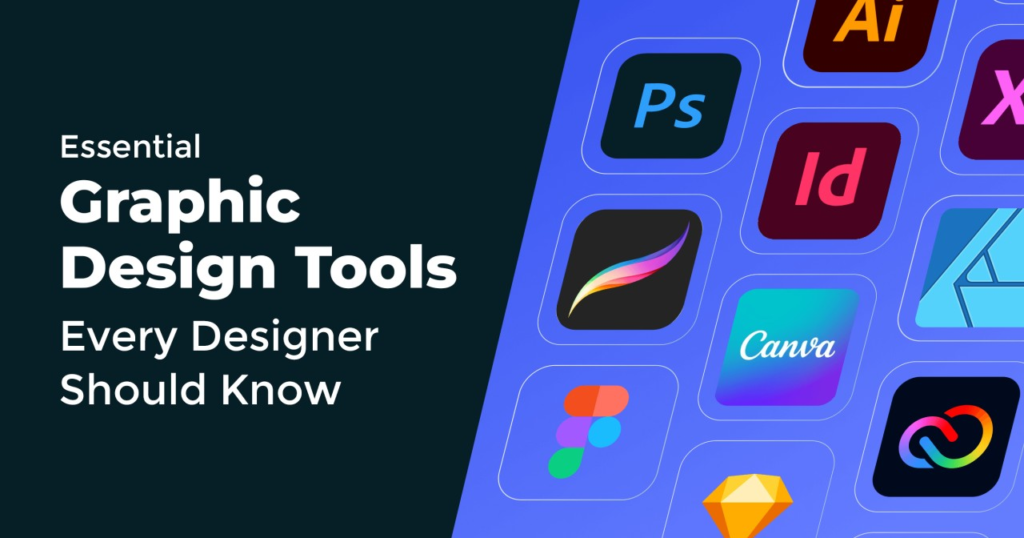
Discover the best Graphic Design tools for creating professional designs. Learn how leading design software helps designers, marketers, and businesses create stunning visuals, branding materials, social media graphics, illustrations, and high-quality digital content efficiently
Today, creators have access to an incredible mix of software that can turn raw, creative concepts into professional, eye-catching visual art. But with so many options out there, the secret lies in finding the software that fits just right. Your choice depends entirely on your current experience level, what your project needs, and the unique creative goals you want to smash.
Why the Right Design Tools Are a Total Game-Changer
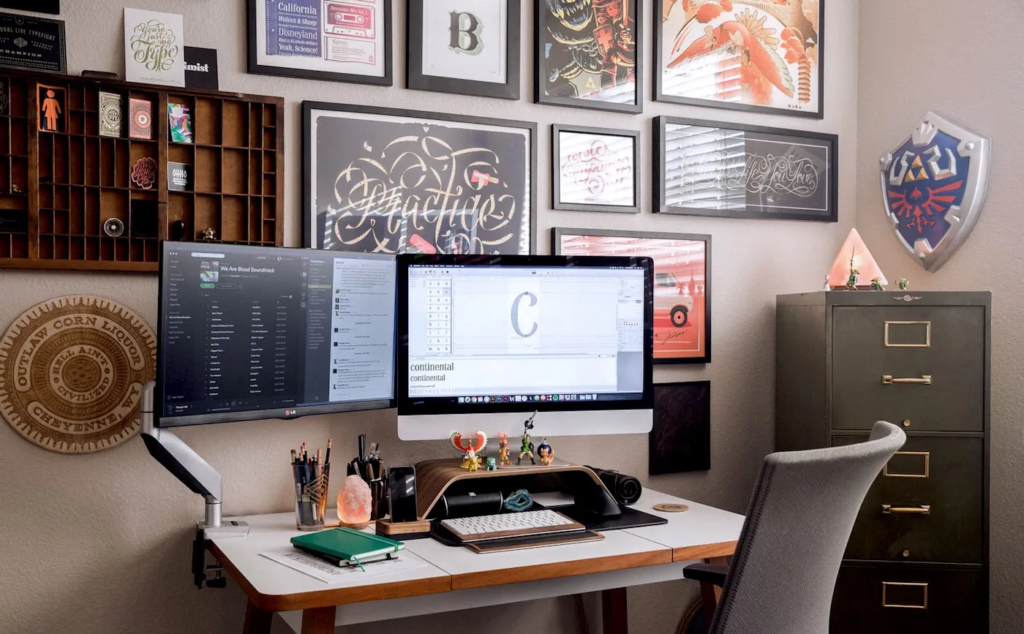
At its core, a graphic design tool is more than just a piece of software—it is an extension of a creator’s imagination. These platforms give us the tools to edit photos, draw smooth digital illustrations, experiment with beautiful typography, and organize clean layouts. They take incredibly complex tasks and make them simple, giving our daily productivity a massive boost.
[Raw Creative Idea] ──> (The Right Design Tool) ──> [Stunning Visual Content]
When you use professional design software, you gain the freedom to experiment with colors, textures, and structures effortlessly. It allows businesses to keep their look completely consistent across websites, social feeds, and print materials. This consistency builds real trust with an audience, making a brand look polished, reliable, and deeply established from day one.
Adobe Photoshop: The King of Photo Magic and Digital Art

When most people think of digital creativity, Adobe Photoshop is the very first name that comes to mind. It has earned its place as the global industry standard for advanced image editing, deep digital manipulation, and complex pixel artwork. From fixing a minor lighting issue in a portrait to blending completely different photos into a dreamlike fantasy landscape, Photoshop handles it all with ease.
Photoshop works by using a brilliant system of layers, advanced filters, precise retouching brushes, and cutting-edge AI tools that automate tedious editing steps. It gives creators complete control over every single pixel on the screen. Because it is so flexible, it has become an absolute staple in the daily workflows of professional photographers, digital painters, graphic designers, and marketing agencies worldwide.
Adobe Illustrator: Shaping the World with Crisp Vector Art
While Photoshop handles pixels and photos perfectly, Adobe Illustrator lives in the world of mathematical vectors. This distinction is incredibly important: vector graphics can be shrunk down to fit a tiny smartphone screen or blown up to cover a massive highway billboard without ever losing their sharp, crystal-clear quality. This unique superpower makes Illustrator the absolute gold standard for designing logos, brand icons, and custom typography.
Using its incredibly precise drawing pens, shape-building tools, and deep color customization features, designers can create artwork that scales effortlessly. If you are building a brand identity system that needs to look flawless everywhere—from a tiny business card to the side of a company delivery van—Illustrator is the tool that professional creators rely on to get the job done right.
Canva: Making Design Fun and Accessible for Everyone
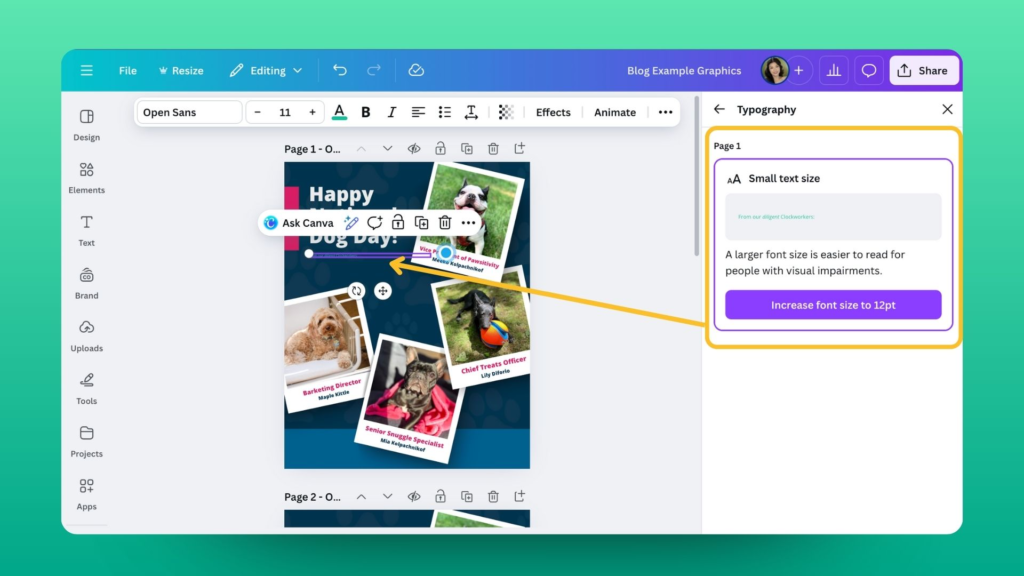
Not everyone has the time or the desire to spend months learning complex professional software. That is exactly why Canva has taken the creative world by storm. It has completely democratized graphic design, making it incredibly easy for beginners, small business owners, and non-designers to create beautiful layouts in minutes.
Why Small Teams and Beginners Love Canva:
- Drag-and-Drop Simplicity: Move images, text blocks, and shapes around without any confusing menus.
- Thousands of Templates: Jumpstart projects with pre-designed layouts for Instagram posts, slide decks, and resumes.
- Built-in Asset Library: Access millions of stock photos, graphics, and fonts right inside the app.
Canva is the perfect go-to platform for cranking out daily social media content, creating vibrant presentations, and building simple business graphics. It proves that you don’t need a formal design degree to produce clean, engaging, and professional-looking visual content.
Figma: Real-Time Collaboration for Modern Product Teams
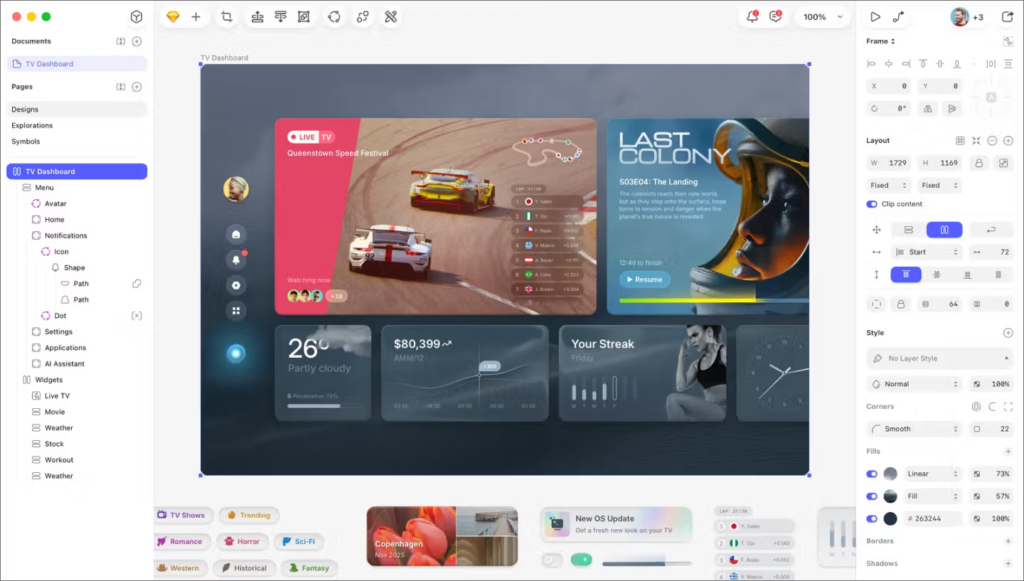
The way we build digital products has changed dramatically. Design is no longer a solitary job where one person works in a silo; it is a team sport. Figma completely revolutionized this space by creating a cloud-based environment where multiple people can design together simultaneously. It is like a digital whiteboard where teams can watch each other move elements around in real time.
Figma has become the absolute favorite tool for user interface (UI) design, user experience (UX) mapping, and app prototyping. It bridges the gap between creative designers and technical web developers. Teams can leave comments directly on a layout, test how a mobile app feels to click through, and export code snippets instantly, making the transition from a rough idea to a live product smoother than ever before.
CorelDRAW: A Trusted Powerhouse for Print and Illustration
For many creative professionals, particularly those deeply embedded in the print, sign-making, and textile industries, CorelDRAW is a trusted, heavy-duty companion. This comprehensive graphic design suite is famous for its robust vector illustration capabilities, precise page layout tools, and excellent typography management.
CorelDRAW shines when handling complex branding campaigns, large-format advertising banners, and intricate packaging designs. It offers an incredibly smooth workflow that bridges the gap between digital creation and physical printing. Its loyal community of professionals values its speed, heavy-duty processing power, and the fact that it serves as a fantastic, standalone alternative to other subscription-heavy design platforms.
Adobe InDesign: Crafting Beautiful Multi-Page Layouts
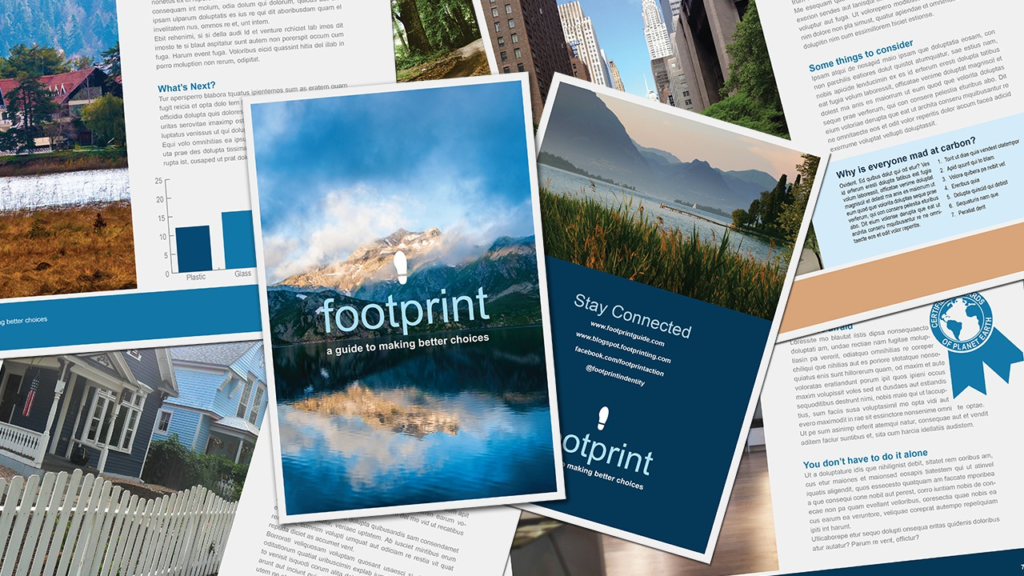
When it comes to arranging text and images across dozens or hundreds of pages, neither Photoshop nor Illustrator is the right tool for the job. That is where Adobe InDesign steps into the spotlight. It is the undisputed industry leader for structuring magazines, layout out complex corporate reports, formatting eBooks, and designing printed brochures.
InDesign gives typographers and layout artists total control over grid systems, text wrapping, page numbering, and style sheets. It ensures that a 300-page book maintains a flawless, consistent look from the first chapter to the index. For anyone working in the print media, digital publishing, or corporate communications spaces, InDesign is an absolute necessity for producing clean, readable, and perfectly aligned long-form layouts.
AI-Powered Design: Your New Creative Copilot
Artificial Intelligence is sweeping through the creative industry, not to replace the human touch, but to eliminate the boring, repetitive tasks that slow us down. AI features are now woven right into the fabrics of our favorite design applications, acting as a tireless assistant that handles busywork in seconds.
┌─────────────────────────────────────────────────────────┐
│               How AI is Transforming Design Work        │
├────────────────────────────┬────────────────────────────┤
│ One-Click Backgrounds      │ Removes busy backdrops instantly │
├────────────────────────────┼────────────────────────────┤
│ Generative Fill            │ Adds or changes objects with text│
├────────────────────────────┼────────────────────────────┤
│ Smart Layout Adjustments   │ Resizes graphics for any platform│
└────────────────────────────┴────────────────────────────┘
Platforms like Adobe Firefly and Canva AI allow creators to type out simple text prompts to generate unique textures, expand the borders of a photo seamlessly, or upscale low-resolution images. By letting AI take care of background removal, image cleaning, and basic resizing, designers can save hours of manual clicking and spend their valuable energy on deep creative thinking and storytelling.
Building a Bulletproof Brand Identity
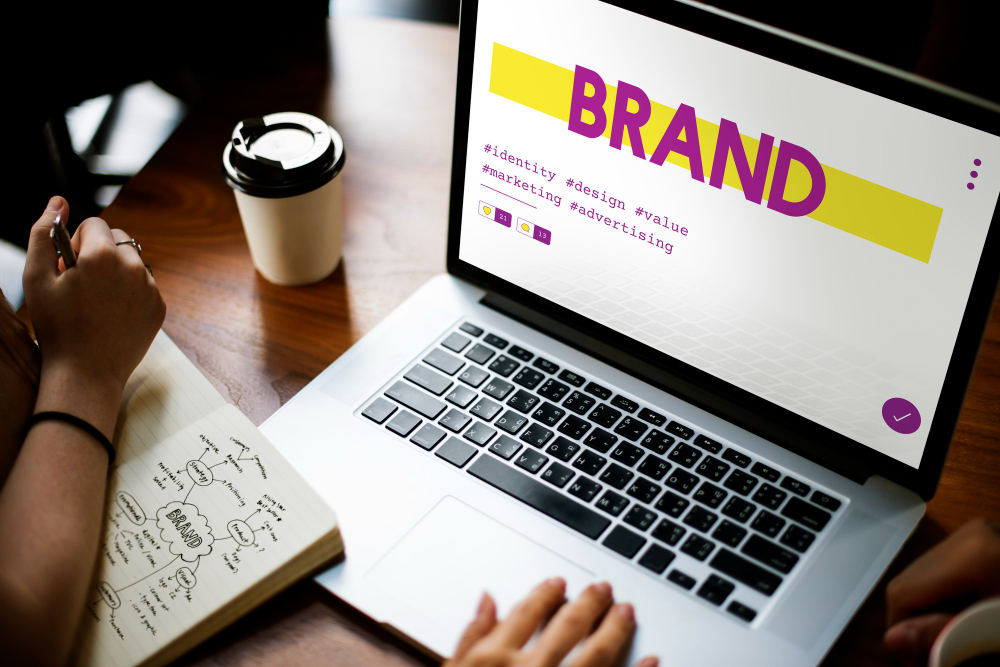
A successful brand identity relies heavily on three core principles: creativity, clarity, and total consistency. Graphic design software serves as the toolkit that allows a business to define its visual voice and speak clearly to its target audience. From the initial sketch of a logo to the final export of an advertising banner, software keeps everything aligned.
By utilizing professional design tools, companies can build comprehensive brand kit libraries filled with exact hex color codes, official fonts, and approved logo variations. This ensures that whether a social media manager is creating an Instagram story or an agency is designing a billboard, the brand always looks unified. This visual harmony builds deep recognition and makes a business look incredibly reliable in a crowded market.
Finding Your Perfect Fit: How to Choose Your Tool
With so many incredible software platforms available today, it can be easy to feel completely overwhelmed by choice. The trick to picking the right application is to look closely at your current skill level, your budget, and what your daily projects actually demand.
| Your Current Goal | The Best Software Match | Why It Works |
| Quick Social Media & Easy Layouts | Canva | Drag-and-drop templates, zero learning curve, fast results. |
| Advanced Photo Editing & Art | Adobe Photoshop | Complete pixel control, professional retouching, endless filters. |
| Logos, Branding & Scalable Art | Adobe Illustrator | Perfect vector precision, sharp lines, infinite resizing. |
| Websites, App UI & Team Projects | Figma | Real-time cloud collaboration, interactive live prototypes. |
Before investing a lot of money into expensive monthly software subscriptions, it is highly recommended to take advantage of free trials and basic free tiers. Spending a week messing around with the tools, watching a few beginner tutorials, and gathering feedback from your team ensures you are picking an application that actually solves your problems rather than creating an annoying learning curve.
The Real-World Benefits of Using Pro-Grade Tools
When you step away from basic default apps and embrace high-quality graphic design software, your creative output experiences an instant upgrade:
- Polished Professionalism: Your visual content looks clean, crisp, and high-end, instantly boosting your credibility.
- Massive Time Savings: Smart shortcuts, batch editing, and automation features slice your production time in half.
- Universal File Formats: Easily export your work into the exact file types required by professional printers and web developers.
- Pure Creative Freedom: You are no longer limited by basic templates; you can build whatever your mind imagines.
What’s Next: The Exciting Future of Graphic Design
The future of graphic design tools is shaping up to be an incredible mix of intelligent automation, cloud-based teamwork, and deeply immersive digital experiences. As technology charges forward, our creative spaces will become more connected, intuitive, and fluid.
We are moving quickly toward an era where AI will act as a deep collaborative partner, suggesting smart color palettes based on consumer psychology or instantly rearranging layouts to fit different cultural aesthetics. At the same time, the rise of augmented reality (AR) and spatial computing means that graphic designers will soon be moving away from flat screens to craft beautiful 3D visuals that live all around us in real-world spaces. Staying adaptable and welcoming these new tools early will be the ultimate key to staying relevant.
Bringing Ideas to Life
Graphic design tools have evolved far beyond basic software applications—they are the foundational structures of modern storytelling, marketing, and business growth. From the massive pixel-editing power of Photoshop to the beautifully collaborative world of Figma and the sheer simplicity of Canva, there is a perfect home for every single creator out there.
By choosing the right toolkit for your specific needs and keeping a curious, open mind toward new technologies, you give yourself the ultimate competitive edge. The right software breaks down creative blocks, cleans up messy workflows, and empowers you to produce beautiful, meaningful designs that grab people’s attention and truly connect.
Frequently Asked Questions
1. What are graphic design tools used for in daily life?
They are specialized software apps used to build, polish, and organize visual content like corporate logos, website layouts, marketing materials, book covers, and social media graphics.
2. If I am a total beginner, where should I start?
You should definitely start with Canva. Its simple drag-and-drop system, massive library of premade templates, and gentle learning curve make it the perfect place to learn the basics of layout and design balance without feeling overwhelmed.
3. Why can’t I just use Photoshop for everything?
While Photoshop is amazing for editing photos and painting, it uses pixels. If you try to blow up a Photoshop logo to fit a giant banner, it will look blurry and pixelated. For scalable things like logos, you need a vector-based tool like Adobe Illustrator.
4. What makes Figma different from old-school design apps?
Figma lives completely in the cloud, which means multiple team members can work on the exact same file together at the same time. This makes it perfect for remote teams who need to design apps and websites collaboratively without emailing files back and forth.
5. Is AI going to take away graphic design jobs?
Not at all. AI is stepping in to handle the boring, repetitive tasks like cutting out backgrounds or resizing files. This actually frees up human designers to focus on what matters most: real creativity, deep strategy, and meaningful human connection.