A creative field because you love writing, designing, making videos, but you end up spending your week fighting rendering errors, resizing the exact same graphic for six different social platforms, or hunting down client feedback buried in a random email chain.
The demand for content right now is a bottomless pit. Brands need a constant stream of videos, visuals, and copy just to stay visible, but human energy is completely finite. True creative productivity isn’t about typing faster or sleeping less; it’s about ruthlessly automating the technical grunt work so your brain actually has the space to do what machines can’t—think outside the box.
The Creative Tech Stack: From Grunt Work to Creative Direction
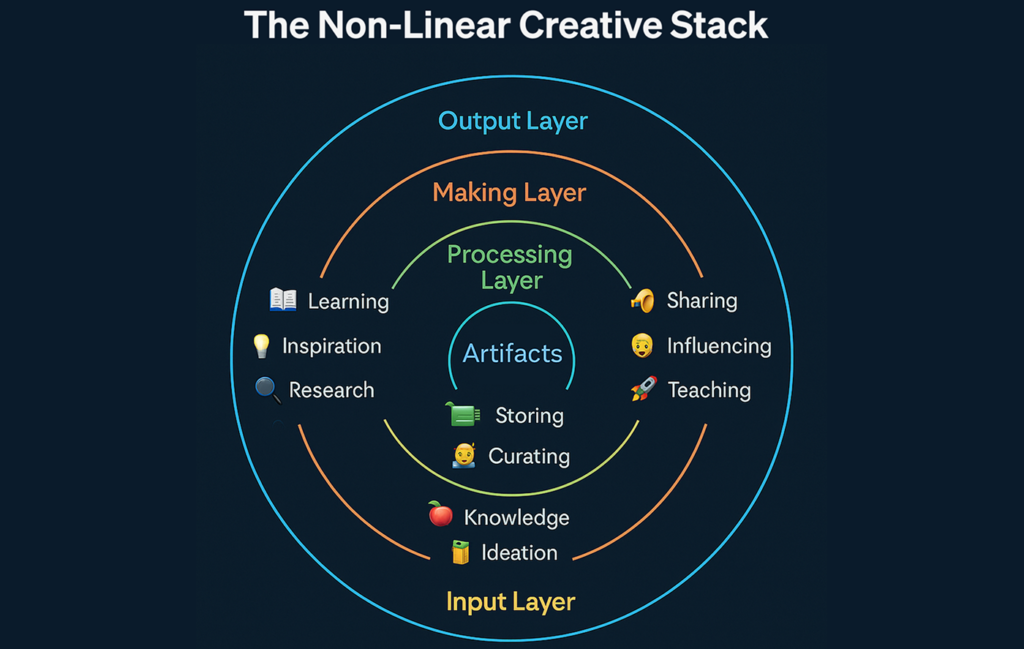
The tools we use have evolved past basic software. They are turning solo creators into one-person media empires and allowing small creative teams to out-produce massive agencies.
1. Visual Design: The Shift from Pixel-Pushing to Curation
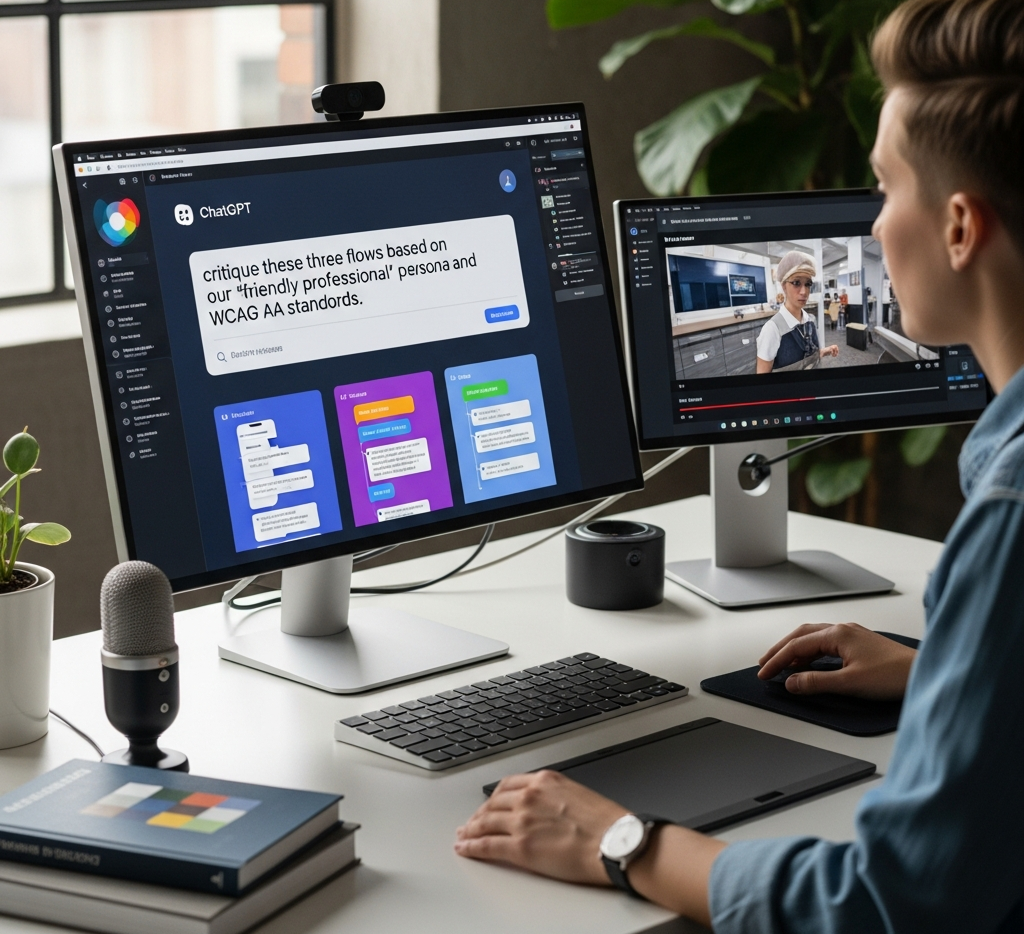
If you are still manually drawing basic shapes, clipping backgrounds pixel-by-pixel, or struggling to balance color palettes from scratch, you are burning valuable hours. Modern design platforms—from Canva and Figma to Adobe’s AI-infused suite—have turned design into a game of curation and direction.
- The Old Way: Spending two hours trying to cleanly isolate a subject from a busy background.
- The New Way: Clicking a single button to wipe the background instantly, leaving you to focus on the actual typography, layout, and messaging.
2. Video Creative Production: Breaking the Editing Bottleneck
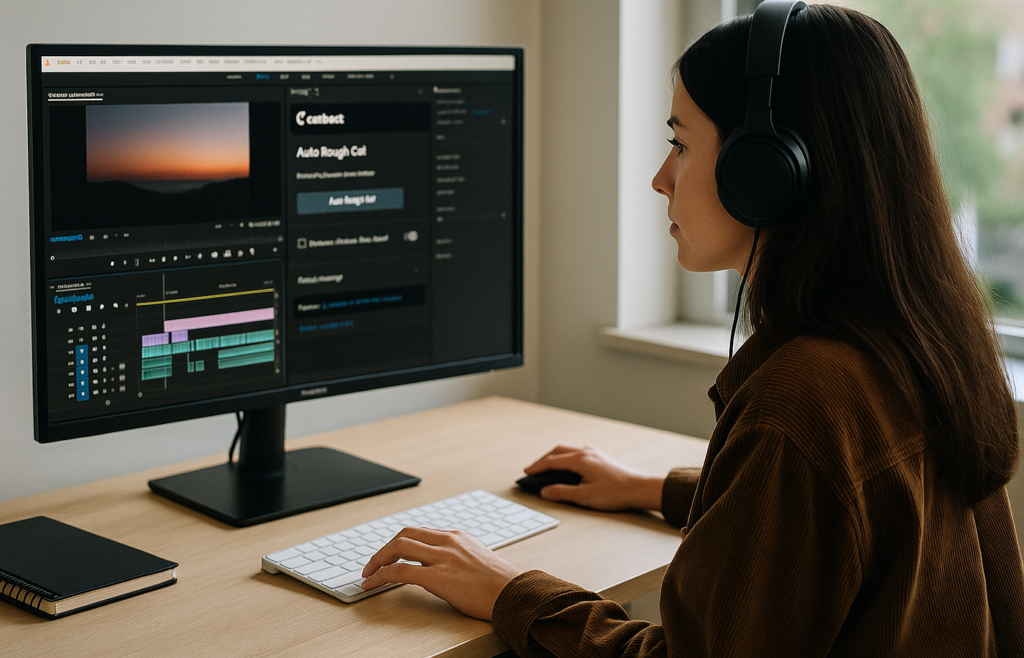
Video is the undisputed king of engagement, but it’s historically been the biggest time-suck in the industry. Cutting out dead air, syncing audio, and typing out subtitles used to take hours of tedious, frame-by-frame scrubbing.
Tools like Descript, CapCut, and Premiere’s text-based editing have fundamentally changed the workflow. You can now edit a video by simply editing a text transcript. If you delete a sentence from the script, the software automatically cuts the video footage to match.
The Creator Reality: Features like auto-captions and AI-driven audio leveling mean a solo YouTuber or social media manager can script, shoot, edit, and export a high-quality video in an afternoon instead of a week.
The Content Pipeline: Ideation to Distribution
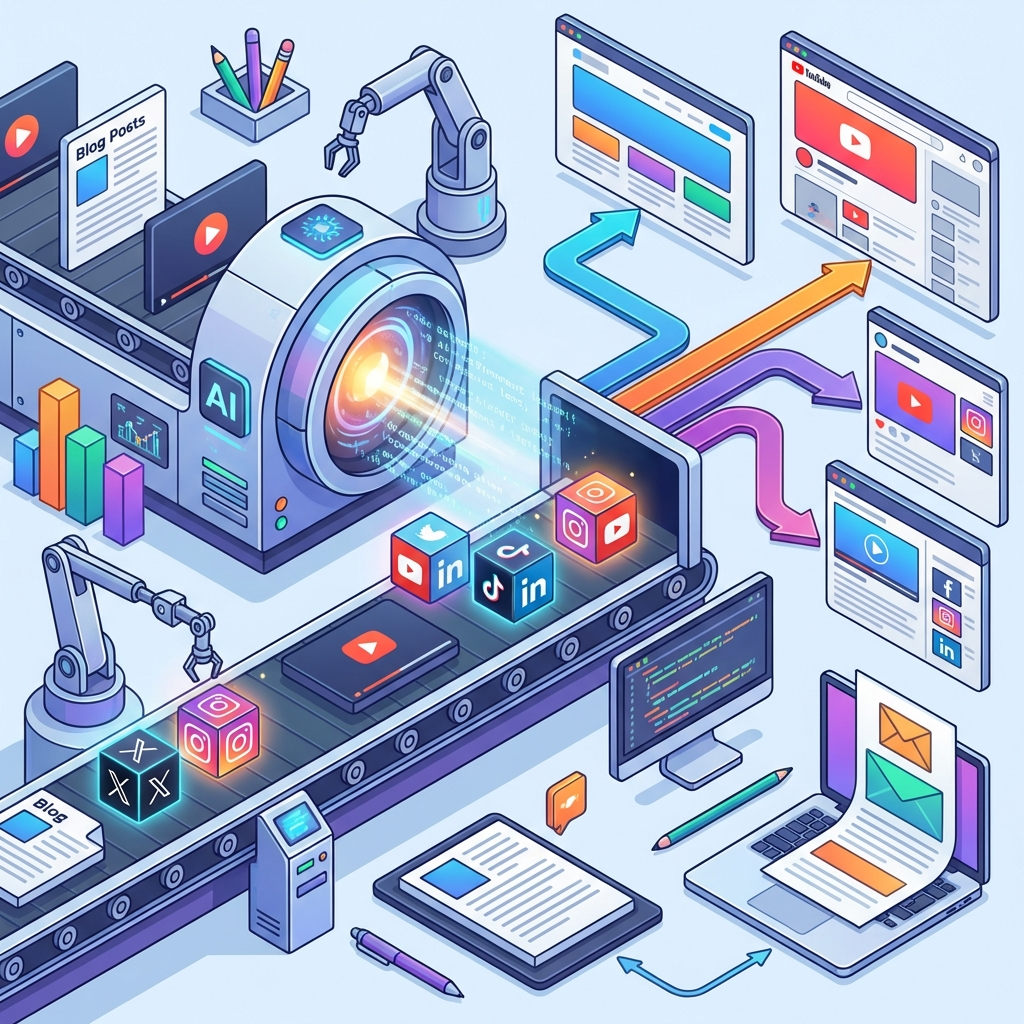
When you use a modern creative stack, a project moves through an automated pipeline rather than a chaotic scramble. Here is how a clean creative workflow actually flows:
1.Brainstorm & Outline:Phase 1: Deep Work.
Use tools like Notion or Milanote to dump raw ideas, mind-map concepts, and build a structured outline. Let an LLM help break writer’s block by generating ten different title angles or hook ideas.
2.Production & Refinement:Phase 2: Asset Creation.
Write the copy, record the audio, or build the layout. Use smart editing tools to instantly fix grammar, clean up background noise, or automatically resize a single layout into vertical, square, and banner formats.
3.Collaboration & Sign-off:Phase 3: The Filter.
Instead of passing feedback through loose messages, use contextual review tools like Frame.io or Figma. Clients or teammates leave notes directly on the specific frame or design element, eliminating guesswork.
4.Automated Distribution:Phase 4: Set and Forget.
Queue the finished assets into a scheduling engine like Buffer or Later. The system publishes the content natively across your channels over the next two weeks while you step away from the screen.
The AI Co-Pilot vs. The Myth of Replacement
There is a lot of anxiety around AI taking over creative professions. But if you actually use these tools daily, you quickly realize the truth: AI is a terrifyingly fast intern, but it has no soul.
A generative model can write a grammatically flawless, perfectly optimized blog post in four seconds, but it will sound completely generic. It doesn’t have an opinion, it doesn’t have lived experience, and it cannot invent a genuinely new perspective.
The creatives who are winning aren’t fighting the tech; they are steering it. They use AI to handle the administrative overhead—generating initial outlines, drafting routine email copy, or analyzing audience engagement data—so they can spend their creative energy on the human premium: storytelling, emotional nuance, and building an authentic connection with their audience.
How to Choose Your Creative Suite
Don’t fall into the trap of shiny object syndrome. Buying every new SaaS tool you see on TikTok will just clutter your desktop and drain your bank account. If a tool doesn’t actively save you at least two hours a week or drastically elevate the quality of your output, drop it.
| Tool Category | The Industry Standard | The Smart AI Alternative |
| Writing & Strategy | Google Docs / Word | Notion AI / Claude (For structuring data and crushing blank-page syndrome) |
| Graphic Design | Adobe Illustrator | Figma / Canva (For rapid prototyping, templates, and seamless team collaboration) |
| Video & Audio | Final Cut / Premiere | Descript (For text-based video editing and lightning-fast short-form cuts) |
The future doesn’t belong to the creator who logs the most hours grinding through manual formatting loops. It belongs to the creator who masters the tools, protects their focus, and uses technology to amplify their unique voice.
FAQs
1.What single tool saves the most actual time right now?
. If you edit talking-head content, podcasts, or webinars, you can stop scrubbing timelines.
2.Does using AI-driven design tools make my portfolio look generic?
Only if you let the software do the heavy thinking. If you ask an app to generate a full graphic from scratch, it’s going to look bland. Instead, use tools like Canva AI or Figma to handle the heavy, repetitive manual labor—like instant background removal, smart resizing for different platforms, or color-matching. Use the tool for the mechanics, and keep your human brain for the message.
3. How do I stop a creative project from getting stuck in “approval hell”?
Stop sending preview links over loose email threads or Slack channels. Move your review process to a contextual platform like Frame.io (for video) or Figma (for design). Clients and team members can drop a comment marker directly on the exact pixel or video frame they want changed. It keeps the feedback loop completely clear and stops endless, vague revision cycles.
4.I have zero budget. What are the best free creative tools?
Skip the expensive suites until you’re making steady money. For heavy image editing and design work, use Photopea—it’s a completely free, browser-based program that mirrors almost every major shortcut and tool in Photoshop. For quick, high-impact short-form video cuts, use CapCut’s desktop version. You don’t need fancy tools to ship high-quality work.
5.What is the most efficient way to manage a content calendar?
Use a visual workspace like Notion or Milanote to tie your brainstorming notes directly to your publishing dates. Avoid over-engineered project managers that require ten clicks just to log an idea.