
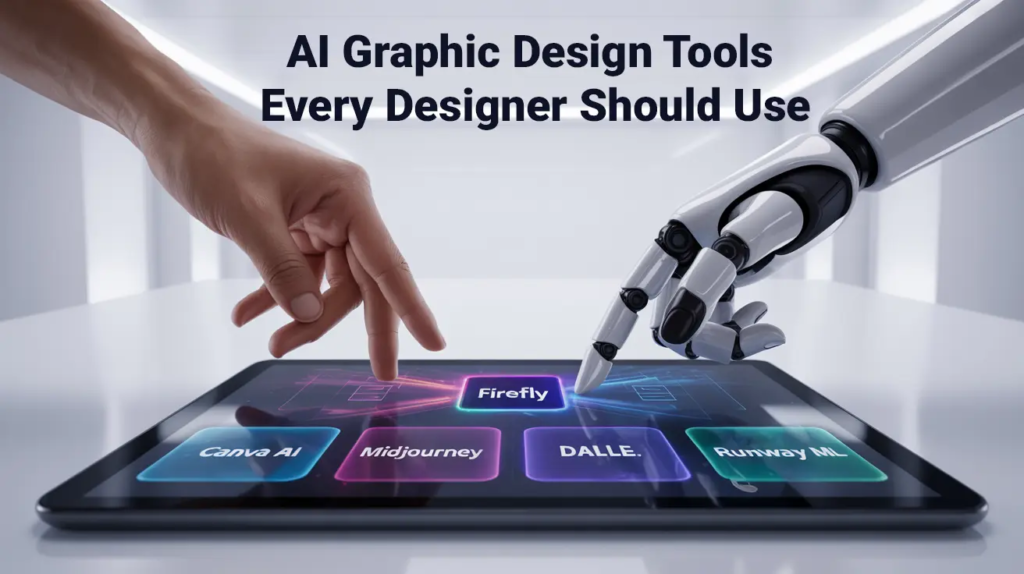
There is a peculiar myth in the modern world that great workThe Creative Tools is purely a product of raw, unassisted talent—that a painter needs only an eye for color, or a writer needs only a quiet room and a sudden flash of inspiration. But the reality of creation has always been deeply intertwined with the tangible, evolving tools we use.
The right tool doesn’t just save time; it changes how we think. It lowers the mental friction between a messy, fleeting thought in your head and a finished piece of work on the screen.
In today’s digital ecosystem, software has evolved from mere utility into an active partner in the creative process. Whether you are manipulating pixels, sequencing video frames, structuring a long-form essay, or building a visual brand from scratch, your toolkit dictates your rhythm, your speed, and ultimate peace of mind.
The Graphic Design Spectrum: From Pixel Precision to Instant Layouts
Design is no longer confined to specialized studios. Today, everyone from small business owners to corporate executives needs to communicate visually. This has split the digital design landscape into two distinct, highly valuable categories:
The professional suites offer complete granular control over every curve, vector node, and color layer, making them indispensable for complex branding and high-end commercial artwork. Meanwhile, template-driven web platforms serve as fast-turnaround engines, allowing teams to ship daily social assets and presentation decks in minutes rather than hours.
The Psychology of Flow: Why Software Choice Matters
Lowering the Barrier to Entry: Intuitive visual builders allow non-technical creators to achieve professional typography and layout balance without needing a degree in graphic design.
Eliminating Repetitive Tedium: Automated batch processing, smart masking, and layout templates free up cognitive energy, allowing creators to focus strictly on art direction and messaging.
Encouraging Fearless Experimentation: Non-destructive editing and infinite undo histories remove the fear of making mistakes. When you know you can revert a canvas with a single keypress, you are far more willing to try bold, unexpected ideas.
When an artist or communicator enters a state of “flow,” their consciousness merges entirely with the task at hand. The worst thing a piece of software can do is interrupt that state with clunky interfaces, unexpected crashes, or hidden menus that force you to stop and search through documentation.
Modern creative platforms prioritize friction reduction. They aim to make the digital medium as responsive and tactile as fluid ink or wet clay.
The Artificial Intelligence Shift: Co-Pilot, Not Replacement
Artificial intelligence in the creative sector is often misunderstood as a push-button replacement for human imagination. In practice, however, thoughtful creators treat AI as a tireless studio assistant—a tool that handles the heavy lifting of preparation, cleanup, and initial brainstorming.
Rather than taking over the creative voice, intelligent tools handle the tedious groundwork:
- Instant Visual Masking: Isolating a subject from a busy background used to take twenty minutes of meticulous pen-tool tracing; now it happens in less than two seconds with incredible accuracy.
- Audio Clean-up: Removing background hums, echo, and sibilance from recorded podcasts or interviews no longer requires an audio engineer’s setup—software can isolate voice tracks instantly.
- Overcoming the Blank Canvas: Generative text and image engines serve as an anti-writer’s-block mechanism, providing initial moodboards, outlines, and structural ideas that humans can refine, critique, and transform into authentic work.
Video Editing: The Modern Language of Storytelling
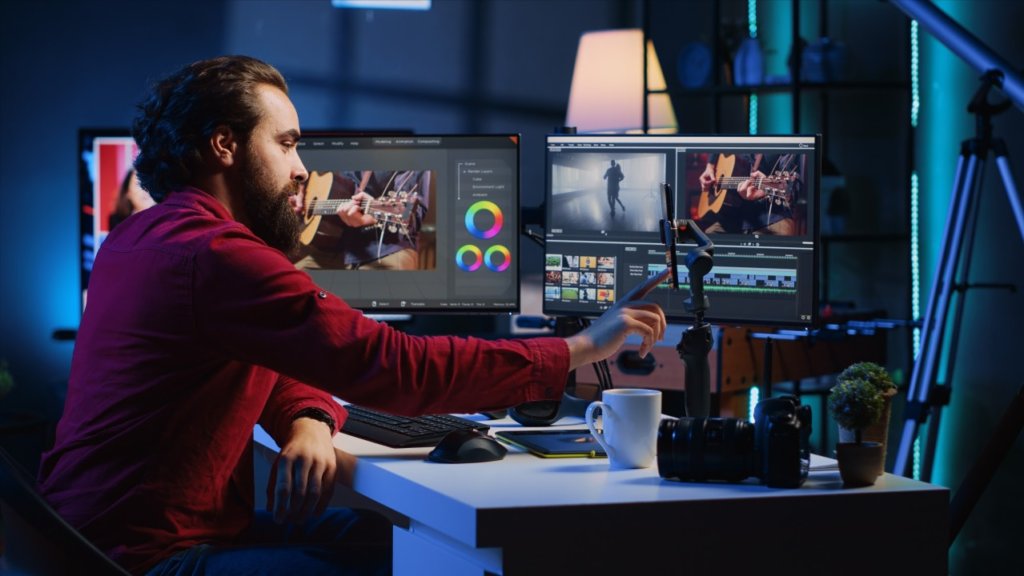
Video has surpassed traditional text and static imagery to become the primary medium of modern digital communication. However, editing raw video footage into a compelling, cohesive narrative is inherently complex, requiring precise timing, audio balancing, and visual polish.
Modern video editors have revolutionized this pipeline by introducing non-linear, text-based editing workflows. Creators can now edit video timelines simply by editing a transcript—deleting filler words or rearranging paragraphs in the text file automatically trims and re-sequences the corresponding video clips.
When paired with automated subtitle generators and real-time color grading LUTs (Look-Up Tables), what once required an entire post-production house can now be accomplished by a single creator working on a laptop.
Writing and Content Architecture: Organizing the Mind
Writing is often viewed as a simple act of typing words into a blank document, but long-form content creation is actually an architectural challenge. Writers must organize research, maintain structural logic, ensure grammatical clarity, and keep track of revisions across multiple drafts.
By decoupling the drafting stage from the editing and organizing stages, modern writing tools help writers maintain deep focus while keeping the entire scope of a project organized and accessible.

The Cloud-Connected Team: Asynchronous Synergy
The days of exporting a file titled Project_v2_FINAL_reallyFINAL.pdf and emailing it back and forth are over. The modern creative process relies heavily on cloud infrastructure that allows teams, clients, and stakeholders to collaborate seamlessly across time zones.
This shift to cloud-native collaboration has fundamentally changed creative feedback loops:
Instead of waiting days for compiled notes, stakeholders can leave time-stamped comments directly on video frames, drop sticky notes on design boards, and edit copy live alongside the author.
This transparency reduces friction, eliminates miscommunication, and ensures that everyone is working from the single source of truth.
Assembling Your Personal Creative Stack
With thousands of tools available, the goal is not to adopt every shiny new platform, but to carefully assemble a lean, highly compatible stack tailored to your specific goals:
- For the Solo Content Creator: Pair a rapid drag-and-drop graphic builder with an automated text-based video editor and a minimalist markdown writing tool.
- For the Professional Brand Designer: Combine a high-precision vector engine with cloud-based prototype tools and a centralized brand asset repository.
- For Marketing Teams: Invest in collaborative workspaces with integrated content calendars, real-time feedback loops, and automated social scheduling.
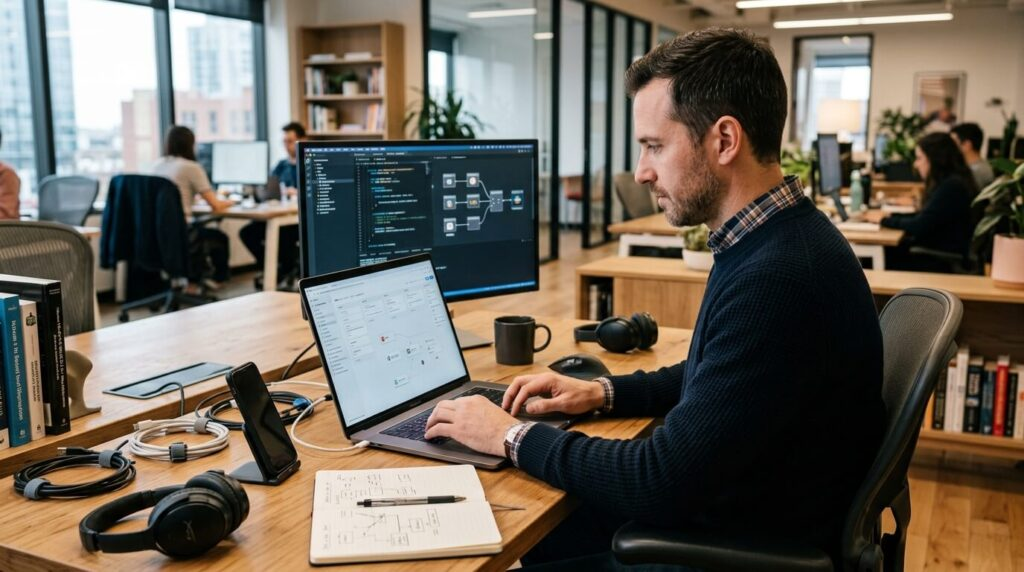
Ultimately, technology serves as an amplifier for human imagination. The right tools do not make the artist—they simply clear the path, enabling your original vision to reach the world with clarity, speed, and impact.
FAQ’S
1. What are creative tools?
Creative tools are software and platforms that help designers, writers, artists, and creators produce digital content.
2. Why are creative tools important?
They improve productivity, simplify workflows, and help create high-quality content more efficiently.
3. Which creative tools are popular for designers?
Popular tools include Adobe Photoshop, Adobe Illustrator, Canva, Figma, and Procreate.
4. Can beginners use creative tools?
Yes, many creative tools offer beginner-friendly features and easy-to-use templates.
5. How do AI creative tools help creators?
AI creative tools assist with design, writing, editing, brainstorming, and automating repetitive tasks, saving time and boosting creativity.

