There is a collective exhaustion settling over the professional world right now. It is not necessarily from the volume of work we have to do, but rather the kind of work. We are spending our days acting as digital traffic cops—copying data from a web form into a CRM, downloading an email attachment just to re-upload it to a shared drive, or manually pinging a Slack channel when a client pays an invoice. AI Automation repetitive, uninspiring, and frankly, a waste of human potential.
For years, we tried to solve this with traditional automation. If you’ve ever built an old-school workflow, you know exactly how it felt: incredibly rigid. If a single comma was out of place or an API payload changed by a fraction, the whole system came crashing down. AI Automation less like having a digital assistant and more like building a fragile house of cards.
But over the last couple of years, a quiet revolution has taken place under the hood of the internet. Automation has transitioned from strict, easily broken “if-this-then-that” rules into something dynamic, resilient, and shockingly intelligent. Today’s best platforms do not just connect software; they interpret context, handle unstructured data, and deploy autonomous AI agents that can think through complex, multi-step problems.
If you want to stop doing data entry and start building systems that run themselves, four major platforms dominate the conversation: Zapier, Make, Microsoft Power Automate, and n8n. Each approach productivity from a fundamentally different philosophy. Let’s break down exactly how they work, where they shine, and how to choose the right one for your specific workflow.
1. Zapier: The Fast Track to No-Code AI Automation Agility
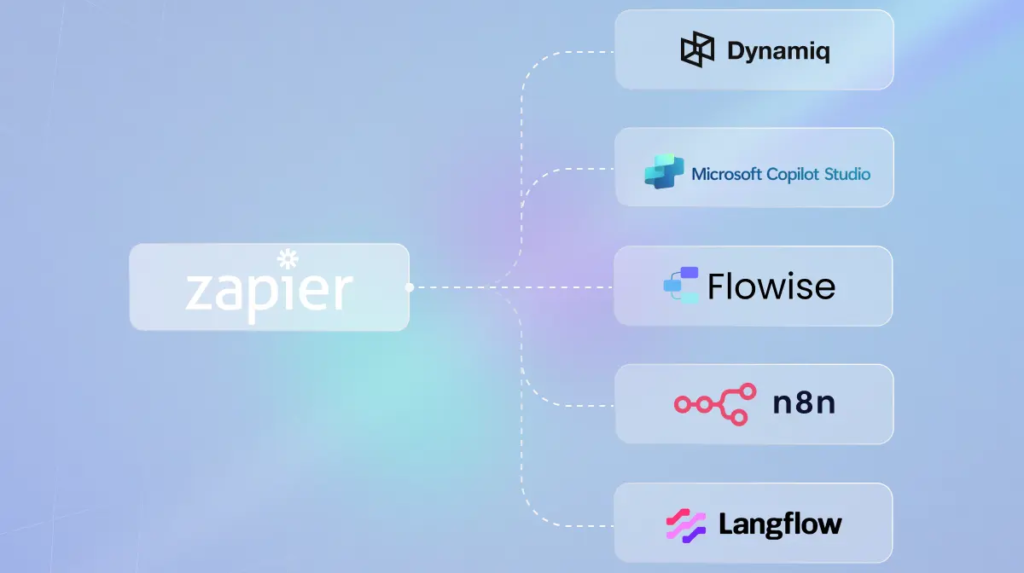
If your primary goal is to take a painful manual process and automate it before your second cup of coffee, Zapier is almost always the best place to start. For over a decade, Zapier has been the undisputed heavyweight of the integration world, and they have leaned aggressively into the AI era. They describe themselves now as an “AI work platform,” a title backed up by a massive directory of over 9,000 supported applications.
The magic of Zapier lies in its absolute democratization of technical capability. You do not need to know what a webhook is, nor do you need to understand JSON formatting or REST APIs. The setup process feels incredibly intuitive. In fact, with their modern AI-assisted builder, you can literally type a sentence like, “When a new lead fills out my Typeform, use AI to summarize their request, add them to HubSpot, and text me if they look like a high-value enterprise target,” and Zapier will map out the steps for you.
Beyond simple app-to-app connections, Zapier’s ecosystem has expanded to include dedicated AI building blocks:
- AI Document Extraction: Pulling structured data out of messy PDFs, invoices, or contracts without manual tagging.
- AI Content Generation: Drafting contextual email replies or social media updates natively within your workflow.
- Embedded Automation: For more advanced teams, Zapier provides APIs and SDKs to bake their massive integration library directly into your own proprietary software.
The Bottom Line: Zapier is built for fast execution. If you are a solopreneur, a marketing team, or a small business owner who wants maximum app coverage with a zero-learning-curve interface, Zapier is tough to beat.
2. Make: The Blueprint for Visual Systems Thinkers AI Automation
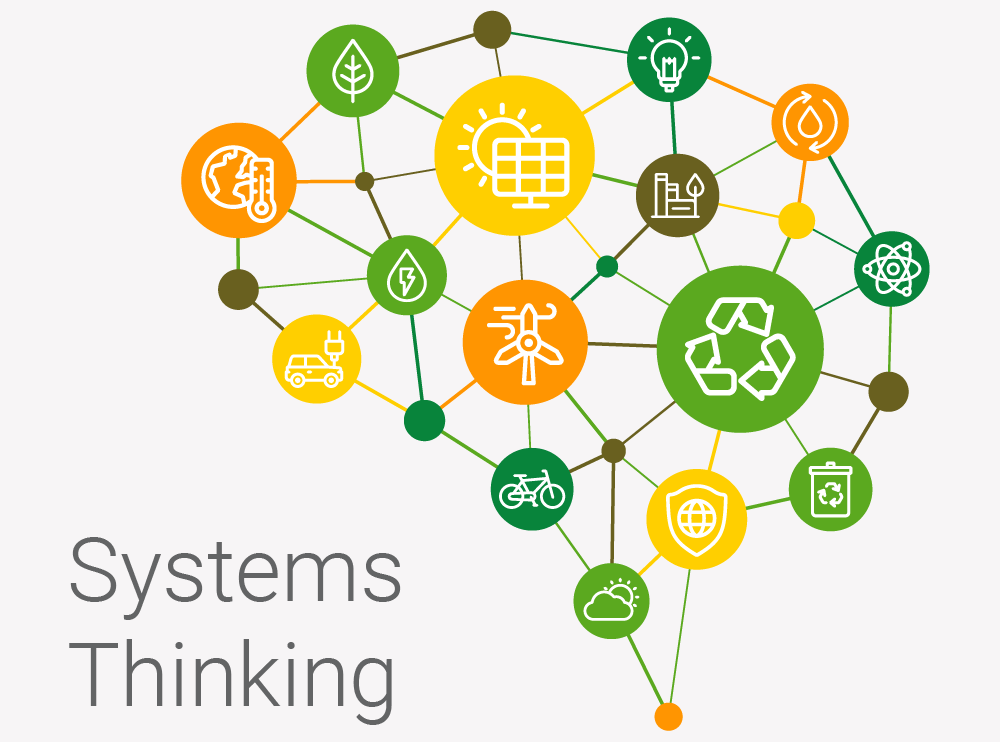
While Zapier hides complexity behind a linear, top-to-bottom list of steps, Make (formerly known as Integromat) takes the opposite approach. It hands you an infinite digital canvas. Make is designed for people who think in diagrams, mind maps, and visual systems. Instead of looking at a list of text instructions, you map out your automation using a series of interconnected bubbles called “modules.”
Make connects to roughly 3,000 apps—fewer than Zapier, but still covering nearly every mainstream tool you could possibly use. Where Make truly wins is in its sheer control and cost efficiency. It handles complex logic, loops, data filtering, and multi-branch routing far more gracefully than almost any other no-code platform on the market.
Make has fundamentally integrated artificial intelligence through two major features:
- Maia: A natural-language digital assistant built into the canvas that helps you design, configure, and troubleshoot your workflows on the fly.
- Make AI Agents: This represents a massive shift from passive automation to active decision-making. Make has rolled out over 30,000 agentic actions, allowing users to build workflows that don’t just pass data along, but actually evaluate changing conditions, make executive decisions based on prompts, and adapt their paths accordingly.
The Bottom Line: If you find yourself hitting a wall with linear step-by-step builders, or if you need to build intricate, highly conditional workflows without breaking the bank, Make provides the perfect balance of visual clarity and deep analytical control.
3. Microsoft Power Automate: The Enterprise Juggernaut of AI Automation
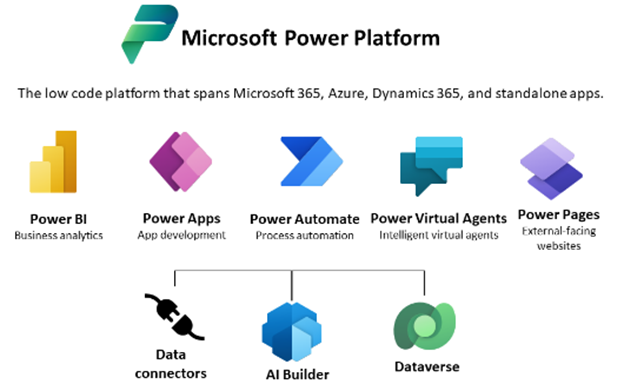
If your business runs on Outlook, Excel, Teams, and Sharepoint, your search can safely start and stop with Microsoft Power Automate. Built as a core pillar of the Microsoft Power Platform, this tool is designed from the ground up to bring heavy-duty, enterprise-grade business process automation (BPA) into organizations that require strict security, governance, and deep compliance.
Power Automate doesn’t look at automation as just a hobbyist tool for moving data; it views it as structural infrastructure. Through its integration with Microsoft Copilot, the platform allows users to build, refine, and optimize complex workflows using conversational language. You can ask Copilot to analyze an existing workflow, find bottlenecks, and automatically patch them.
The secret weapon inside this ecosystem is AI Builder. This capability allows enterprise teams to inject advanced intelligence into their daily workflows without needing a team of data scientists. AI Builder can natively handle tasks like:
- Processing complex invoices and matching line items to purchase orders.
- Conducting sentiment analysis on hundreds of incoming customer support emails.
- Predicting business outcomes based on historical data stored inside the Microsoft Dataverse.
The Bottom Line: Power Automate is uniquely positioned for operations, finance, and human resources teams operating within corporate environments. It offers a level of administrative control, data loss prevention (DLP) policies, and native Microsoft ecosystem synergy that no third-party tool can match.
4. n8n: The Transparent Control Center for Technical Teams AI Automation

Every tool we have discussed so far targets the no-code or low-code professional. But what happens if you are a developer, a technical operations manager, or an engineer who feels deeply restricted by visual wrappers? What if you want to write custom JavaScript or Python directly into your workflow nodes, or self-host your automation platform to ensure absolute data privacy?
Enter n8n. Operating under a “fair-code” license model, n8n is built specifically for technical teams that refuse to sacrifice depth or transparency.
The defining characteristic of n8n in the AI era is its focus on traceability. When you build an AI agentic workflow in n8n, you don’t have to guess why a large language model (LLM) made a certain decision. The platform allows you to completely audit and trace every step of an agent’s reasoning directly on the canvas. You can see the exact prompt sent to the model, the variables pulled from external systems, and the precise raw JSON payload returned.
With n8n’s AI nodes, you can:
- Connect multiple AI models (OpenAI, Anthropic, open-source local models) to your internal databases.
- Give custom agents direct access to advanced internal tools, memory buffers, and multi-step sub-workflows.
- Seamlessly toggle between visual building and raw code execution within the exact same canvas interface.
The Bottom Line: n8n is the ultimate playground for technical teams. If you need to build highly customized, auditable internal systems, maintain strict data compliance via self-hosting, or execute complex code alongside your AI models, n8n is in a league of its own.
Blueprint for Success: How to Match a Tool to Your Logic of AI Automation
Choosing a tool isn’t about finding the one with the flashiest marketing features; it’s about matching the platform to your technical comfort level and business architecture.
| Feature / Goal | Zapier | Make | Power Automate | n8n |
|---|---|---|---|---|
| Primary Audience | Non-technical operators, solo founders, marketers | Systems thinkers, visual builders, operations | Enterprise teams, IT managers, corporate ops | Developers, engineers, technical ops |
| Learning Curve | Extremely low (Minutes) | Moderate (Hours) | Moderate to High | High (Requires technical comfort) |
| App Directory | Massive (9,000+) | Robust (3,000+) | Deep corporate footprint | Moderate but highly extensible |
| Core Strength | Speed, ease of use, sheer volume of integrations | Visual logic, multi-branch routing, cost-efficiency | Microsoft ecosystem tie-ins, heavy compliance | Total transparency, code integration, self-hosting |
Practical Quick-Starts: High-ROI Workflows to Build First
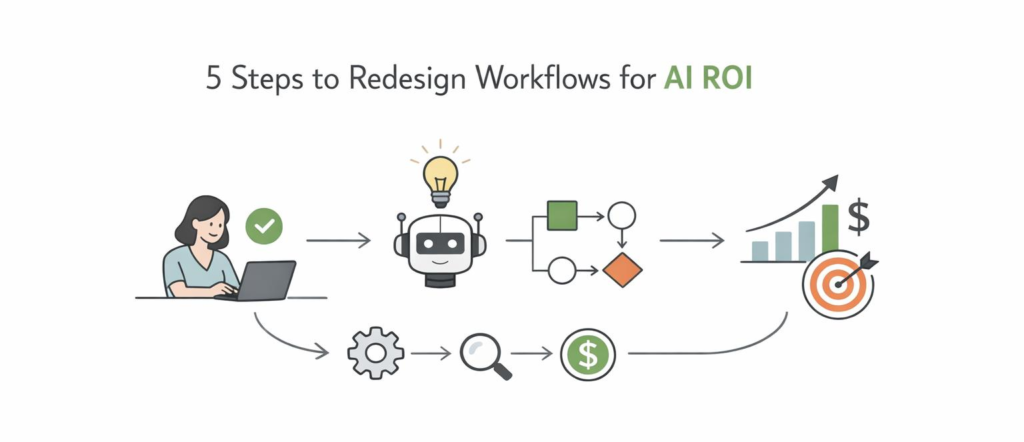
If you try to automate your entire business on day one, you will likely get overwhelmed and give up. The most successful implementations start small, focusing on high-frequency, highly repetitive tasks that generate immediate, visible time savings. Here are three practical blueprints you can build this week:
Use Case A: Intelligent Lead Enrichment & Fast Response
- The Pain Point: Leads come in via a website form, sit in an inbox for hours, and are assigned to sales reps with zero background context.
- The AI Fix: A new submission triggers a workflow. An AI agent reviews the person’s company website and job title, categorizes them by industry, drafts a hyper-personalized intro email tailored specifically to their business model, and drops a notification straight into Slack or Teams alerting the sales rep.
Use Case B: Automated Document Processing & File Structuring
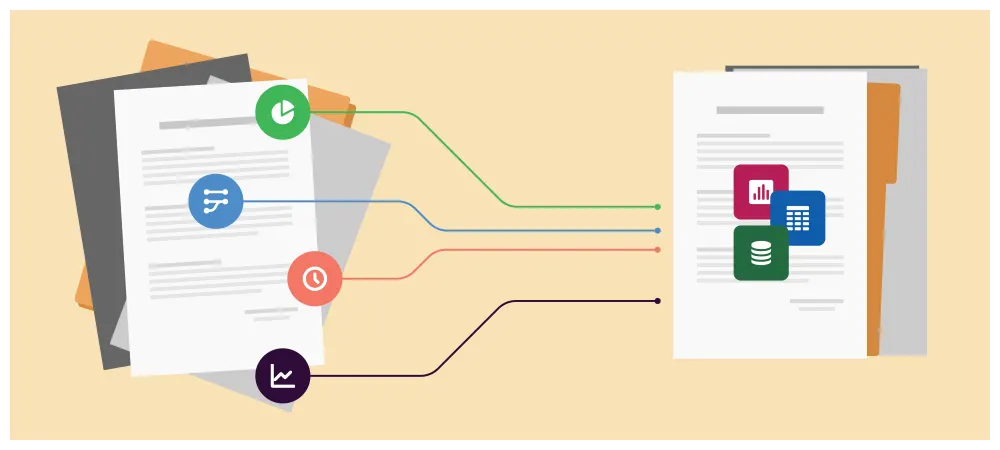
- The Pain Point: Accounts payable or operations teams spend hours manually opening email attachments, extracting numbers, and typing them into sheets or accounting software.
- The AI Fix: An automation watches an inbox for incoming invoices. An AI document extraction node automatically reads the file, pulls out the vendor name, invoice number, line items, and total due, appends it to a master tracking ledger, and routes a notification to a manager for a single-click approval.
Use Case C: Smart Customer Support Categorization
- The Pain Point: Support queues get backed up because technical bugs, billing questions, and cancellation threats are all thrown into a single unorganized bucket.
- The AI Fix: A customer submits a ticket. The text passes through an AI node that instantly analyzes sentiment and intent. Urgent cancellation threats or severe system bugs are automatically flagged as high priority and routed directly to specialized escalations teams, while basic how-to queries receive an instant, AI-generated draft of the relevant help center article for a human rep to quickly review and send.
Final Thoughts: Automation as a Core Discipline

It is easy to look at the rapid evolution of these platforms and dismiss it all as just another tech trend. But the reality is far more permanent. The sheer velocity at which Zapier, Make, Microsoft, and n8n are shipping updates tells us that the landscape isn’t retreating—it is maturing into foundational business infrastructure.
Learning how to leverage AI automation is no longer a niche technical skill reserved for software engineers. It is becoming a fundamental requirement for modern digital literacy. The professionals, creators, and business operators who invest the time to understand these systems today are giving themselves an incredible long-term advantage. By delegating the repetitive, low-leverage digital friction of daily work to a quiet, efficient background engine, you free up your time, focus, and energy for the things that actually matter: creative problem solving, strategic decisions, and real human connection.
Frequently Asked Questions
1.What is the easiest AI automation tool for beginners?
Zapier is one of the easiest starting points because it says you do not need to know how to code, and it offers AI workflows and agents across 9,000+ apps.
2.Which AI automation tool is best for visual builders?
Make is a strong choice for visual builders because it is a no-code, visual-first platform with 3,000+ apps, AI assistance, and AI agents.
3.Which tool is best for Microsoft users?
Microsoft Power Automate is the strongest fit for Microsoft users because it connects with the broader Power Platform, supports AI authoring with Copilot, and includes AI Builder for no-code AI features.
4.Which AI automation tool is best for technical teams?
n8n is a great fit for technical teams because it combines AI capabilities with business process automation, supports code-level flexibility, and offers traceable workflows on the canvas.
5.Can these tools help with business productivity?
Yes. All four platforms are designed to automate repetitive tasks, connect apps, and support workflows that save time and reduce manual work.