
Work doesn’t always happen around the same table anymore.The Best Team Collaboration Tools in 2026: Work Smarter, Communicate Better & Get More Done One person might be working from home, another from a coffee shop, and someone else could be halfway across the country. Add freelancers, clients, different time zones, and hybrid schedules to the mix, and keeping everyone on the same page can get complicated pretty quickly.
That’s where team collaboration tools come in.
The right tool can make everyday work feel much easier. Instead of digging through endless emails, searching for files, or sending messages just to find out who’s handling a task, your team can keep conversations, projects, documents, and deadlines organized in one place.
And in 2026, collaboration software is becoming much smarter. Team Collaboration AI features, automation, integrated project management, shared documents, and productivity tools are making it easier for teams to spend less time on repetitive work and more time actually getting things done.
Whether you’re running a small business, managing a remote team, or working with people across different departments, the right collaboration platform can make a surprisingly big difference.
What Are Team Collaboration Tools?

Simply put, team collaboration tools are apps and software that help people work together, even when they’re not in the same physical location.
Depending on the platform, you might get features such as:
- Team chat and instant messaging
- Video meetings and calls
- Project and task management
- Shared documents and files
- Calendars and scheduling
- Workflow automation
- AI-powered productivity features
- Project dashboards
- Team workspaces
- Integrations with other business tools
The idea isn’t to give your team more software to worry about. The goal is to make everyday work simpler, clearer, and more connected.
Why Do Team Collaboration Tools Matter in 2026?

Think about a typical workday.
You receive an email about a project, a message about a deadline, a document through another platform, and a meeting invitation somewhere else.Team Collaboration Before long, you’re switching between several apps just to figure out what needs to happen next.
A good collaboration tool can bring much of that work together.
1. Communication Becomes Easier
Instead of filling everyone’s inbox with emails, teams can have focused conversations in dedicated channels or project spaces.
That means a marketing discussion doesn’t have to get mixed up with an HR announcement or a client project.
2. Everyone Knows What Needs to Be Done
Tasks can be assigned to specific people with clear deadlines. Team members can see what’s finished, what’s still being worked on, and what’s coming next.
That simple visibility can prevent a lot of confusion.
3. Remote Teams Stay Connected
Working remotely doesn’t have to mean feeling disconnected.
With chat, video calls, shared documents, and project boards, team members can collaborate without needing to be in the same office.
4. Repetitive Work Can Be Reduced
Many collaboration platforms now connect with automation tools and other apps.
For example, a completed task could trigger a notification, update another system, or move a project to its next stage automatically.
Small automations like these can save a surprising amount of time.
5. Projects Become More Transparent
When tasks, deadlines, conversations, and responsibilities are visible, it’s much easier to understand what’s happening.
You don’t have to constantly ask, “What’s the status of this project?”
Best Team Collaboration Tools to Consider in 2026

There isn’t one collaboration tool that’s perfect for every business.
A small creative team may want something simple and visual, while a large company may need advanced administration, security, integrations, and reporting.
Here are some popular options worth considering.
Slack — Great for Everyday Team Communication
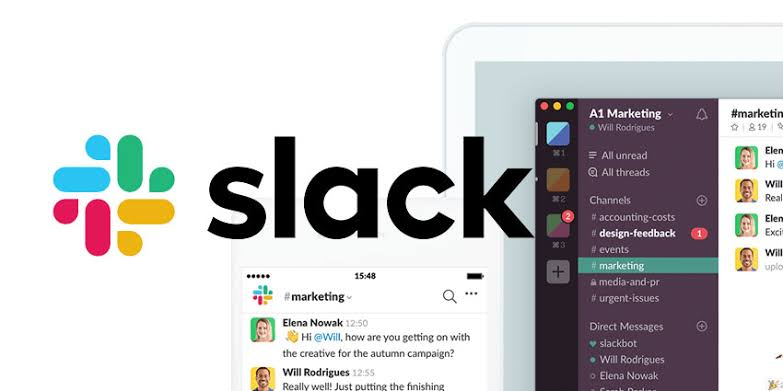
Slack is a strong choice when communication is at the heart of your team’s workflow.
Rather than putting every conversation into one giant group chat, you can create separate channels for projects, departments, clients, or specific topics.
For example, a marketing team might have channels for content, social media, campaigns, and general discussions. This makes it much easier to find conversations later.
Slack can also connect with many other workplace applications, so teams can receive useful updates without constantly jumping between different platforms.
Best for: Team communication, messaging, remote teams, integrations
Why people like it: Conversations stay organized without making communication feel too formal.
Microsoft Teams — Great for Microsoft 365 User
Microsoft Teams makes a lot of sense for businesses already using Microsoft 365.
It brings together chat, meetings, file sharing, calendars, and collaboration with Microsoft applications such as Word, Excel, PowerPoint, and OneDrive.
For a company already living inside the Microsoft ecosystem, having these tools connected can make everyday work feel much less scattered.
Best for: Microsoft 365 businesses, video meetings, document collaboration, workplace communication
Why people like it: It brings many familiar Microsoft tools together in one workspace.
Asana — Great for Projects and Tasks
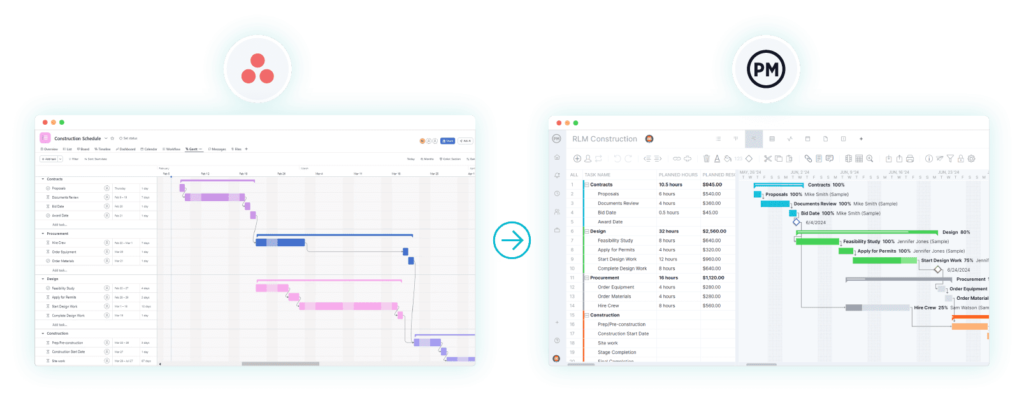
Asana is particularly useful when your team’s biggest challenge is keeping projects and tasks under control.
You can create projects, assign tasks, set deadlines, track progress, and organize work according to the way your team operates.
Imagine you’re launching a new website. Instead of keeping a giant checklist in someone’s notebook, you can break the project into design, development, content, testing, and launch tasks, then assign each one to the right person.
That kind of visibility can make large projects feel much more manageable.
Best for: Project management, task tracking, marketing teams, cross-functional projects
Why people like it: Everyone can see who is responsible for what and what needs attention next.
Trello — Great for Simple Visual Workflows
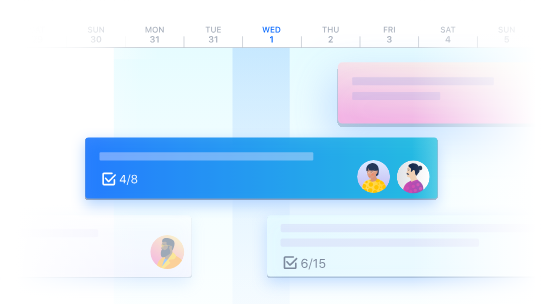
Trello takes a much more visual approach to teamwork.
Its boards, lists, and cards make it easy to see where different tasks are in the process.
A basic workflow could look like:
To Do → In Progress → Review → Completed
That’s one reason Trello works so well for content planning, small projects, editorial calendars, and teams that don’t want a complicated project-management system.
Best for: Small teams, content calendars, simple projects, visual workflows
Why people like it: It’s easy to understand almost immediately.
Notion — Great for Team Knowledge and Organization
Notion is one of those tools that can become whatever your team needs it to be.
You can use it for notes, company documentation, project planning, databases, meeting notes, content calendars, internal wikis, and knowledge management.
For example, a company could create one central workspace containing its onboarding guide, brand guidelines, meeting notes, project information, and frequently asked questions.
The flexibility is the biggest attraction.
Best for: Documentation, knowledge management, team wikis, project organization
Why people like it: You can build a workspace around your team’s own style of working.
ClickUp — Great for All-in-One Productivity
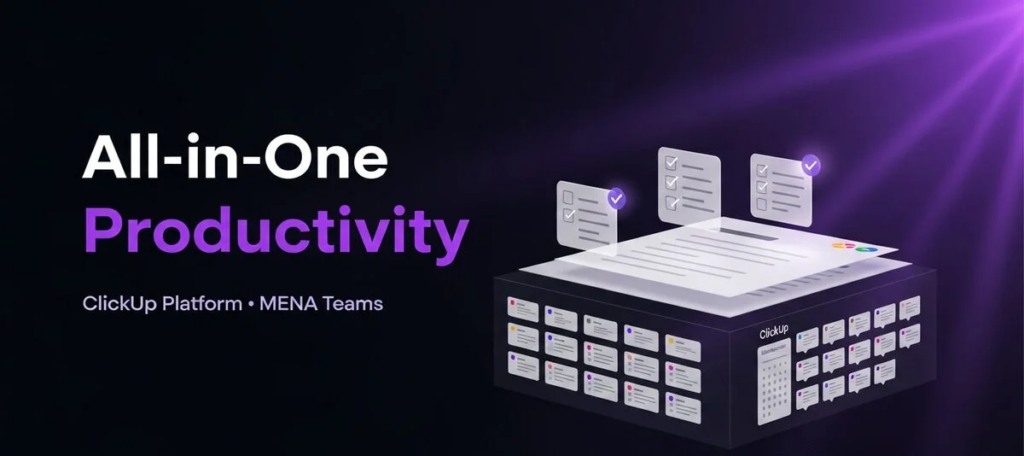
ClickUp is designed for teams that want to manage a lot of their work from one platform.
Depending on how you set it up, you can use it for tasks, projects, documents, goals, dashboards, and workflows.
This can be useful for teams that are tired of having one app for tasks, another for documents, another for project updates, and another for tracking goals.
Best for: Project management, productivity, task management, business workflows
Why people like it: It gives teams plenty of ways to organize different types of work.
How to Choose the Right Team Collaboration Tool

Choosing software just because it’s popular isn’t necessarily the best approach.
Start with your team’s actual problems.
Think About Your Team Size
A five-person startup probably doesn’t need the same setup as a company with hundreds of employees.
Smaller teams often benefit from simple tools that everyone can understand quickly. Larger organizations may need advanced permissions, administration, security, and reporting.
Identify What’s Going Wrong
Ask yourself what your team is struggling with most.
Is it:
- Too many emails?
- Missed deadlines?
- Scattered files?
- Poor communication?
- Unclear responsibilities?
- Too many meetings?
- Difficulty managing remote workers?
- Repetitive administrative work?
Once you know the problem, choosing the right tool becomes much easier.
Check Integrations
Your collaboration software shouldn’t exist in isolation.
Before choosing a platform, look at the applications your team already uses. Calendar apps, cloud storage, CRM platforms, accounting software, marketing tools, and communication apps may all need to work together.
The more smoothly your tools connect, the less time your team spends copying information from one place to another.
Don’t Ignore Ease of Use
A platform can have an impressive list of features and still be the wrong choice.
If employees find it confusing, they’ll avoid using it.
A straightforward tool that everyone actually uses is often much more valuable than an extremely powerful platform that only a few people understand.
Take Security Seriously
Businesses should also look at security features before moving important company information onto a new platform.
Consider things such as user permissions, authentication, access controls, data protection, and administrative settings.
How AI Is Changing Team Collaboration

AI is quickly becoming one of the most interesting developments in workplace software.
Instead of simply helping people communicate, collaboration platforms are increasingly helping teams work with the information they already have.
AI features can assist with things such as:
- Summarizing meetings
- Creating action items
- Finding information
- Drafting documents
- Organizing notes
- Automating repetitive tasks
- Summarizing long conversations
- Helping prioritize work
Imagine finishing a one-hour meeting and having the important decisions, follow-up tasks, and key points organized for you.
That’s where AI can become genuinely useful—not as a replacement for people, but as a way to remove some of the small tasks that slow everyone down.
Collaboration Tools vs. Communication Tools

The two terms sound similar, and sometimes they overlap, but they’re not exactly the same.
Communication tools are mainly designed for talking to people.
They might include:
- Team messaging
- Video calls
- Voice calls
- Direct messages
- Group conversations
Collaboration tools go a step further.
They help people actually work together by offering things such as:
- Task management
- Project tracking
- Shared documents
- File management
- Workflow automation
- Team calendars
- Knowledge bases
Many modern platforms now combine both communication and collaboration features, which is why the distinction is becoming less obvious.
Simple Ways to Get More From Collaboration Software
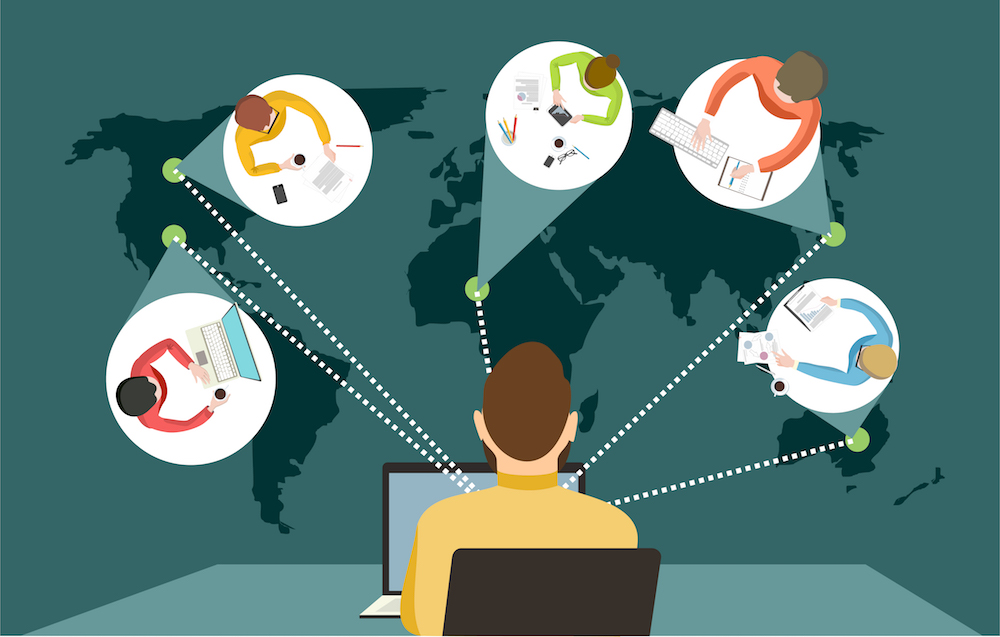
Buying the software is only half the job.
The bigger challenge is making sure your team uses it properly.
Set Clear Communication Rules
Not every conversation needs to happen in a group chat.
Decide what belongs in a project channel, direct message, email, or meeting.
This keeps communication from becoming overwhelming.
Keep Projects Consistent
Use simple naming conventions and consistent project structures.
When everyone organizes information differently, finding something six months later can become surprisingly difficult.
Don’t Use Too Many Tools
It’s tempting to sign up for every new productivity app that promises to make your team more efficient.
But more tools can sometimes create more problems.
If employees have to check six different platforms every morning, productivity can actually go down.
Automate the Boring Stuff
Look for repetitive tasks that happen every week.
Maybe a notification needs to be sent whenever a task is completed. Perhaps a new form submission needs to create a project task.
If a process happens again and again, there’s a good chance it can be simplified or automated.
Review Your Tools From Time to Time
Your team won’t work the same way forever.
As your company grows, some tools may become unnecessary while new requirements appear.
A quick review every few months can help keep your technology stack useful instead of cluttered.
Common Team Collaboration Mistakes

Even the best software won’t fix a poorly organized workflow.
Using Too Many Apps
When every department chooses its own platform, information can become scattered everywhere.
People then spend more time searching for information than actually using it.
Making Every Conversation a Meeting
Not everything needs a video call.
Sometimes a quick message or shared update is enough.
Giving employees room for asynchronous communication can also make it easier for people to focus without constant interruptions.
Allowing Notifications to Take Over
Notifications are useful until there are too many of them.
Encourage team members to adjust their notification settings and decide which updates actually require immediate attention.
Forgetting About Training
A new platform might look simple, but every team needs a little time to learn how it works.
A short onboarding session and some clear guidelines can prevent a lot of confusion later.
Choosing Features Instead of Fit
It’s easy to be impressed by a long list of features.
But ask a more important question:
Will my team actually use them?
The best collaboration software is the one that fits your workflow—not necessarily the one with the longest feature list.
What Does the Future of Team Collaboration Look Like?

Team collaboration is moving toward a more connected and intelligent experience.
Instead of opening separate apps for messages, documents, meetings, tasks, and project updates, businesses increasingly want these pieces to work together.
AI and automation will likely become an even bigger part of that experience.
Tools will become better at finding information, summarizing conversations, identifying next steps, and handling routine processes in the background.
But there’s one thing technology can’t completely replace: good teamwork.
A collaboration platform can tell you what needs to be done. It can’t replace trust, creativity, communication, empathy, or good leadership.
Those human qualities will continue to be at the center of successful teams.
Frequently Asked Questions
1. What are the best team collaboration tools in 2026?
Some popular team collaboration tools in 2026 include Slack, Microsoft Teams, Asana, Trello, Notion, and ClickUp. The best option depends on your team’s size, workflow, communication needs, budget, and existing software.
2. What should I look for in a team collaboration tool?
Look for features that solve your team’s actual problems, such as team messaging, task management, file sharing, project tracking, video meetings, integrations, automation, AI features, and strong security controls.
3. Are team collaboration tools useful for remote teams?
Yes. Collaboration software can make remote work much easier by giving teams a shared place for communication, meetings, documents, tasks, deadlines, and project updates—even when employees work from different locations.
4. Which collaboration tool is best for small teams?
Small teams often benefit from tools that are simple to learn and don’t create unnecessary complexity. Trello, Slack, Notion, and Asana can be good choices depending on whether the team’s main need is communication, organization, documentation, or project management.
5. How is AI changing team collaboration tools?
AI is making collaboration software more useful by helping with tasks such as meeting summaries, action items, information searches, document drafting, workflow automation, and organizing large amounts of workplace information.

