
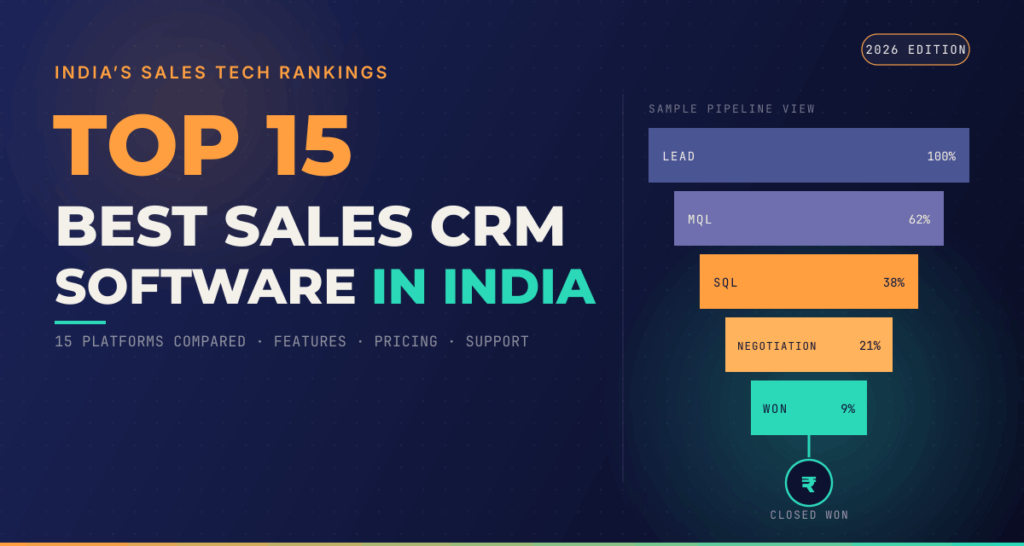
Let’s be honest: running a modern sales team gets messy real fast. Leads fly in from everywhere at once—contact forms, Instagram DMs, random cold emails, customer referrals, phone calls, and paid ad campaigns. Trying to remember who you promised to call back on Tuesday afternoon using sticky notes or an overly complicated spreadsheet is a recipe for disaster.
That is exactly why a reliable CRM paired with smart sales automation is no longer just a luxury for giant corporations—it is a daily survival tool for any business trying to grow without losing its mind.
In 2026, companies aren’t just using CRMs as gloriously overpriced digital address books. They’re using them to automate soul-crushing admin work, keep sales pipelines crystal clear, send timely follow-ups, and figure out what’s actually bringing in real revenue. Instead of spending half your workday manually updating deal stages or copying and pasting email templates, modern software handles the busywork so your team can focus on talking to actual human beings.
What Are CRM and Sales Automation Tools?
At its core, a Customer Relationship Management (CRM) platform is the central nervous system for your business interactions. It stores contact info, chat histories, active deals, personal notes, upcoming tasks, and past receipts in one shared, organized space.
Sales automation takes that database and puts it on autopilot. It uses simple “if this, then that” rules to perform repetitive tasks without human intervention.
AUTOMATED SALES PIPELINE FLOW
[New Web Form Lead]
      │
      ▼
[Auto-Create Contact & Assign to Rep]
      │
      ▼
[Send Instant Personal Welcome Email]
      │
      ▼
[Set 48-Hour Follow-Up Task for Sales Rep]
When you combine a good CRM with practical automation, your sales reps stop acting like data-entry clerks and start acting like real advisors who close deals and build genuine rapport.
Why CRM Automation Is Non-Negotiable in 2026
Modern buyers have almost zero patience for slow responses. If a potential client fills out an inquiry form on your website today and nobody reaches out until Thursday afternoon, they’ve already signed a contract with your fastest competitor.
CRM automation bridges that gap instantly. The second a high-intent prospect reaches out, the platform can tag their profile, fire off a personal introduction email, and assign a high-priority task to the right account executive.
THE AUTOMATION ADVANTAGE
Manual Process:    Lead Arrives ──> Wait 24 Hours ──> Rep Notified ──> Manual Email Sent
Automated Process: Lead Arrives ──> Instant Tagging ──> Instant Email ──> Rep Alerted (5 Mins)
Automation also eliminates the inevitable human mistakes that happen when people get busy. Sales reps are human—they forget to set reminders, lose track of old leads, or forget to send quick follow-ups during crazy weeks. A well-built automated workflow never gets tired, never forgets a follow-up date, and makes sure zero leads slip through the cracks.
Key Features You Actually Need to Look For

Not all CRMs are cut from the same cloth. Before pulling out your credit card, focus on the core capabilities that will solve your team’s immediate, everyday pain points:
- Clean Contact & Lead Management: You need a simple interface where anyone on your team can click a prospect’s name and instantly see every past email, phone note, and purchase.
- Visual Pipeline Boards: Drag-and-drop deal boards let everyone see which deals are brand new, which are stuck in negotiation, and which are ready to close.
- Flexible Workflow Builders: Look for simple visual builders that let you set up automatic email follow-ups, internal team notifications, and deal stage updates.
- No-BS Analytics & Reporting: Managers need clean, honest dashboards showing where leads are coming from, how fast deals are closing, and where prospects drop off.
- Seamless App Integrations: Your CRM must play nicely with the software you already use daily—like Gmail, Outlook, Slack, WhatsApp, Zoom, Stripe, and your website forms.
The Top CRM Platforms for 2026 Compared
Picking the right platform depends entirely on how big your team is, how complex your sales process gets, and how much technical setup you’re willing to handle.
| CRM Platform | Best Suited For | The Main Draw | The Real Catch |
|---|---|---|---|
| HubSpot CRM | Growing businesses & scaling teams | Incredible ease of use with marketing, sales, and service tied into one clean platform. | Gets expensive fast as your contact list grows and advanced features unlock. |
| Salesforce | Large enterprises & complex workflows | Unlimited customization and deeply powerful enterprise-level automation tools. | Steep learning curve; usually requires a dedicated administrator to set up properly. |
| Zoho CRM | Mid-sized teams wanting value | Loaded with features and affordable, especially if you already use other Zoho apps. | Interface can feel cluttered and clunky compared to cleaner modern alternatives. |
| Pipedrive | Pure sales reps & deal makers | Laser-focused on visual sales pipelines and straightforward daily activity tracking. | Lacks deeper built-in marketing automation or advanced customer support tools. |
| Freshsales | Fast-moving sales & support teams | AI-powered lead scoring and easy built-in phone/email communication hubs. | Advanced reporting features can take time to figure out for non-tech users. |
| Monday Sales CRM | Visual thinkers & project-heavy teams | Super flexible grid interface that adapts easily to unique business operations. | Can feel more like a smart project management board than a traditional sales CRM. |
Deep-Dive: Picking the Right Tool for Your Vibe
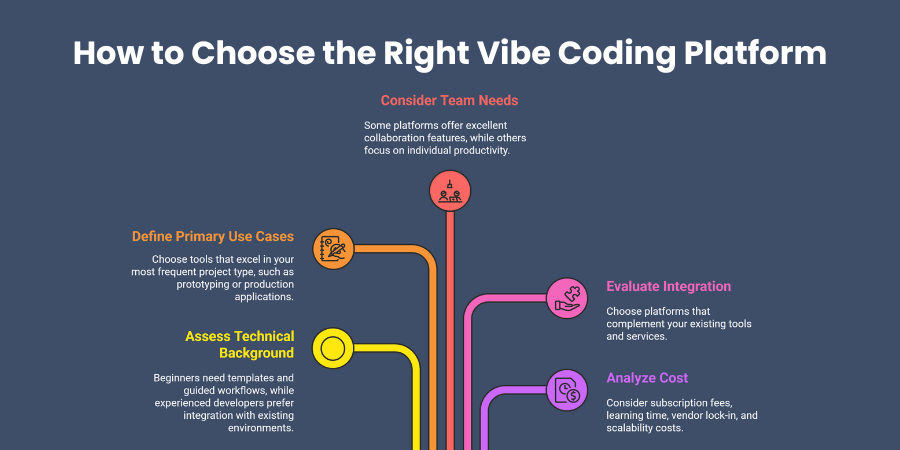
HubSpot CRM: The Growth All-Rounder
HubSpot remains a favorite for scaling companies because it blends marketing, sales, and customer management into one intuitive hub. It lets you track website visitors, run email nurture campaigns, build automated deal pipelines, and host landing pages without writing code. The real selling point is its slick user experience—your sales reps won’t need two weeks of training just to figure out where to log a call.
Salesforce Sales Cloud: The Enterprise Heavyweight
When your sales operations involve complex approval chains, multi-tiered discount rules, global offices, and thousands of monthly leads, Salesforce is still the king of heavy customization. You can build virtually any custom automation process imaginable. However, don’t buy Salesforce expecting a quick plug-and-play setup—it takes dedicated setup time, money, and planning to make it hum smoothly.
Zoho CRM: The Value Powerhouse
Zoho offers an absurd amount of functionality for the price point. From AI-driven lead scoring to automated email sequences, custom analytics, and built-in calling, it punches far above its weight class. If your business is already plugged into the broader Zoho software ecosystem, connecting your sales data with your accounting and inventory tools is a breeze.
Pipedrive: Built for Reps Who Just Want to Sell
Pipedrive ignores fluff and doubles down on pipeline visibility. Its entire philosophy revolves around daily action—showing sales reps exactly what deal needs attention right now and what task needs to happen next. If you want a zero-nonsense tool that keeps your salespeople focused on closing deals rather than filing reports, Pipedrive is a top candidate.
Freshsales: Smart Communication & AI Scoring
Part of the Freshworks family, Freshsales shines for teams relying heavily on direct outreach via phone and email. It offers integrated cloud telephony, email tracking, and smart AI lead scoring that ranks prospects based on how actively they interact with your messages. It helps reps prioritize hot leads over lukewarm inquiries.
Monday Sales CRM: Ultimate Visual Flexibility
If traditional tabular CRMs make your head spin, Monday offers a fresh, highly visual layout. It allows teams to build customized workflows using colorful, intuitive drag-and-drop boards. It’s ideal for service businesses or creative agencies where winning a sale immediately transitions into a client onboarding project.
How CRM Automation Skyrockets Sales Productivity
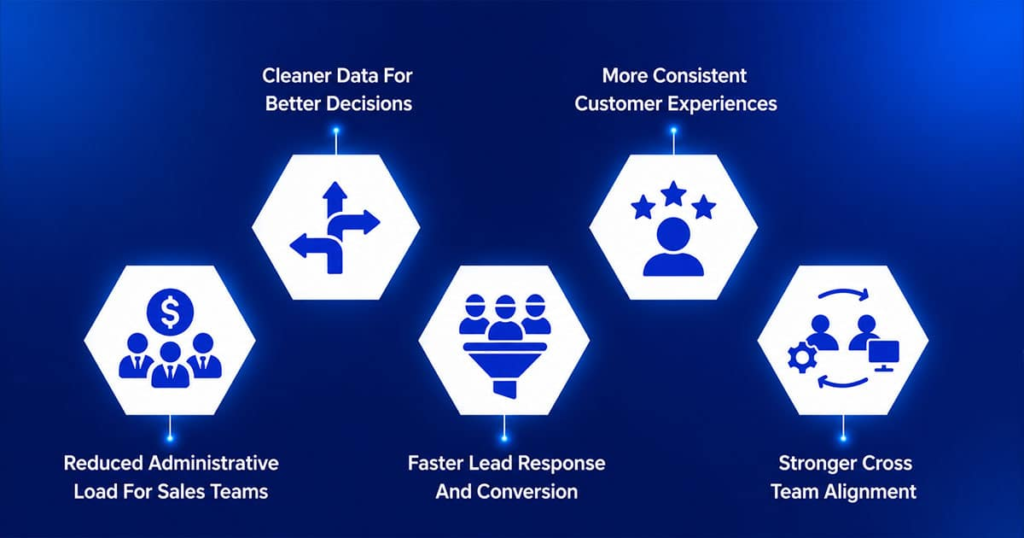
The true metric of a great CRM is simple: How much time does it save your human salespeople?
Imagine a typical morning for a sales rep without automation: they spend 90 minutes reading unorganized emails, manually typing lead details into a spreadsheet, setting manual calendar reminders, and wondering who to call first.
Now, look at that same morning with a clean CRM automation system in place:
- Instant Data Entry: New leads from Facebook Ads and web forms pop up fully organized with tags, source data, and contact info pre-filled.
- Automatic Prioritization: The system flags the top 3 leads who opened your pricing proposal three times this morning.
- One-Click Outreach: Reps fire off pre-formatted, personalized email sequences or drop voicemails with a single click.
- Automated Stage Progression: When a client signs a contract via e-signature, the deal automatically moves to “Closed-Won”, alerts the finance team on Slack, and generates an onboarding invoice.
DAILY TIME DISTRIBUTION
Manual Workflow:    [Admin Work: 60%] [Actual Selling: 40%]
Automated Workflow: [Admin Work: 15%] [Actual Selling: 85%]
By stripping away soul-sucking administrative duties, your reps spend 85% of their day actually talking to buyers, addressing concerns, and closing revenue.
Tailoring CRM Choices to Your Business Stage
For Solo Founders & Small Businesses
If you are a team of 1 to 5 people, avoid over-engineering your setup. You don’t need multi-level approval hierarchies or deep data science metrics. You need an affordable tool that takes 10 minutes to learn. Focus on tools like Pipedrive or the free tier of HubSpot to get your contact list organized, track simple follow-ups, and keep your deal stages visible.
For Growing Teams Crossing 10+ Reps
Once you have multiple reps handling incoming leads, you run into ownership issues and inconsistent follow-up quality. This is where tools like HubSpot, Freshsales, or Zoho shine. You can implement round-robin lead distribution (automatically rotating new leads across the team), set up standardized follow-up email sequences, and enforce mandatory fields before deals can advance.
For Scaling Enterprise Operations
Large operations need rigid governance, deep API access, custom security roles, and granular pipeline analytics across different regions and product divisions. Salesforce or deeply customized Zoho configurations become essential to handle the massive sheer volume of cross-departmental data cleanly.
Crucial Mistakes That Ruin CRM Adoption
You can buy the most expensive CRM in the world, but it will be totally useless if your team refuses to log into it. Watch out for these common traps:
- Automating a Broken Process: Automation simply makes a process run faster—if your underlying sales process is confusing or poorly defined, automation will just spread chaos at light speed. Map out your human process on paper first.
- Demanding Too Much Data Entry: If a salesperson has to fill out 25 required text boxes just to log a short quick call, they will stop updating the CRM altogether. Keep required fields to an absolute minimum.
- Setting Up “Skynet” Email Campaigns: Nobody likes receiving robotic, obviously automated emails that pretend to be casual personal messages. Keep your automated emails short, helpful, and conversational, or just use automation to remind a human rep to write a real note.
- Zero Staff Training & Buy-In: Dumping a new software system on your team without proper training or explaining how it makes their lives easier leads to immediate pushback. Involve your sales reps during the trial period so they feel ownership over the choice.
How to Keep Your CRM Data Fresh & Useful
Bad data is the silent killer of CRM automation. If your database is full of duplicate contacts, broken email addresses, and deals left sitting in “Negotiation” from eight months ago, your reporting metrics become completely useless.
- Establish Simple Naming Rules: Create strict rules for how company names, deal titles, and phone numbers are entered across the board.
- Set Up Automatic Deduplication: Use built-in CRM tools to periodically scan and merge duplicate contacts sharing the same email or domain.
- Schedule Monthly Pipeline Cleanups: Have sales reps spend 15 minutes at the end of every month purging dead leads, archiving old deals, and updating cold statuses.
- Audit Your Workflows Twice a Year: Business offers change, staff members leave, and customer habits shift. Review every automated trigger every 6 months to make sure you aren’t sending outdated info or broken links to fresh leads.

