

Work has gotten ridiculously noisy. Discover the best Workflow Tools in 2026 to automate tasks, organize projects, boost productivity, and get more done with smarter workflows. On any given Tuesday, most of us are bouncing between fifteen open browser tabs, digging through buried Slack threads, copy-pasting customer info across spreadsheets, and chasing moving deadlines. Workflow Without a clear system, even a tiny project turns into a game of phone tag and frantic last-minute fixes.
That’s really all workflow tools are for: keeping you sane.
Think of a good workflow setup as the quiet machinery operating in the background. It organizes who is doing what, handles the boring admin chores, keeps everyone aligned, and gives you one reliable place to look when you need to know where a project actually stands. Whether you’re flying solo, running a small business, or managing a growing team, a sensible workflow gives you your bandwidth back.
What Does a Workflow Tool Actually Do?

At its core, a workflow tool brings structure to the chaos. Instead of relying on a fragile web of sticky notes, memory, and chaotic email chains, it gives your team a shared dashboard for daily operations.
Instead of guessing, a solid tool lets you:
- Assign real ownership: Everyone knows exactly what on their plate is theirs to finish, so nothing falls into a black hole.
- Track realistic timelines: Deadlines are visible, calendars sync automatically, and reminders pop up before things go off the rails.
- Eliminate double-entry: Automatic triggers pass data and hand off tasks between apps so you don’t have to copy-paste manually.
- Keep context together: Discussions, feedback, approvals, and files live right inside the task—not scattered across five chat channels.
- Spot the bottlenecks: You can see instantly if a project always gets stuck at the exact same approval step.
The goal isn’t to force another app onto your phone. The goal is to clear out administrative friction so you can focus on work that actually moves the needle.
Why Everyone Is Rethinking Their Workflow Systems Right Now
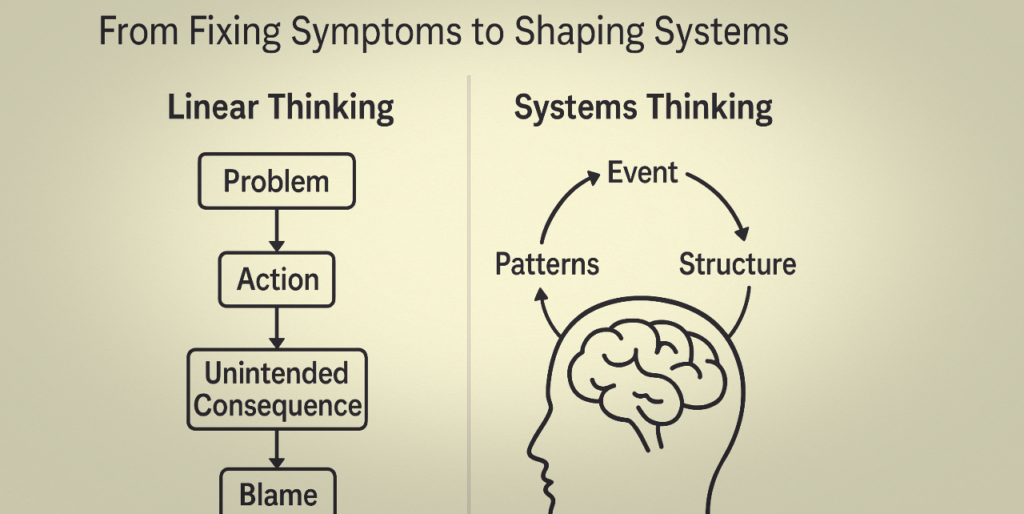
Expectations around how we work have completely changed. Teams are distributed, hybrid setups are normal, and people are expected to produce higher quality work without burning out.
A few key shifts are making smarter workflows essential right now:
Practical AI, Not Gimmicks
AI inside project spaces has moved past cheap party tricks. It now acts like a sharp junior assistant—summarizing 40-comment threads into three bullet points, pulling action items out of Zoom transcripts, or auto-categorizing inbound requests.
DIY Automation
You don’t need an IT department or coding skills to link your apps anymore. Modern visual platforms let anyone drag and drop logic sequences together in a few clicks.
For instance: A customer fills out a web form → system logs their details → assigns a rep → drops a quick alert in your team chat. Zero human effort required.
Escaping Tool Fatigue
People are exhausted from jumping between single-purpose apps just to get context on one project. The push today is toward unified spaces where docs, task boards, calendars, and chats live comfortably together.
Asynchronous Operations
When people work different hours or from different locations, you can’t rely on popping by someone’s desk for an update. A shared workflow gives everyone complete visibility without forcing unnecessary check-in meetings.
Finding the Right Fit: The 5 Main Types of Tools
No single software does everything perfectly. What you need depends entirely on the friction you’re trying to eliminate:
| Category | Ideal For | Key Features |
|---|---|---|
| Project Management | Multi-stage, team-wide projects | Kanban boards, Gantt timelines, resource tracking |
| Task Management | Personal focus and daily to-do lists | Checklists, recurring reminders, priority tags |
| Workflow Automation | Linking separate apps behind the scenes | App integrations, visual triggers, conditional logic |
| Team Collaboration | Real-time chat and document sharing | Contextual comments, live doc co-editing, thread channels |
| All-in-One Workspaces | Building custom internal hubs | Flexible databases, embedded docs, linked task views |
The Real Math Behind Automation
Consider how a typical service business manually handles a routine lead:
- A prospect fills out a contact form.
- Someone checks the email and opens a spreadsheet to paste the contact details.
- They open a task manager to create a reminder to reach out.
- They jump into chat to tag a manager about the inquiry.
- The manager claims the lead and manually updates the spreadsheet.
That takes about 10 to 15 minutes of tedious, error-prone typing per lead. If you get 20 leads a week, you’ve spent nearly five hours doing glorified clerical work.
When you automate that flow:
[ Lead Submits Form ] ➔ [ Database Updates ] ➔ [ Rep Notified ] ➔ [ Follow-Up Task Created ]
The entire sequence triggers instantly in the background. Your team skips the manual typing and goes straight to building a real human relationship.
How to Build a System That People Will Actually Use
Buying new software will not fix a broken process. Digitizing chaos just gives you faster chaos.
Before signing up for a new plan, build your process out logically:
- Track your friction for a week. Keep a note open on your phone. Write down every task you repeat constantly—especially copy-pasting, chasing status updates, or re-sending files.
- Map the exact journey. Draw the process out on paper from start to finish. Write out every single step: Inquiry comes in → Review → Assign → First draft → Internal review → Client sign-off → Invoice.
- Cut unnecessary steps. Ask yourself honestly: “Does this step add actual value, or are we doing it just because we’ve always done it?” Kill redundant sign-offs and unnecessary CCs.
- Automate just one handoff first. Don’t try to automate your entire business in a weekend. Pick the single most annoying manual transition, automate it, test it, and make sure it works smoothly.
- Listen to your team. Talk to the people using the setup every day. If a process feels clunky or annoying to them in practice, adjust it. Tools are supposed to serve the people using them, not the other way around.
Four Easy Ways Workflows Go Wrong
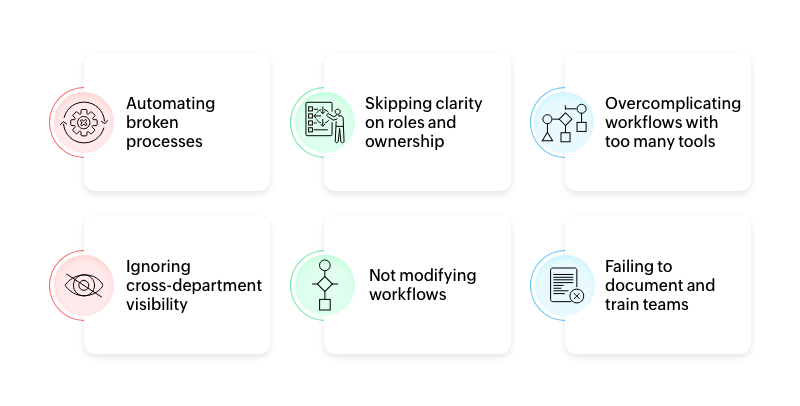
Even well-meaning setups can quickly go sideways. Keep an eye out for these common traps:
- App Hoarding: Adding a new tool every time a small issue pops up creates a fragmented nightmare where information gets lost. Keep your stack lean.
- Automating Human Judgment: Don’t automate moments that require empathy, nuance, or critical thinking. Keep humans in charge of pivotal decisions.
- Over-Engineering Your Boards: If logging a task requires filling out 15 mandatory drop-down fields, your team will simply stop using the system. Make entry effortless.
- Ignoring Maintenance: Work changes over time. If you don’t clean out old tags, dead notifications, and outdated steps every few months, your workspace will turn into a digital attic.
Task Lists vs. Workflow Systems
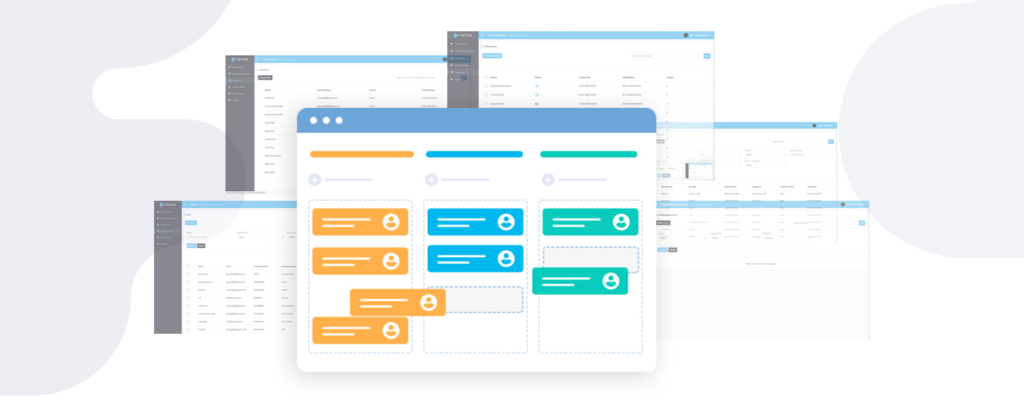
It’s easy to lump daily to-do lists and full workflow systems together, but they solve different problems:
- A simple task list answers: “What do I personally need to knock out before 5 PM today?” It’s great for individual focus.
- A workflow system answers: “What is the next step, who owns it, what resources do they need, when is it due, and what automatic action gets triggered next?”
When a project involves multiple hands, handoffs, approvals, or external tools, a simple checklist breaks down—and a structured workflow takes over.
Ultimately, building a solid workflow isn’t about grinding harder or cramming more tasks into your day. It’s about taking the mindless, repetitive mechanics off your plate so you can bring your energy, creativity, and focus to work that actually matters.
Frequently Asked Questions
1. What are workflow tools?
Workflow tools are software applications that help individuals and teams organize tasks, manage projects, automate repetitive processes, collaborate, and track work from start to finish.
2. What are the best workflow tools in 2026?
The best workflow tool depends on your needs. Popular options include project management platforms, task managers, collaboration software, no-code automation tools, and all-in-one productivity platforms.
3. How do workflow tools improve productivity?
Workflow tools improve productivity by organizing tasks, reducing manual work, automating repetitive processes, clarifying responsibilities, and making project progress easier to track.
4. Can workflow tools automate repetitive tasks?
Yes. Many modern workflow platforms can automatically trigger actions based on events, such as creating a task after a form submission, sending notifications, updating records, or assigning work.
5. Are workflow automation tools useful for small businesses?
Absolutely. Small businesses can use workflow automation to reduce administrative work, standardize processes, manage customer requests, and save valuable time without needing a large operations team.

