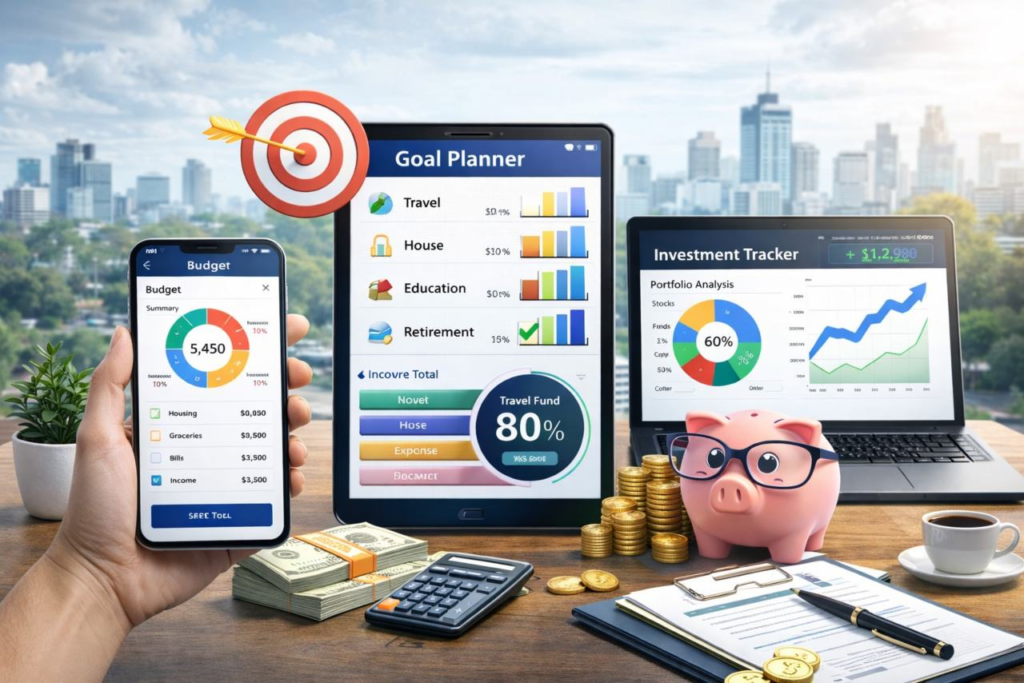
Let’s be honest for a second: managing money can feel like a full-time job. Between monthly bills, unexpected car repairs, subscription fees you forgot you were paying, and trying to save a little cash for the future, it’s remarkably easy to feel overwhelmed. For years, the default advice was to build a massive, complex spreadsheet and manually type in every single coffee purchase or grocery run. But let’s face it—most of us quit doing that after about two weeks because life simply gets in the way.
That’s where modern finance tools come in. In 2026, keeping track of your cash isn’t about doing tedious math in your spare time; it’s about letting smart, secure software handle the heavy lifting while you make the big decisions. Whether you’re trying to stop overspending on weekend takeout, keep your small business cash flow healthy, or build an investment portfolio that actually grows, the right digital tool changes everything.
Instead of staring at a chaotic bank statement wondering where your hard-earned money went, modern apps give you a clear, stress-free picture of your financial life in seconds.
What Are Finance Tools, Really?
In plain English, finance tools are simply digital apps, web platforms, and software built to organize your money so you don’t have to stress about it. Think of them as a personal command center for your wallet or business accounts.
Instead of logging into four different bank accounts, two credit card portals, and an investment app every single week, these tools pull all your information into one clean dashboard. They range from simple budgeting apps sitting on your phone to heavy-duty accounting software built for growing companies.
+---------------------------+---------------------------------------+---------------------------------------+
| Category                  | What It Actually Does                 | Best For                              |
+---------------------------+---------------------------------------+---------------------------------------+
| Budgeting Apps            | Sets realistic spending limits and    | Everyday folks, families, and people  |
|                           | alerts you before you overspend.      | saving up for big goals.              |
+---------------------------+---------------------------------------+---------------------------------------+
| Expense Trackers          | Auto-sorts your card purchases into   | Anyone who wonders "where did my      |
|                           | clear categories like food or rent.   | paycheck go this month?"              |
+---------------------------+---------------------------------------+---------------------------------------+
| Investment Dashboards     | Pulls stock, crypto, and retirement   | Everyday investors wanting a high-    |
|                           | accounts into one clean view.         | level look at overall net worth.      |
+---------------------------+---------------------------------------+---------------------------------------+
| Small Business Accounting | Handles client invoices, tracks cash  | Freelancers, side-hustlers, and small |
|                           | flow, and prepares tax paperwork.     | business owners.                      |
+---------------------------+---------------------------------------+---------------------------------------+
| Financial Planners        | Maps out big lifetime milestones like | Long-term planners focused on debt    |
|                           | buying a house or retiring early.     | payoff or major family milestones.    |
+---------------------------+---------------------------------------+---------------------------------------+
Why Ditching Manual Math Makes Sense in 2026
If you’re still keeping receipts in a shoebox or relying on memory to track your spending, you’re making life way harder than it needs to be. Modern financial software automates the boring stuff, giving you back precious time while keeping your numbers pinpoint accurate.
The Real Perks of Going Digital:
- No More Mystery Spending: You get an instant visual look at where every dollar goes, making it glaringly obvious if you’re spending way too much on dining out or impulse shopping.
- Hands-Off Automation: Transactions get pulled in, categorized, and tallied automatically—no manual typing required.
- Fewer Late Fee Headaches: Automated bill reminders and recurring payment schedules mean you won’t get hit with sudden penalty charges.
- Stress-Free Tax Preparation: When tax season rolls around, you won’t need to dig through months of old bank statements; your income and deductible expenses are already organized.
- Clarity for Big Goals: Want to save for a trip, build a six-month emergency cushion, or pay off a credit card? Good tools show you the exact date you’ll hit your goal based on your current habits.
Breaking Down the Main Types of Finance Tools
Because everyone’s financial situation is totally unique, there isn’t a single magic app that works for every person on the planet. The secret is picking a tool designed to fix the specific problem causing you headache right now.
1. Budgeting Tools
A solid budgeting app isn’t meant to restrict your lifestyle or make you feel guilty about buying a morning latte. Instead, it gives every dollar a specific job. Whether you prefer zero-based budgeting (where every bit of income is assigned to savings, bills, or fun) or simple envelope systems, these tools keep you from accidentally spending money meant for next week’s rent.
2. Expense Tracking Apps
Ever look at your checking account balance on the 20th of the month and wonder how it got so low? Expense trackers solve that exact frustration. They automatically tag your debit and credit card transactions—marking $15 at the gas station as “Transportation” or $80 at the supermarket as “Groceries.” Over a few months, you get a brutally honest, super helpful look at your true living costs.
3. Investment Portfolios
If you’ve started putting money into index funds, individual stocks, or retirement accounts, logging into separate portals to check performance gets annoying fast. Investment tracking platforms group all your holdings together, showing your overall asset breakdown, total gains, and long-term trajectory in one simple chart.
+---------------------------+-----------------------------------+-----------------------------------+
| Need                      | Manual Way (The Headache)         | Digital Tool Way (The Easy Route) |
+---------------------------+-----------------------------------+-----------------------------------+
| Tracking Spending         | Saving paper receipts in a drawer | Auto-synced card purchases        |
| Sending Client Bills      | Typing out Word document invoices | 1-click professional invoice links |
| Preparing Taxes           | Hours of manual spreadsheet math  | Exportable tax-ready reports      |
| Monitoring Net Worth      | Logging into 6 different websites | One real-time central dashboard   |
+---------------------------+-----------------------------------+-----------------------------------+
4. Accounting Software for Business & Freelancing
If you work for yourself, run a side hustle, or manage a small team, mixing personal and business money is a nightmare waiting to happen. Business accounting platforms manage income streams, track deductible business expenses, process employee payroll, and monitor cash flow so you always know if your business is actually making a profit.
5. Invoicing and Payment Software
Waiting weeks to get paid for completed work is pure frustration. Invoicing tools let freelancers and small agencies generate clean, professional invoices in seconds, send automated payment reminders to late-paying clients, and accept credit cards or bank transfers right on the spot.
6. Long-Term Financial Planning Tools
If you’re looking beyond monthly bills and thinking about buying a home, funding higher education, or retiringLet’s be honest: keeping track of money can feel like a full-time job you never applied for. Between monthly bills, sudden impulse buys, price hikes, and that lingering subscription you forgot to cancel three months ago, it is painfully easy to lose track of where your hard-earned cash actually goes. If you are running a business or freelancing, double that stress—now you are chasing unpaid invoices, tracking receipts, and trying to avoid a panic attack when tax season rolls around.
Managing money used to mean sitting down with a shoebox full of paper receipts, a physical ledger, or an overly complicated Excel spreadsheet with formulas that broke if you so much as looked at them wrong. Fortunately, technology has stepped in to take the edge off. Today, digital finance tools and smart software do the heavy lifting, giving us a clear view of our bank accounts without requiring an accounting degree.
Financial apps are smarter, more automated, and way easier to use than ever before. Whether you want to curb late-night online shopping, build a solid emergency fund, or keep your small business cash flow healthy, picking the right tool can turn money management from a stressful chore into a simple, automated routine.
What Exactly Are Finance Tools?
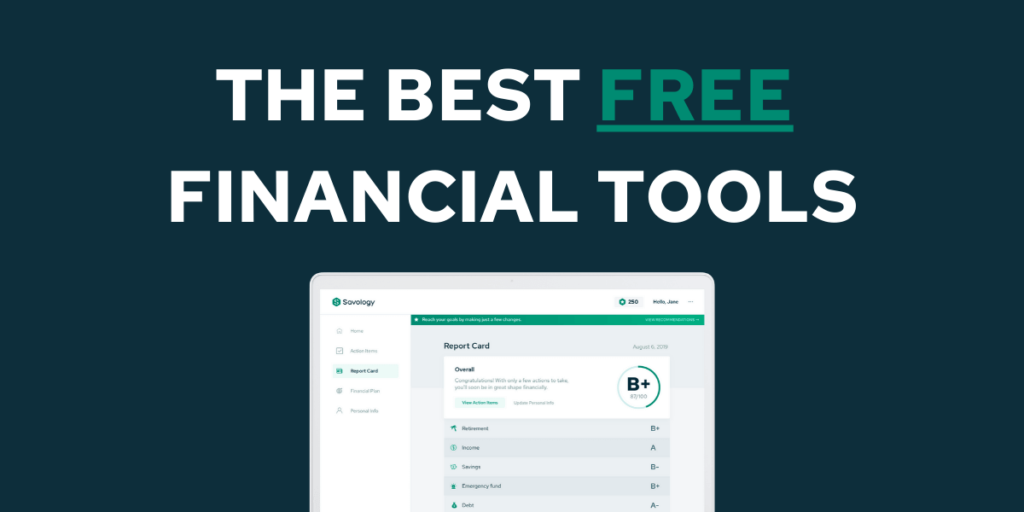
In plain terms, a finance tool is any software, mobile application, or digital platform built to help you track, organize, and optimize your money. Instead of guessing how much spending money you have left before payday, these platforms pull your financial life into a single screen.
They cover a massive amount of ground:
- For individuals: They act like a digital financial coach, categorizing your daily spending, nudging you when you are close to overspending, and keeping an eye on your long-term savings goals.
- For businesses: They serve as an automated backend office, handling customer billing, tracking operating expenses, managing employee payroll, and generating clean profit-and-loss reports for your accountant.
Think of these applications as an up-to-date dashboard for your wallet. Instead of checking four different bank accounts, two credit cards, and an investment portoflio separately, a good finance tool glues everything together so you can see your entire financial picture in real time.
Why You Should Ditch Manual Calculations

If you still rely on mental math or handwritten notes to manage your cash flow, you are operating on borrowed time. Human memory is notoriously unreliable, especially when life gets busy. A $5 coffee here, a $15 streaming service there, and a $50 dinner out can easily blow past your monthly targets before you even realize what happened.
Automated software removes human error and saves hours of tedious data entry.
Manual Tracking (Old Way)              Automated Software (Modern Way)
[Collect Paper Receipts]  --->        [Bank Account Auto-Sync]
         │                                       │
         ▼                                       ▼
[Manual Spreadsheet Entry] --->       [AI Instant Categorization]
         │                                       │
         ▼                                       ▼
[Late-Night Formula Errors] --->      [Real-Time Visual Dashboard]
Here is why making the switch to digital tools changes the game:
- Real-time visibility: You always know your exact financial standing instead of waiting until the end of the month to tally up damage.
- Behavior awareness: Visual charts make it glaringly obvious where your money bleeds out, like spending way more on dining out than on actual groceries.
- Automated discipline: You can set up rules to auto-transfer money into savings, pay recurring bills on time, or flag weird transactions automatically.
- Fewer costly mistakes: Automated billing and expense tracking prevent forgotten invoices, missed payment deadlines, and costly late fees.
- Less tax-time misery: Having all your transactions logged and categorized cleanly means you won’t have to spend a weekend frantically digging through old bank statements.
A Breakdown of the Best Types of Finance Tools

No single app does everything perfectly, and what works wonders for a college student won’t cut it for a growing marketing agency. The right software depends entirely on what you are trying to fix in your financial life.
| Tool Category | Primary Focus | Best Used For | Key Examples of Capabilities |
| Budgeting Apps | Allocating income & controlling spending | Individuals, couples, household spending | Zero-based budgeting, spending limits, debt payoff tracking |
| Expense Trackers | Recording purchases & receipts | Freelancers, business travelers, budgeters | Receipt scanning, mile tracking, category breakdowns |
| Accounting Software | General ledgers, tax prep, & cash flow | Small-to-medium businesses, sole proprietors | Profit/Loss reports, balance sheets, tax estimation |
| Invoicing Platforms | Getting paid by clients on time | Agencies, contractors, service providers | Recurring invoices, online payment processing, automated reminders |
| Investment Managers | Tracking assets & portfolio balance | Retail investors, retirement planners | Asset allocation charts, fee analyzers, market performance updates |
| Financial Planners | Big-picture goals & future projections | Wealth building, retirement planning | Net worth calculation, emergency fund calculators, scenario modeling |
1. Budgeting Tools
Budgeting tools are designed to give every dollar a job before you spend it. Some popular methods include zero-based budgeting (where every single dollar of income is assigned to a category) or the classic 50/30/20 rule (needs, wants, and savings). These tools sync directly with your bank accounts, categorize your spending automatically, and send alert notifications when you are getting dangerously close to your monthly dining-out limit.
2. Expense Tracking Software
While budgeting tools look forward, expense trackers look backward at what you have already spent. They excel at catching tiny, recurring leaks in your daily finances. For business owners and contractors, expense trackers let you snap a picture of a paper receipt on your phone, pull out the text using smart camera technology, and log it instantly as a business tax deduction.
3. Investment Management Dashboards
Keeping track of investments across multiple platforms—like a workplace retirement plan, a personal brokerage account, and crypto exchanges—can get chaotic fast. Investment tracking software consolidates your stock portfolios, mutual funds, and assets into one clean view. It helps you see your true asset allocation, monitor performance over time, and highlight hidden management fees that might be quietly eating away at your returns.
4. Accounting Tools
Accounting software is non-negotiable for serious business owners. These platforms go beyond basic income and expense tracking by handling complex backend financial processes. They keep track of liabilities, manage accounts payable and receivable, run balance sheets, and help ensure your business stays compliant with local tax laws.
5. Invoicing and Payment Systems
If you provide a service or sell goods, cash flow is your lifeline. Invoicing tools make getting paid faster and far less awkward. You can generate clean, professional invoices in seconds, allow clients to pay directly with a credit card or bank transfer, and set up polite, automated follow-up emails for invoices that are overdue.
6. Comprehensive Financial Planning Tools
When you want to step back from day-to-day transactions and look at the big picture, long-term financial planning tools are essential. They help you calculate your total net worth over time, model long-term retirement scenarios, map out plans to pay off high-interest debt, and calculate how long it will take to save up for major life milestones like buying a home.
Must-Have Features: Separating Hype from Reality

With hundreds of sleek-looking apps sitting in app stores, picking the right option can feel completely overwhelming. It is easy to get lured in by shiny user interfaces, but at the end of the day, function matters far more than aesthetics.
       [ Essential Features Checklist ]

   [x] Bank-Grade Security & Encryption
   [x] Clean, Intuitive Navigation
   [x] Reliable Bank Account Syncing
   [x] Smart Automatic Categorization
   [x] Visual Reports & Spending Insights
   [x] Easy Exporting (CSV / PDF for Taxes)
Security First
You are handing over sensitive banking data and personal identity details, so security is paramount. Never use an app that doesn’t clearly state its security standards. Look for platforms that offer end-to-end encryption, multi-factor authentication (MFA), biometric login (Face ID/Fingerprint), and read-only account access—meaning the app can view your transaction history, but nobody can actually move money out of your account through the app.
Frictionless Automation
If a tool forces you to manually type in every single transaction, buy a coffee, and log a receipt by hand, chances are high you will abandon it after two weeks. Look for platforms that reliably sync with your bank accounts and credit cards, auto-categorize recurring merchants, and automatically log recurring bills.
Meaningful Reporting
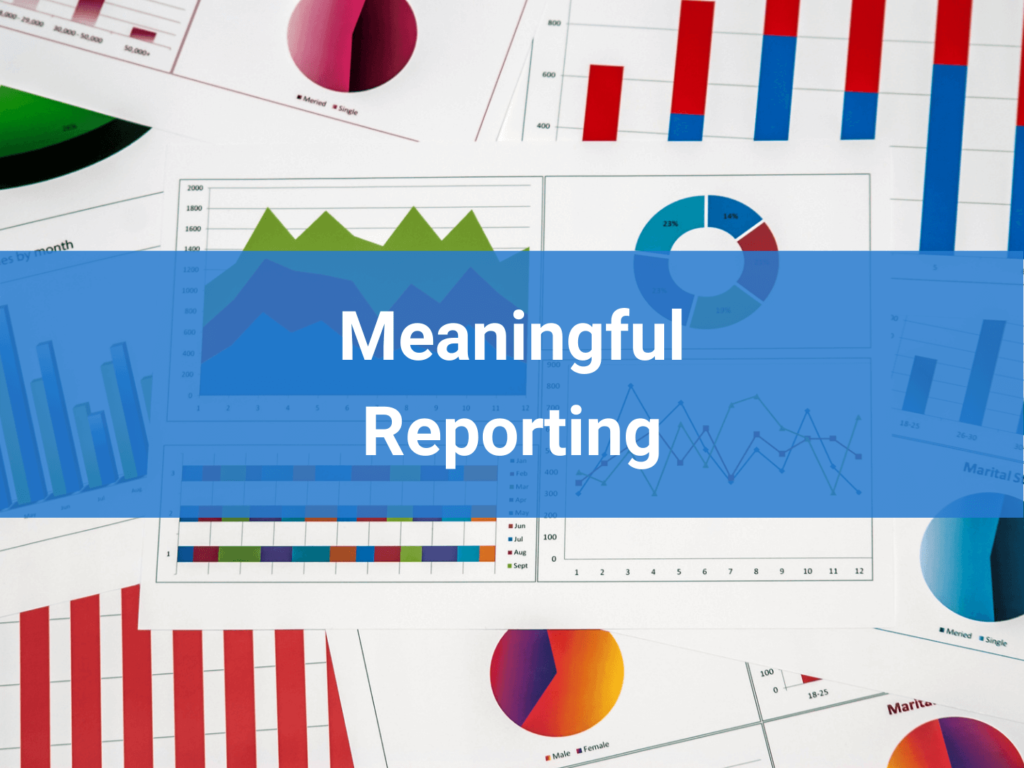
Numbers on a page are hard to digest; visual graphs make patterns instantly obvious. Good financial tools break your spending down into simple pie charts and line graphs. They answer basic, crucial questions at a glance: Am I spending more than I made this month? Are my grocery costs going up? What is my current net worth trend?
Easy Integration Capabilities
For businesses, a finance tool shouldn’t live on an isolated island. It needs to play nicely with your existing software ecosystem—connecting smoothly to your payment processor, your e-commerce store, your CRM, or your payroll provider. The better your software integrates, the less time you waste manually copy-pasting data between tabs.
Personal vs. Business Finances: Knowing the Difference
A common mistake made by new freelancers, side-hustlers, and small business owners is trying to manage business cash flow using a basic personal budgeting app—or worse, mixing personal and business money in one bank account.
Personal and business finances serve entirely different goals, and they require very different digital toolsets.
+-----------------------------------------------------------------------+
|                       PERSONAL FINANCE GOALS                          |
|  • Curbing overspending       • Building an emergency savings cushion |
|  • Tracking daily habits       • Planning for personal retirement     |
+-----------------------------------------------------------------------+
                                   VS
+-----------------------------------------------------------------------+
|                       BUSINESS FINANCE GOALS                          |
|  • Monitoring cash flow        • Maximizing legal tax write-offs      |
|  • Sending client invoices     • Managing payroll & vendor payments   |
+-----------------------------------------------------------------------+
Using a dedicated business tool ensures that when tax time arrives, you aren’t scrambling to prove which coffee purchase was a casual weekend treat and which one was a legitimate client business meeting.
How to Choose the Right Tool Without Getting Overwhelmed

Choosing software shouldn’t feel like taking a college exam. You can avoid analysis paralysis by following a simple, realistic roadmap:
- Identify your main pain point: Ask yourself what frustrates you most right now. Are you constantly wondering where your personal paycheck went? Get a simple budgeting app. Are you spending hours every week manually chasing unpaid invoices? Grab a dedicated invoicing tool.
- Set a realistic budget: Plenty of fantastic personal finance apps are completely free or cost just a few dollars a month. Businesses should expect to pay a bit more for robust features, but the software should easily pay for itself in saved time and avoided mistakes.
- Take advantage of free trials: Almost every major financial app offers a 7-day or 30-day free trial. Test two or three different apps for a week. Pay attention to how easy it feels to navigate, whether the bank sync works reliably, and if you actually enjoy logging into it.
- Keep it simple at the start: Don’t try to use every feature on day one. Start by linking your main checking account, setting up basic spending categories, and getting comfortable with the layout before jumping into complex forecasting tools.