
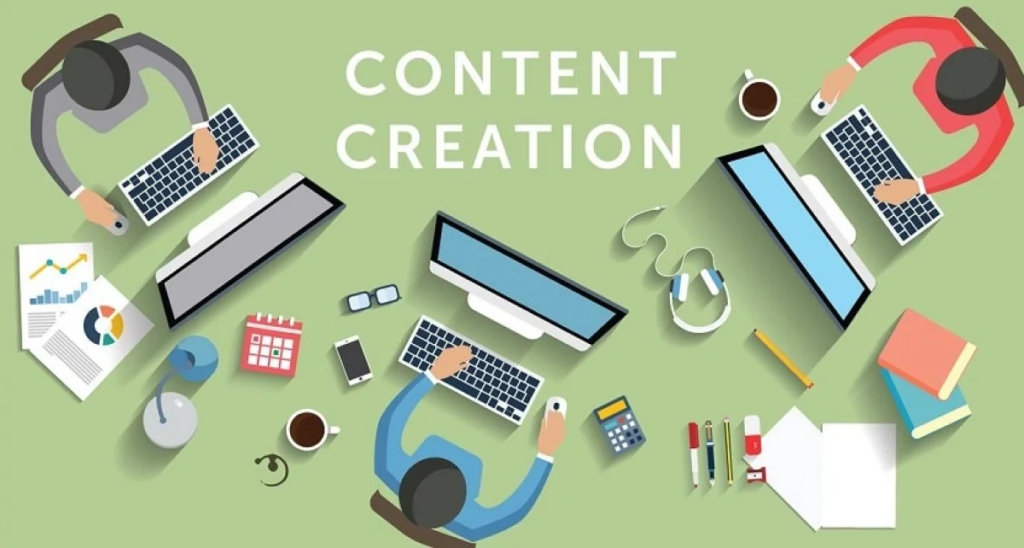
The internet Workflow wants you to believe it’s all organic inspiration, drinking iced lattes while typing out poetic thoughts in a minimalist coffee shop. The reality? It’s staring at a blank Google Doc at 11:00 PM with twenty-two open tabs, an agonizingly slow keyword research tool, an angry email from a sponsor, an unedited graphic sitting in another app, and a nagging voice in the back of your head reminding you that the algorithms will punish you brutally if you don’t publish tomorrow morning.
Managing a modern blog or digital brand isn’t just a creative pursuit—it’s a multi-department logistical operation run by a single, exhausted person. You are simultaneously the investigative journalist, the data analyst, the graphic designer, the distribution manager, the IT support, and the executive assistant.
If you try to manage all of that using pure willpower and a collection of scattered sticky notes, you will crash and burn. It is a mathematical certainty. The difference between the creators who make it look effortless year after year and the ones who quit after three months isn’t raw talent. It’s their stack of operational tools. It’s the invisible plumbing behind their creativity.
Here is the comprehensive, deeply human blueprint to organizing the chaos, building a content engine that doesn’t eat your soul alive, and choosing the exact software tools to do the heavy lifting for you.
The Project Management Core (The Brain of Your Brand)

If you don’t have a single, definitive source of truth for every piece of content you produce, your business is effectively living in a state of perpetual emergency. You cannot remember every deadline, every asset link, or every sponsor requirement in your head. You need an external brain.
Workflow Notion: The Digital Canvas
Notion has become a cult favorite for creators because it refuses to force you into a box. It is a completely modular workspace.
- The Vibe: A blank digital notebook that you can engineer into a high-powered dashboard.
- How it saves your sanity: You can build a master content database where every row is a piece of content. That single row can hold your keyword research data, your rough outline, the status of your sponsorships, the due date, and the actual draft itself. It scales with you. If you want a simple kanban board, it’s there. If you want a visual calendar view, it clicks into place.
- The Trap: Because it can do anything, it is incredibly easy to spend three days designing a beautiful, aesthetically pleasing workspace instead of actually writing content. Keep it functional, not performative.
Workflow Trello & Monday.com: The Linear Pipelines
If Notion feels too overwhelming or abstract, you need a visual conveyor belt.
- The Vibe: Highly visual, structured, and instantly gratifying.
- How it saves your sanity: These platforms are built around the Kanban framework (Ideation $\rightarrow$ Research $\rightarrow$ Writing $\rightarrow$ Design $\rightarrow$ Published). Moving a digital card from the “In Progress” column to the “Done” column triggers a hit of dopamine that keeps you moving forward. It completely eliminates the question of “What am I supposed to be working on today?”
Ideation and the AI Paradox (Using Artificial Intelligence Without Losing Your Voice) Workflow
Let’s address the massive elephant in the room: generative AI. There are thousands of low-effort websites pumping out billions of words of generic, robotic, AI-generated text right now. The internet is drowning in it.
If you use AI to write your entire articles for you, you are participating in a race to the bottom. Search engines are getting smarter at filtering out that robotic noise, and more importantly, human readers can smell a generic, soulless corporate script from a mile away.
But if you completely ignore AI out of pride, you are willingly working ten times harder than your competitors. The sweet spot is using AI as a research assistant and a sparring partner, not a ghostwriter.
The Tool Stack Workflow
- Grammarly & Hemingway Editor: These aren’t just spell-checkers; they are structural editors. Hemingway specifically is a brutal but necessary mirror—it flags complex, long-winded sentences and tells you exactly where your text sounds stuffy or hard to read. It forces you to write like a human talking to another human, rather than an academic trying to sound smart.
The Search Visibility Suite (How to Stop Writing for an Empty Room)
You can write the most profound, deeply moving, beautifully composed article on the internet, but if absolutely nobody can find it via a search bar, it might as well not exist. SEO (Search Engine Optimization) isn’t about gaming the algorithm or stuffing keywords artificially into your paragraphs; it’s about understanding the exact human language your audience uses when they are looking for help.
High-End Industry Standards: Semrush & Ahrefs
These are the heavy-duty radar systems of the internet. They are expensive, intimidating, and packed with complex data, but they tell you exactly what is happening in the dark corners of the web.
- The Value: They show you the exact search volume for a phrase, how difficult it will be to compete for that phrase, and what your direct competitors are doing right. It takes the guesswork completely out of your content strategy.
The Lean Alternative: Ubersuggest & AnswerThePublic
If you don’t have a corporate budget, these tools are highly accessible access points to consumer psychology.
- The Trick: AnswerThePublic maps out the literal questions people type into search engines starting with “Why,” “How,” and “Can.” It is an endless goldmine for content ideas because it shows you the exact phrasing of real human curiosity and frustration.
Visual Mechanics (Design for People Who Can’t Draw)

We live in a hyper-visual, short-attention-span digital culture. A massive wall of black text on a white screen feels intimidating to a reader. Beautiful graphics, clean infographics, and custom headers break up the text, giving the reader’s eyes a place to rest and making your site look like a legitimate media operation rather than an amateur hobby project.
Canva: The Great Democratizer
Canva single-handedly leveled the playing field for independent creators. Before it arrived, you had to spend years mastering complex design suites just to make a simple banner.
- The Vibe: Drag-and-drop simplicity backed by thousands of professional layouts.
- The Pro Move: Stop picking random templates every time you create something new. Pick a cohesive color palette (three colors max) and two signature fonts. Save them as your “Brand Kit” in Canva. Applying this consistent visual identity to every Pinterest pin, featured image, and social thumbnail makes your brand instantly recognizable across the web.
Automating the Exhausting Stuff (Buying Back Your Life)

The most draining part of this business isn’t the creative output—it’s the repetitive, mechanical administration. It’s copying a headline from your blog, pasting it into X, moving over to Facebook, scheduling it on LinkedIn, moving a file into a backup drive, and updating an Excel sheet. This is monkey work, and your time is far too valuable for it.
Workflow Social Schedulers: Buffer, Hootsuite, & Later
Never post to social media live. It is a psychological trap that drags you into checking your metrics and scrolling feeds every single hour.
- The System: Use a scheduling tool to batch your distribution. Spend two hours on a Monday morning scheduling your entire week of social media promos across every platform, then close the apps and don’t look back. It allows you to maintain an active, consistent online presence while protecting your creative focus.
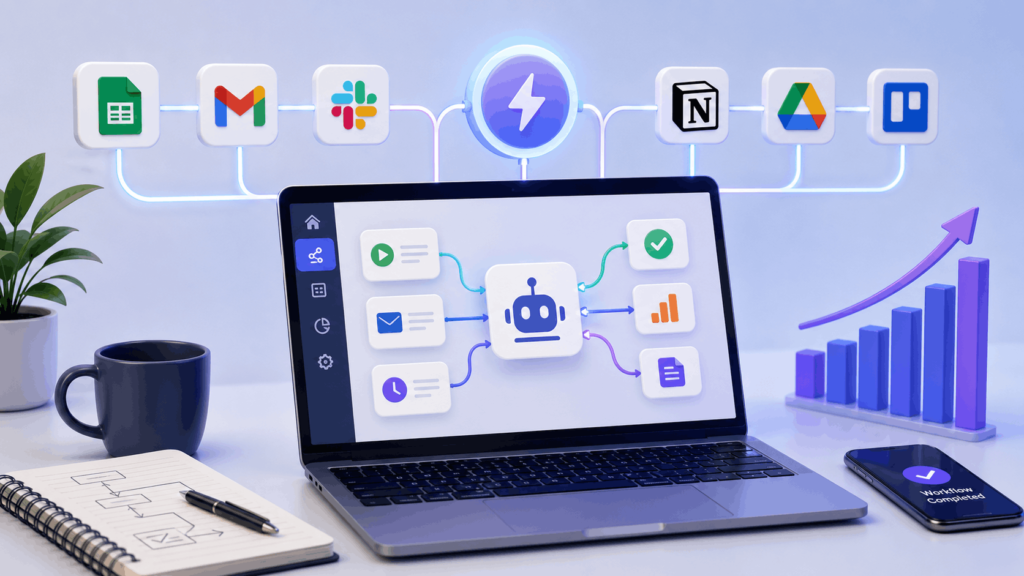
The Interconnectors: Make & Zapier
These are the invisible digital wires that connect your apps. They allow software programs to talk to each other without you intervening.
- Example Automation: When a new article goes live on my WordPress site, then automatically create a task in Notion to review its performance in 30 days, copy the link into a draft email inside my newsletter dashboard, and back up the text to a Google Drive folder. You set it up once, and it runs quietly in the background forever.
The Long-Game Assets (Email & Analytics) Workflow
Search engine algorithms change on a whim. Social media networks rise, fall, and tank your organic reach overnight to force you into buying ads. The only two things you actually own in the digital space are your website’s custom domain and your email subscriber list.
Workflow ConvertKit (Kit) & Mailchimp: The Relationship Anchors
Your email list is your direct line of communication with the people who care most about your work. There are no algorithmic filters, no competing notifications, and no distractions.
- The Workflow: Build a simple automation loop. When someone signs up for your site, they should automatically receive a high-value “Welcome Sequence”—a series of three to four pre-written emails spaced out over a week that deliver your best insights and build trust on autopilot.
Workflow Google Analytics 4 (GA4): The Truth Machine
Metrics can be a toxic vanity trap if you look at them every day, but they are crucial for your long-term roadmap.
- The Strategy: Check your analytics exactly once a month. Don’t look at total traffic; look at behavior trends. Which articles are keeping people on the page the longest? Where are people dropping off? Double down on what is working, ruthlessly cut what isn’t, and let the numbers guide your creative decisions.
The Ultimate “Deep Focus” Content Workflow

To bring all of these moving parts together into a cohesive system that actually works, structure your week into distinct, non-overlapping phases:
The secret to long-term success in the creator space isn’t about working yourself into exhaustion or waiting around for a sudden spark of inspiration. It’s about building a solid, reliable infrastructure that carries you through the days when you don’t feel creative at all. By taking the administrative weight off your shoulders and putting it onto specialized tools, you protect your mental energy, stop the frantic daily scramble, and finally give your creativity the breathing room it needs to thrive.
Final Thoughts
Successful content creation isn’t about working longer hours—it’s about working smarter. The right workflow tools help content creators and bloggers stay organized, save time, collaborate efficiently, and produce higher-quality content on a consistent schedule.
By combining project management, writing assistance, SEO research, design platforms, automation, and analytics into one streamlined process, you can focus more on creativity and less on repetitive administrative tasks. Whether you publish one article each month or manage a large content operation, building an efficient workflow is one of the smartest investments you can make.
Consistency, organization, and continuous improvement are the foundations of long-term blogging success. Choose tools that fit your goals, simplify your workflow, and allow your creativity to thrive.
Frequently Asked Questions
1. Why are workflow tools important for bloggers?
Workflow tools help bloggers organize tasks, plan content, collaborate with teams, automate repetitive work, and publish consistently.
2. What features should a good workflow tool include?
Useful features include task management, content calendars, collaboration, file sharing, automation, deadline tracking, and progress monitoring.
3. Can workflow tools improve productivity?
Yes. They reduce manual work, streamline processes, and help creators spend more time producing quality content.
4. Are workflow tools useful for solo bloggers?
Absolutely. Even individual creators benefit from better organization, scheduling, and workflow automation.
5. How often should I review my content workflow?
Reviewing your workflow every few months helps identify bottlenecks, improve efficiency, and adapt to new tools or content goals.

