
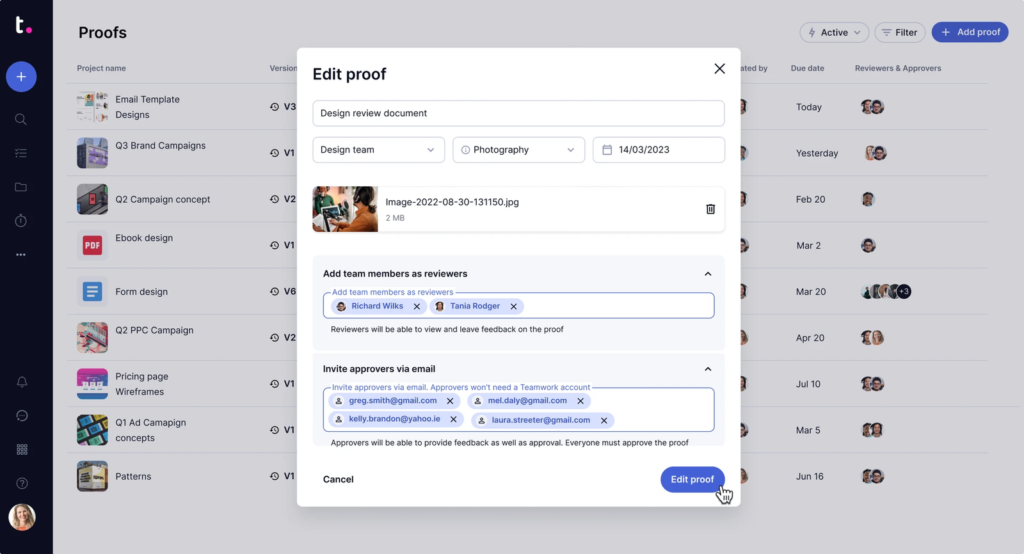
Modern workplaces depend on effective communication, organized task management, and seamless collaboration to stay productive. As businesses grow and teams become more distributed, managing projects manually can lead to missed deadlines, confusion, and reduced efficiency. This is where workflow tools play a vital role.
Workflow tools help teams organize tasks, automate repetitive processes, improve communication, and keep projects on track. Whether you’re a small business owner, project manager, freelancer, or part of a large organization, using the right workflow software can simplify daily operations and increase overall productivity.
This guide explains what workflow tools are, their benefits, essential features, and how they can help teams collaborate more effectively in 2026.
What Are Workflow Tools?

Workflow tools are digital platforms that help individuals and teams manage work more efficiently by organizing tasks, tracking progress, assigning responsibilities, and automating repetitive processes.
Instead of relying on emails, spreadsheets, or paper-based systems, workflow tools provide a centralized workspace where everyone can collaborate in real time.
These platforms are widely used across industries such as marketing, software development, education, healthcare, finance, and customer service.
Why Workflow Tools Are Important
As organizations handle multiple projects simultaneously, maintaining clear communication and structured workflows becomes essential.
Workflow tools help teams:
- Organize daily tasks
- Improve communication
- Track project progress
- Reduce manual work
- Meet deadlines consistently
- Increase accountability
- Improve transparency
- Save time through automation
By centralizing information, workflow tools reduce confusion and help everyone stay aligned on project goals.
Key Features of Workflow Tools
1. Task Management
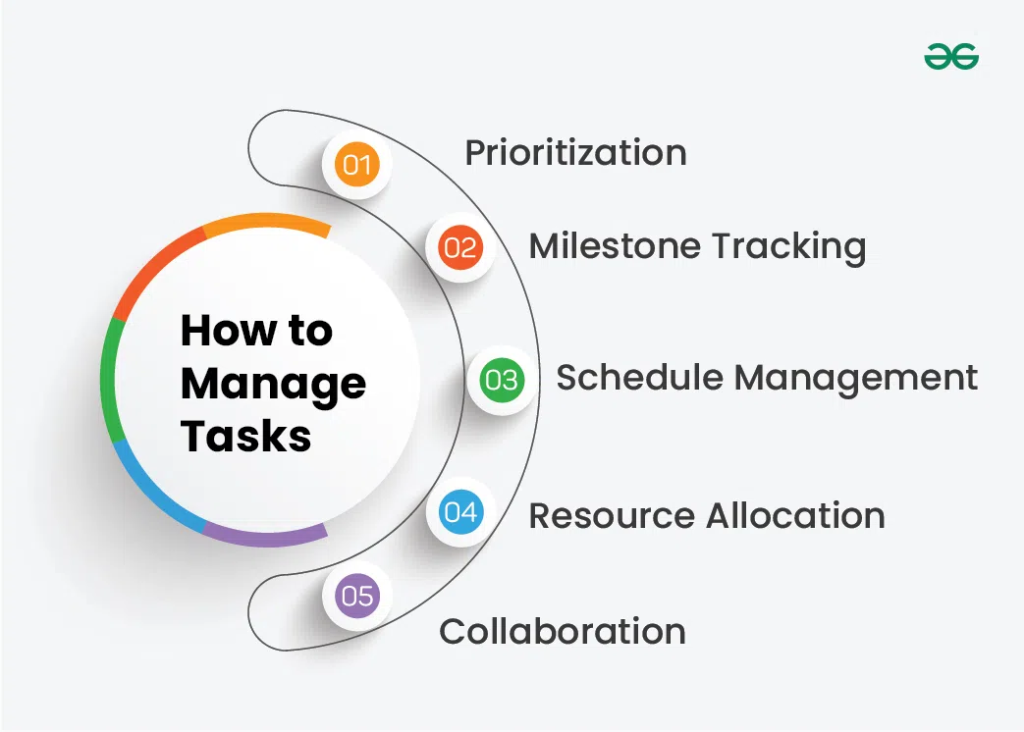
One of the most valuable features is task organization.
Teams can:
- Create tasks
- Assign responsibilities
- Set deadlines
- Add priorities
- Track completion
This ensures every team member understands their responsibilities.
2. Project Planning

Workflow software allows users to organize projects from start to finish.
Common planning features include:
- Project timelines
- Milestones
- Kanban boards
- Calendar views
- Gantt charts
Visual planning makes it easier to monitor progress and identify delays.
3. Team Collaboration

Effective collaboration is at the heart of workflow management.
Collaboration features often include:
- Comments
- File sharing
- Team discussions
- Mentions
- Shared workspaces
These tools reduce the need for lengthy email chains and help teams communicate in one place.
4. Workflow Automation
Automation helps eliminate repetitive manual tasks.
Examples include:
- Automatic task assignments
- Status updates
- Deadline reminders
- Approval workflows
- Email notifications
Automation allows employees to focus on more valuable work.
5. Time Tracking

Many workflow tools include built-in time tracking features.
Benefits include:
- Monitoring productivity
- Measuring project hours
- Managing billable time
- Improving resource planning
Time tracking provides valuable insights into team performance.
Benefits of Workflow Tools

Improved Productivity
Workflow tools reduce repetitive tasks and help employees focus on meaningful work.
Better Communication
Centralized messaging keeps everyone informed and reduces misunderstandings.
Greater Transparency
Managers and team members can easily view project status and responsibilities.
Enhanced Accountability
Assigned tasks and deadlines encourage ownership and responsibility.
Faster Decision-Making
Real-time project updates allow teams to respond quickly to challenges.
Improved Remote Collaboration
Cloud-based workflow tools make it easy for remote and hybrid teams to collaborate from anywhere.
Who Can Benefit from Workflow Tools?

Workflow software is useful for organizations of all sizes.
Small Businesses
Small teams can organize projects, manage clients, and improve efficiency without complex systems.
Large Enterprises
Larger organizations use workflow platforms to coordinate multiple departments and large-scale projects.
Freelancers
Freelancers can track deadlines, manage clients, and organize daily tasks.
Marketing Teams
Marketing professionals use workflow tools to manage campaigns, content calendars, and approvals.
Software Development Teams
Developers coordinate projects, monitor bugs, and manage releases using structured workflows.
Popular Uses of Workflow Tools
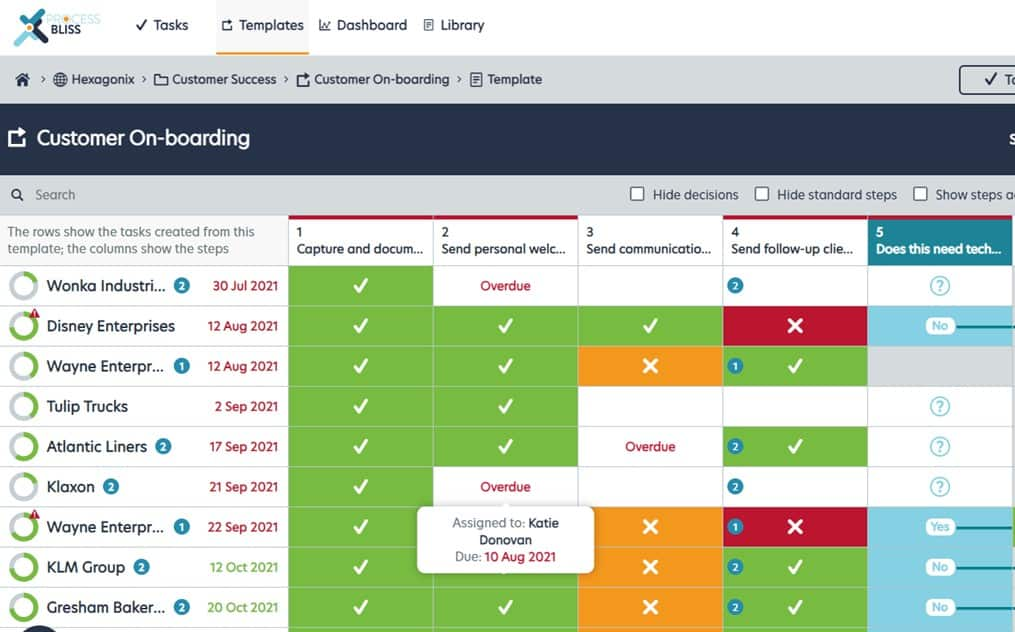
Workflow software supports many business activities, including:
- Project management
- Content creation
- Customer support
- Employee onboarding
- Sales processes
- Marketing campaigns
- HR management
- Financial approvals
- Document management
Nearly every department can benefit from improved workflow organization.
How to Choose the Right Workflow Tool
Before selecting a workflow platform, consider your team’s specific needs.
Ask yourself:
- Is it easy to use?
- Does it support team collaboration?
- Can workflows be automated?
- Does it integrate with other software?
- Is mobile access available?
- Does it fit your budget?
- Can it scale as your business grows?
Choosing software that aligns with your workflow will improve adoption and long-term success.
Best Practices for Successful Workflow Management

To maximize the benefits of workflow tools:
- Define clear project goals.
- Assign responsibilities carefully.
- Keep tasks updated.
- Review project progress regularly.
- Automate repetitive processes.
- Encourage team communication.
- Use reports to improve performance.
Consistent use leads to better collaboration and improved productivity.
Future Trends in Workflow Tools
Workflow technology continues to evolve rapidly.
Key trends include:
Artificial Intelligence
AI helps automate routine tasks, prioritize work, and generate productivity insights.
Smarter Automation
Advanced automation reduces manual processes and improves efficiency across departments.
Cloud Collaboration
Cloud-based platforms enable teams to work together from anywhere with real-time updates.
Data-Driven Decision Making
Advanced analytics help organizations identify bottlenecks and improve workflow performance.
Improved Integrations

Modern workflow tools increasingly connect with communication, CRM, accounting, and document management systems for a seamless work experience.
Workflow tools have become essential for businesses that want to improve productivity, enhance collaboration, and streamline daily operations. By organizing tasks, automating repetitive work, and providing real-time visibility into project progress, these platforms help teams work more efficiently and deliver better results.
Whether you’re managing a small team or a large organization, investing time in choosing and implementing the right workflow tool can lead to stronger communication, faster project completion, and long-term business success.
Frequently Asked Questions
1. What are workflow tools?
Workflow tools are software platforms that help individuals and teams organize tasks, automate processes, manage projects, and collaborate more effectively.
2. Why are workflow tools important?
They improve productivity, reduce manual work, enhance communication, and help teams complete projects on time.
3. Who should use workflow tools?
Workflow tools are suitable for businesses, freelancers, project managers, marketing teams, developers, educators, and remote teams.
4. Can workflow tools automate tasks?
Yes. Many workflow tools automate repetitive processes such as task assignments, reminders, approvals, and notifications.
5. How do I choose the best workflow tool?
Consider ease of use, collaboration features, automation capabilities, integrations, scalability, security, and pricing before making a decision.

