

In today’s fast-moving business environment, managing multiple projects, deadlines, and team communication can quickly become overwhelming. Whether you run a small business, work in a large organization, or manage a remote team, staying organized is essential for success. This is where workflow tools come into play. These tools help teams plan tasks, automate repetitive work, improve communication, and ensure projects move forward smoothly.
Instead of relying on spreadsheets, endless email chains, or manual updates, workflow tools provide one centralized platform where everyone can collaborate effectively. From assigning tasks and tracking progress to automating approvals and generating reports, workflow software helps businesses save time and increase productivity.
In this guide, we’ll explore what workflow tools are, why they matter, their key features, benefits, and how to choose the right one for your business.
What Are Workflow Tools?
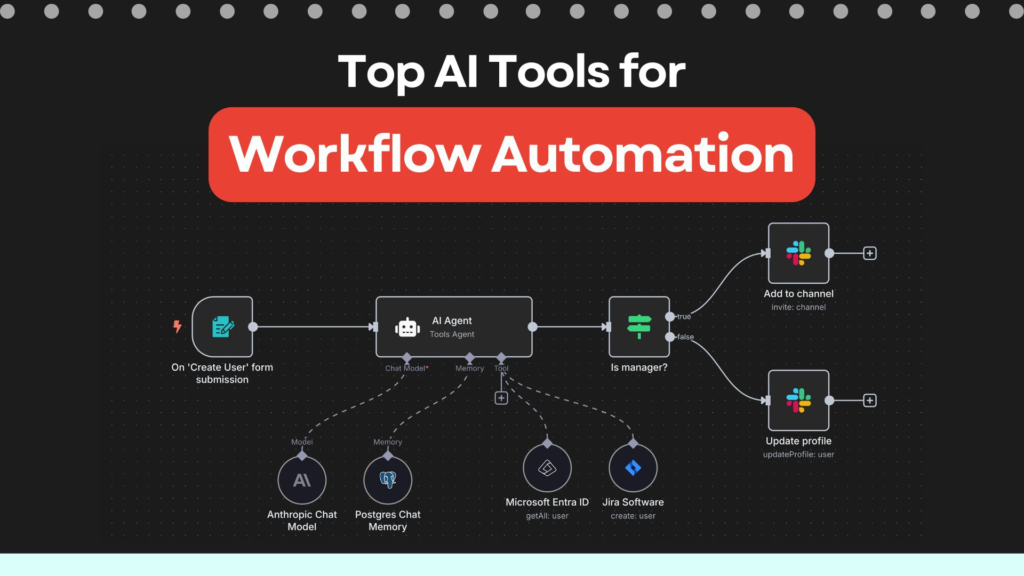
Workflow tools are digital platforms designed to organize, manage, and automate business processes. They allow teams to create structured workflows, assign responsibilities, monitor progress, and streamline everyday operations.
Instead of juggling multiple communication channels and documents, employees can access everything they need from one place. This improves transparency and helps everyone stay aligned with project goals.
Whether you’re managing content creation, software development, customer support, or marketing campaigns, workflow tools make complex processes easier to handle.
Why Businesses Need Workflow Tools
As businesses grow, managing work manually becomes increasingly difficult. Missed deadlines, duplicated tasks, and communication gaps can slow down productivity and affect overall performance.
Workflow tools solve these challenges by creating clear processes that everyone can follow. They provide visibility into ongoing projects, making it easier for managers to monitor progress and for team members to understand their responsibilities.
Businesses that implement workflow management systems often experience better collaboration, faster decision-making, and improved operational efficiency.
Key Features of Workflow Tools
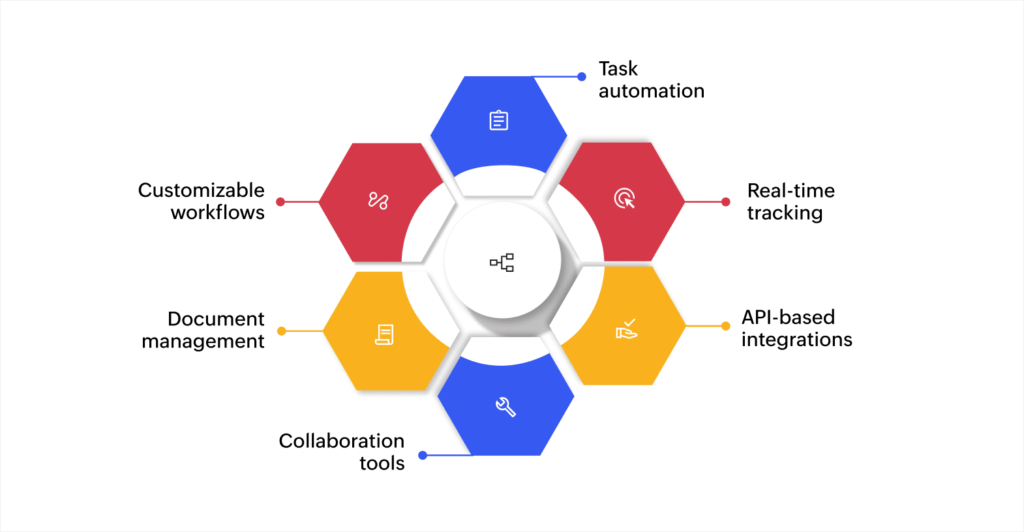
Modern workflow management platforms offer a wide range of features that simplify project planning and daily operations.
Task Management
Workflow tools allow users to create tasks, assign team members, set priorities, and establish deadlines. Team members can update task statuses in real time, making it easy to track progress.
Workflow Automation
Automation is one of the biggest advantages of workflow software. Routine tasks such as approval requests, reminder emails, status updates, and notifications can be handled automatically, reducing manual effort.
Team Collaboration
Employees can share files, leave comments, discuss projects, and communicate within the platform instead of relying on long email conversations. This keeps project information organized and easy to access.
Project Tracking
Visual dashboards, Kanban boards, calendars, and Gantt charts help teams monitor project timelines and identify potential delays before they become major issues.
Reporting and Analytics
Built-in reports provide valuable insights into project performance, employee productivity, and workflow efficiency. These reports help businesses make informed decisions and continuously improve their processes.
Benefits of Using Workflow Tools
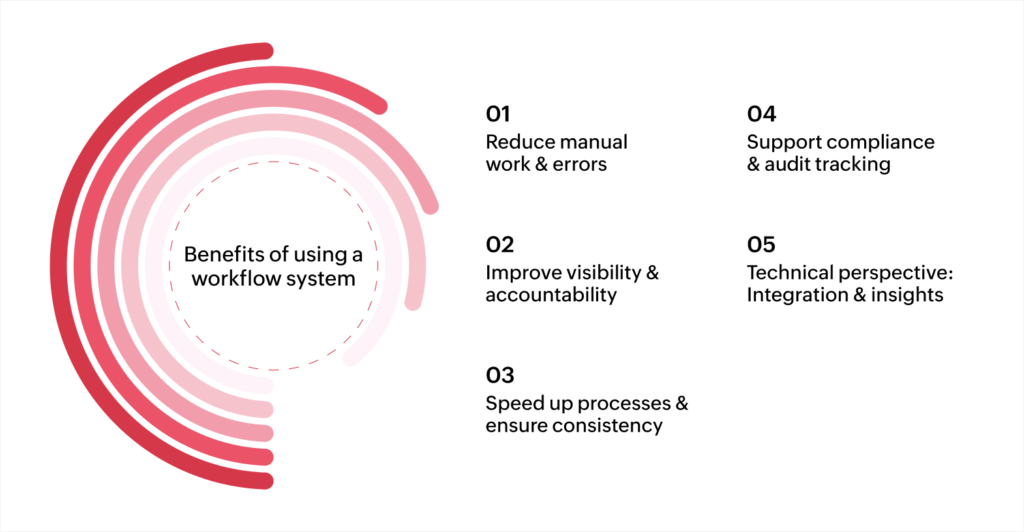
Implementing workflow software offers several long-term advantages for businesses of all sizes.
Increased Productivity
By automating repetitive tasks and organizing work efficiently, employees can spend more time focusing on meaningful activities rather than administrative work.
Better Collaboration
Workflow tools improve communication by keeping conversations, files, and task updates in one central location. Everyone stays informed without switching between multiple applications.
Improved Time Management
Deadlines, reminders, and task scheduling features help employees prioritize work and complete projects on time.
Greater Transparency
Managers gain a clear overview of project progress, while team members always know what tasks require their attention.
Reduced Errors
Automation minimizes manual data entry and repetitive processes, reducing the likelihood of mistakes and improving consistency.
How Different Teams Use Workflow Tools
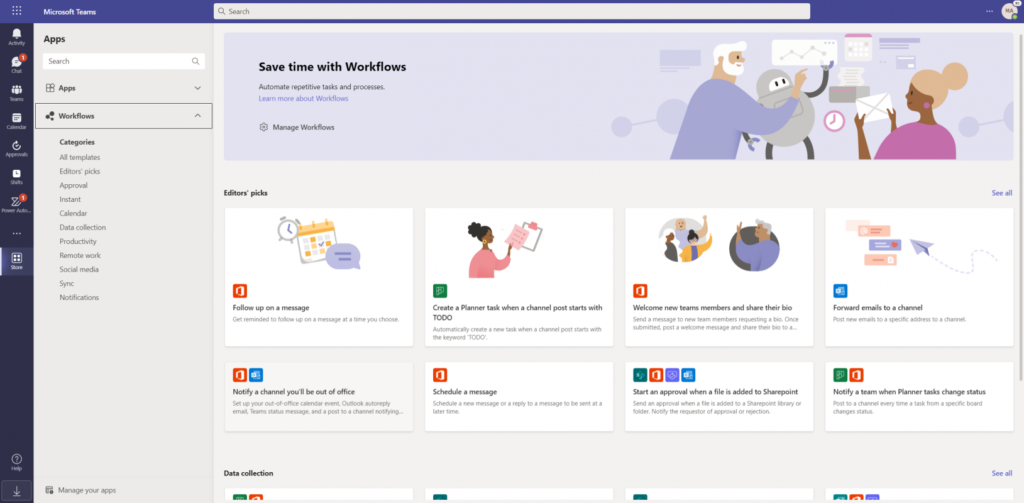
Workflow tools are flexible enough to support various departments across an organization.
Marketing Teams
Marketing professionals use workflow tools to manage campaigns, content calendars, social media schedules, design approvals, and email marketing projects.
Sales Teams
Sales teams track leads, manage customer interactions, monitor sales pipelines, and coordinate follow-ups.
Human Resources
HR departments organize recruitment, employee onboarding, leave management, document approvals, and performance reviews.
Software Development
Development teams manage sprint planning, bug tracking, feature requests, testing, and product releases using workflow software.
Customer Support
Support teams organize customer tickets, assign requests, monitor response times, and improve service quality through structured workflows.
The Role of Workflow Automation
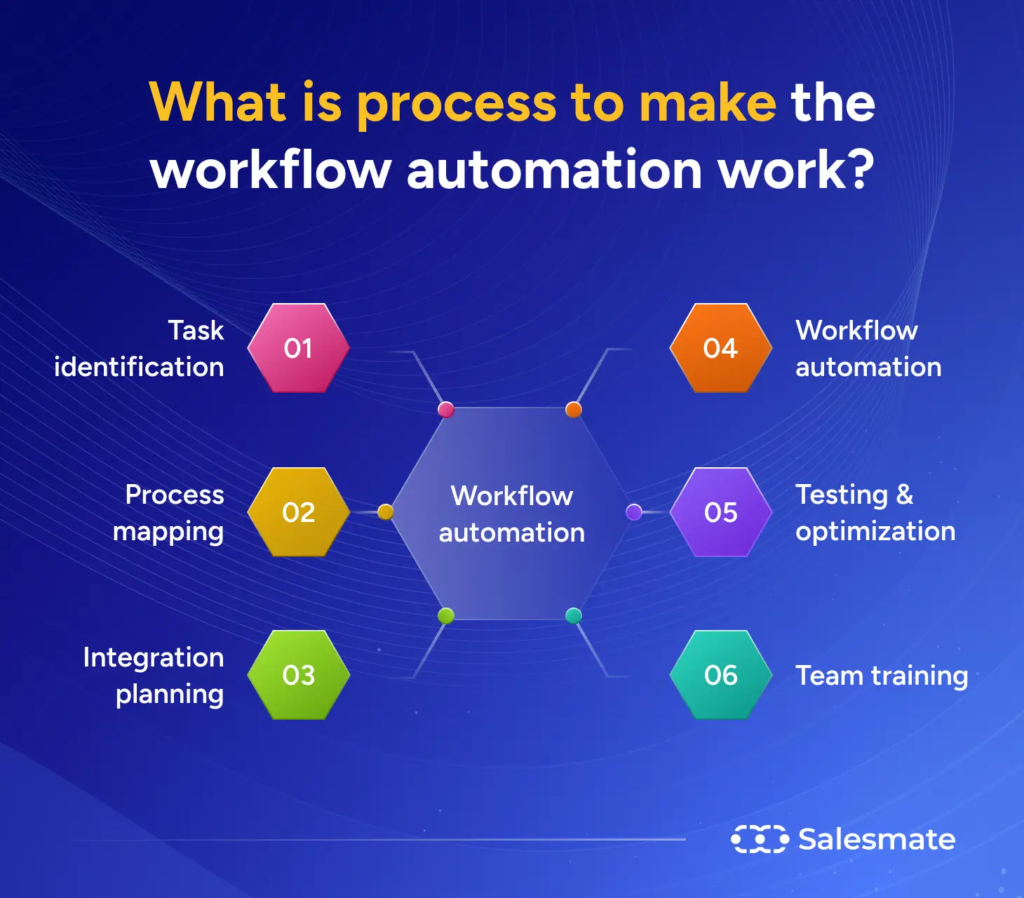
Automation helps businesses eliminate repetitive work and improve efficiency.
Common automated processes include:
- Task assignments
- Email notifications
- Approval workflows
- Status updates
- Invoice approvals
- Meeting reminders
- Document sharing
- Customer follow-ups
By reducing manual intervention, workflow automation allows employees to focus on strategic and creative work.
Best Practices for Workflow Management

To get the most value from workflow tools, businesses should follow a few simple practices.
- Clearly define team responsibilities.
- Set realistic deadlines.
- Standardize recurring processes.
- Automate repetitive tasks whenever possible.
- Review workflows regularly.
- Encourage open communication.
- Provide employee training.
- Monitor performance using reports and analytics.
These habits help teams work more efficiently and reduce unnecessary delays.
Common Challenges and How to Overcome Them

While workflow tools offer many advantages, businesses may face some challenges during implementation.
Some common issues include:
- Resistance to change from employees.
- Lack of proper training.
- Overly complex workflows.
- Poor communication.
- Inconsistent use of the platform.
Organizations can overcome these challenges by introducing workflow tools gradually, providing training sessions, and encouraging employee feedback.
Workflow Tools for Remote and Hybrid Teams
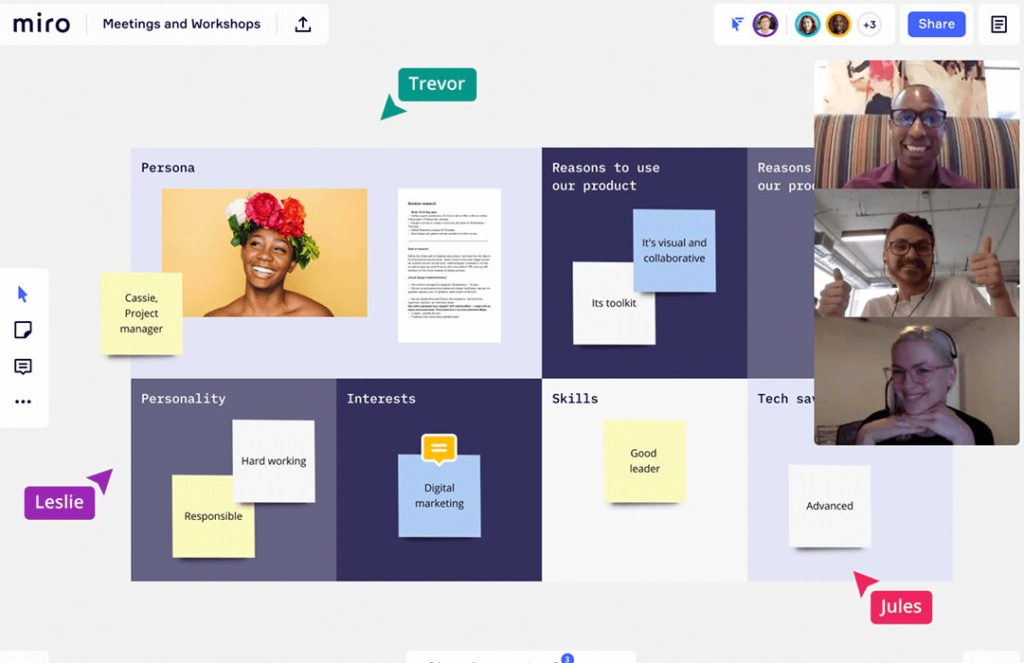
Remote work has made workflow management more important than ever.
Workflow tools help distributed teams stay connected by providing:
- Shared task boards
- Cloud-based file storage
- Real-time collaboration
- Instant notifications
- Video meeting integrations
- Project dashboards
- Mobile access
These features allow employees to work efficiently regardless of their location.
Future Trends in Workflow Management

Technology continues to transform how businesses manage work.
Some emerging trends include:
Artificial Intelligence
AI-powered workflow tools can automate repetitive tasks, summarize meetings, predict project delays, and generate productivity insights.
Smarter Automation
Businesses are creating advanced automated workflows that require little manual intervention while improving efficiency.
Cloud-Based Collaboration
Cloud technology allows employees to access projects securely from anywhere using multiple devices.
Mobile Productivity
Mobile workflow applications enable teams to manage tasks, communicate, and approve requests while on the go.
Data-Driven Decision Making
Advanced analytics help organizations identify workflow bottlenecks and optimize business processes.
Simple Ways to Improve Team Productivity

Alongside workflow tools, businesses can improve productivity by adopting healthy work habits.
Some effective strategies include:
- Prioritize important tasks each day.
- Break large projects into manageable steps.
- Hold short, focused meetings.
- Encourage regular communication.
- Automate repetitive work.
- Review project progress weekly.
- Celebrate team achievements.
Small improvements in daily routines often lead to significant productivity gains over time.
Workflow tools have become essential for businesses that want to improve organization, communication, and productivity. By centralizing tasks, automating repetitive processes, and providing better visibility into projects, these platforms help teams work smarter and achieve better results.
Whether you’re managing a small startup, a growing company, or a large enterprise, investing in the right workflow management software can simplify operations and support long-term growth. The key is selecting a tool that matches your business needs, integrates with your existing systems, and encourages collaboration across your organization.
As digital workplaces continue to evolve, workflow tools will remain a critical part of helping businesses streamline operations, improve efficiency, and stay competitive.
Frequently Asked Questions (FAQs)
1. What are workflow tools?
Workflow tools are software solutions that help businesses organize tasks, automate processes, manage projects, and improve team collaboration.
2. Why should businesses use workflow tools?
They help increase productivity, improve communication, automate repetitive tasks, reduce errors, and ensure projects stay on schedule.
3. Can workflow tools help remote teams?
Yes. Workflow tools provide cloud-based collaboration, task tracking, file sharing, and communication features that make remote teamwork more efficient.
4. What features should I look for in a workflow tool?
Look for task management, workflow automation, reporting, collaboration tools, integrations, mobile access, security, and scalability.
5. Are workflow tools suitable for small businesses?
Absolutely. Many workflow tools are designed for businesses of all sizes and can help small teams improve organization, save time, and grow more efficiently.

