
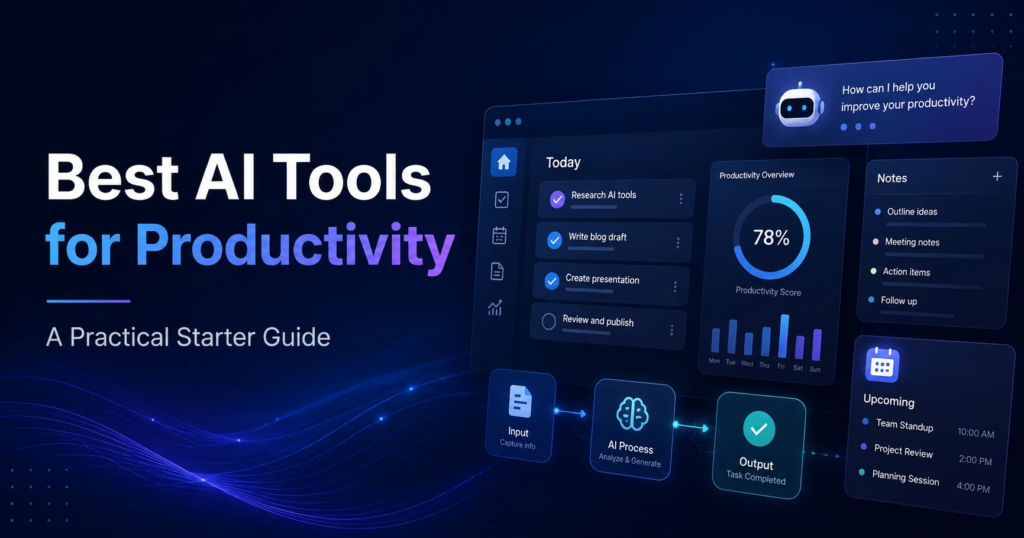
In today’s fast-paced business environment, staying organized and completing tasks efficiently is essential for success. Whether you’re managing a small business, leading a remote team, or working as a freelancer, workflow tools can help streamline processes, improve collaboration, and increase productivity. These tools reduce manual work, automate repetitive tasks, and ensure projects move smoothly from start to finish.
As technology continues to evolve, workflow tools have become smarter with the integration of Artificial Intelligence (AI), automation, and cloud-based collaboration. In 2026, organizations of all sizes are using workflow management software to save time, reduce errors, and achieve better results.
What Are Workflow Tools?
Workflow tools are software applications designed to help individuals and teams organize tasks, manage projects, automate workflows, and improve communication. They provide a structured way to track work, assign responsibilities, monitor deadlines, and ensure that every step of a process is completed efficiently.
Instead of relying on spreadsheets, emails, or manual tracking, workflow tools centralize work in one place, making it easier for teams to collaborate and stay on schedule.
Why Workflow Tools Are Important
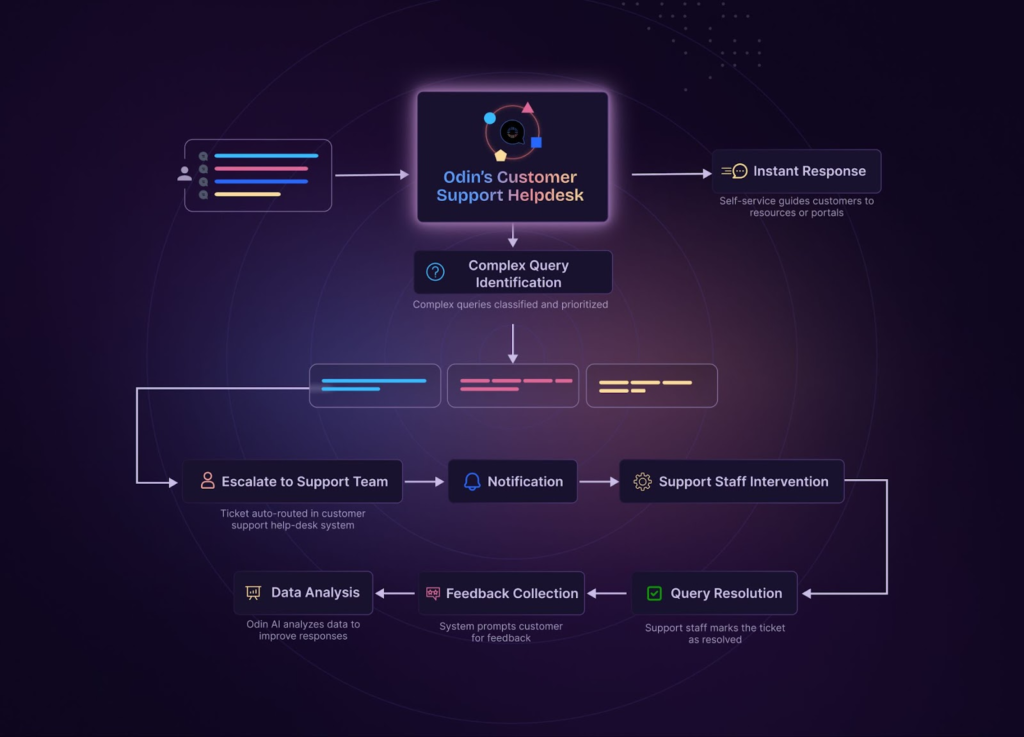
Every business has processes that involve multiple people, tasks, and deadlines. Without a proper workflow system, projects can become disorganized, leading to delays, missed deadlines, and communication gaps.
Workflow tools solve these challenges by providing better visibility into ongoing projects, automating routine activities, and helping teams work together more effectively.
Some of the biggest benefits include:
- Improved team collaboration
- Faster project completion
- Better task organization
- Reduced manual work
- Increased productivity
- Improved accountability
- Real-time progress tracking
- Better communication across teams
Key Features of Modern Workflow Tools
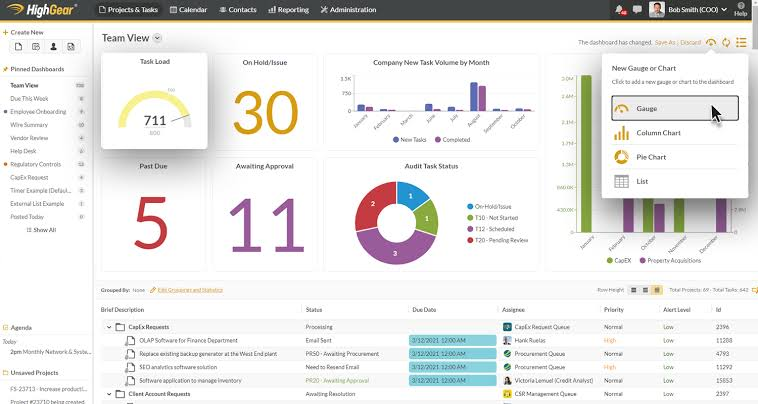
Today’s workflow tools include a wide range of features that simplify daily operations and improve efficiency.
Task Management
Users can create tasks, assign them to team members, set deadlines, and monitor progress from a centralized dashboard. This ensures everyone knows their responsibilities and project status.
Project Planning
Workflow software helps teams organize projects using timelines, Kanban boards, calendars, and Gantt charts. These visual planning tools improve scheduling and resource management.
Automation
Automation eliminates repetitive tasks such as sending reminders, updating task statuses, generating reports, and notifying team members about project changes. This saves valuable time and reduces human error.
Collaboration Tools
Modern workflow platforms support real-time communication, file sharing, comments, and document collaboration, allowing teams to work together regardless of location.
Reporting and Analytics
Managers can generate reports, track key performance indicators (KPIs), and analyze productivity to identify areas for improvement.
Benefits of Using Workflow Tools
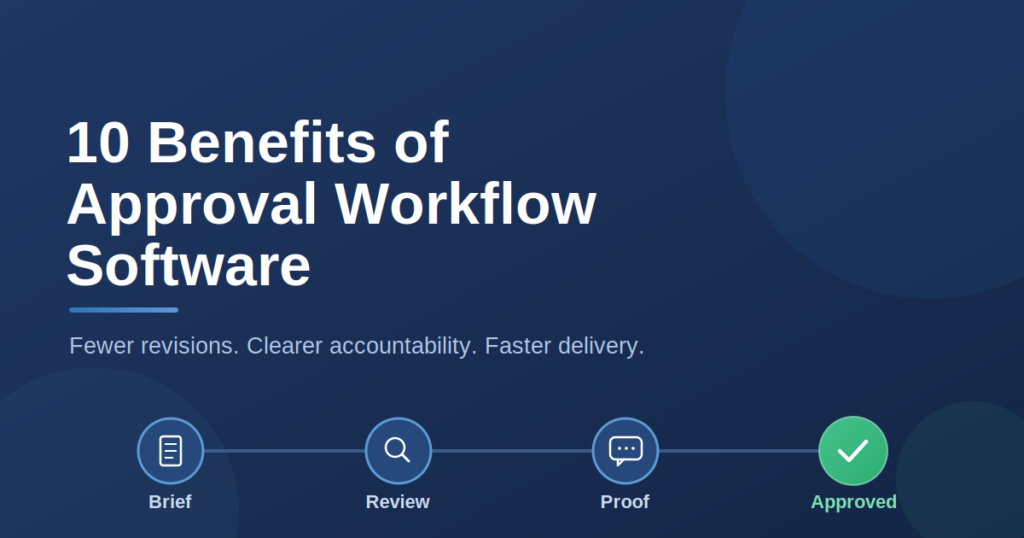
Organizations that implement workflow tools often experience significant improvements in efficiency and performance.
Better Productivity
Employees spend less time managing repetitive administrative work and more time focusing on meaningful tasks.
Improved Communication
Centralized communication reduces misunderstandings and keeps everyone informed about project updates.
Greater Transparency
Managers and team members can easily track project progress, identify bottlenecks, and monitor deadlines in real time.
Reduced Errors
Automation minimizes manual data entry and repetitive tasks, reducing the likelihood of mistakes.
Scalability
Workflow tools grow alongside businesses, making them suitable for startups, small businesses, and large enterprises.
Popular Workflow Tools in 2026
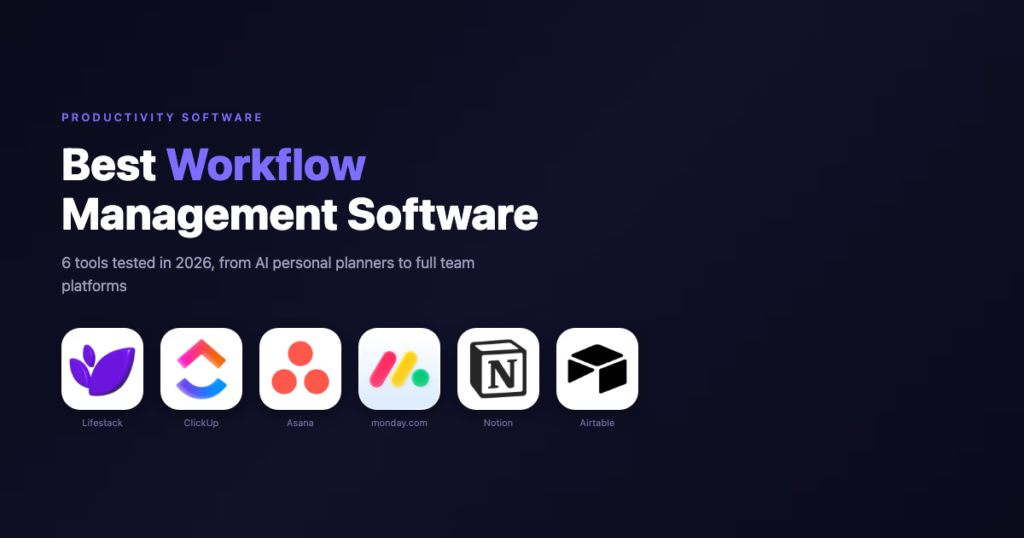
Many businesses rely on powerful workflow management platforms to improve productivity and collaboration.
Some of the most popular workflow tools include:
- ClickUp
- Asana
- Trello
- Monday.com
- Notion
- Jira
- Microsoft Planner
- Airtable
- Smartsheet
- Wrike
These tools offer different features for task management, project planning, collaboration, and workflow automation, allowing businesses to choose the platform that best fits their needs.
How AI Is Transforming Workflow Tools

Artificial Intelligence is making workflow tools smarter than ever before.
AI-powered workflow platforms can automatically prioritize tasks, summarize meetings, generate reports, predict project delays, and recommend the best course of action based on historical data.
Some AI features include:
- Smart task prioritization
- Automated scheduling
- AI-generated meeting summaries
- Workflow recommendations
- Predictive analytics
- Intelligent document creation
- Automated customer support
These capabilities help teams make faster decisions while reducing manual effort.
Choosing the Right Workflow Tool

Selecting the right workflow tool depends on your business requirements.
Before making a decision, consider:
- Ease of use
- Available integrations
- Automation capabilities
- Collaboration features
- Mobile accessibility
- Reporting and analytics
- Pricing
- Customer support
- Security and data protection
Testing free trials allows businesses to compare features before investing in a paid solution.
Best Practices for Workflow Management
Implementing workflow tools successfully requires more than simply installing software.
Businesses should clearly define their workflows before introducing automation. Team members should receive proper training to ensure consistent adoption.
Regularly reviewing workflows helps identify inefficiencies and opportunities for improvement. Businesses should also automate repetitive tasks while maintaining human oversight for important decisions.
Common Workflow Challenges
Although workflow tools improve productivity, organizations may still face challenges during implementation.
Some common issues include:
- Resistance to change
- Poor workflow planning
- Inconsistent task updates
- Lack of employee training
- Too many manual processes
- Choosing software with unnecessary features
Proper planning and continuous improvement help businesses overcome these challenges.
Future Trends in Workflow Tools

Workflow management will continue evolving as AI, automation, and cloud technology become more advanced.
Future workflow tools are expected to include:
- Advanced AI assistants
- Predictive project management
- Voice-controlled task management
- Real-time collaboration powered by AI
- Intelligent workflow automation
- Personalized productivity recommendations
- Enhanced security and compliance features
These innovations will make workflow management faster, more accurate, and more efficient than ever before.
Frequently Asked Questions (FAQs)
1. What are workflow tools?
Workflow tools are software applications that help individuals and teams organize tasks, automate processes, manage projects, and improve collaboration to increase productivity and efficiency.
2. Why are workflow tools important for businesses?
Workflow tools help businesses streamline operations, reduce manual work, improve communication, track project progress, and ensure tasks are completed on time, leading to higher productivity and better team performance.
3. What are the best workflow tools in 2026?
Some of the best workflow tools in 2026 include ClickUp, Asana, Trello, Monday.com, Notion, Jira, Airtable, Wrike, Smartsheet, and Microsoft Planner.
4. How do AI-powered workflow tools improve productivity?
AI-powered workflow tools automate repetitive tasks, prioritize work, generate meeting summaries, predict project delays, and provide smart recommendations, helping teams work faster and more efficiently.
5. Are workflow tools suitable for small businesses?
Yes. Many workflow tools offer affordable pricing and free plans, making them ideal for startups, freelancers, and small businesses looking to improve organization and collaboration.

