
Graphic design has become an essential skill in today’s digital world. Whether you’re creating social media graphics, business branding, website layouts, marketing materials, or digital illustrations, the right graphic design tools can make your work faster, easier, and more professional.
With so many design platforms available in 2026, choosing the best one can feel overwhelming. Some tools are perfect for beginners, while others offer advanced features for experienced designers. The ideal choice depends on your budget, skill level, and the type of projects you work on.
This guide explores the most popular graphic design tools, their strengths, and practical tips for selecting the right software to improve your creative workflow.
Why Graphic Design Tools Matter
Graphic design tools do much more than create attractive visuals. They help businesses communicate ideas, strengthen branding, and engage audiences across digital and print platforms.
Modern software also includes AI-powered features that automate repetitive tasks, suggest layouts, remove backgrounds, and even generate design ideas. As a result, designers can spend more time being creative and less time handling technical work.
Whether you’re a freelancer, business owner, student, or content creator, investing time in learning the right design tools can improve both productivity and design quality.
Key Features to Look for in a Graphic Design Tool
Before choosing a design platform, consider the features that matter most for your projects.
A good graphic design tool should offer an intuitive interface, customizable templates, advanced editing options, typography controls, layer management, export flexibility, and collaboration features. Cloud storage and AI-assisted design tools are also becoming increasingly valuable, especially for teams working remotely.
Choosing software that matches your workflow will save time and reduce frustration.
Popular Graphic Design Tools Compared
The following table highlights some of the most widely used graphic design tools in 2026.
| Tool | Best For | Key Strength |
|---|---|---|
| Canva | Beginners & Social Media | Easy drag-and-drop editing |
| Adobe Photoshop | Photo Editing | Advanced image manipulation |
| Adobe Illustrator | Vector Graphics | Professional logo and illustration design |
| Figma | UI/UX Design | Real-time team collaboration |
| Affinity Designer | Professional Design | One-time purchase with powerful features |
| CorelDRAW | Print & Branding | Precision vector editing |
| Adobe Express | Quick Marketing Designs | Fast templates and AI features |
| Inkscape | Open-Source Design | Free vector illustration software |
Each platform offers unique advantages depending on your creative goals.
Canva: The Beginner-Friendly Choice
Canva has become one of the easiest ways to create professional-looking graphics without advanced design skills.
Its drag-and-drop editor, thousands of templates, stock photos, and AI-powered tools make it ideal for creating presentations, social media posts, posters, resumes, and marketing materials.
Small businesses, students, and content creators often choose Canva because it allows them to produce attractive designs quickly.
Adobe Photoshop: The Industry Standard
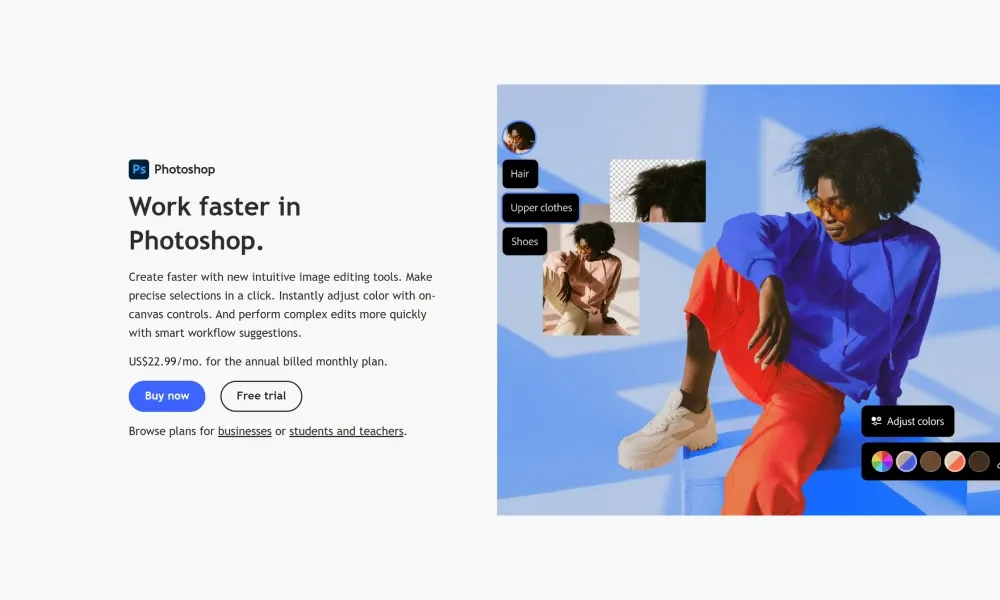
Photoshop remains one of the most powerful graphic design applications available.
It excels at photo editing, image retouching, digital painting, compositing, and advanced visual effects. Designers working in advertising, photography, and digital art continue to rely on Photoshop for its flexibility and professional-level editing tools.
Although the learning curve is steeper than beginner-friendly platforms, mastering Photoshop opens countless creative opportunities.
Adobe Illustrator for Vector Graphics
Illustrator specializes in creating vector graphics that remain sharp at any size.
Designers use Illustrator for logos, icons, illustrations, packaging, infographics, and branding materials because vector artwork can be resized without losing quality.
For anyone interested in logo design or brand identity, Illustrator remains one of the best investments.
Figma for Modern UI and UX Design
Figma has transformed how digital products are designed.
Its cloud-based collaboration allows multiple designers to work on the same project simultaneously. Developers, designers, and clients can review changes in real time, making communication much more efficient.
Figma is widely used for website design, mobile app interfaces, wireframes, and interactive prototypes.
Affinity Designer: A Budget-Friendly Alternative
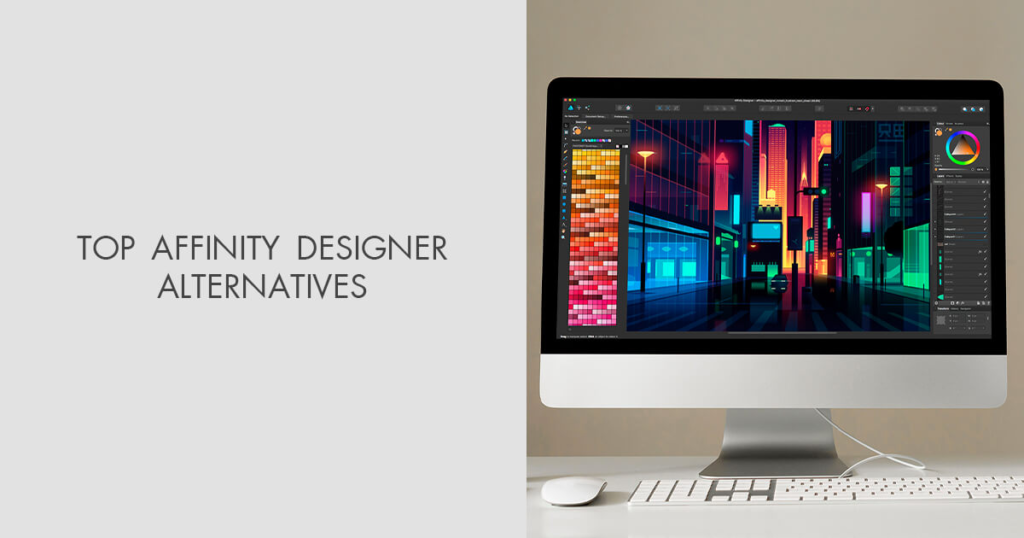
Affinity Designer has gained popularity among professionals looking for a powerful alternative to subscription-based software.
It offers professional vector and raster editing, smooth performance, and a one-time purchase model, making it attractive for freelancers and independent designers.
Many creative professionals appreciate its speed and affordability.
AI Is Changing Graphic Design
Artificial intelligence is becoming a valuable assistant for designers rather than replacing creativity.
Many modern design platforms now include AI features that generate layouts, suggest color palettes, remove backgrounds, improve image quality, create marketing graphics, and automate repetitive editing tasks.
These features allow designers to complete projects more efficiently while maintaining creative control.
Learning to combine AI tools with human creativity is becoming an essential skill in today’s design industry.
Tips for Choosing the Right Graphic Design Tool
The best software depends on your personal goals.
If you’re new to graphic design, choose a platform with simple templates and an intuitive interface. If you’re creating logos or illustrations, vector-based software is a better option. Professional photographers often benefit from advanced image editing applications, while UI designers typically prefer collaborative cloud-based tools.
Instead of focusing only on popularity, consider your daily workflow, learning curve, and long-term needs.
Improve Your Graphic Design Skills

Even the best software cannot replace strong design fundamentals.
Learning color theory, typography, spacing, composition, and visual hierarchy will improve every project regardless of which application you use.
Practicing regularly, studying successful designs, and experimenting with different styles are some of the fastest ways to grow as a designer.
Over time, you’ll discover which tools fit your creative process best.
Common Mistakes to Avoid
Many beginners rely too heavily on templates without adding originality.
Using too many fonts, overcrowding layouts, ignoring white space, choosing poor color combinations, and exporting files in the wrong format can reduce design quality.
Keeping designs simple, balanced, and consistent usually produces more professional results.
The Future of Graphic Design Tools
Graphic design software continues to evolve rapidly.
Cloud collaboration, AI-assisted editing, 3D design integration, motion graphics, and automation are becoming standard features across many platforms.
As technology advances, designers who continue learning new tools while strengthening their creative skills will remain competitive in the industry.

