
Creating good-looking graphics is no longer something reserved for professional designers. With the right online tools, beginners, students, bloggers, freelancers, and small businesses can create attractive visuals without spending years learning complicated software.
The bigger challenge today is choosing the right tool. There are countless platforms available, and each one is designed for a different purpose. Some help you create complete designs, while others are better for finding images, selecting fonts, building color palettes, editing photographs, or adding illustrations.
A useful design toolkit does not need to contain dozens of applications. The goal is to find a few reliable tools that fit naturally into your workflow. The following options can make everyday graphic design easier and more enjoyable.
Canva: A Convenient Starting Point
Canva is a practical choice for anyone who wants to create graphics without dealing with a complicated interface. Its drag-and-drop approach makes it easy to design social media posts, presentations, posters, invitations, thumbnails, documents, and other visual content.
One of the most useful features is the large collection of templates. Starting with a template can remove the pressure of creating a design from an empty page. You can adjust the text, images, colors, fonts, and shapes until the design feels appropriate for your project.
Templates are particularly helpful when you regularly create similar content. Instead of starting over each time, you can develop a basic layout and make small changes whenever you need a new graphic.
The biggest advantage is convenience. You may not get the same level of control offered by advanced professional software, but that extra complexity is not always necessary. For everyday projects, getting a clean result quickly can be much more valuable.
Material Design: Understand the Basics
Material Design is useful for people who want to understand design principles rather than simply rely on ready-made templates.
Good design is about more than attractive pictures. Spacing, typography, color, alignment, hierarchy, and layout all influence how people understand visual information.
For someone starting out, these concepts may seem complicated. With practice, however, you begin to notice why some layouts feel comfortable while others appear crowded or confusing.
Material Design can provide useful guidance when creating websites, applications, presentations, and digital graphics. Learning basic principles can also improve your work across different design tools because you are no longer depending entirely on templates.
Noun Project: Make Good Use of Icons
Noun Project can be helpful when you need an icon to communicate an idea quickly.
Icons are useful in presentations, infographics, websites, educational materials, and social media graphics. A simple symbol can sometimes explain an idea more quickly than a paragraph of text.
The important part is consistency. If one section uses thin-line icons and another uses heavy, colorful illustrations, the design may feel disconnected.
Before choosing an icon, consider its shape, size, line weight, and visual style. Using icons that belong to the same general style can make the entire project feel more polished.
Carrd: Create a Simple Landing Page
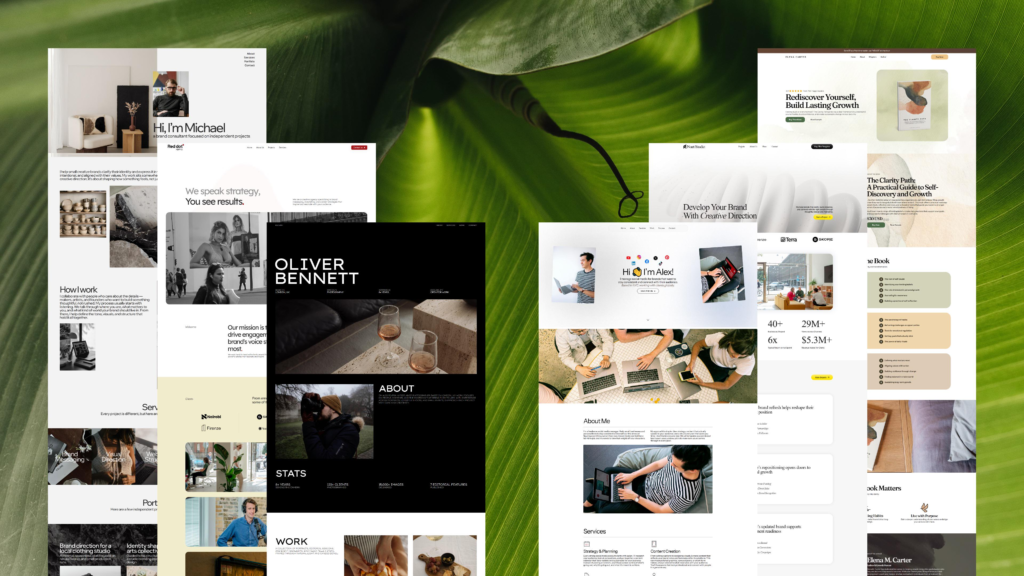
Carrd focuses on creating simple, responsive one-page websites.
This can be useful for freelancers, creators, small businesses, or anyone who needs a straightforward online presence. A single page can introduce a service, display a portfolio, promote a project, or provide important contact information.
A landing page does not always need numerous sections. A clear headline, concise information, attractive visuals, and an obvious next step can often accomplish the goal.
Keeping a page simple can also make it easier for visitors to understand what you are offering. Too many elements can distract people from the main message.
WhatFont: Find Fonts You Like
Typography has a major effect on the personality of a design. A font can make something feel modern, traditional, playful, professional, or informal.
Sometimes you come across a website and immediately notice a font that would work well for your own project. WhatFont can help identify fonts used on websites.
This can be useful during design research. Instead of guessing the name of a typeface, you can investigate it and explore similar options.
Still, finding a font does not mean it is automatically the right choice. Think about readability and the purpose of your design. A decorative font may look excellent in a headline but become difficult to read in a paragraph.
In many projects, keeping typography simple works best. Two complementary fonts can be enough to create a clear visual structure.
Build Better Color Palettes
Color selection can be one of the trickiest parts of design. A shade may look beautiful by itself but become difficult to use once it is combined with other colors.
Rather than choosing random colors for every element, start with a small palette. You might have one primary color, a supporting shade, and one or two neutral tones.
From there, you can adjust the palette depending on the mood and purpose of the project.
For example, a business presentation may benefit from a restrained palette, while a children’s project might use brighter and more energetic combinations.
Most importantly, remember readability. A visually interesting color combination is not useful if the text becomes difficult to see.
Google Fonts: Explore Typography Options
Google Fonts provides a wide collection of fonts that can be explored online.
It is useful for bloggers, website creators, designers, developers, and anyone working on digital content. You can browse different styles and narrow your search based on your requirements.
When selecting a font, avoid judging it only by a large headline. Type some of your actual content into the font and look at it in a smaller size.
A typeface that looks impressive in a title may not work well for long paragraphs. Reading comfort should always be part of the decision.
ColorPick Eyedropper: Capture Colors
Sometimes a website or graphic contains a color that you would like to use as inspiration. Guessing the shade by eye can be difficult.
ColorPick Eyedropper can help identify colors displayed in a browser.
This is particularly useful when studying design inspiration. Instead of wondering whether a particular shade is blue, gray, green, or something in between, you can get a more precise color value to work from.
You can then use that information to create a related palette for your own project.
Color Thief: Get Inspiration From Images
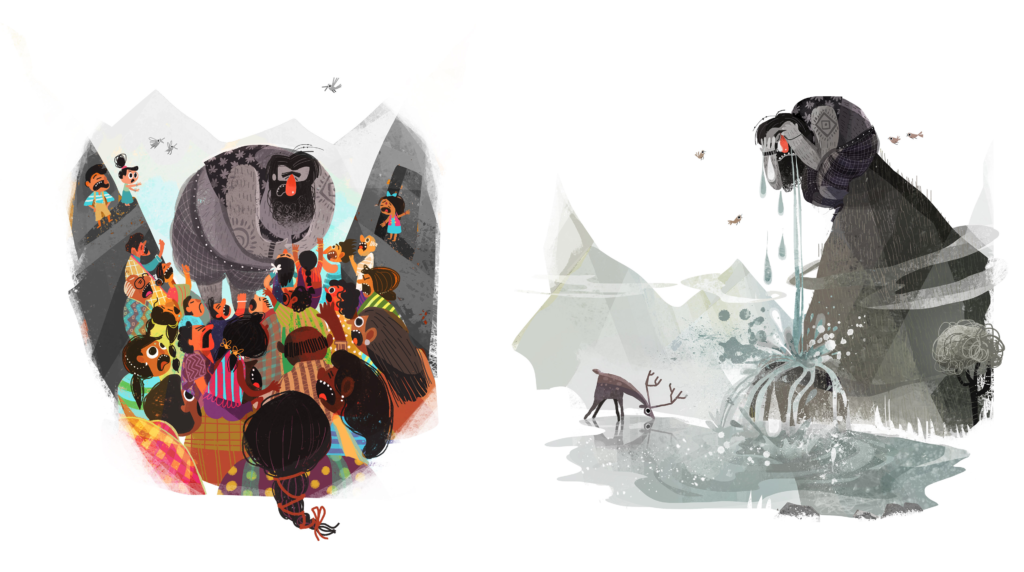
Photographs often contain beautiful color combinations naturally. Color Thief can extract dominant colors from an image.
This can be useful when you want your graphic to feel visually connected to a particular photograph.
For example, imagine you are creating a promotional graphic around a landscape photo. Instead of choosing completely unrelated colors, you can take inspiration from the colors already present in the image.
Those shades can then be used for headings, backgrounds, borders, buttons, or other design elements.
This small technique can help a project feel more coordinated without requiring advanced design knowledge.
Unsplash: Find Suitable Photography
Unsplash is a useful source for photographs when you need visual material for a creative project.
A high-quality photograph can immediately improve the appearance of a graphic, but simply choosing a beautiful image is not enough. The photograph should support the message.
Think about composition, lighting, subject, and available space. If you plan to place text over the photograph, look for an area that is relatively uncluttered.
For example, an image with open space on one side may work much better for a blog banner than a photograph where every part of the frame contains important details.
Before using any image commercially, always check the current licensing and usage conditions.
Artgrid: Add Video to Creative Projects
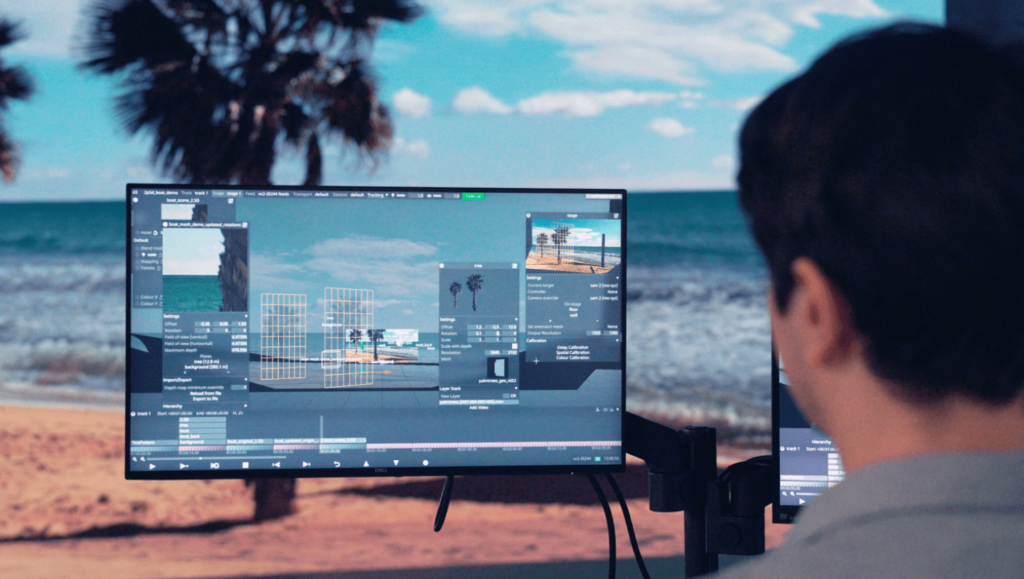
Artgrid focuses on stock video footage and can be useful when your visual work includes video.
Video content has become common across websites, social platforms, presentations, advertising, and other digital projects. Stock footage can save time when recording original material is not practical.
However, avoid choosing footage simply because it looks impressive. A beautiful clip can still be the wrong choice if it has nothing to do with your message.
Think about the story you are trying to tell. The best footage should support that story rather than compete with it.
LunaPic: Make Quick Image Edits
LunaPic is a straightforward online image editor for basic adjustments and creative effects.
It can be convenient for simple jobs such as cropping, resizing, converting an image to black and white, or applying artistic effects.
One advantage of a lightweight editor is that you can complete a small task without learning a large collection of professional features.
For advanced photo manipulation, you may eventually need more powerful software. But when the job is simple, a simple editor can often save both time and effort.
FAQs
1. What are graphic design tools?
Graphic design tools help you create, edit, and improve visual content such as graphics, presentations, websites, and social media posts.
2. Which design tool is good for beginners?
A simple template-based design platform is a good starting point for beginners because it is easy to learn and use.
3. How do I choose the right design tool?
Choose a tool based on your project, such as graphics, fonts, colors, images, illustrations, or photo editing.
4. Are free design tools useful?
Yes. Many free tools provide enough features for everyday designs and basic creative projects.
5. Do I need many design tools?
No. A small collection of tools that fits your workflow is usually better than using too many platforms.

