
Modern digital media production has transformed from an exclusive industry reserved for high-budget studios into a widespread, accessible form of personal and professional communication. In recent years, image processing algorithms and browser-based software architectures have advanced significantly, enabling complex pixel manipulation without heavy computational costs. Powerful photo editing capabilities are no longer gated behind expensive subscription plans or high-end desktop hardware, allowing creators across all skill levels to craft polished, high-impact visuals.
By combining browser-based processing, open-source development, and machine learning models, modern editing applications provide tools thatrival legacy desktop software. Whether you are fine-tuning raw camera files, designing multi-channel promotional graphics, or retouching portrait photography, free image editing software delivers unprecedented flexibility. Embracing these high-performance platforms enables both independent creators and established teams to optimize creative budgets while maintaining uncompromising visual standards.
Why Free Photo Editing Software Is More Essential Than Ever
In today’s fast-moving digital ecosystem, the demand for eye-catching visual content across websites, social feeds, and digital publications continues to surge. However, recurring software license fees can present a significant financial barrier for independent creators, non-profit organizations, and growing businesses. Free image editing tools eliminate financial friction, granting access to advanced retouching, color grading, and composition capabilities without ongoing overhead costs.
Beyond cost savings, modern free editors have evolved beyond basic cropping and simple filter application. Many feature non-destructive editing workflows, granular layer management, and intelligent automation tools that handle complex tasks—such as masking hair or isolating subject selections—in seconds. By delegating tedious technical chores to automated processing tools, creators can focus their energy on artistic direction, visual storytelling, and brand strategy.
1. GIMP: Comprehensive Open-Source Image Manipulation
GIMP stands out as a flagship open-source photo editor, delivering a deep feature set designed for professional image manipulation, digital painting, and graphic design. With comprehensive support for advanced layer structures, custom channels, path vectors, and parametric brushes, GIMP provides users with uncompromised creative control over every pixel. Its extensible architecture supports an extensive library of community-developed plugins, allowing users to customize their editing workspace to suit specific production demands.
For graphic designers, photo retouchers, and digital artists who require deep technical control without commercial licensing fees, GIMP serves as a capable desktop workhorse. The platform excels at complex retouching tasks, color channel separation, and precision masking. Its cross-platform support across Linux, macOS, and Windows ensures that professional-grade photo manipulation remains accessible across diverse operating systems.
2. Canva Free: Streamlined Design and Visual Communication
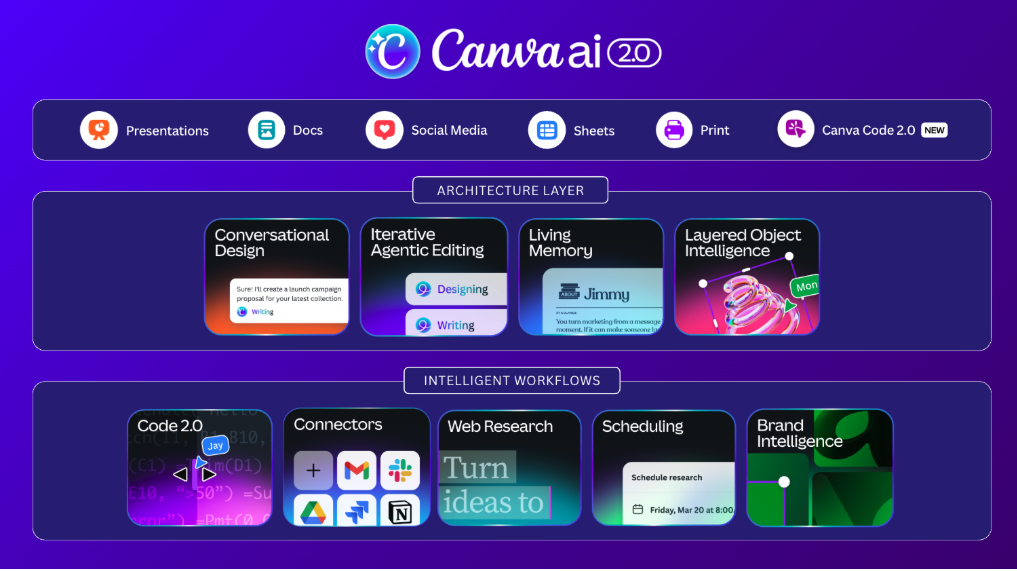
Canva Free simplifies visual content creation by integrating basic photo editing tools directly into an intuitive, template-driven design environment. Users can easily adjust brightness, contrast, and color saturation, apply stylistic filters, and execute precision image crops within a drag-and-drop workspace. The platform’s built-in asset library and layout templates allow creators to transform static photographs into compelling graphics for social channels, presentations, and marketing collateral effortlessly.
Canva is particularly well-suited for social media managers, educators, small business owners, and non-designers who prioritize production speed and brand consistency. Its cloud-native architecture allows team members to review, edit, and publish graphics concurrently from any web browser or mobile device. By combining accessible photo editing tools with broad layout functionality, Canva Free offers a complete visual communication hub for fast-paced digital workflows.
3. Photopea: Advanced Web-Based Photoshop Alternative
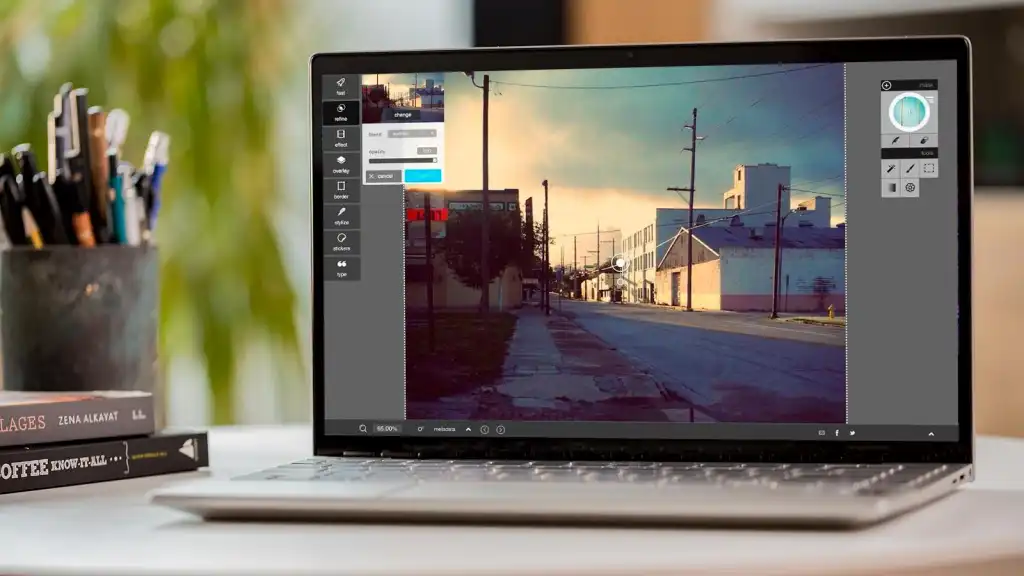
Photopea delivers a full-featured editing environment directly inside your web browser, matching the interface layout, keyboard shortcuts, and workflow logic of industry-standard desktop applications. Operating locally within the browser memory, it supports native opening and exporting of PSD, AI, Sketch, XD, and RAW files without requiring server uploads. This client-side architecture guarantees exceptional performance and privacy, making it an ideal choice for editing on Chromebooks or secondary workstations.
For designers and retouchers looking for a familiar desktop-class editor on demand, Photopea eliminates installation steps entirely. The software supports raster layer masks, smart objects, vector shape paths, adjustment layers, and advanced layer blending modes. It represents a highly agile web application capable of executing complex image editing workflows wherever an internet connection is available.
4. Pixlr: Flexible Cloud-Based Image Processing
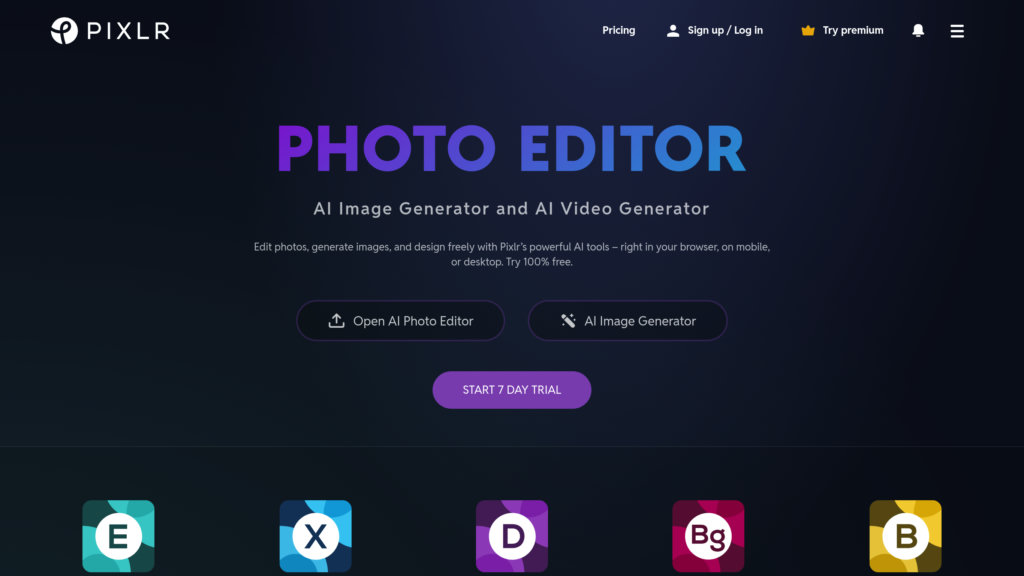
Pixlr provides an accessible web editing solution divided into streamlined workspaces designed for both rapid visual adjustments and deeper layer-based editing. Utilizing cloud-based processing and machine learning models, Pixlr enables users to perform automatic background isolations, apply creative lighting effects, and execute one-click color enhancements instantly. Its lightweight, browser-first engine ensures smooth execution across low-spec hardware and mobile devices.
The platform benefits bloggers, e-commerce vendors, and social content managers who require quick turnarounds on product photography and web assets. With intuitive collage builders, typography overlays, and preset filters, users can turn raw photos into engaging web graphics in minutes. Pixlr offers a balanced digital workspace that sits comfortably between basic image viewers and complex desktop editors.
5. Adobe Express Free: Quick Marketing and Graphic Assets
Adobe Express Free brings professional publishing tools into a fast, template-centered web application designed for rapid marketing content creation. Users can access a rich set of quick-action utilities to instantly resize images, convert file formats, crop compositions, and remove image backgrounds with high precision. By drawing on Adobe’s extensive design ecosystem, Express gives users direct access to high-quality typography and royalty-free design elements.
Marketing teams, community managers, and independent content creators rely on Express to keep social feeds updated with cohesive, branded imagery. The software connects effortlessly with Adobe Creative Cloud libraries, allowing assets created in professional desktop environments to be adapted quickly by non-designer team members. It delivers a polished, user-friendly editing experience optimized for speed and visual consistency.
6. Fotor: Intelligent Portrait Retouching and Enhancement
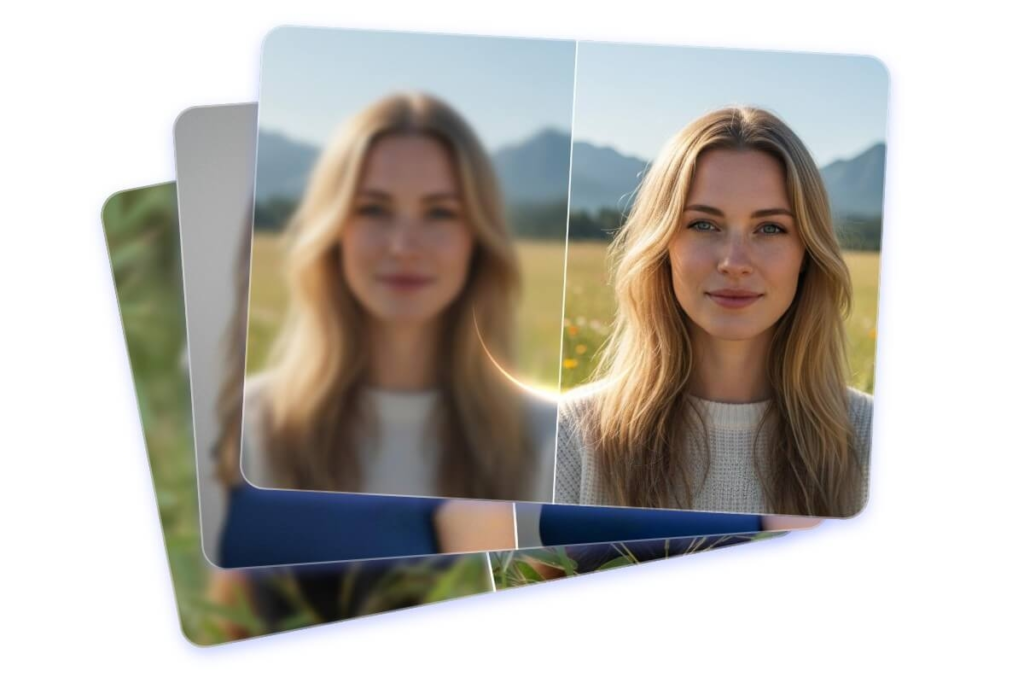
Fotor specializes in automated image enhancement and accessible portrait retouching through a clean, user-friendly interface. The software includes dedicated toolsets for skin smoothing, blemish removal, teeth whitening, and facial reshaping, alongside traditional color balancing and exposure controls. Its automated high-dynamic-range (HDR) processing engine allows users to combine multiple bracketed exposures into balanced, high-contrast landscape photographs effortlessly.
Fotor is an excellent choice for portrait photographers, real estate agents, and social media influencers who require fast, reliable retouching workflows. The platform also offers batch processing capabilities, allowing creators to apply uniform color adjustments, watermarks, and resizes across large image galleries simultaneously. It acts as an efficient photo enhancement suite tailored for fast visual polishing.
7. Krita: Creative Illustration and Vector Painting
Krita is a world-class open-source painting suite designed primarily for digital concept artists, illustrators, and animators, while offering robust photo editing and texture compositing tools. Its advanced brush engine features customizable brush stabilization, seamless texture tile modes, and extensive layer management tools that rival premium digital art suites. Photo editors benefit from its support for non-destructive filter layers, color space management, and high-bitrate image canvases.
For visual artists who frequently blend digital painting techniques with photographic textures, Krita provides an ideal creative sandbox. Users can composite photo elements into painted environments, apply painterly filter effects, and refine color balances using professional color management pipelines. Krita remains a vibrant, community-driven platform for creative visual development.
8. Darktable: Professional Non-Destructive RAW Processing
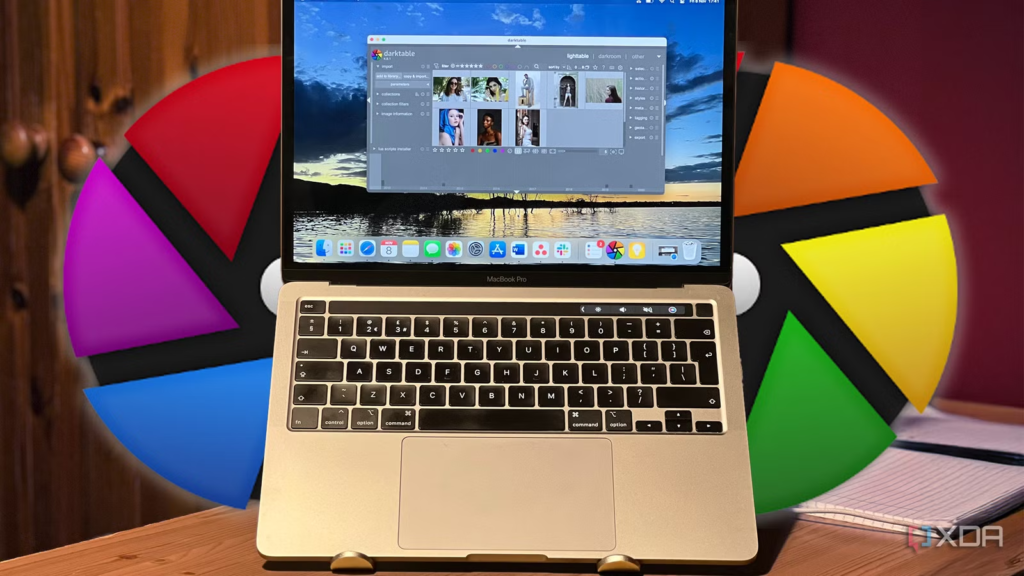
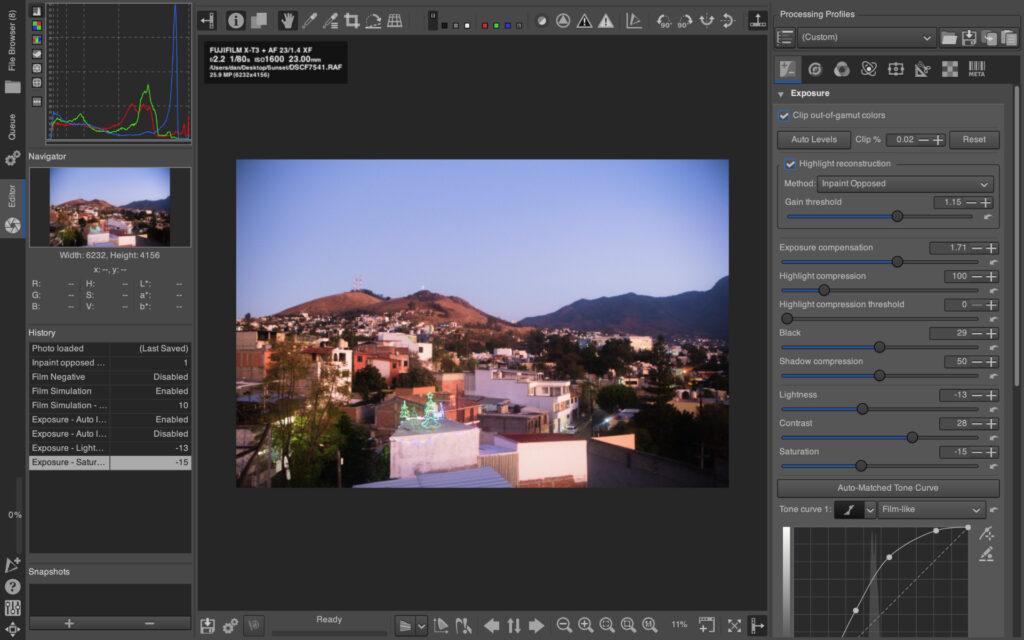
Darktable operates as a virtual lighttable and darkroom for photographers who require rigorous, non-destructive processing of RAW camera files. Designed as an open-source alternative to commercial photo management software, Darktable manages camera sensor data with high-precision 32-bit floating-point processing. Its advanced module system gives photographers granular control over shadow recovery, highlight reconstruction, lens distortion corrections, and color grading profiles.
Professional photographers, documentarians, and serious photography enthusiasts rely on Darktable to process large shoots efficiently. The software features robust digital asset management, allowing users to tag, rate, filter, and organize tens of thousands of RAW files within a unified database. Darktable delivers a studio-grade photographic workflow focused entirely on preserving image quality and color fidelity.
9. Inkscape: Precision Vector Graphics and Asset Preparation
Inkscape serves as the open-source benchmark for vector graphics creation and SVG editing, offering powerful tools for graphic designers, logo creators, and technical illustrators. While its primary focus is node-based vector manipulation, Inkscape includes sophisticated tools for embedding, tracing, and compositing raster photographs into vector layouts. Its precise bitmap tracing engine allows users to convert photographic raster inputs into scalable vector paths with high accuracy.
Designers building brand identities, technical diagrams, or print layouts benefit from Inkscape’s complete adherence to open standards. The platform supports complex path operations, live path effects, gradient meshes, and professional export parameters. Inkscape acts as an essential vector design tool that expands the boundaries of traditional pixel-based photo editing.
10. Paint.NET: Lightweight Desktop Pixel Editing
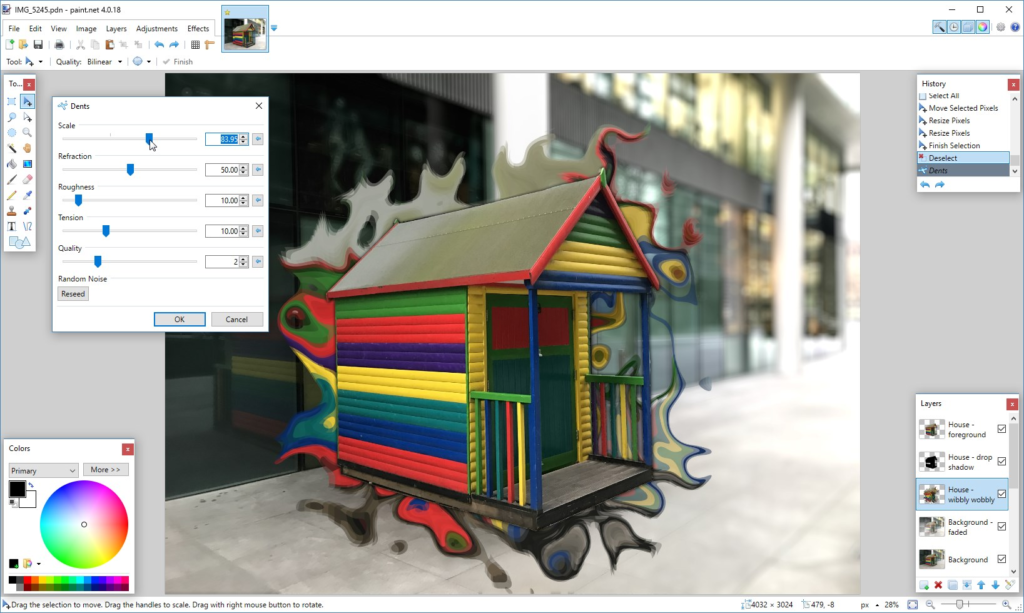
Paint.NET delivers an agile Windows-native editing experience that strikes a sweet spot between basic default drawing tools and heavy professional editing suites. Featuring an intuitive tabbed interface, full layer support, real-time special effect filters, and active community plugin support, Paint.NET launches instantly and consumes minimal system resources. Its active developer ecosystem has produced hundreds of custom plugins, adding support for specialized file formats and advanced adjustments.
For everyday computer users, office workers, and web producers who need to execute quick crops, layer composites, and color corrections without a steep learning curve, Paint.NET is an ideal utility. Its lightweight memory footprint ensures fast operation even on older PC hardware. Paint.NET remains a dependable, user-friendly desktop editor for daily image processing tasks.
Key Capabilities to Evaluate in Free Image Software
Selecting the optimal free photo editor requires identifying the specific technical capabilities needed for your visual projects. Evaluating software based on core file handling, rendering performance, and workflow flexibility helps prevent technical bottlenecks mid-project.
| Feature Category | Core Capability | Key Operational Advantage |
| Layer Management | Non-destructive blending, masks & adjustment layers | Allows complex compositing without altering original pixel data. |
| RAW Processing | High-bitrate sensor data decoding & lens profiles | Maximizes dynamic range, highlight recovery, and color accuracy. |
| Web Performance | Client-side WebAssembly execution & cloud sync | Enables smooth editing in browsers without server latency. |
| Vector Integration | Raster-to-vector tracing & SVG export formats | Facilitates scalable logo design and clean graphic outputs. |
Matching these functional capabilities to your specific medium—whether web graphics, print collateral, or fine-art photography—ensures maximum production efficiency and visual quality.
Fundamental Practices for Achieving Professional Photo Results

Access to high-performance editing software is only one part of producing stunning visual media; applying disciplined editing techniques is equally critical. Always start your post-processing workflow with the highest-resolution source image available, preferably in an uncompressed RAW format, to preserve max detail across highlight and shadow tones. Working non-destructively using layer masks and adjustment layers ensures that your original image file remains pristine and open for future adjustments.
When fine-tuning image aesthetics, favor incremental adjustments over drastic slider shifts. Subtle color grading, restrained contrast curves, and strategic local exposure adjustments yield far more natural, professional compositions than heavy global filter applications. Finally, calibrate your visual workspace and tailor output sharpening specifically to your final target medium—whether digital screen displays or physical print runs—to guarantee that your finished work translates accurately.
Emerging Innovations Reshaping the Photo Editing Landscape
The photo editing field continues to undergo rapid technological evolution, driven by advancements in client-side processing power, machine learning models, and cloud infrastructure. Modern editors are increasingly deploying automated semantic segmentation, allowing software to instantly recognize and separate human subjects, skies, and foreground objects without manual selection tracing. Generative image expansion tools allow editors to extend tight camera crops seamlessly, synthesizing believable background detail based on context.
Simultaneously, web-first technologies like WebAssembly are bridging the performance gap between web applications and native desktop software. Users can now run high-bitrate color grading pipelines and complex filter calculations directly inside standard browser windows at near-native speeds. As these technologies continue to mature, free photo editing software will become even more powerful, intuitive, and central to modern digital creation.

