
The way we work, learn, shop, and manage daily responsibilities has fundamentally shifted. Just a few years ago, artificial intelligence (AI) and automated systems were viewed as niche tools reserved for tech giants, data scientists, and software developers. Fast forward to 2026, and technology has become an everyday companion for students, small business owners, corporate employees, content creators, and freelancers alike.
Today, the core focus has moved beyond the novelty of “smart technology.” Instead, the priority is finding practical, reliable methods to streamline workflows, eliminate repetitive busywork, and solve real-world problems efficiently.
Whether organizing messy notes, scheduling meetings, drafting emails, or managing complex business operations, modern digital tools allow us to spend less time on mundane administration and more time on high-value, creative tasks.
1. Understanding the Baseline: AI vs. Automation
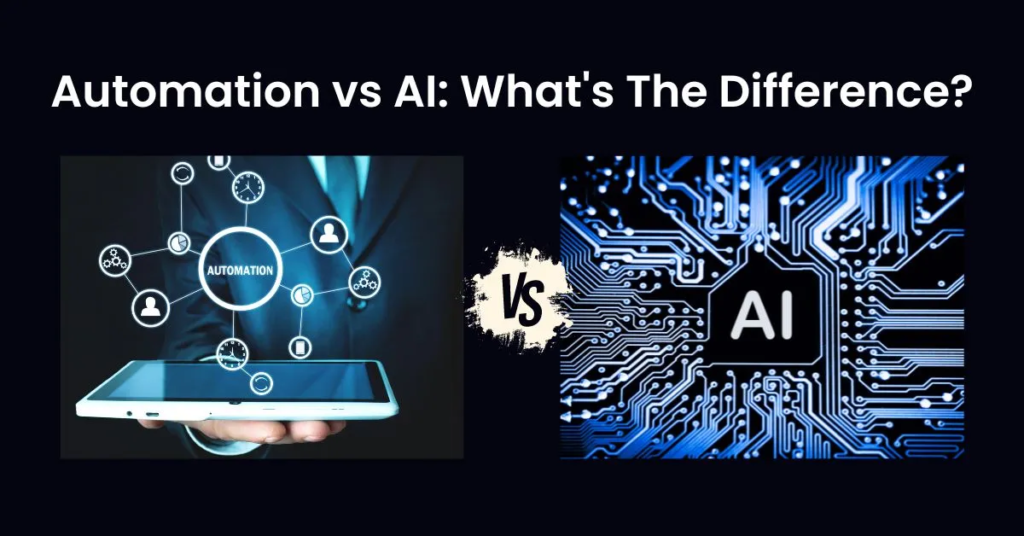
To build an efficient personal or professional digital workflow, it helps to distinguish between artificial intelligence and traditional automation, as well as how they complement each other.
- Traditional Automation: Operates strictly on predefined, rule-based instructions. It performs repetitive, highly predictable tasks without variation. For instance, an automated email system might instantly send a standardized welcome message whenever a new user fills out a web form.
- Artificial Intelligence: Focuses on interpreting context, recognizing patterns, evaluating unstructured data, and generating recommendations or solutions. Rather than following a strict line-by-line script, AI learns from underlying data to handle nuanced information.
- Hybrid Intelligent Automation: Bridges the gap between the two. When combined, a system can carry out dynamic multi-step processes. For example, an AI-driven support workflow doesn’t just save a customer inquiry to a spreadsheet; it reads the message, interprets the customer’s sentiment, extracts technical details, drafts a custom resolution, and routes the ticket to the appropriate team member.
2. The Shift Toward Goal-Oriented AI Agents
One of the defining shifts in 2026 is the evolution from basic conversational chatbots to goal-driven AI agents. Standard assistants respond primarily to single prompts, but autonomous agents can take a high-level goal, break it down into logical steps, and execute those steps across multiple connected platforms under human supervision.
Consider planning a corporate event or weekend trip:
- Basic Assistant: Generates a static list of popular venues or hotel options.
- AI Agent: Reviews specified dates, checks flight and accommodation APIs within budget constraints, drafts a preliminary itinerary, and prepares a structured booking summary.
Safety Rule: Autonomous agents work best within strict parameters. Always implement a human-in-the-loop checkpoint before authorizing actions involving financial transactions, confidential databases, or external customer communication.
3. Transforming Content Creation and Research
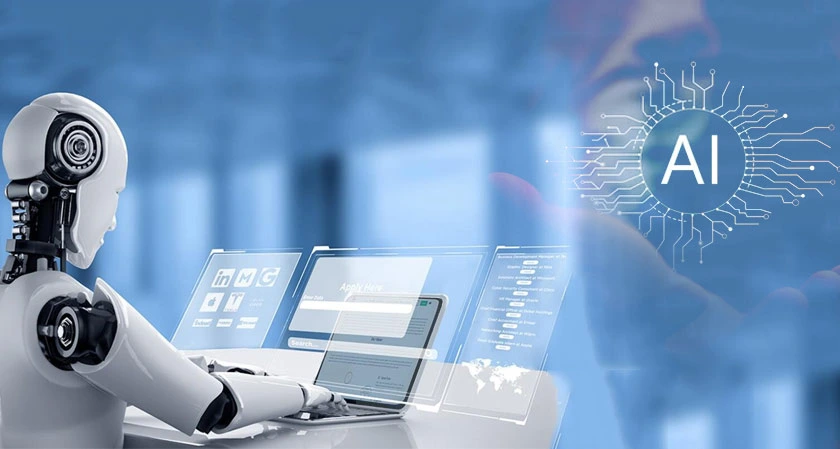
Content strategists, writers, educators, and researchers increasingly use intelligent assistants to refine ideation and structure complex projects. Instead of starting with a blank page, creators use technology to analyze user intent, map out primary research questions, and organize topic hierarchies.
A Reliable Research-to-Publication Framework
- Intent Mapping: Group raw research questions and user queries into logical sub-topics.
- Structural Outlining: Establish clear section headers (H2, H3) to ensure logical flow before drafting prose.
- Drafting & Fact-Checking: Write core sections while manually verifying every statistic, date, quote, or technical claim against primary sources.
- Editorial Polish: Refine tone, eliminate repetitive language, and add unique human experience and real-world examples.
While digital tools speed up structural research, human editorial judgment remains essential to ensure accuracy, maintain brand voice, and deliver genuine value to readers.
4. Modernizing Workplace Productivity
Modern productivity platforms aim to minimize “context-switching”—the focus lost when toggling between email inboxes, calendar apps, task management tools, and internal documents.
| Tool Category | Everyday Application | Primary Benefit |
|---|---|---|
| Writing Assistants | Polishing technical documents, drafting email updates | Reduces time spent on routine drafting and proofreading |
| Meeting Summarizers | Extracting action items from audio recordings | Keeps teams aligned without manual note-taking |
| Task Managers | Prioritizing daily agendas based on deadlines | Prevents missed deadlines and reduces planning fatigue |
| No-Code Automation | Syncing web form entries to internal CRM databases | Eliminates repetitive cross-platform data entry |
Strategy: Identify your single biggest bottleneck during the workday. If administrative communication takes two hours every morning, start by creating template assistants for routine replies before introducing complex integrations.
5. No-Code and Low-Code Operations

Automation is no longer restricted to software developers. Visual drag-and-drop platforms allow non-technical individuals to connect software apps and build custom background workflows without writing code.
To build reliable automated workflows, follow these best practices:
- Validate Inputs: Ensure data collection forms reject incomplete submissions before triggering downstream apps.
- Build Alert Gates: Set up direct notifications (via email or messaging apps) to alert team members immediately if an API connection drops.
- Test in a Sandbox: Run test entries using mock data before applying new automations to live customer databases.
6. Next-Generation Customer Support
Customer service standards have evolved beyond rigid decision-tree chatbots. Modern AI support systems evaluate natural language questions, cross-reference internal policy documents, and supply accurate, helpful answers in real time.
When an inquiry involves complex account changes, technical edge cases, or frustrated customers, the system summarizes the context and seamlessly transfers the conversation to a human representative. This hybrid approach resolves routine inquiries rapidly while reserving human empathy and critical thinking for sensitive situations.
7. Interactive Learning and Skill Building
Self-directed education has been transformed by conversational models that act as personal interactive tutors. Learners can request simple explanations for complex concepts, generate custom practice sets, and receive targeted feedback on assignments.
The Iterative Learning Loop
- Independent Attempt: Try solving a problem, drafting code, or writing prose on your own first.
- Targeted Review: Submit your work to an assistant with instructions like: “Identify logical errors in this attempt and explain the underlying principle without giving the direct answer.”
- Application: Revise your work based on the feedback, then test your understanding on a brand-new scenario without assistant tools.
8. Responsible Health Management and Wellness
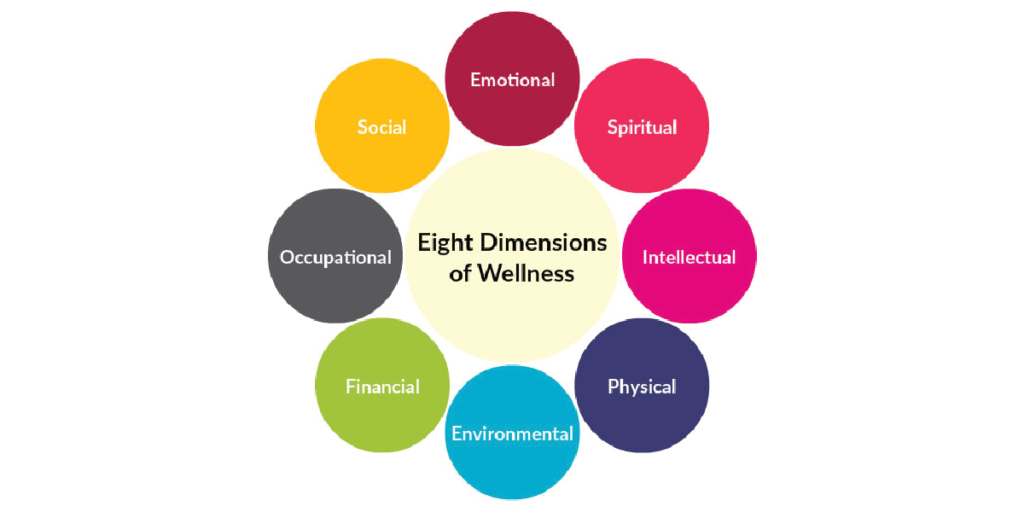
In healthcare and personal wellness, digital tools assist with behind-the-scenes administration, such as organizing clinical records, summarizing medical literature, and formatting symptom histories.
For individual wellness, these platforms help organize exercise schedules, log dietary habits, and format health records prior to clinical visits.
Important Disclaimer: Automated summaries are useful for personal record-keeping, but they are not a substitute for professional clinical diagnosis, medical evaluation, or personalized advice from certified healthcare providers.
9. Cybersecurity and Threat Awareness
As personal and business activities shift online, security systems rely on machine learning to flag suspicious behavior in real time—such as unexpected geographical logins or abnormal database requests.
Concurrently, cybercriminals use modern tech to create sophisticated phishing emails and scam calls. To maintain digital security:
- Use strong, unique passwords stored within a dedicated password manager.
- Enable hardware-key or app-based multi-factor authentication (MFA) across all accounts.
- Independently verify unexpected requests for money or sensitive data using confirmed communication channels.
10. Practical Blueprint for Beginners
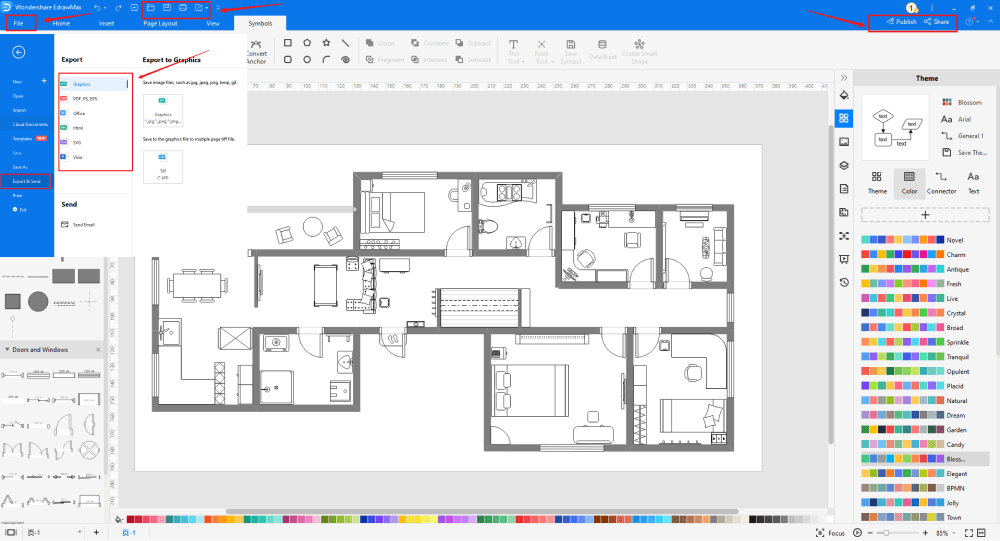
Integrating technology into your routine doesn’t require technical expertise. Start with a clear, low-risk workflow using these five steps:
- Identify One Problem: Pinpoint a specific, repetitive task that consumes time daily.
- Select a Target Tool: Choose a single app designed explicitly to address that friction point.
- Run Low-Risk Tests: Practice using dummy data or non-critical internal drafts.
- Evaluate Results: Measure time saved against the effort required to check and correct outputs.
- Scale Step-by-Step: Add secondary features or additional integrations only after your initial workflow works reliably.
The Road Ahead
The future of technology centers on building connected, human-centered environments. By pairing smart tools with critical thinking, ethical judgment, and practical oversight, both individuals and organizations can eliminate operational friction and dedicate more energy to meaningful work.
Frequently Asked Questions
1. What is the main difference between traditional automation and AI?
Traditional automation follows rigid, predefined rules to repeat routine tasks, while AI learns from data to interpret context, language, and complex patterns.
2. What is an autonomous AI agent?
An AI agent is a tool that takes a high-level goal, breaks it into logical steps, and carries out tasks across connected apps under human supervision.
3. How can beginners start using AI and automation safely?
Beginners should start with low-risk tasks—like organizing notes or drafting emails—before delegating work that involves money, private data, or critical accounts.
4. Why is human oversight still necessary when using AI content tools?
Human judgment is essential to fact-check information, fix inaccurate details, and add the real-world experience, empathy, and tone that AI cannot produce.
5. How do AI tools help improve daily personal productivity?
They reduce repetitive work by summarizing long documents, organizing task lists, drafting routine communications, and syncing information across your favorite applications.