
Creativity has changed dramatically in recent years. You no longer need Creative Tools expensive equipment, complicated software, or a professional studio to turn an idea into something impressive. In 2026, creative tools are making it easier for designers, writers, marketers, students, creators, and businesses to bring their ideas to life.
From AI-powered image generators and graphic design platforms to video editors, writing assistants, presentation makers, and audio tools, there is software for almost every creative task. The right tool can save time, simplify complicated work, and give you more room to experiment.
But with so many options available, choosing the right creative software can be difficult. This guide explores the major types of creative tools, how they are changing creative workflows, and what to consider before adding a new tool to your toolkit.
What Are Creative Tools

Creative tools are software applications and digital platforms that help people create, edit, improve, and share digital content.
They can support many different activities, including:
- Graphic design
- Image editing
- Video production
- Writing and content creation
- Presentation design
- Audio editing
- Animation
- Illustration
- Social media content creation
- AI-assisted creative work
Some tools are designed for beginners and focus on simplicity, while others offer advanced controls for professional creators.
The biggest change in 2026 is that many creative platforms now include AI-powered features. Instead of performing every task manually, users can generate ideas, remove backgrounds, create layouts, edit videos, improve audio, or transform content with just a few instructions.
Why Creative Tools Matter in 2026
Digital content is everywhere. Businesses need social media graphics, creators need videos, marketers need campaigns, and professionals need presentations. Producing all of this manually can take significant time.
Creative software helps reduce that workload.
A designer might use templates to create a campaign faster. A content creator could automatically generate captions for a video. A marketer might use an AI writing assistant to brainstorm several headline ideas before selecting and editing the strongest one.
The goal is not simply to create content faster. Good creative tools give users more freedom to experiment.
Key Benefits at a Glance
| Benefit | How It Helps |
|---|---|
| Faster workflows | Reduces repetitive manual tasks |
| Easy creation | Makes advanced features accessible |
| AI assistance | Helps with ideas, editing, and automation |
| Better consistency | Supports reusable templates and brand styles |
| Collaboration | Makes teamwork easier |
| Experimentation | Allows creators to test multiple ideas quickly |
Popular Types of Creative Software
There isn’t one tool that works perfectly for everyone. Different creative projects require different capabilities.
1. Graphic Design Tools
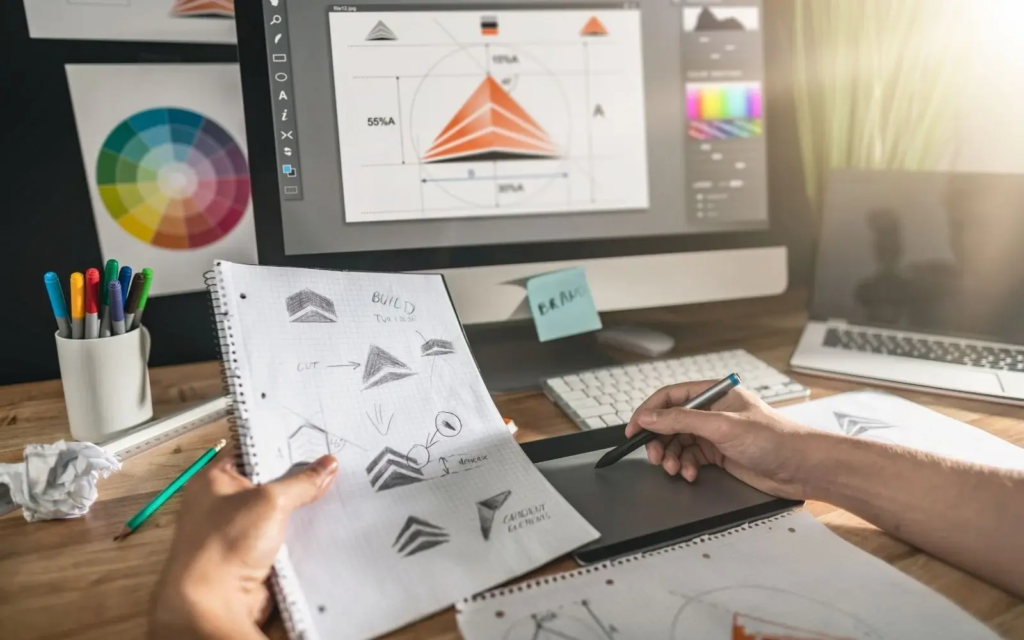
Graphic design software is one of the most widely used categories of creative technology. It can help users create social media posts, banners, advertisements, posters, presentations, thumbnails, and marketing materials.
Modern design platforms often include drag-and-drop editors, templates, image libraries, typography controls, and AI-powered design assistance.
Beginners can start with templates and gradually develop their own design skills, while experienced designers can use more advanced controls to create customized visuals.
Useful for: marketers, social media managers, designers, students, and small businesses.
2. AI Image and Illustration Tools
AI image-generation software has opened up new possibilities for visual creativity. Users can describe an idea and generate visual concepts without manually creating every element.
These tools can be useful for brainstorming, concept development, social media graphics, mood boards, illustrations, and creative experiments.
However, AI-generated visuals should not automatically be treated as finished work. Human review remains important for composition, accuracy, originality, and consistency.
3. Video Editing Tools
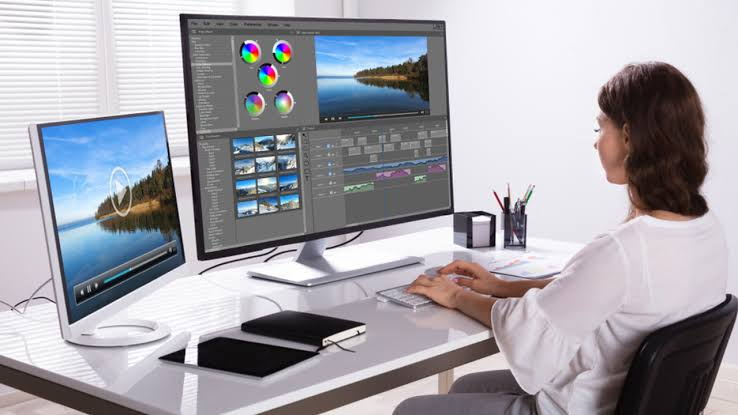
Video continues to dominate many digital platforms. Whether you’re creating short-form videos, tutorials, advertisements, product demonstrations, or longer content, video editing software can simplify the process.
Today’s editors may include automatic captions, transitions, background removal, audio enhancement, templates, effects, and AI-assisted editing.
For beginners, a simple timeline and ready-made templates can make video production less intimidating. Professional editors may prefer software with detailed control over audio, color, effects, and transitions.
4. Writing and Content Creation Tools
Creative work isn’t limited to visuals. Writers, bloggers, marketers, and social media creators also rely on digital tools.
Writing software can help with brainstorming, editing, grammar, summarization, outlining, and content organization. AI-powered assistants can also provide alternative wording or help users explore different approaches to a topic.
Still, the creator should remain responsible for the ideas, accuracy, tone, and final message.
5. Presentation Design Tools
A strong presentation needs more than information. It also needs a clear structure and visually engaging design.
Modern presentation tools can turn outlines into polished slides using templates, layouts, visual suggestions, and AI assistance.
These tools are particularly useful for students, business professionals, educators, and marketing teams who need to communicate information clearly without spending hours designing every slide.
6. Audio and Music Tools

Audio is an important part of podcasts, videos, advertisements, social media content, and digital storytelling.
Creative audio software can help with recording, trimming, mixing, noise reduction, transcription, voice enhancement, and other production tasks.
For creators who work primarily with video, improving audio quality can make content feel considerably more polished.
How AI Is Transforming Creative Work
Artificial intelligence is becoming one of the defining features of modern creative software.
Instead of starting from a blank page or canvas, creators can use AI to generate starting points. For example, a user might provide a short description and receive several design concepts, headline ideas, image variations, or presentation structures.
This can make the first stage of creative work much faster.
However, AI does not remove the need for creative thinking. A generated result may need editing, fact-checking, personalization, and refinement before it is ready to publish.
Human Creativity + AI Assistance
The strongest workflow often combines both.
Human: Defines the idea, audience, message, style, and creative direction.
AI: Helps brainstorm, automate repetitive work, generate variations, and speed up production.
Human: Reviews, edits, fact-checks, and adds personality.
This approach allows technology to support creativity without making the final result feel completely generic.
Creative Tools for Different Users
Choosing software becomes easier when you first identify who will use it and what they need to create.
| User | Useful Creative Tool Categories |
|---|---|
| Content creators | Video, image, audio, thumbnail tools |
| Graphic designers | Design, illustration, photo-editing software |
| Bloggers | Writing, research, image, SEO tools |
| Marketers | Design, content, presentation, social tools |
| Students | Presentation, writing, visual design tools |
| Small businesses | Branding, social media, video, design tools |
| Video creators | Video editing, audio, animation tools |
The important thing is not to collect dozens of applications. A small set of tools that work well together can be more useful than a huge collection of software.
What to Look for Before Choosing a Creative Tool
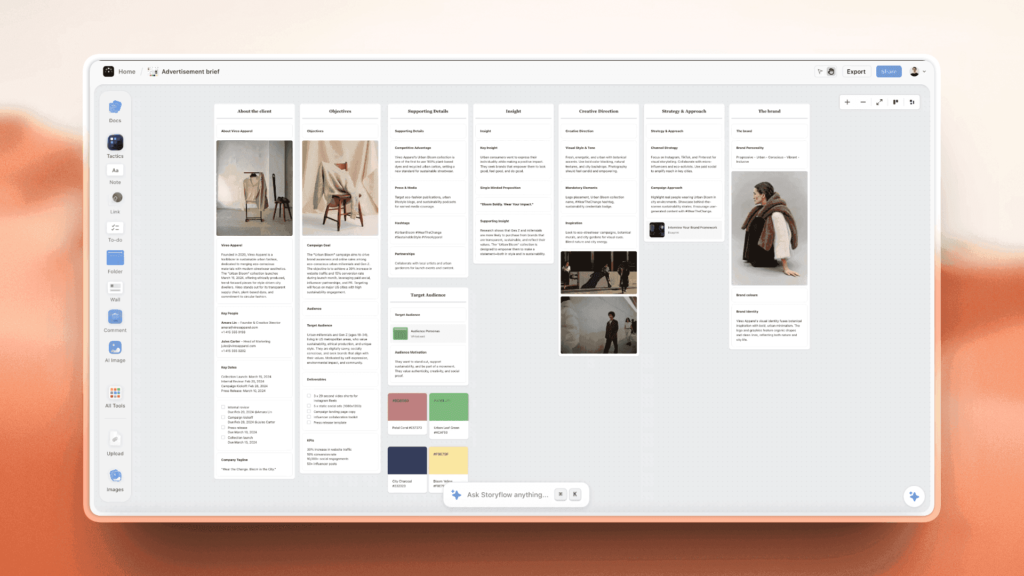
Before subscribing to or downloading new software, consider how it fits into your existing workflow.
Ease of Use
A tool can have hundreds of features, but if the interface is confusing, you may rarely use them. Look for software that matches your experience level.
Features
Focus on the features you actually need. If you primarily create social media graphics, advanced professional features may not be necessary.
AI Capabilities
AI can be useful for automation, brainstorming, editing, and generating variations. However, consider whether those features genuinely improve your workflow.
Collaboration
If you’re working with a team, look for tools that support sharing, comments, editing permissions, and collaborative workflows.
Pricing
Check whether the free version is sufficient for your needs. For paid software, compare the features included in different plans before committing.
File Compatibility
Make sure the software supports the file types and export formats you regularly use.
Smart Tips for Using Creative Software
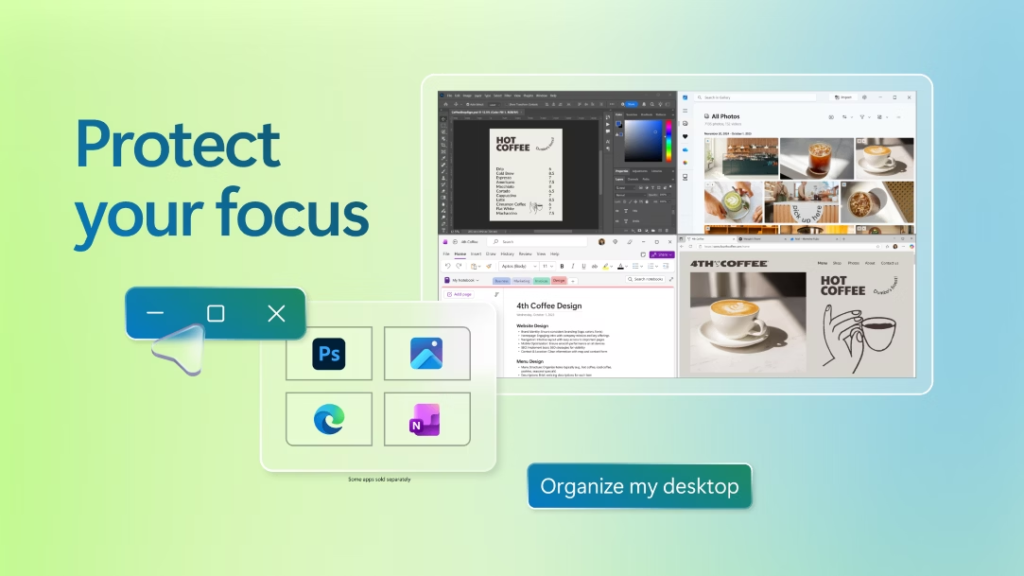
Having powerful software doesn’t automatically produce better content. How you use it matters.
Start with the objective. Know what you want your content to achieve before choosing a tool.
Don’t over-automate. Automation is useful for repetitive work, but creative decisions still need human attention.
Build reusable templates. Templates can save considerable time when you repeatedly create similar content.
Keep your style consistent. Use consistent fonts, layouts, colors, imagery, and messaging when creating content for a brand.
Review AI-generated results. Always check AI-assisted content for accuracy, quality, originality, and suitability before publishing.
Learn one tool properly. Instead of constantly switching between platforms, become comfortable with the tools that genuinely fit your workflow.
Creative Software Trends to Watch in 2026
The creative technology landscape continues to evolve. Several trends are becoming increasingly visible.
AI-Native Creative Workflows
AI is moving beyond being a separate feature and becoming part of the entire creative process—from brainstorming to editing and publishing.
All-in-One Platforms
More platforms are bringing design, content creation, collaboration, and publishing features into connected workflows.
Faster Short-Form Video Creation
As short-form video remains important across digital platforms, tools are increasingly focusing on quick editing, automatic captions, templates, and reusable formats.
Real-Time Collaboration
Remote teams need creative software that allows multiple people to review and work on projects without constantly exchanging files.
Greater Focus on Originality
As AI-generated content becomes easier to produce, original ideas, personal perspectives, and authentic creative direction can become even more important.
Building Your 2026 Creative Toolkit
A good creative toolkit doesn’t need to be complicated.
Start by identifying your most frequent tasks. If you create graphics every day, prioritize a reliable design platform. If you’re producing videos, focus on editing and audio software. If writing is your primary activity, choose tools that support your research and editing process.
Then gradually add tools when there is a genuine need.
A practical creative workflow might look like this:
Idea → Research → Creation → AI Assistance → Human Editing → Quality Check → Publishing
This keeps technology in a supporting role while allowing the creator to remain in control of the final result.

Best Project Management Tools in 2026 for Better Productivity
Managing a project sounds simple until tasks start piling up, deadlines move closer, messages arrive…
AI & Automation 2026: Powerful Tools to Automate Your Work
Artificial intelligence and automation are changing the way people work, communicate, and manage everyday tasks….
The Best Creative Tools for Designers, Creators & Artists
Creative work has changed a lot. Creative Tools A designer can build a complete brand…
Creative Tools 2026: Explore the Best Creative Software
Creativity has changed dramatically in recent years. You no longer need Creative Tools expensive equipment,…

The Ultimate Creative Tools Guide Best Tools for Creators
Creating something from scratch can be exciting, but it can also become frustrating when you…

The Best AI & Automation Trends and Tools, Agents, Workflows & More
Artificial intelligence has moved far beyond being something people only talk about in tech circles….

