
Let’s face it: keeping a modern business running smoothly can often feel like juggling flaming torches while riding a unicycle. Between endless emails, scattered task lists, customer support tickets, and Workflow sales leads coming in from every direction, teams spend half their workday just moving data from point A to point B.
That is precisely why workflow automation and workspace management platforms have become the operational backbone of modern teams. Instead of wasting hours on tedious copy-pasting or manual status updates, the right workflow tool acts as a digital nervous system—connecting your apps, organizing your tasks, and automating repetitive work in the background.
Finbyz Tech+ 1
Whether you are a solo freelancer trying to buy back your weekends or an enterprise team streamlining complex operations, here is a detailed, real-world breakdown of the top trending workflow tools on the market today.
Zapier: Simple, Plain-English App Integrations & AI Power
If you want an automation working before your next coffee break without writing a single line of code, Zapier is still the undisputed king of fast, hassle-free app integration. It connects with over 8,000+ web applications, meaning if a tool exists, Zapier can almost certainly talk to it.
Finbyz Tech+ 1
┌─────────────────────────────────────────────────────────┐
│                    ZAPIER AT A GLANCE                   │
├─────────────────────────┬───────────────────────────────┤
│ Core Strength           │ Rapid, Plain-English Setup    │
│ Integration Ecosystem   │ 8,000+ Native App Connections │
│ Primary User Base       │ Non-Technical & Business Teams│
│ Key AI Feature          │ AI Copilot & Autonomous Agents│
└─────────────────────────┴───────────────────────────────┘
What Makes Zapier Special
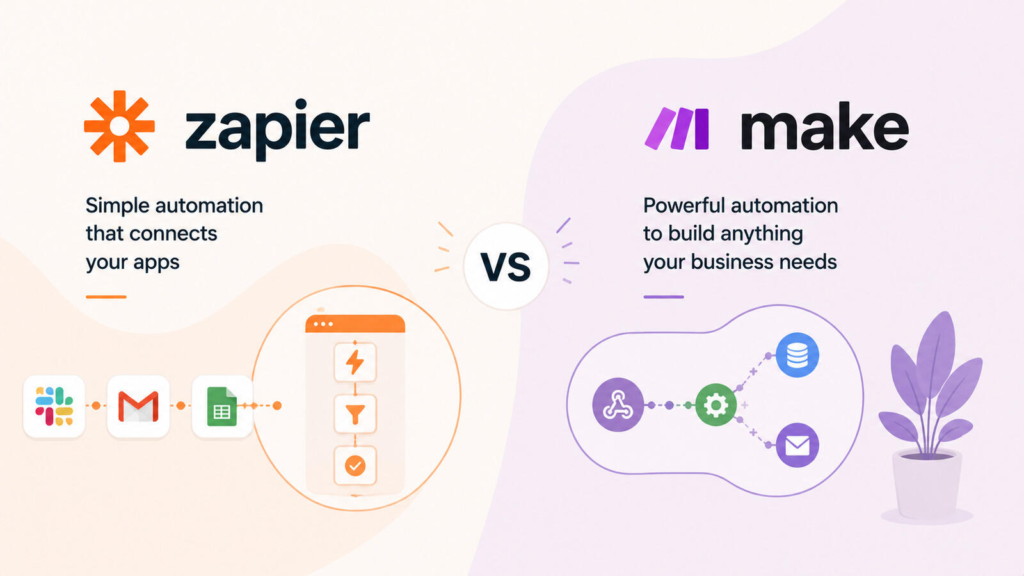
- Plain-English Setup: Thanks to natural-language AI Copilot builders, you don’t even need to configure complex dropdown menus manually. You can simply type a prompt like “Whenever a new lead fills out my Typeform, add them to HubSpot and send a Slack ping to sales,” and Zapier generates the workflow for you. Zapier+ 1
- Autonomous AI Agents: Recent updates allow you to build Zapier Agents—smart digital helpers that can read incoming emails, make contextual decisions, and execute multi-step actions across your apps without constant hand-holding. Intuz
- Zero-Code Accessibility: It eliminates technical barriers completely, making it the favorite pick for marketing managers, HR leads, and sales reps who want quick wins without bothering the IT department.
Real-World Trade-offs
Because Zapier charges on a per-task billing model, running ultra-high-volume data syncs (like processing tens of thousands of spreadsheet rows daily) can become surprisingly expensive at scale. But for straightforward “if this happens, do that” rules, its sheer convenience is hard to beat.
Intuz
Make: Visual Canvas Engineering for Complex Data Flows
Formerly known as Integromat, Make takes automation out of linear list views and drops it onto a beautifully interactive, drag-and-drop visual canvas. It is designed for logic-driven builders who need to handle intricate multi-step branching, loops, and data transformations.
Technova Partners+ 1
┌─────────────────────────────────────────────────────────┐
│                     MAKE AT A GLANCE                    │
├─────────────────────────┬───────────────────────────────┤
│ Core Strength           │ Interactive Visual Canvas     │
│ Integration Ecosystem   │ 2,000+ Apps + REST/GraphQL    │
│ Primary User Base       │ Operations Managers & Makers  │
│ Key AI Feature          │ Maia AI Scenario Designer     │
└─────────────────────────┴───────────────────────────────┘
What Makes Make Special

- Visual Scenario Builder: You can see your entire data architecture right in front of you as a drag-and-drop flowchart. Watching glowing bubbles light up as data flows through conditional splitters, filters, and routers makes debugging complex setups downright satisfying.
- Advanced Logic & Data Manipulation: Need to parse a complex JSON payload, convert currency values, aggregate items into array lists, or apply custom error-handling routines when an API fails? Make handles heavy data math and conditional logic gracefully. Technova Partners
- Budget-Friendly Scaling: Unlike Zapier, Make uses an operations-based pricing model that offers significantly more computational value per dollar. It is often 60% to 80% cheaper for medium-to-complex workflows. summarizemeeting.com+ 1
Real-World Trade-offs
The visual canvas comes with a slightly steeper learning curve. Non-technical users might feel a bit intimidated by concepts like arrays, iterators, and routers when building their first multi-branch scenario.
ClickUp: The All-in-One Workspace for Tasks, Docs & AI
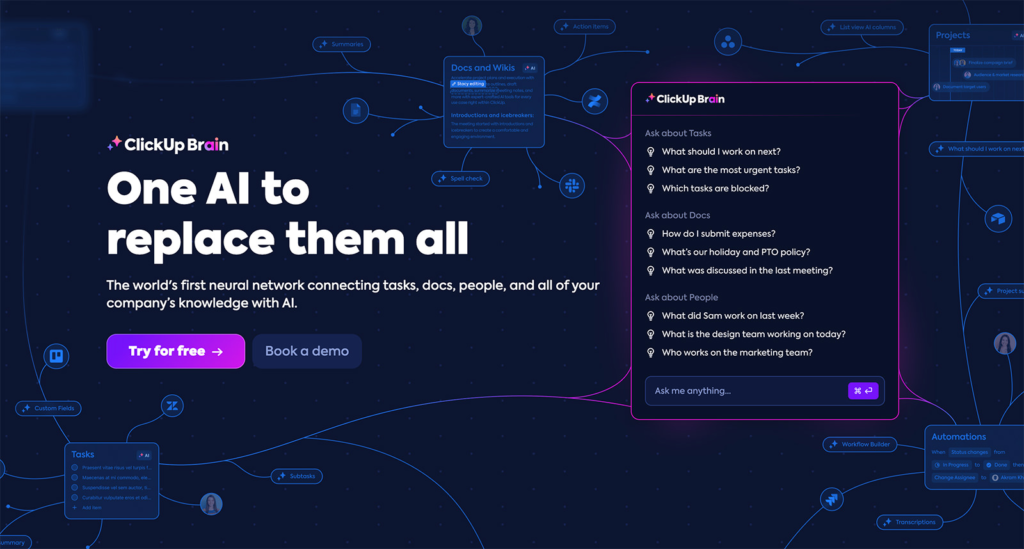
If your team’s main struggle isn’t connecting external web apps, but rather scattered internal communication and chaos across multiple work tools, ClickUp is built to solve that exact headache. It aims to replace your task manager, document editor, goal tracker, and team chat with one unified digital hub.
┌─────────────────────────────────────────────────────────┐
│                   CLICKUP AT A GLANCE                   │
├─────────────────────────┬───────────────────────────────┤
│ Core Strength           │ Deep Operational Customization│
│ Key Components          │ Tasks, Docs, Whiteboards, Chat│
│ Primary User Base       │ Cross-Functional Teams & Agencies│
│ Key AI Feature          │ ClickUp Brain Assistant       │
└─────────────────────────┴───────────────────────────────┘
What Makes ClickUp Special
- Consolidated Ecosystem: Instead of jumping between Google Docs, Asana, and Slack, ClickUp embeds collaborative documents, live whiteboards, chat channels, and Kanban task boards directly inside your project spaces.
- ClickUp Brain AI Assistant: Its native AI helper doesn’t just draft content; it acts as a context-aware neural network for your company. You can ask, “What are the key takeaways from yesterday’s client doc?” or “Summarize my overdue tasks for this week,” and it pulls real-time answers straight from your workspace.
- Automated Task Triggers: You can build internal rules like “When a task status moves to ‘In Review’, automatically reassign it to the QA lead and post a summary in the project chat channel.”
Real-World Trade-offs
Because ClickUp packs so many features into a single interface, it can occasionally feel overwhelming or busy for teams that just want a clean, minimalist list. Proper workspace configuration is key to preventing feature fatigue.
Zapier
Monday.com: Color-Coded Boards & Visual Team Tracking
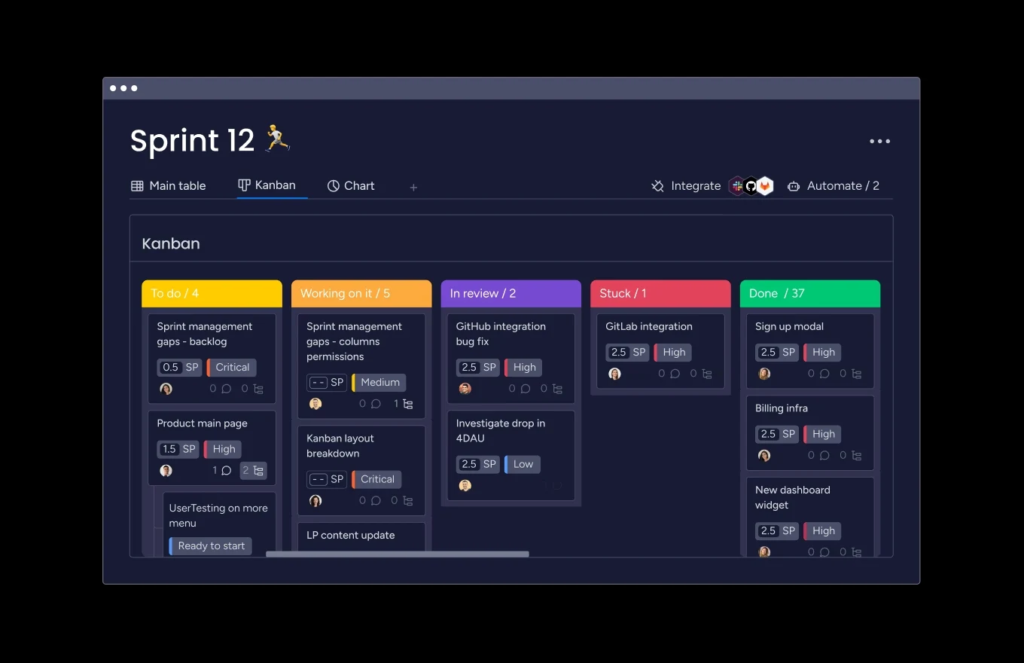
For teams that crave visual clarity, high accessibility, and instant adoption across non-technical departments, Monday.com sets the benchmark for intuitive project management and work tracking.
┌─────────────────────────────────────────────────────────┐
│                  MONDAY.COM AT A GLANCE                 │
├─────────────────────────┬───────────────────────────────┤
│ Core Strength           │ Color-Coded Visual Boards     │
│ Primary Focus           │ Project Visibility & Tracking │
│ Primary User Base       │ Executive Leads, Sales & Creative│
│ Key AI Feature          │ Smart Column Auto-Summaries   │
└─────────────────────────┴───────────────────────────────┘
What Makes Monday.com Special
- Instantly Recognizable Table Layouts: The core of Monday.com revolves around crisp, color-coded status boards. Green means done, orange means stuck, and blue means in progress—allowing executive sponsors and team leads to assess project health at a quick glance.
- Template-Driven Automation Builder: Setting up internal automation feels like sentence building. You choose simple blocks like “When Status changes to Done, move item to Completed Board and notify Project Owner.”
- Cross-Departmental Adaptability: Whether you are tracking sales pipelines, managing creative design sprints, or organizing HR onboarding steps, Monday.com’s pre-built industry templates make setting up dedicated workflows fast and painless.
Real-World Trade-offs
While Monday.com excels at team tracking, its lower-tier plans have relatively strict limits on monthly automation actions and external app integrations. Scaling up complex external workflows often requires pairing it with an external automation engine like Zapier.
Zapier
n8n: Flexible, Developer-Focused, Low-Code Automation
When data privacy, full system customization, and infinite operational control are non-negotiable, n8n (pronounced n-eight-n) is the undisputed powerhouse of the low-code automation world.
Finbyz Tech
┌─────────────────────────────────────────────────────────┐
│                     N8N AT A GLANCE                     │
├─────────────────────────┬───────────────────────────────┤
│ Core Strength           │ Self-Hosted Data Sovereignty  │
│ License Model           │ Fair-Code / Open Source       │
│ Primary User Base       │ Software Engineers & IT Teams │
│ Key AI Feature          │ LangChain & Vector DB Nodes   │
└─────────────────────────┴───────────────────────────────┘
What Makes n8n Special
- Self-Hosting & Data Sovereignty: You can host n8n completely free on your own cloud servers or private infrastructure. For organizations in regulated industries (like healthcare, finance, or legal) with strict GDPR or HIPAA compliance requirements, keeping sensitive data on-premise is a massive win. Technova Partners
- Per-Execution Billing: Unlike Zapier’s per-step charging model, n8n charges per workflow execution. A complex workflow with 50 distinct steps still counts as just one execution, saving high-volume power users 80% to 90% in operational costs. Intuz
- Developer Power Tools: Engineers can drop custom JavaScript or Python code blocks directly into nodes, query databases via SQL, connect to custom private APIs, and leverage native LangChain integration to orchestrate advanced multi-agent AI systems. Intuz
Real-World Trade-offs
Self-hosting requires technical maintenance, server monitoring, and engineering know-how. If your team lacks technical resources, setting up and maintaining an n8n deployment might feel like overkill.
Zapier
Head-to-Head Comparison Matrix
To help you decide which platform fits your specific operational goals, here is a quick direct comparison:
| Workflow Tool | Best Used For | Learning Curve | Primary Pricing Model | Target Audience |
|---|---|---|---|---|
| Zapier | Fast, simple app integrations via plain text/AI | Very Low (Beginner-friendly) | Charged Per Task (Each step counts) | Non-technical business users & small teams |
| Make | Complex, multi-branch visual data flows | Moderate (Visual logic concepts) | Charged Per Operation (High value per step) | Ops managers, power users & agencies |
| ClickUp | Combining tasks, docs, chat & AI helpers | Moderate (Feature-dense workspace) | Charged Per User Seat / Month | Cross-functional teams & project managers |
| Monday.com | Visual team collaboration & status boards | Very Low (Color-coded boards) | Charged Per User Seat / Month | Creative teams, sales leads & managers |
| n8n | Self-hosted, code-level automation & AI agents | Moderate to High (Requires low-code/tech skills) | Free Self-Hosted or Per Execution (Cloud) | Developers, IT leads & tech startups |
FAQs
- Who will actually build and maintain these workflows?
- If non-technical staff need to set things up quickly, grab Zapier or Monday.com. PufferSoft
- If you have operations managers comfortable with logic flowcharts, choose Make. PufferSoft
- If you have in-house developers or engineers, go with n8n. Finbyz Tech
- Where is your biggest everyday operational friction?
- If your files, tasks, and conversations are scattered across ten different tabs, consolidate with ClickUp.
- If your team struggles with clear project visibility, roll out Monday.com.
- If your apps refuse to talk to each other, bridge them with Zapier or Make.
- What does your data volume look like?
- Running a few hundred simple notifications a month? Zapier’s free/starter plans are completely fine.
- Processing hundreds of thousands of multi-step data records? n8n or Make will save you thousands of dollars annually.
- How strict are your security and privacy rules?
- If customer data cannot leave your private cloud servers, n8n is the undisputed champion due to its self-hosted architecture. Technova Partners

