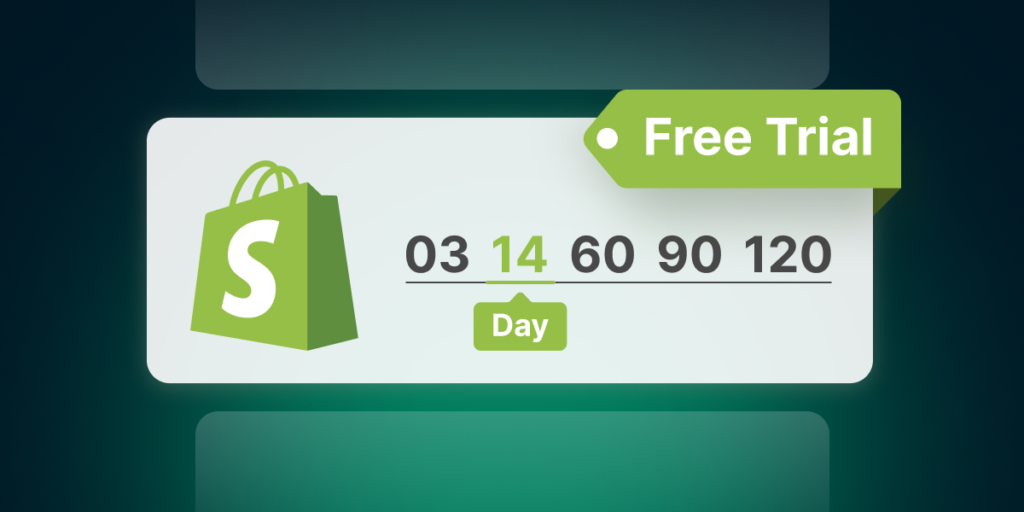
Starting an online store can feel like a massive leap, but Shopify makes the initial journey far more approachable by offering new sellers a risk-free starting line. Shopify provides a 3-day free trial with no credit card required, followed by an introductory promotional period (often £1/$1 per month for your first three months). This low-barrier setup gives aspiring entrepreneurs a dedicated environment to test ideas, design a storefront, and refine a brand before fully committing financially.
Rather than acting as a simple product catalog, Shopify functions as a complete commerce ecosystem. It provides first-time founders with a structured roadmap—guiding key decisions around target audiences, visual branding, payment integrations, shipping logistics, and post-launch growth strategies.
1. Start with Audience Clarity and Product Strategy
Before touching themes, logos, or color palettes, it is essential to define your target audience and product offering. A common mistake among new ecommerce founders is rushing into store aesthetics before establishing a clear business strategy.
Understanding your core customer influences every subsequent setup decision:
- Product Sourcing: Deciding between dropshipping, handmade production, wholesale purchasing, or print-on-demand.
- Copywriting Tone: Writing product descriptions that directly address your customer’s specific needs and pain points.
- Store Layout: Tailoring site navigation to match how your target demographic prefers to browse and buy.
For example, an eco-conscious skincare store targeting busy professionals requires a clean, minimalistic design with prominent sustainability certifications. In contrast, a boutique selling outdoor adventure gear demands vibrant photography, technical sizing charts, and rugged design cues.
  ┌─────────────────────────────────────────────────────────────┐
  │                 THE ECOMMERCE BUILD SEQUENCE                │
  ├─────────────────────────────────────────────────────────────┤
  │  1. Strategy:     Define target audience & product offer    │
  │  2. Foundations:  Set store currency, time zone, & legal    │
  │  3. Branding:     Select theme, colors, typography, & logo  │
  │  4. Logistics:    Configure payment gateways & shipping     │
  │  5. Operations:   Connect custom domain & launch site       │
  └─────────────────────────────────────────────────────────────┘
2. Configure Foundational Store Settings
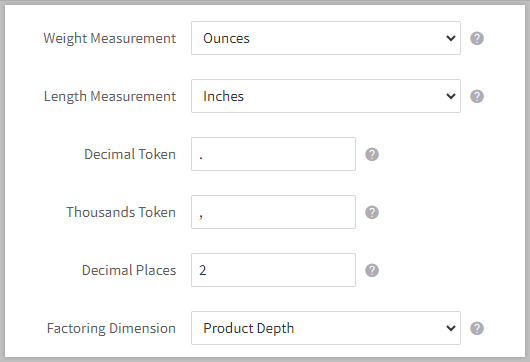
Once you sign up, Shopify assigns a temporary store name (“My Store”) alongside a default, unique .myshopify.com domain. Before opening your doors to the public, navigate to your admin panel to configure essential business settings:
Store Identity: Input your legal business name, registered address, and official customer service contact details.
Localization: Set your primary operating currency, local time zone, and preferred weight units (kilograms vs. pounds).
- Storefront Security: Enable password protection during the build phase so visitors cannot access an incomplete storefront.
Getting these administrative details right from the start ensures accurate financial reporting, seamless tax calculations, and reliable order tracking once sales begin rolling in.
3. Establish a Cohesive Visual Brand
A store does not need an overly elaborate layout to convey quality, but it must feel consistent and trustworthy. Shopify provides access to both free and premium themes within the Shopify Theme Store, allowing founders to launch a professional site without writing a single line of code.
┌─────────────────────────────────────────────────────────────────┐
│                   ESSENTIAL BRANDING ELEMENTS                   │
├─────────────────────────┬───────────────────────────────────────┤
│ Element                 │ Purpose                               │
├─────────────────────────┼───────────────────────────────────────┤
│ Navigation Menu         │ Intuitive categories & search access  │
│ High-Res Imagery        │ Clear product photos & banner images  │
│ Standard Typography     │ Legible body copy & header fonts      │
│ Trust Badges            │ Clear returns policy & secure checkout│
└─────────────────────────┴───────────────────────────────────────┘
Focus on simplicity. Intuitive navigation, readable fonts, and high-quality product photography do far more to drive conversions than overly complex animations or cluttered banners.
4. Connect a Custom Domain for Credibility
While your store operates on a .myshopify.com backend URL for administrative purposes, connecting a custom domain (such as [www.yourbrand.com](https://www.yourbrand.com)) is vital for establishing consumer trust.
You can connect a custom domain in three ways:
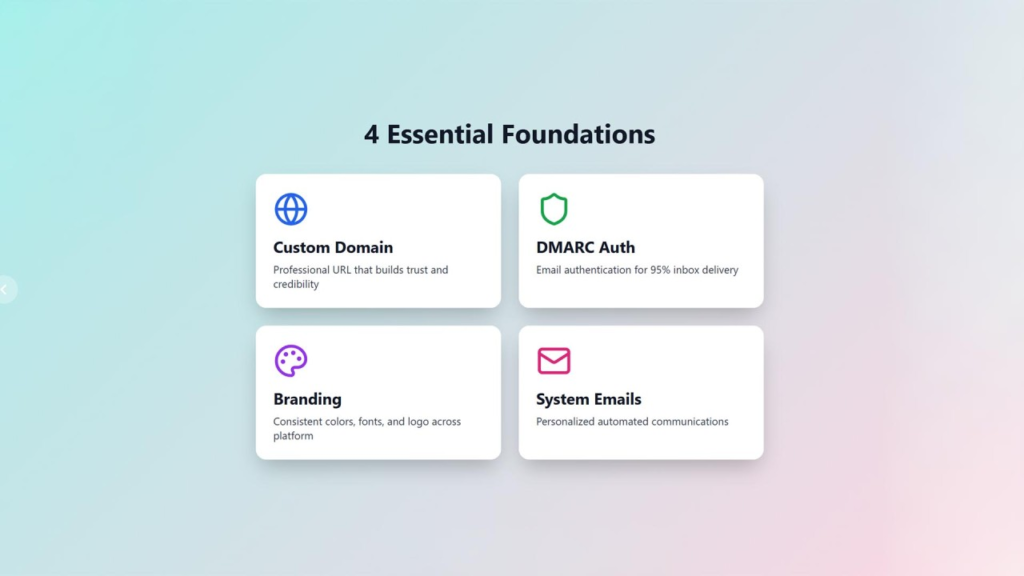
- Purchase Directly: Buy a domain through Shopify for automated setup and management.
- Connect Existing: Link a domain purchased from a third-party registrar (like GoDaddy or Namecheap).
- Transfer Domain: Move management of an existing domain directly into your Shopify dashboard.
Shopify automatically provisions a free SSL (TLS) certificate for connected custom domains, ensuring your site displays the secure padlock icon in customer web browsers.
5. Set Up Checkout, Payments, and Shipping
A store is only fully functional when visitors can complete a transaction securely and understand how their purchases will arrive.
Payment Gateways
Shopify Payments allows merchants to accept major credit cards, Apple Pay, and Google Pay without paying extra third-party transaction fees. If Shopify Payments is unavailable in your region, you can integrate third-party gateways like PayPal, Stripe, or Klarna.
Shipping Strategies
Clear shipping options reduce cart abandonment significantly:
- Flat-Rate Shipping: Simple, predictable costs based on order weight or total value.
- Free Shipping Thresholds: Encourages higher average order values (e.g., “Free Shipping on orders over £50”).
- Local Pickup/Delivery: Ideal for brick-and-mortar stores or localized operations.
6. Launch, Market, and Continuously Optimize

Launching an online store is an iterative process, not a static event. Consider conducting a “soft launch” by sharing your site password with a small group of friends, family, or existing social followers to gather feedback and test order processing.
When you are ready to go live officially, remove the password protection in your admin settings. Post-launch success relies on consistent traffic generation and continuous optimization:
- Search Engine Optimization (SEO): Optimize product titles, meta descriptions, and image alt text to rank organically on search engines.
- Automated Email Marketing: Set up automated welcome series, abandoned cart recovery emails, and post-purchase follow-ups.
- Analytics Monitoring: Review Shopify’s built-in analytics reports regularly to track traffic sources, conversion rates, and top-selling products.
Key Takeaway: You do not need a finished, perfect website to launch. Focus on building a functional, trustworthy store that addresses a real customer need, then use real store analytics to refine and grow over time.
Frequently Asked Questions
1.How does Shopify’s free trial work?
Shopify offers a 3-day free trial requiring no credit card details. After the trial, you can select a plan and often take advantage of promotional pricing (e.g., £1/$1 per month for your first three months).
2.Do I need a registered business to start a Shopify store?
No. You can sign up as an individual or sole trader using your personal details, testing products and concepts before formally registering a business entity.
3.Can I change my store name and domain later?
Yes. You can update your display store name at any time within your settings and connect new custom domains whenever your brand evolves.
4.What are the best ways to get my first sale?
Focus on low-cost marketing channels: leverage personal social networks, engage in relevant online communities, run targeted email campaigns, and ensure your site is optimized for search engines.
5.How do I handle product shipping as a beginner?
Start simple by using flat-rate shipping or free shipping with a minimum order threshold. You can print shipping labels directly through the Shopify admin to streamline processing.