
Productivity tools are specialized digital software applications engineered to help individuals and enterprise teams streamline workflows, manage complex project lifecycles, automate repetitive tasks, and optimize daily time management. These platforms serve as centralized digital workspaces for students, freelancers, remote workers, and global organizations. By replacing fragmented legacy processes with unified cloud systems, modern productivity software drastically reduces administrative friction, eliminates information silos, and elevates overall operational performance.
Why Use Productivity Tools?
Implementing the right digital toolkit delivers measurable strategic advantages that go well beyond simple task tracking.
- Streamlines task management: Organizes complex projects into clear, actionable work breakdown structures.
- Fosters real-time collaboration: Connects distributed teams through centralized communication hubs and co-authoring tools.
- Maximizes operational efficiency: Eliminates redundant manual data entry through intelligent workflow automation.
- Drives significant time savings: Accelerates document retrieval and scheduling using AI-powered search.
- Enhances organizational structure: Consolidates notes, databases, and project roadmaps into a single source of truth.
- Reduces cognitive load: Keeps daily priorities visible, preventing deadline oversights and professional burnout.
Best Productivity Tools in 2026
1. Notion
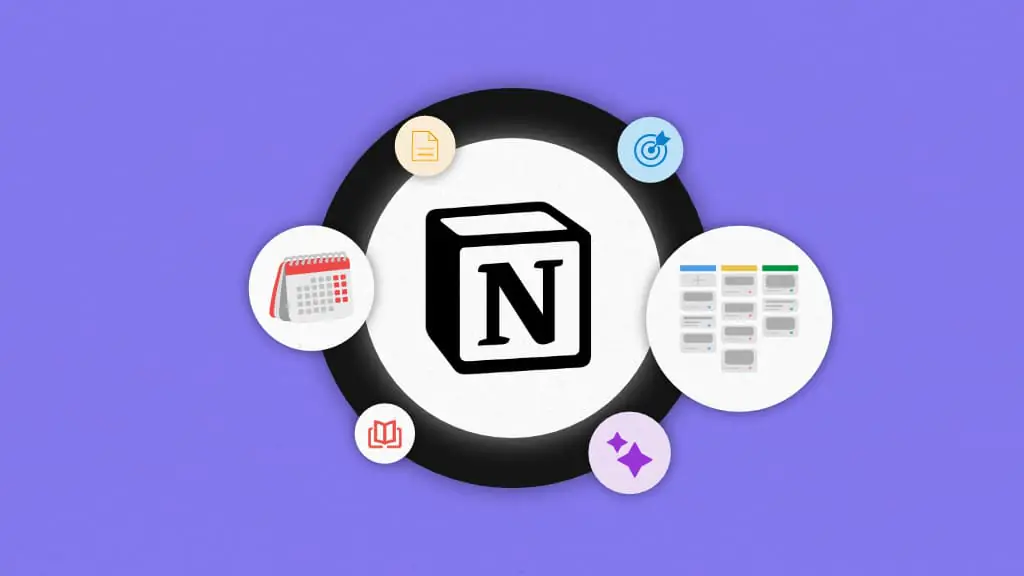
Notion serves as an expansive, all-in-one digital workspace that seamlessly merges note-taking, database management, project roadmaps, and internal wikis. Powered by modular block architecture, users can build fully customized systems tailored to their exact operational needs.
Best for:
- Personal organization and habit tracking
- Cross-functional team collaboration and asynchronous work
- Centralized knowledge management and company wikis
- Agile project planning with custom database views
2. Trello
Trello utilizes an intuitive, visual Kanban board interface that makes task management straightforward and accessible. By organizing work into flexible lists and interactive cards, teams can monitor real-time project progression at a single glance.
Key features include:
- Drag-and-drop task organization with customizable status columns
- Automated due-date reminders and calendar integrations
- Seamless team collaboration via card comments and file attachments
- Built-in Butler automation to execute multi-step triggers
- Cross-platform mobile support for managing tasks on the go
3. Asana
Asana provides robust enterprise-grade project management capabilities, enabling teams to map out complex multi-stage initiatives, assign clear accountability, and track key performance milestones effortlessly.
Popular features include:
- Interactive Gantt-style timeline planning to visualize project phases
- Task dependency mapping to prevent operational bottlenecks
- Real-time project dashboards displaying high-level team performance
- Integrated workload tracking to prevent team burnout
- Customizable request forms for streamlining intake workflows
4. ClickUp
ClickUp delivers a comprehensive, highly customizable productivity platform engineered to replace multiple disconnected SaaS applications. It combines task management, docs, whiteboards, goal tracking, and an embedded AI writing assistant within a single unified workspace, making it ideal for scaling startups and established enterprises alike.
5. Microsoft Teams

Microsoft Teams functions as the central communication backbone for modern hybrid work environments. Fully integrated into the Microsoft 365 ecosystem, it combines enterprise chat, HD video conferencing, cloud file storage, and real-time document co-authoring into a secure, unified hub.
6. Slack
Slack transforms organizational communication by replacing endless email threads with organized, topic-specific channels. It supports synchronous and asynchronous communication through direct messaging, audio huddles, and extensive third-party software connections.
Core benefits include:
- Organized channel architecture for public, private, and cross-company projects
- Instant file sharing with rich inline previews
- Workflow Builder capabilities to automate routine team requests
- Deep integrations with over 2,600 business applications
- Enterprise-grade searchable archives for quick information discovery
7. Google Workspace
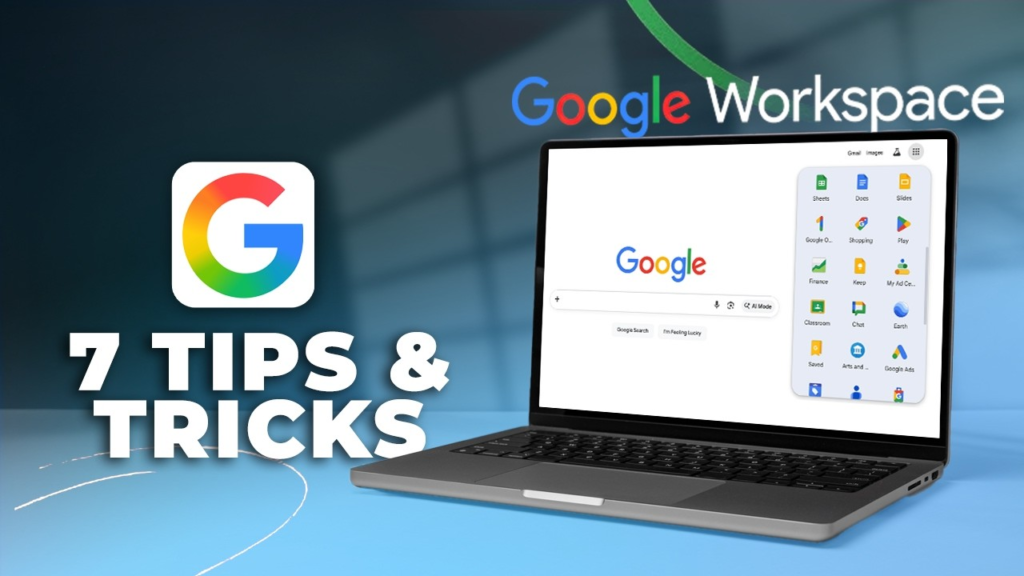
Google Workspace remains a leading cloud-based collaboration suite, offering real-time co-creation through Google Docs, Sheets, Slides, and Drive. Coupled with Gmail and Google Meet, it provides a frictionless digital environment for distributed teams worldwide.
8. Todoist
Todoist is an elite task management app designed to help users capture, organize, and prioritize daily responsibilities using natural language processing, priority flags, sub-tasks, and productivity karma tracking.
Perfect for:
- Managing personal daily to-do lists efficiently
- Setting up recurring task schedules for routine habits
- Tracking project deadlines across multiple personal and work categories
- Visualizing personal productivity trends over time
9. Evernote
Evernote continues to be a powerful digital filing cabinet for capturing, organizing, and retrieving detailed meeting notes, web research, and scanned physical documents across multiple synchronized devices.
Key features include:
- Web Clipper browser extensions to save articles and references instantly
- Optical Character Recognition (OCR) to search text inside images and PDFs
- Cross-device background synchronization keeping data updated everywhere
- Document scanning capabilities for digitizing paper records on the fly
10. Zapier
Zapier acts as an invisible digital bridge that connects thousands of web applications, enabling users to build powerful, automated no-code workflows (Zaps) that eliminate manual data transfer completely.
Common automation use cases:
- Automatically saving email attachments directly to cloud storage
- Syncing new lead info from web forms directly into CRM databases
- Triggering instant team notifications in communication channels upon task completion
- Updating central master spreadsheets automatically when new sales occur
Features to Look for in Productivity Tools
When evaluating modern productivity software, it is essential to look beyond aggressive marketing and assess practical usability. Consider these vital criteria:
- Intuitive user interface: Ensures rapid team adoption without requiring extensive training sessions.
- Real-time cloud synchronization: Guarantees your work is updated seamlessly across desktop and mobile devices.
- Native AI integration: Accelerates content generation, data summarization, and task scheduling.
- Advanced automation capabilities: Reduces repetitive administrative work through customizable logic triggers.
- Robust third-party integrations: Connects smoothly with your existing software stack via open APIs.
- Enterprise data security: Protects sensitive operational data with end-to-end encryption and compliance standards.
Tips for Maximizing Productivity
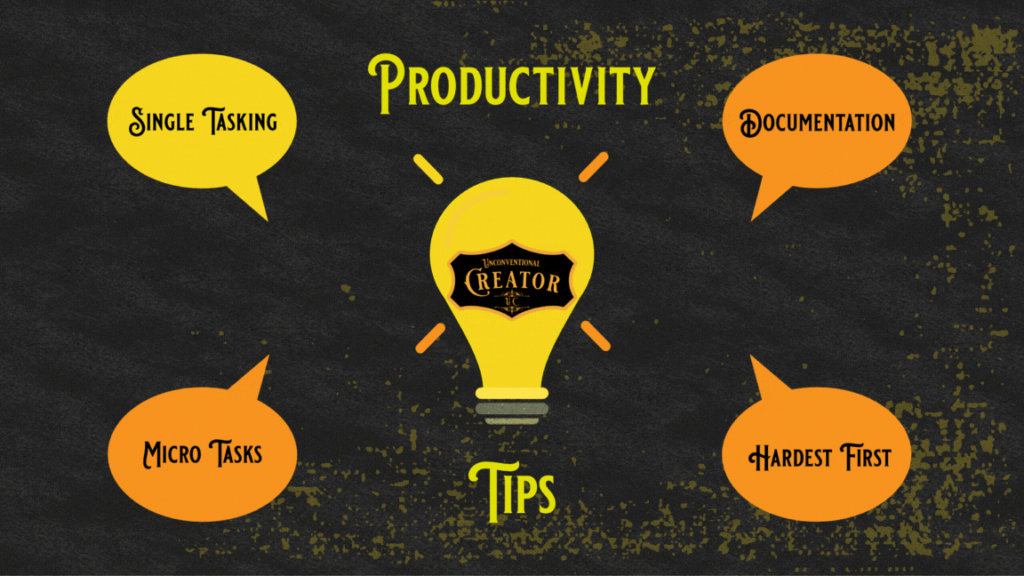
Adopting powerful software is only half the battle; establishing disciplined digital habits ensures you extract maximum value from your tools:
[Clear Goals] ──► [Prioritize Tasks] ──► [Automate Workflows] ──► [Review Output]
- Prioritize high-impact tasks daily using structured frameworks like the Eisenhower Matrix.
- Set firm deadlines and automated notifications to maintain steady project momentum.
- Automate recurring administrative chores using no-code integration platforms.
- Break large, intimidating projects down into small, manageable sub-tasks.
- Consolidate communication channels to minimize notification fatigue and deep-work interruptions.
- Conduct weekly workflow audits to eliminate unused software and refine broken processes.
Common Mistakes to Avoid
Many individuals and teams accidentally degrade their performance by making key software implementation errors:
| Common Pitfall | Negative Operational Impact | Recommended Solution |
| Tool Overload | Causes fragmented data and constant context switching | Consolidate workflows into 2–3 core, well-integrated platforms |
| Ignoring Automation | Wastes hours on repetitive, manual data entry | Dedicate time to building automated triggers for routine tasks |
| Poor Task Organization | Leads to missed deadlines and unclear accountability | Maintain clear task owners, due dates, and priority tags |
| Lack of Workflow Standardization | Creates confusion regarding where information lives | Draft a team operating manual defining software usage rules |
Future Trends in Productivity Software
The landscape of digital workplace software is undergoing a profound evolution. As we move through 2026, artificial intelligence has transitioned from an additive plugin to the foundational engine of modern software.
+-----------------------------------------------------------------+
|                    EMERGING PRODUCTIVITY TRENDS                 |
+--------------------------------+--------------------------------+
| Autonomous AI Agents           | Contextual Workspace Search    |
| Predictive Task Management     | Voice-Driven Workflows         |
+--------------------------------+--------------------------------+
Future platforms will feature hyper-personalized productivity analytics, zero-latency voice interfaces, and autonomous digital agents capable of executing multi-app workflows independently, empowering humans to focus entirely on creative, high-value strategic thinking.