
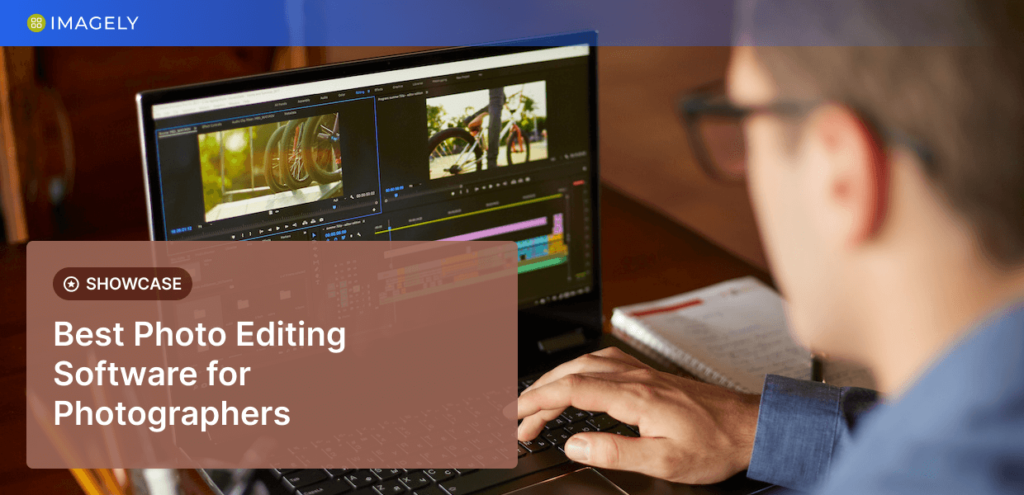
High-quality photos are more important than ever in 2026. Whether you’re a photographer, content creator, business owner, designer, or someone who simply enjoys sharing images online, the right photo editing tool can help you transform ordinary pictures into eye-catching visuals. From correcting lighting and colours to removing unwanted objects and creating stunning effects, modern photo editing software offers powerful features for users of every skill level.
The challenge isn’t finding a photo editor—it’s choosing one that matches your needs. Some tools are designed for quick social media edits, while others provide professional-level controls for detailed image manipulation. This guide explores the best photo editing tools, their features, how to choose the right one, and practical tips for getting the best results.
Why Photo Editing Tools Matter
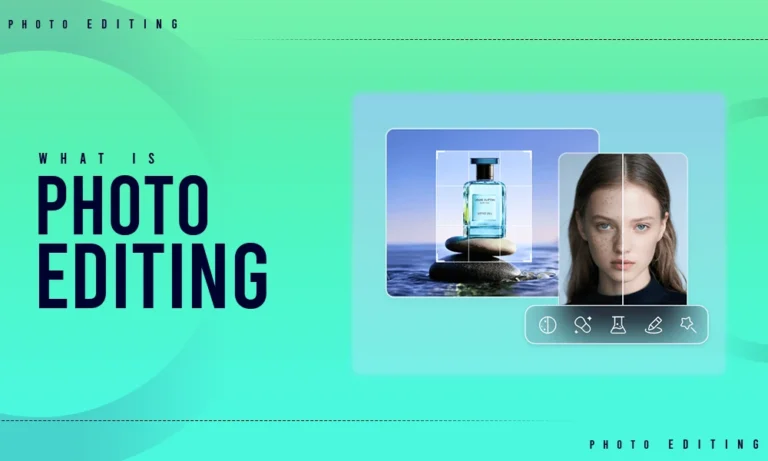
Photo editing is about much more than applying filters. It allows you to enhance image quality, correct imperfections, improve colours, and create visuals that capture attention. Businesses use edited photos to strengthen their branding, photographers rely on editing to perfect their shots, and social media creators use it to maintain a consistent visual style.
Modern editing software also saves time by automating repetitive tasks with artificial intelligence. Features such as background removal, object selection, and automatic colour correction make professional-quality editing accessible to everyone.
Understanding Different Types of Photo Editing Tools
Basic Photo Editors
Basic editing tools are ideal for beginners who need quick improvements without learning complicated software. These applications usually include cropping, resizing, brightness adjustment, contrast control, and simple filters. They are perfect for personal photos, school projects, and everyday social media content.
Professional Photo Editing Software
Professional editors provide advanced features such as layer-based editing, masking, RAW image processing, advanced colour grading, and detailed retouching. These tools are widely used by photographers, graphic designers, and creative agencies that require complete control over every aspect of an image.
AI-Powered Photo Editors
Artificial intelligence has changed the way people edit photos. AI-powered tools can automatically remove backgrounds, enhance portraits, sharpen blurry images, reduce noise, and even generate new image elements with just a few clicks. These features significantly reduce editing time while maintaining excellent quality.
Mobile Photo Editing Apps
Smartphone editing apps allow users to enhance photos directly from their mobile devices. These apps include filters, presets, skin retouching, text overlays, and quick sharing options, making them ideal for influencers and content creators who publish regularly.
Essential Features to Look For

Easy-to-Use Interface
A clean and organised interface makes learning easier, especially for beginners. Simple navigation helps users locate editing tools quickly without feeling overwhelmed.
Layer Support
Layers allow you to edit different elements of an image independently. This makes complex editing more flexible and prevents accidental changes to the original photo.
AI Editing Features
Modern editors include intelligent tools such as automatic object removal, sky replacement, portrait enhancement, facial retouching, and one-click image improvements. These features simplify professional editing and improve productivity.
RAW File Support
Photographers often shoot in RAW format because it preserves maximum image detail. Editing software that supports RAW files provides greater flexibility when adjusting exposure, colour balance, and shadows.
Cloud Storage and Sync
Many editing platforms now store projects in the cloud, allowing users to continue editing across multiple devices without losing their work.
Best Photo Editing Tools for Beginners
Beginners should choose software that offers simple controls, helpful tutorials, and ready-made templates. Tools with automatic adjustments and one-click enhancements make learning enjoyable while producing impressive results. Many beginner-friendly editors also include mobile apps, making editing accessible anywhere.
These tools are perfect for family photos, travel pictures, social media posts, and personal projects.
Best Photo Editing Tools for Professionals
Professional photographers and designers often require greater precision and advanced creative controls. High-end editing software provides support for layers, masks, advanced colour grading, detailed retouching, batch processing, and extensive plugin compatibility.
These tools are commonly used for wedding photography, commercial advertising, fashion photography, product images, and digital artwork where image quality is critical.
How AI Is Transforming Photo Editing
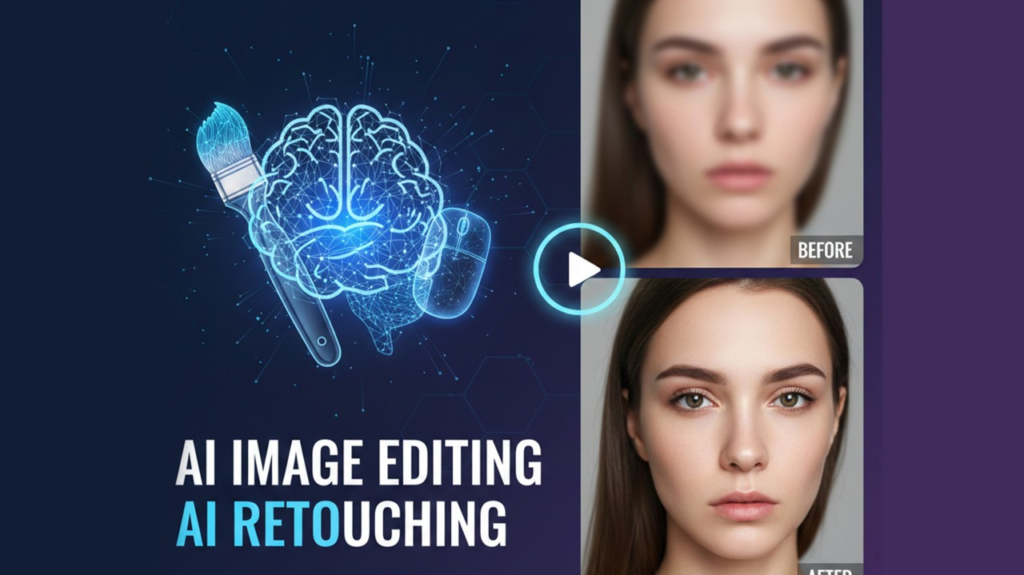
Artificial intelligence has become one of the biggest trends in photo editing. Instead of spending hours making manual adjustments, users can now rely on AI to perform complex tasks automatically.
AI can detect faces, improve lighting, remove distracting objects, replace backgrounds, enhance image sharpness, and restore old photographs within seconds. This technology allows beginners to achieve professional-looking results while helping professionals complete projects more efficiently.
Choosing the Right Photo Editing Tool
Consider Your Experience
If you’re new to editing, choose software with simple controls and built-in tutorials. As your skills improve, you can gradually move to more advanced tools that offer greater creative freedom.
Match the Tool to Your Purpose
Different users have different editing needs. Social media creators benefit from quick editing apps, photographers require RAW processing capabilities, while businesses often need tools for product photography and marketing visuals.
Think About Your Budget
Many excellent photo editors offer free versions with essential features. Premium software usually includes advanced editing options, cloud storage, AI tools, and regular feature updates. Selecting the right plan depends on how frequently you edit photos and which features you need most.
Tips for Better Photo Editing
Good editing starts with a high-quality original image. Use natural lighting whenever possible, keep your camera lens clean, and capture photos at the highest available resolution.
Avoid applying excessive filters or oversaturating colours. Small adjustments often produce more natural and professional-looking results. Maintaining consistent colours, brightness, and contrast across all your images also helps create a recognisable visual style.
It’s equally important to save original files before making major edits. This gives you the flexibility to revisit your work or make changes later without losing image quality.
Common Mistakes to Avoid

Many beginners rely too heavily on filters, resulting in unrealistic images. Others over-sharpen pictures, increase saturation excessively, or crop important elements from the frame.
Ignoring image resolution can also reduce quality, especially when printing or uploading large images. Taking time to learn basic editing principles helps avoid these common issues and produces more polished results.
Photo Editing Trends in 2026
Photo editing continues to evolve with new technology. AI-powered editing is becoming standard across many platforms, making professional-quality editing faster and easier. Cloud-based collaboration allows teams to edit projects together from different locations, while generative AI is introducing new creative possibilities such as expanding image backgrounds and creating realistic visual elements.
Mobile editing continues to grow, with smartphone apps offering features that were once available only in desktop software. At the same time, creators are embracing natural editing styles that preserve realistic colours and authentic details.

