
We’ve all been there: you start your workday with the best Tools intentions, only to find yourself immediately drowning in a sea of browser tabs. There’s a frantic thread happening in Slack, an urgent but vaguely worded request sitting in your inbox, three different versions of a budget spreadsheet floating around in Google Drive, and an incoming Zoom call you forgot to prepare for. By noon, you’ve been incredibly busy, but you haven’t actually accomplished a single piece of meaningful work. You’re just managing the chaos of talking about work.
In our current professional landscape, the way we collaborate has fundamentally fractured. Instead, it often feels like it just scattered our attention across an endless digital wilderness. Deadlines are shrinking, expectations are skyrocketing, and professionals everywhere are hitting a wall of sheer digital exhaustion.
This is exactly why modern workflow tools have transitioned from a tech-stack luxury into an absolute survival mechanism. When implemented with intention, these platforms act as a collective digital brain for your organization. They pull scattered conversations, shifting deadlines, and siloed files into one centralized, living ecosystem. But as we navigate the complexities of corporate life, the goal of these tools has evolved. It’s no longer just about tracking who is doing what; it is about protecting our mental bandwidth, reducing systemic friction, and reclaiming the space to do the deep, focused work that actually moves the needle.
The Chaos of the Disconnected Workplace

Without a singular, definitive source of truth, teams inevitably suffer from three major productivity killers:
- The Status Update Tax: Managers waste hours chasing people down for updates (“Hey, where are we on this?”), while creators spend half their energy justifying their time in status meetings instead of actually creating.
- Anxiety of the Unknown: When responsibilities aren’t explicitly visual, team members suffer from a quiet, persistent background anxiety. They wonder if they missed an assignment, if they are duplicating a colleague’s efforts, or if a critical ball is dropped in a blind spot.
- The Context-Switching Black Hole: Research constantly reminds us that every time we jump between different apps to find a piece of information, our brain burns cognitive fuel. It takes several minutes to regain deep focus after checking an irrelevant notification.
A thoughtfully designed workflow platform directly cures these ailments. It replaces frantic, reactive communication with real-time, passive visibility. It allows a project manager to see the health of a campaign at a glance without interrupting the creative flow of the team, and it empowers individual contributors to log on and immediately understand exactly where their energy should be directed.
What Separates a Great Tool from a Digital Chore
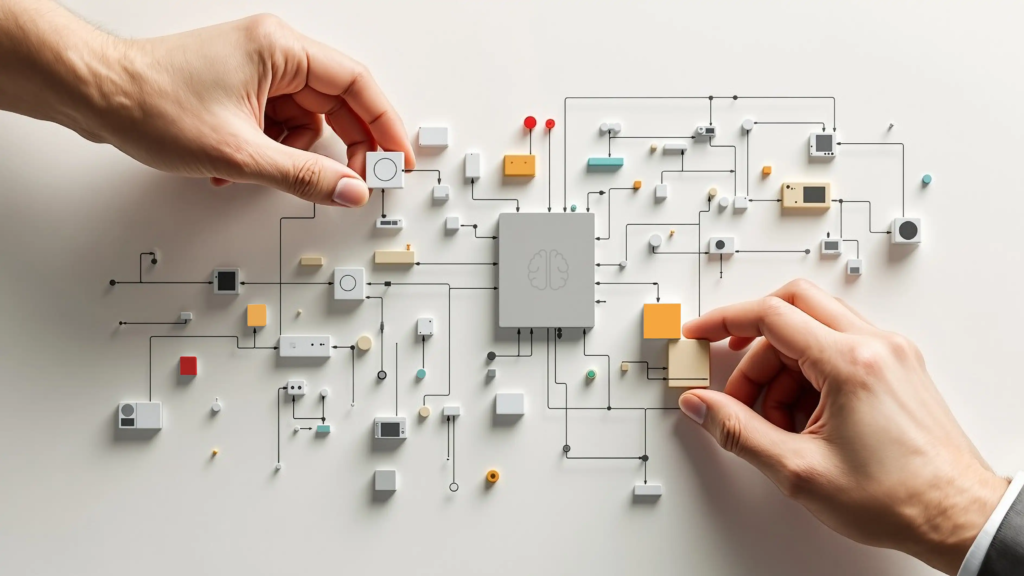
The market is saturated with project management software, but there is a massive difference between a platform that genuinely optimizes your day and one that just feels like data entry. Many enterprise systems fail because they are designed by bureaucrats for accountants—they are rigid, overly complex, and require an entire afternoon of training just to learn how to log a task.
If a tool feels like a chore, human nature will inevitably take over: your team will resist it, bypass it, and slip right back into their old habits of rogue emails and direct messages. The most effective tools prioritize human psychology over rigid tracking.
An elite workflow platform balances flexibility with power. It should offer clean, visual interfaces—like Kanban boards for visual thinkers, Gantt charts for timeline-focused managers, and simple lists for minimalist task-trackers. It should seamlessly bridge the gap between high-level strategic goals and granular daily tasks. Most importantly, it should minimize friction. If it takes more than three clicks to update the status of a project, the tool is hurting your efficiency, not helping it.
The Human-Centric Rise of Automation
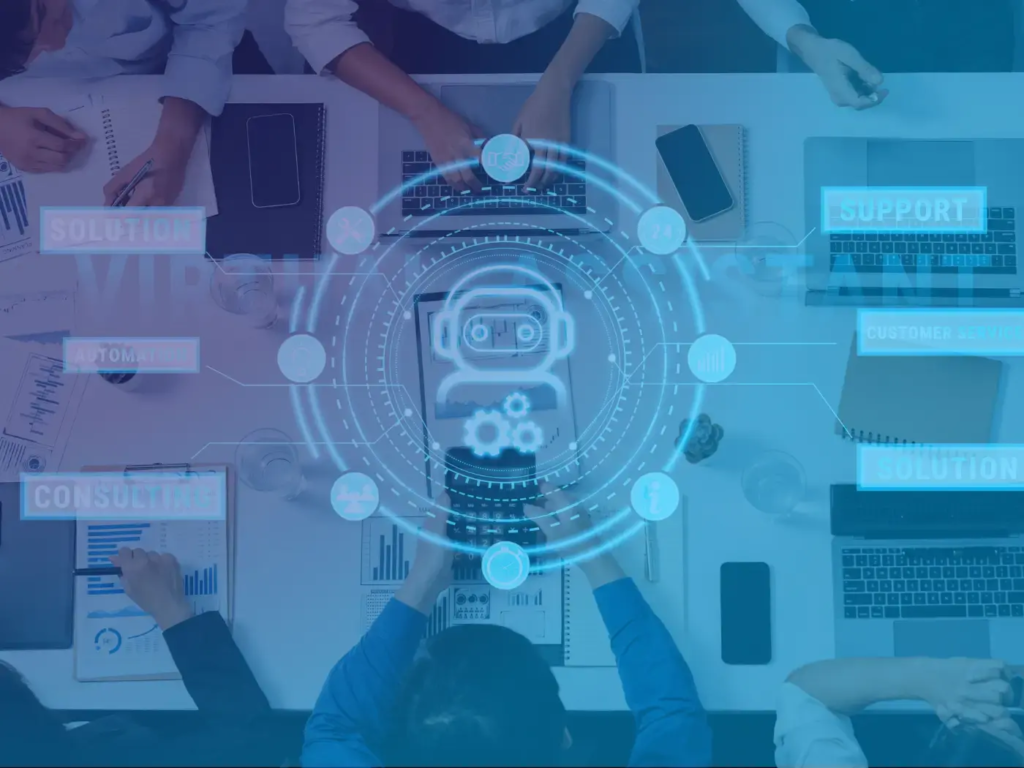
Think about the sheer volume of “busywork” built into a typical project lifecycle. Handing off a file to a designer, sending a polite reminder to a client who hasn’t approved a draft, moving a task card from “In Progress” to “Review,” and pinging the finance team when an invoice is ready. These micro-tasks take only a few minutes each, but collectively, they act as a massive drag on a team’s creative momentum.
By delegating these repetitive administrative handoffs to software, you give your team a priceless gift: uninterrupted time. You preserve their creative energy for strategic problem-solving, artistic execution, and high-value thinking—the exact things that human brains are uniquely built to do.
For years, the word “automation” conjured up sterile, robotic images of replacing human intuition with cold code. But in today’s fast-paced environment, automation has become one of the most deeply humanizing forces in tech. Why? Because it rescues us from the mind-numbing, repetitive administrative tasks that make us feel like robots in the first place.
Modern workflow engines allow you to build custom, logic-based recipes that handle these transitions entirely behind the scenes.
Navigating the Distributed Team Dynamic
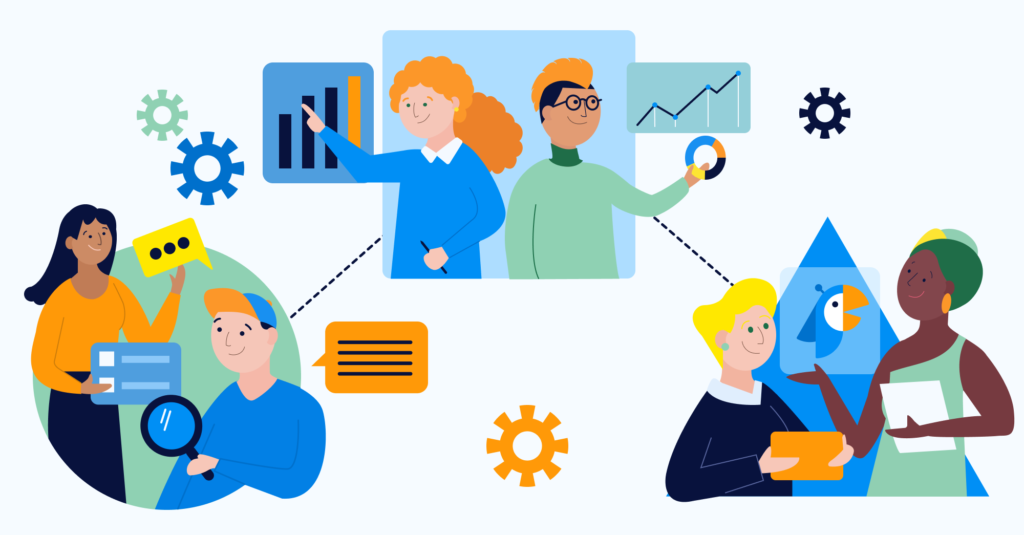
Remote and hybrid work frameworks are magnificent for lifestyle flexibility, but they pose a distinct challenge to organizational alignment. When a team is distributed across multiple cities, states, or even global time zones, you completely lose the casual, organic communication that keeps an office aligned. You can’t just lean over a cubicle wall to clarify a detail or read the room during an impromptu hallway chat.
In a distributed environment, a workflow tool isn’t just an app on your computer—it serves as your digital office building. It provides a visual representation of your team’s collective momentum.
When a distributed team uses a workflow tool correctly, it drastically reduces the friction of asynchronous collaboration. If a developer in Tokyo logs off for the evening, they can leave a detailed update, attach the latest code snippet, and tag a designer in London directly inside the relevant task card. When the London designer wakes up hours later, the entire context of the handoff is sitting there waiting for them. There is no need for a 6:00 AM sync call, no messy handoff email, and zero momentum lost. It levels the playing field, ensuring that everyone has equal access to information regardless of where their desk happens to be located.
Choosing Your Engine: Aligning Platform with Culture
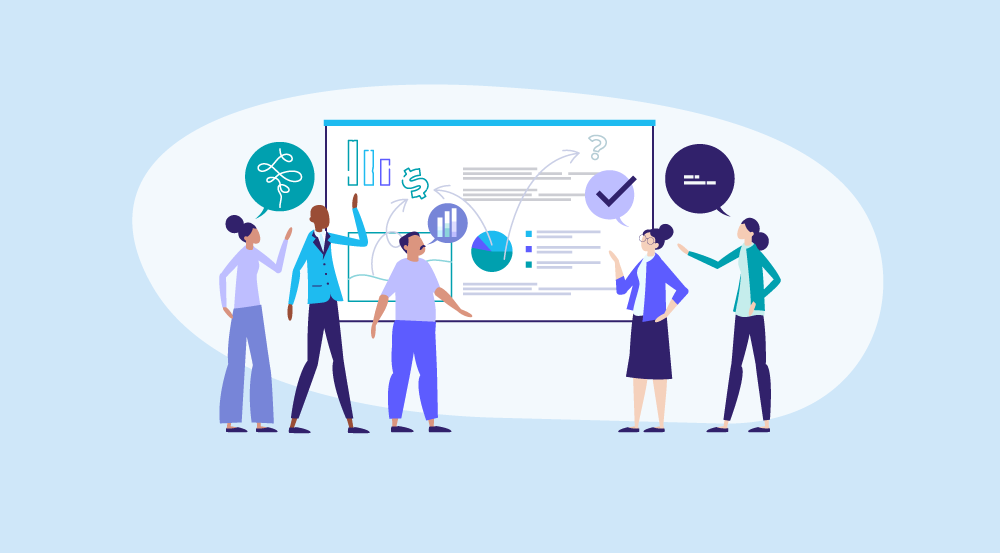
Selecting a workflow platform is an exercise in self-awareness. There is no singular “best” tool on the market, because every team possesses a completely unique operational DNA. A hyper-visual, fast-moving creative agency requires a radically different digital environment than a highly regulated, data-driven software engineering firm.
Finding Your True Fit
- The Visual Collaborators: If your team thrives on brainstorming, mood boards, and fluid timelines, look for platforms that mimic the physical experience of sticky notes on a whiteboard. These tools focus heavily on drag-and-drop interfaces, embedded media previews, and flexible layouts that allow ideas to breathe.
- The Process Purists: If your business relies on highly repetitive, strict, multi-step processes—like onboarding clients, processing medical claims, or managing legal compliance—you need a platform built around ironclad automation, strict permission controls, and robust relational databases.
- The Data Seekers: For large organizations that manage hundreds of intersecting projects simultaneously, the priority shifts toward macro-level visibility. These teams require heavy-duty reporting dashboards, resource-allocation calculators, and cross-project portfolio views that allow executives to spot systemic bottlenecks before they derail a quarter.
Stacking the Deck: The Critical Power of Integration

We live in an era of app fatigue. The average knowledge worker cycles through dozens of different software programs every single day just to perform basic tasks. If your workflow tool exists as yet another isolated island that doesn’t talk to the rest of your tech stack, it ultimately becomes part of the problem rather than the solution.
True efficiency is unlocked when your workflow tool acts as a central nervous system, orchestrating data from all your other applications.
| Connected App | The Integration Magic | The Human Result |
|---|---|---|
| Communication (Slack/Teams) | Turning a casual chat message into a tracked task with a single click. | No great ideas get lost in the scroll of a fast-moving chat room. |
| Calendar (Google/Outlook) | Automatically syncing task deadlines directly onto an individual’s daily schedule. | Teams can plan their days realistically based on actual time constraints. |
| Cloud Storage (Dropbox/Drive) | Embedding live, collaborative files directly inside the project card. | Nobody wastes time hunting through folders for “Version 4_FINAL_v2.pdf.” |
| Customer Data (HubSpot/Salesforce) | Triggering a new client onboarding workflow the moment a sales deal closes. | The delivery team hits the ground running without a manual handoff meeting. |
Transforming Communication from Noise to Signal
Internal communication is one of the hardest things for a growing business to get right. When a company expands, the volume of noise increases exponentially. Important announcements get buried in chaotic public chat channels, critical context gets locked away in private direct messages, and feedback loops become fractured across multiple platforms.
Workflow tools offer a elegant remedy to this digital clutter: they force communication to happen in context.
This simple shift entirely changes the dynamic of workplace communication. It transforms conversations from chaotic background noise into highly organized, searchable histories. Anyone who gets looped into the project later can read down through the task’s comment history and instantly get up to speed on the strategy, the setbacks, and the decisions that were made along the way. It eliminates the need for exhausting catch-up meetings and creates a culture of radical transparency.
Building a Culture That Outlasts the Tool

It is incredibly tempting to view software as a silver bullet—a magical purchase that will instantly fix a disorganized company or a stressed-out team. But the harsh reality of organizational development is that a tool is only as good as the culture that surrounds it. If your operational habits are fundamentally broken, adding a shiny new software platform will simply allow you to execute bad habits slightly faster.
True efficiency isn’t born from code; it is forged through shared agreements, behavioral consistency, and mutual respect for one another’s time. A workflow platform is an empty canvas until a team brings it to life with disciplined, daily habits.
Furthermore, a productive culture understands that these tools are meant to liberate human potential, not to police it. If managers use dashboards purely as a surveillance tool to micromanage every minute of a worker’s day, it will breed resentment and kill morale. The goal of a workflow system should always be to foster autonomy, build trust, and give people the clear boundaries they need to take deep pride in their craftsmanship.
FAQ’S
1. What are workflow tools?
Workflow tools help teams organize tasks, projects, and daily work efficiently.
2. How do workflow tools improve productivity?
They automate tasks, improve collaboration, and keep projects organized.
3. Are workflow tools suitable for small businesses?
Yes, they help small businesses manage work more effectively and save time.
4. Can workflow tools support remote teams?
Yes, they enable seamless collaboration and task tracking from anywhere.
5. What features should a good workflow tool have?
Task management, automation, collaboration, integrations, and progress tracking are essential features.

