We have all experienced those frantic, overwhelming workdays that leave us feeling completely drained. You log in to your computer, and you are instantly hit by a tidal wave of unread emails, overlapping calendar alerts, messy project spreadsheets, and pinging chat messages. You spend your entire morning hunting down a single document that a coworker misplaced, manually copying data across different browser tabs, and writing identical status updates to three separate managers. By the time lunch rolls around, you are mentally exhausted, yet you haven’t actually accomplished a single piece of meaningful, creative work.
As we navigate the hyper-accelerated business world of 2026, this chaotic way of working is no longer just annoying—it is a recipe for corporate failure.
Modern companies are moving at a speed that quickly breaks traditional, manual tracking methods. Trying to run a fast-growing business using nothing but disjointed chat threads and memory is a fast track to missed deadlines and burnout.
To survive and thrive today, high-performing teams are aggressively moving away from disconnected legacy platforms.
Instead, they are consolidating their operations around a unified digital productivity nerve center. By utilizing smart workflow management platforms, organizations are turning daily chaos into clear, structured, and predictable success. Let’s look at how modern professionals are leveraging these smart platforms to eliminate administrative friction and do their best work.
What Are Workflow Tools?
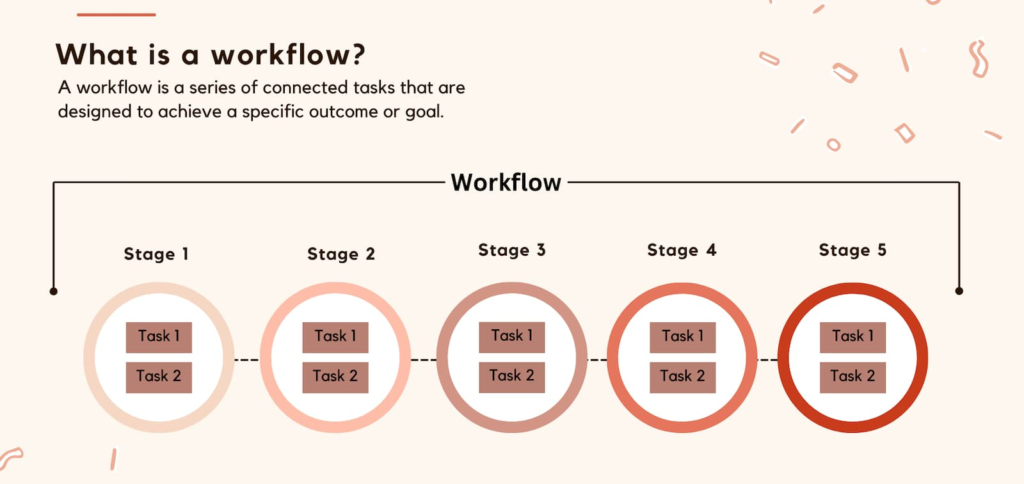
At their core, these digital platforms serve as the central architecture for your daily operations. They map out the complete life cycle of your tasks, ensuring every project flows smoothly from an initial concept to final delivery. They replace guessing with structured operational clarity, providing a clear roadmap for your entire team.
[Input Phase]     ──► Task Identification & Assignment ──► Establishes Accountability
                                                               │
                                                               ▼
[Execution Hub]   ──► Automated Progress Routing        ──► Eradicates Administrative Delays
                                                               │
                                                               ▼
[Delivery Stage]  ──► Final Approval & Verification     ──► Confirms Quality Control
Think of a workflow platform as a digital air traffic control tower for your business. Instead of allowing tasks to collide in a messy inbox, these tools organize individual steps, assign clear human ownership, set deadlines, and automatically route work to the next person in line. Whether you are tracking a marketing campaign, processing an invoice, or onboarding an employee, these systems ensure the right person works on the right task at the exact right moment.
Why Workflow Tools Are Important
The reason these management systems are essential for modern organizations is very simple: manual process tracking wastes an incredible amount of corporate money. When a team operates without a centralized home for its projects, critical information gets lost, steps are duplicated, and deadlines are missed. This results in severe operational efficiency leakage.
When a company builds a transparent, highly organized digital workspace, it removes the friction that slows teams down.
It eliminates the need for daily status meetings because project progress is visible at a glance. This centralized structure keeps everyone aligned, reduces employee frustration, and ensures that growing workloads don’t compromise your output quality.
Improving Productivity
A massive drain on modern workforce productivity is a hidden frustration known as “work about work.” This is the time spent searching for files, switching between different apps, and chasing down updates. It fragments your focus and prevents deep-work cognitive focus.
Modern workflow systems solve this problem by bringing your files, conversations, and deadlines together into one single screen.
By keeping everything contextualized within a specific project card, your team spends zero time hunting for resources. This unified environment allows professionals to maintain momentum, finish tasks faster, and dedicate their energy to high-value strategic thinking.
Better Task Management
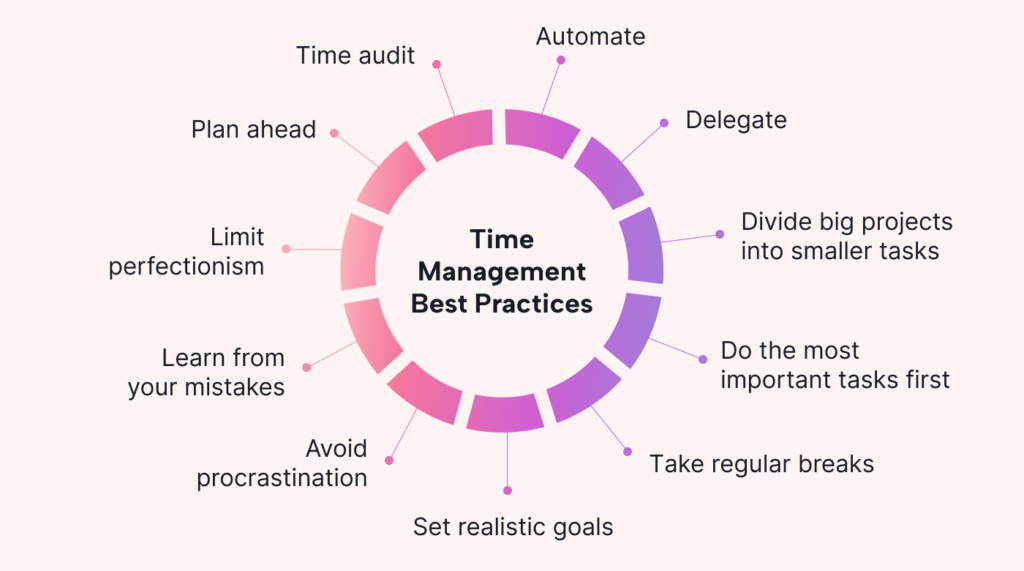
Trying to balance dozens of active projects without clear organization can make your team feel like they are constantly putting out fires. Without clear priorities, employees default to working on whatever task feels most urgent, rather than what is actually most important. This causes resource allocation imbalance.
Implementing a robust workflow engine gives you complete visibility into your team’s total capacity and active priorities.
Managers can view team schedules through clear dashboards, allowing them to balance workloads before anyone hits a wall. Employees get a personalized daily action list that removes the anxiety of wondering what they should focus on next.
Enhanced Team Collaboration
Long, unorganized email chains are where great business ideas go to die. When project updates are buried across messy conversation threads, team members inevitably miss feedback, use outdated file versions, and work from conflicting directions, creating informational silo isolation.
                        ┌─────────────── THE COLLABORATION SHIFT ───────────────┐
                        ▼                                                       ▼
             [Legacy Email Silos]                              [Unified Workflow Platforms]
             • Broken, disjointed message chains                • Contextual, real-time message logs
             • Missing attachments and old files                • Files locked directly to the active task
             • Total lack of project transparency               • Complete visibility across the team
Modern productivity hubs fix this by attaching conversations directly to the task they belong to. Whether you are reviewing a design or writing code, all feedback lives right alongside the work. This openness ensures that every team member can see decisions as they happen, eliminating confusion and helping everyone collaborate seamlessly.
Workflow Automation Saves Time
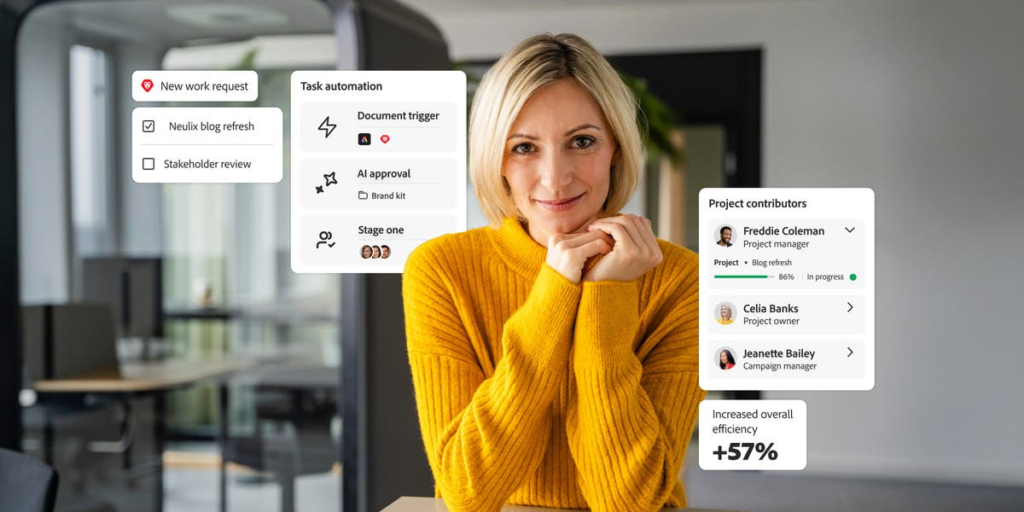
The absolute superpower of modern workflow tools is their ability to handle repetitive tasks automatically. Millions of workers waste hours every week typing out standard updates, moving cards across boards, and emailing reminders. Smart systems use conditional logic automation to handle these chores behind the scenes.
[Form Submission] ──► Auto-Creates Project Card ──► Auto-Assigns Specialist ──► Pushes Alert to Slack
You can easily set up automated rules: when a client submits a support form, the system instantly builds a tracking card, assigns it to a specialist, and sends an alert to your team chat. This background automation keeps your projects moving forward smoothly without requiring constant human intervention.
Digital Workspace Optimization Matrix
| Operational Pillar | Core Automation Engine | Real-World Performance Impact |
| Task Lifecycle | Employs Kanban and Gantt architectures to visualize progress. | Eradicates communication blockages by providing instant project status. |
| Logic Automation | Triggers background actions based on specific custom rules. | Saves hours of manual work by taking repetitive admin tasks off human hands. |
| Data Synchronization | Connects independent business tools through secure APIs. | Eliminates data silos, keeping your customer info accurate across apps. |
| Reporting Engine | Tracks task cycle times and team capacity in real time. | Gives managers clear data to balance workloads and stop burnout. |
Reducing Human Errors

We all make mistakes when we are tired or rushed. A missed step in a quality checklist or an incorrect data entry can derail a major client project and harm your reputation. Relying purely on human memory for complex processes creates massive operational risk vulnerability.
Workflow applications protect your business by standardizing your core procedures into repeatable digital templates.
By requiring specific fields to be completed and enforcing mandatory approval steps before a project can move forward, these tools serve as a digital safety net. This ensures your team maintains consistent, high-quality results every single time.
Supporting Remote and Hybrid Work
The shift toward remote and hybrid office structures has broken traditional management styles. When you can no longer walk over to a coworker’s desk for an update, you need an objective system that serves as a single source of truth, facilitating asynchronous operational execution.
                                 ┌──► Lets Teams Collaborate Perfectly Across Time Zones
                                 │
[Asynchronous Work Core] ────────┼──► Records Every Project Update in a Public Audit Log
                                 │
                                 └──► Removes the Need for Constant Progress Meetings
Workflow software ensures that your business operates smoothly, no longer depending on everyone working in the same physical room or time zone. Team members can log in from anywhere in the world, see exactly what needs their attention, and catch up on project context. This flexibility allows your company to hire top talent globally without sacrificing daily coordination.
Project Visibility and Transparency
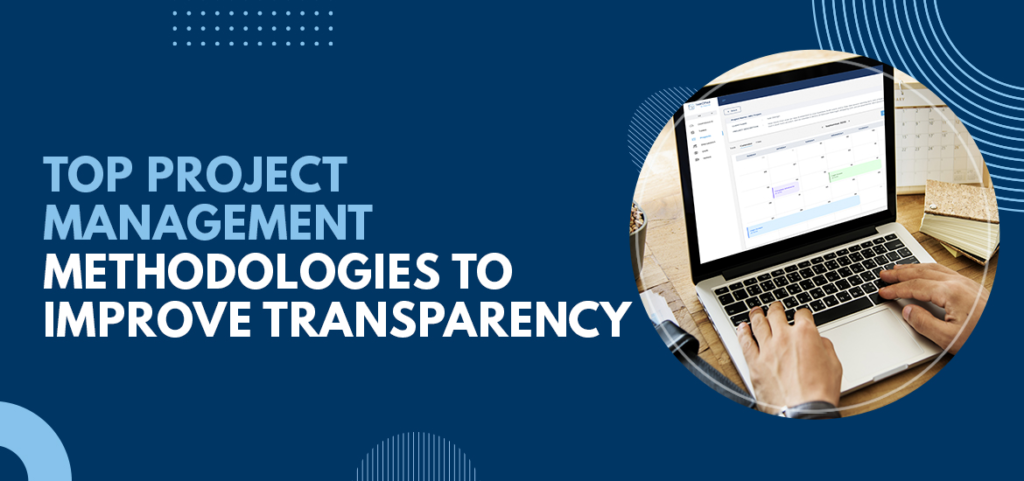
A common frustration for business leaders is feeling completely disconnected from the actual daily output of their teams. Without clear tracking tools, managers have to constantly pester their staff for status updates, leading to micromanagement and workplace cultural friction.
A modern workflow dashboard gives executives a real-time, high-level view of project health.
You can instantly spot blocked tasks, track upcoming deadlines, and identify operational bottlenecks before they cause a crisis. This transparency builds accountability across the organization, helping teams self-correct and work together with minimal friction.
Document Management Made Easier
Searching through messy desktop folders and chaotic shared drives for a final file version is an absolute waste of time. When teams accidentally use outdated documents, it can lead to expensive manufacturing errors or legal compliance issues, causing version control fragmentation.
Modern productivity suites feature built-in document management that locks files directly to their specific tasks.
This centralized storage ensures that your team is always working from the most up-to-date version. It keeps your files secure, organized, and accessible to the exact people who need them to move the project forward.
Better Decision-Making Through Data
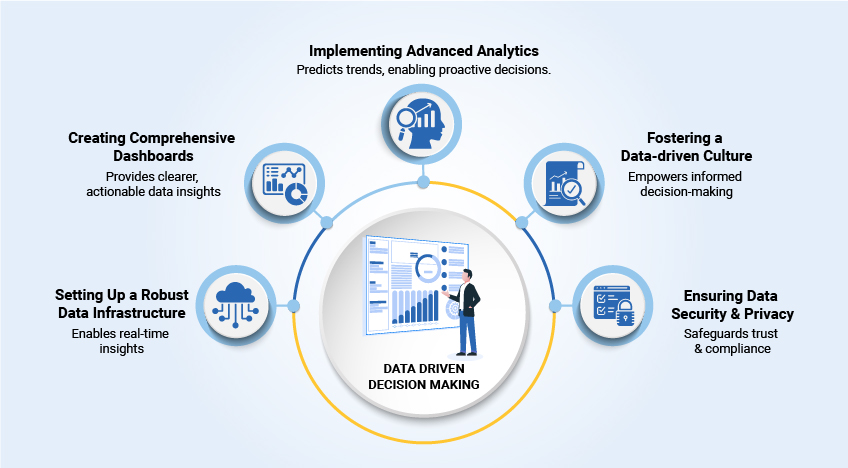
You simply cannot optimize a business process that you do not measure. If you manage your team’s tasks entirely by gut feeling, you will miss deep patterns of inefficiency, structural bottlenecks, and resource waste that slow down your business growth. This requires a shift toward predictive performance analytics.
Every time your team interacts with a workflow platform, they generate valuable operational data.
By analyzing how long tasks take to move through each stage, managers can pinpoint where work gets stuck. This data-driven insight allows you to redesign broken processes, distribute workloads fairly, and plan future projects with total confidence.
Creating a Culture of Efficiency

Technology is incredibly powerful, but software alone cannot magically transform a business. The real magic happens when your team embraces a shared commitment to clear communication, organized processes, and continuous improvement, establishing a true high-velocity execution culture.
When your employees see how structured workflows remove daily stress and give them back time for meaningful work, adoption happens naturally.
By combining top-tier digital tools with a workplace culture that respects human focus, you build an agile organization that can scale smoothly, satisfy customers, and handle any market challenge with ease.