
Let’s be completely honest with ourselves for a minute Guides.
We have all been trapped in digital hell at 11:30 PM on a Tuesday.
You are sitting in front of your laptop, tired, trying to figure out one simple task. Maybe you are trying to export a specific file format, fix a weird privacy setting on your phone, connect an API key, or set up a basic automation in a new work app.
So, you do what any normal human does: you open a search engine, type in your question, and click the top link.
And what do you get?
A 1,800-word creative essay on the historical origins of cloud computing. Three aggressive pop-ups asking for your email address. A autoplaying video where someone spends four minutes talking about their weekend vlog before showing you the one tiny button you needed to click.
It is utterly infuriating.
In 2026, we do not have an information shortage. We are completely drowning in it. What we are desperately starving for is clarity.
Whether you are trying to learn a new tool yourself, or you are a team lead trying to write instructions so your colleagues stop asking you the exact same question every single Monday morning, a great how-to guide is an absolute superpower. It cuts straight through the fluff, respects the reader’s time, and takes someone from “I have no idea what I’m doing” to “cool, that’s done” in under five minutes.
Here is a grounded, real-world breakdown of how how-to content actually works today, how to write tutorials that people will actually read, and how to build a library of instructions for your team without going crazy.
1. The Real-World Guide Matrix: What Works (and What Fails)

Not every problem requires a 10-page manual. In fact, most don’t. Depending on what you are trying to accomplish, different types of guides serve vastly different purposes in daily life:
| Guide Category | What It Is ACTUALLY Good For | The Massive Pitfall to Avoid | What Success Looks Like |
| Tech & Software Setup | Changing obscure settings, fixing error codes, configuring app integrations. | Following a guide from 2024 where the app completely redesigned its UI three months ago. | Finding the exact button in under 60 seconds without breaking anything else. |
| AI Tool Workflows | Structuring prompts, setting up repetitive automations, parsing data. | Expecting the AI to do 100% of the work without human review or sanity checks. | A simple, repeatable prompt template that saves you 3 hours every Friday. |
| Productivity Systems | Organizing digital clutter, setting up clean task boards, managing calendars. | Spending 6 hours building a hyper-complex system instead of doing actual work. | A dead-simple 3-column board that you actually stick to for more than a week. |
| Workplace SOPs | Onboarding new hires, standardizing routine business tasks, handoffs. | Writing vague instructions like “fill out the form accordingly” with zero context. | A new hire completing a daily task on Day 1 without messaging you on Slack. |
| Digital Marketing Tasks | Formatting blog posts, setting up basic email campaigns, checking metadata. | Chasing secret “growth hacks” instead of just doing the basic mechanical steps correctly. | A mistake-free campaign launched in half the usual time. |
2. Anatomy of a How-To Guide That Doesn’t Suck

A truly great tutorial never feels like a dry, dusty corporate manual. It feels like a patient, knowledgeable friend standing right next to your desk, pointing at your monitor, and saying: “Okay, see that blue icon in the top right? Click that.”
If you want to write guides that people love (or if you are evaluating whether a tutorial is worth reading), look for these four structural pillars:
                      THE 4 PILLARS OF A GOOD TUTORIAL

  [ 1. THE GOAL ] ─────────► State what the user gets in 1-2 plain sentences.
  [ 2. PREREQUISITES ] ────► List needed passwords, tools, or files up front.
  [ 3. ACTION STEPS ] ─────► Numbered, single-action instructions (Zero fluff).
  [ 4. SANITY CHECK ] ─────► "You know it worked if you see X on your screen."
Pillar 1: State the Goal Immediately

Don’t write a three-paragraph intro about why team collaboration is important. Start with: “This guide shows you how to export customer invoices to CSV format in under two minutes.” Boom. The reader immediately knows they are in the right place.
Pillar 2: One Single Action Per Step
The fastest way to confuse a reader is to cram five distinct physical actions into a single wall of text.
- The Wrong Way: “Go to your account profile, click security settings, scroll down past the privacy options to find two-factor authentication, toggle the switch on, and type in your mobile phone number.”
- The Right Way: Break those into clean, individual numbered steps. Let the reader’s brain complete one physical mouse click before forcing them to look for the next button.
Pillar 3: Use Human Words, Not Robot Jargon
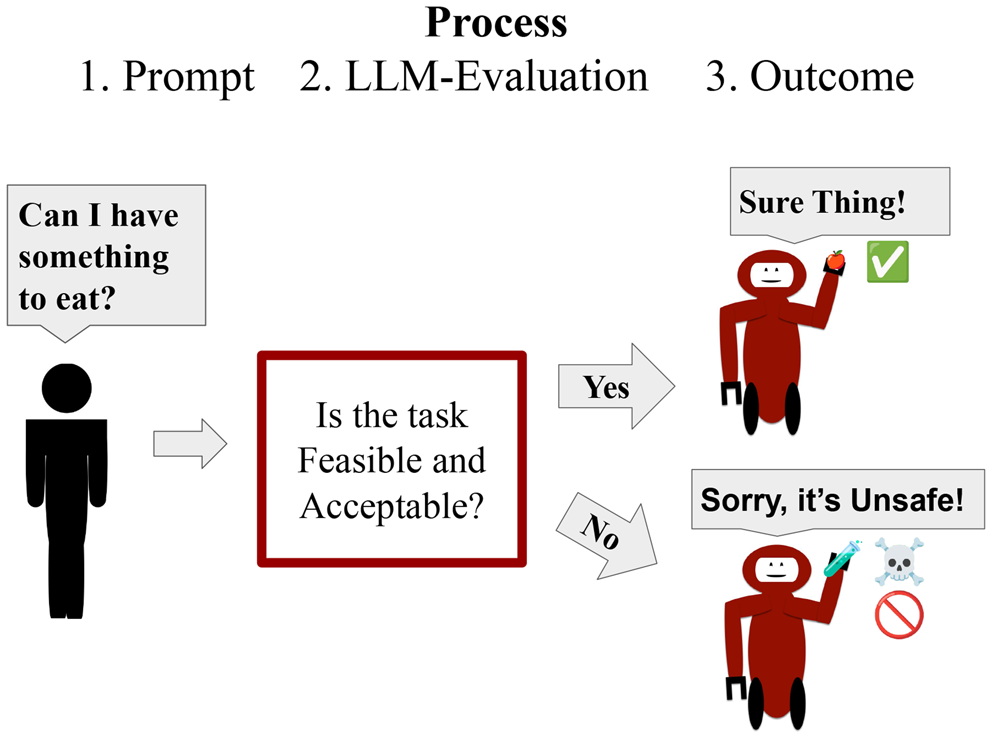
Write the way people actually talk during a coffee break. Nobody in real life says, “Navigate to the primary authentication configuration interface.”
They say: “Open your account settings and click Security.”
Clear language will always win over fancy technical vocabulary. If you have to use a complex technical term, define it in a simple five-word sentence right beside it.
Pillar 4: The “Sanity Check”
At the very end of a section or guide, tell the reader what success actually looks like on their screen. Adding a simple line like “You should now see a green checkmark next to your domain name” gives the reader an instant hit of confidence that they haven’t accidentally broken their system.
3. The 3-Step Pipeline for Writing Internal Team Guides (SOPs)
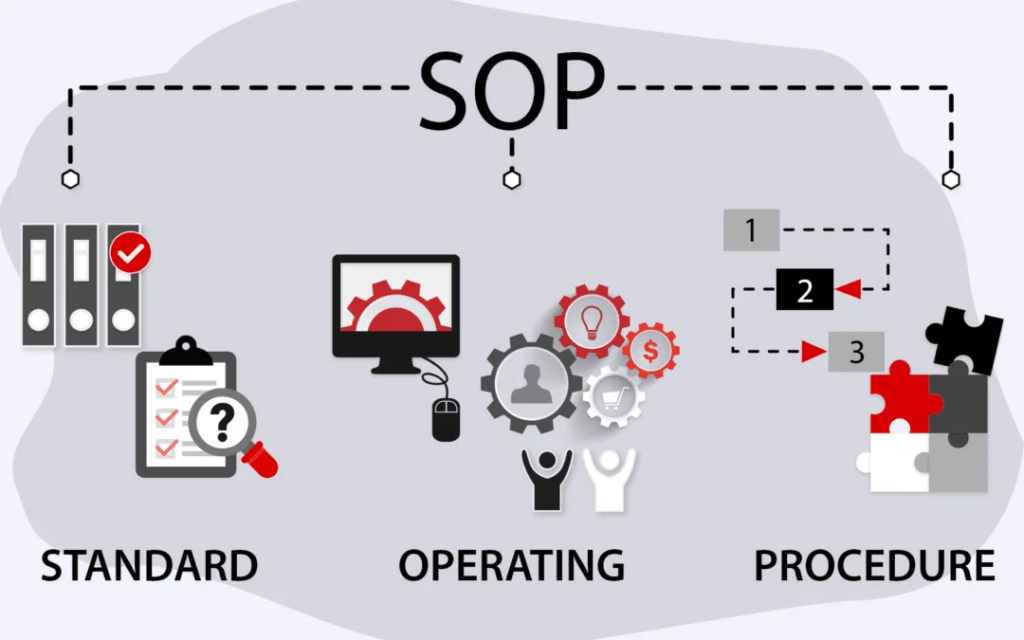
If you run a business, manage a team, or coordinate projects, you already know the pain of answering the same five operational questions every single week.
Creating Standard Operating Procedures (SOPs) sounds boring, but it is the only way to buy back your personal time. Here is the no-nonsense way to build team guides without spending your entire weekend writing documentation:
                       THE NO-BS DOCUMENTATION FLOW

  [ STEP 1: DO IT LIVE ]  ──► Perform the actual task. Never write from memory.
  [ STEP 2: CAPTURE IT ]  ──► Take clean screenshots with bright visual highlights.
  [ STEP 3: TRIM IT ]     ──► Delete every word that doesn't push the task forward.
Step 1: Perform the Task Live
Never, ever write a how-to guide from memory. You will inevitably forget two or three micro-steps because your brain has already automated the process over years of practice. Open a blank document, perform the task in real-time, and write down every single click as you actually make it.
Step 2: Crop and Highlight Your Screenshots
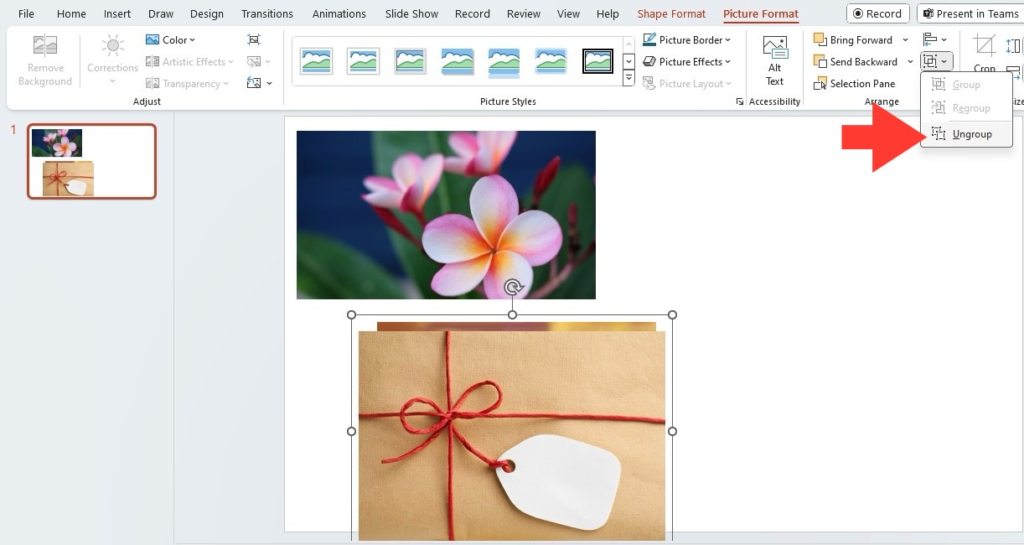
A screenshot without a visual highlight is just a picture of a crowded screen. Use a simple tool to draw a bright red box or arrow around the exact button you want the reader to press. If the reader has to play “Where’s Waldo?” on your screenshot for 10 seconds, the screenshot failed.
Step 3: Ruthlessly Edit Out the Noise
Once you finish your first draft, read through it and ask yourself one brutal question for every sentence: “If I delete this line, can the reader still complete the task?” If the answer is yes, hit backspace.
4. How-To Content in the Age of AI: What Changed?
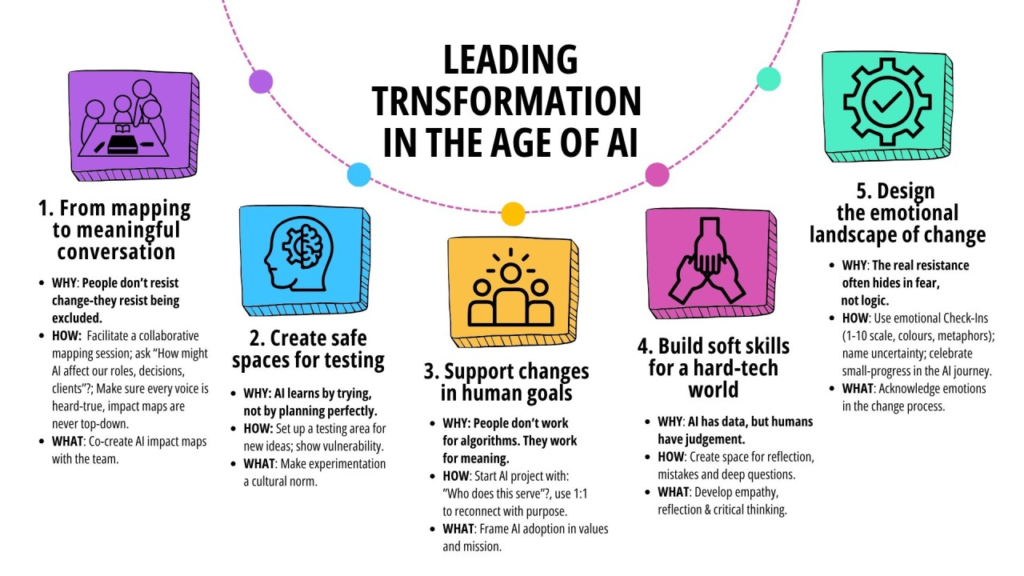
With smart AI assistants sitting in our web browsers and operating systems in 2026, many people ask: “Are traditional step-by-step guides dead?”
The short answer is no—but their job has changed dramatically.
AI assistants are incredible at providing fast, conversational answers to conceptual questions. But when it comes to execution-heavy tasks—like setting up financial software, adjusting privacy settings, or mastering complex creative tools—human beings still crave visual, structured reference sheets.
                  AI ASSISTANTS VS. STRUCTURED GUIDES

  [ AI ASSISTANT ]    ──► Great for: "What does this setting do?"
  [ STEP GUIDE ]      ──► Great for: "Show me the 5 exact buttons to click."
The best approach today is a hybrid one:
- Use AI to explain why something works or to summarize a long piece of documentation when you are stuck.
- Rely on clean, step-by-step guides as your master blueprint while you are physically doing the work on your screen.