

Good communication is at the heart of every productive team. Best Communication Tools Whether you’re working from home, managing a growing business, coordinating freelancers, or collaborating across different time zones, the right communication tools can make work feel significantly easier.
In 2026, workplace communication is no longer limited to email and video calls. Communication Tools Modern teams are using team chat, video conferencing, AI-powered assistants, project communication, shared documents, scheduling platforms, and workflow integrations to keep information moving without creating unnecessary meetings.
The challenge isn’t finding a communication tool. There are thousands of them. The real challenge is finding the tools that fit the way your team actually works.
This guide explores the best Communication Tools for 2026, what makes them useful, and how to build a communication stack that keeps your team connected without overwhelming everyone with notifications.
Why Communication Tools Matter More Than Ever
Modern teams often work across offices, cities, and time zones. Even teams sitting in the same office may rely heavily on digital communication.
The right tools can help teams:
- Share information quickly
- Reduce unnecessary meetings
- Keep conversations organized
- Improve remote collaboration
- Manage projects more efficiently
- Share files and documents
- Communicate across time zones
- Create searchable records of important discussions
- Automate repetitive communication tasks
But more communication isn’t necessarily better communication.
The goal is to create a system where people can quickly understand what needs attention, where information belongs, and when they actually need to respond.
What to Look for in a Communication Tool

Before choosing a platform, think about how your team communicates every day.
Important features include:
Ease of Use
A powerful platform isn’t useful if nobody wants to use it. Look for clean interfaces, simple navigation, and tools that require minimal training.
Team Messaging
Instant messaging is useful for quick questions, updates, announcements, and informal conversations.
Video & Audio Meetings
Video conferencing remains important for team meetings, presentations, interviews, client calls, and brainstorming sessions.
File Sharing
Look for easy ways to upload, share, organize, and collaborate on files.
Search
Search functionality becomes extremely important as conversations grow. Your team should be able to find an old message, document, or decision without scrolling through months of conversations.
Integrations
Communication tools become more powerful when they connect with calendars, project management platforms, file storage, CRM systems, and automation tools.
Security
Businesses should consider access controls, authentication, data protection, administrative features, and compliance requirements when selecting workplace communication software.
1. Team Messaging Platforms
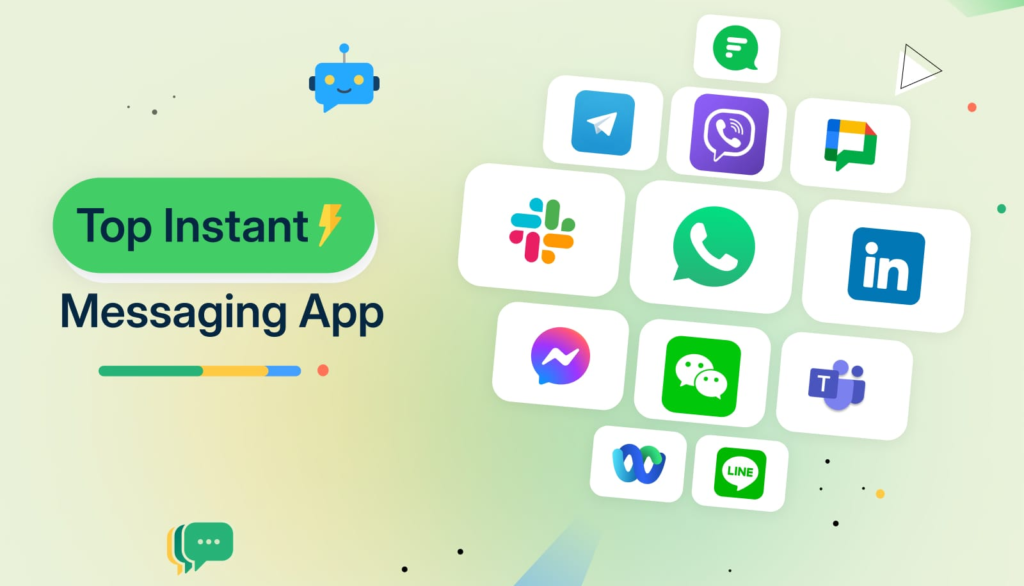
Team messaging tools have become the digital equivalent of the office hallway.
Instead of sending an email for every small question, employees can quickly communicate through dedicated channels and direct messages.
They’re particularly useful for:
- Quick team updates
- Department conversations
- Project discussions
- Company announcements
- Informal communication
- Sharing links and files
- Asking quick questions
The key is organization.
Creating separate spaces for projects, departments, and important topics can make conversations much easier to follow.
Best for
Fast, everyday team communication and organized group discussions.
2. Video Conferencing Tools
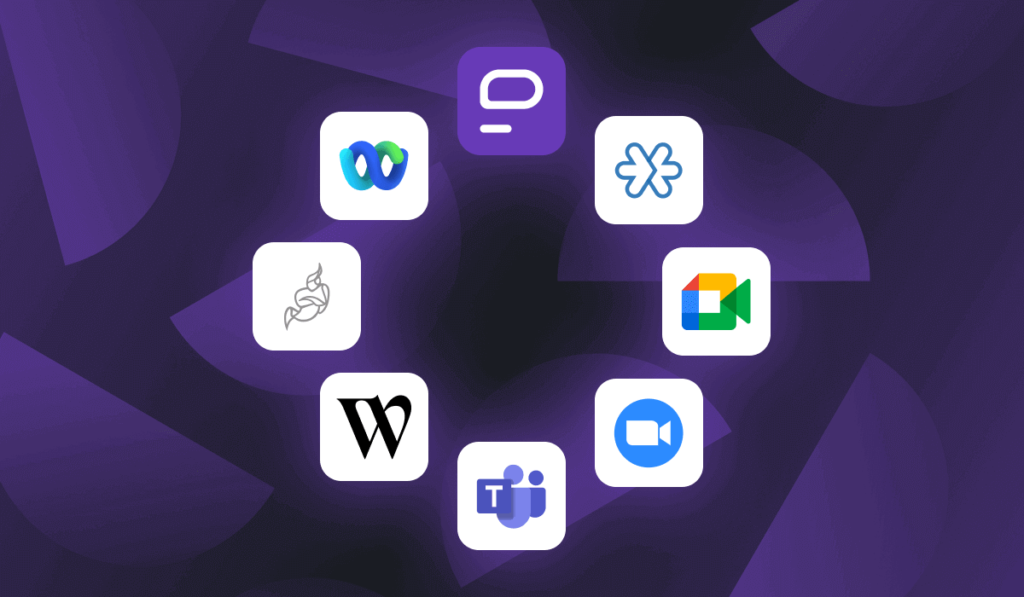
Video conferencing remains essential for distributed teams.
A good video platform should make it easy to schedule meetings, invite participants, share screens, present documents, and communicate clearly.
Modern video platforms increasingly include features such as:
- Automatic meeting transcripts
- AI-generated summaries
- Recording
- Screen sharing
- Virtual backgrounds
- Breakout rooms
- Meeting notes
- Captions
- Calendar integrations
The 2026 trend: fewer but better meetings
Instead of filling calendars with recurring calls, many teams are becoming more intentional about meetings.
Before scheduling a meeting, ask:
Could this be handled with a message, shared document, or short recorded update?
If the answer is yes, skip the meeting.
3. AI-Powered Communication Tools
AI is becoming an important part of workplace communication.
Rather than replacing human conversations, AI tools can help reduce the administrative work surrounding them.
For example, AI can assist with:
- Meeting summaries
- Action-item extraction
- Message drafting
- Email organization
- Document summaries
- Translation
- Search
- Writing assistance
- Information retrieval
This can be particularly useful for teams dealing with large volumes of information.
Imagine joining a meeting 15 minutes late and being able to quickly review the key decisions, action items, and unanswered questions.
That’s where AI can make communication much more efficient.
4. Email Management Tools
Email isn’t disappearing anytime soon.
For many businesses, email remains the primary channel for external communication, customer conversations, professional announcements, and formal documentation.
The problem is volume.
A crowded inbox can quickly become a productivity problem.
Useful email management features include:
- Smart filtering
- Labels and folders
- Search
- Scheduling
- Templates
- Automatic sorting
- Follow-up reminders
- AI-assisted drafting
- Unsubscribe tools
The goal isn’t to eliminate email.
It’s to make sure important messages don’t disappear underneath hundreds of low-priority notifications.
5. Collaboration & Shared Document Tools
Sometimes the best communication isn’t a message at all.
A shared document can be much more effective when a team needs to collaborate on something detailed.
Shared documents are useful for:
- Project plans
- Meeting notes
- Content calendars
- Research
- Business proposals
- Internal guides
- Strategy documents
- Brainstorming
Instead of sending multiple document versions through email, everyone can work from one central location.
This creates a clearer source of truth.
6. Project Communication Tools
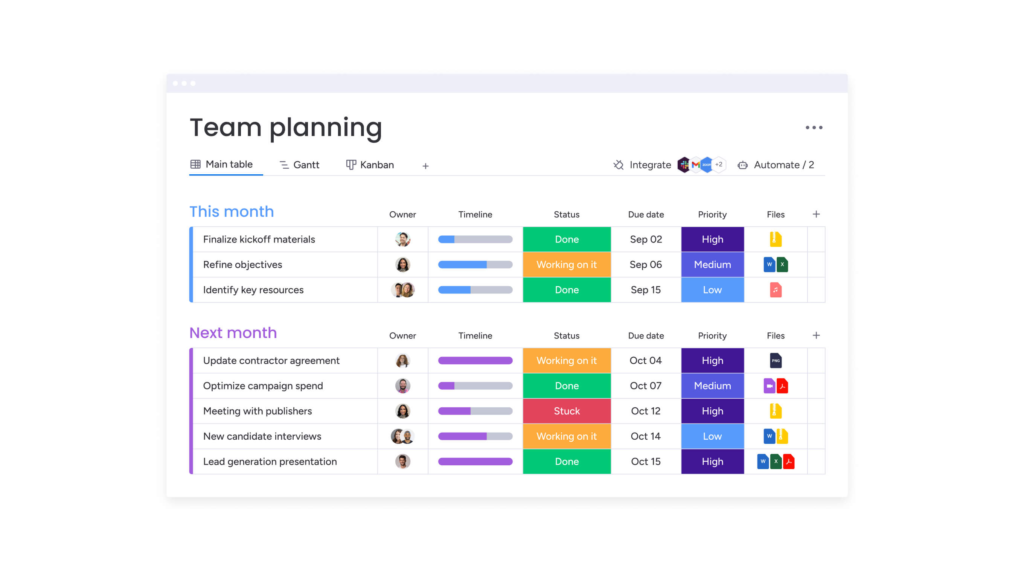
Project management platforms increasingly combine task management with communication.
This is valuable because conversations can stay connected to the work itself.
Instead of:
“Did anyone finish that task?”
A project platform can show:
- Who owns the task
- Its deadline
- Current status
- Related files
- Comments
- Dependencies
- Previous updates
This reduces the need for repeated status messages.
Best for
Teams managing multiple projects, deadlines, clients, and deliverables.
7. Team Scheduling & Calendar Tools
Scheduling can consume surprisingly large amounts of time.
Calendar and scheduling tools help teams coordinate meetings without endless back-and-forth messages.
Useful features include:
- Shared calendars
- Availability links
- Automatic time-zone conversion
- Meeting reminders
- Recurring events
- Calendar integrations
- Booking pages
For distributed teams, automatic time-zone handling can be especially useful.
8. Internal Knowledge & Documentation Tools
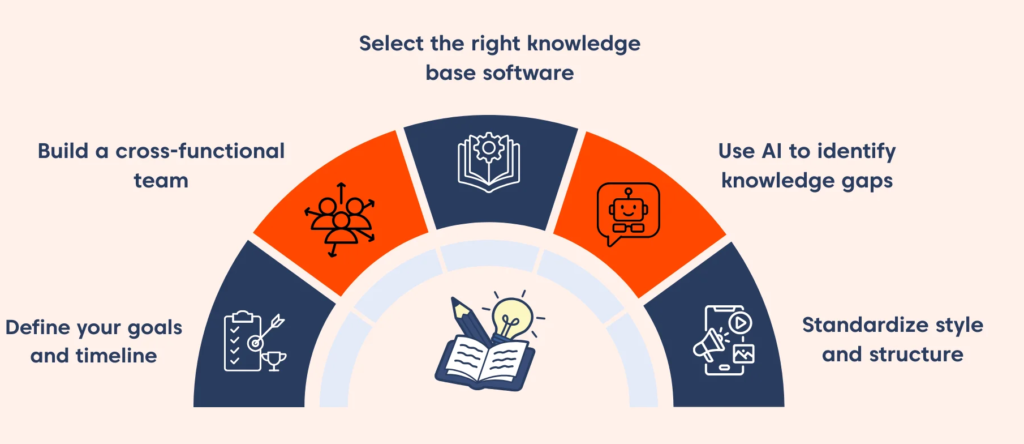
One of the biggest communication problems in growing organizations is repeated questions.
If employees constantly ask:
“Where can I find this?”
or
“How do we normally do that?”
you may need better internal documentation.
A company knowledge base can store:
- Policies
- Procedures
- Tutorials
- Product information
- Onboarding resources
- Frequently asked questions
- Brand guidelines
- Technical documentation
This turns scattered knowledge into something searchable and reusable.
9. Customer Communication Tools

Communication isn’t only internal.
Businesses also need reliable ways to communicate with customers.
Depending on the business, this could include:
- Live chat
- Email support
- Help desks
- Social messaging
- Customer portals
- Automated notifications
- Video consultations
The best customer communication tools connect conversations with customer information so support teams don’t have to repeatedly ask for the same details.
10. Communication Automation

Automation can remove many repetitive Communication Tools tasks.
For example, a workflow could automatically:
New customer inquiry → create support ticket → notify team → send confirmation → assign owner
Or:
New project → create communication channel → add team members → create recurring status reminder
These small automations can save significant amounts of time over the long term.
Communication Tools vs. Productivity Tools

Communication and productivity tools increasingly overlap.
A messaging platform might include task management.
A project management platform might include chat.
A video conferencing platform might include AI notes.
A document platform might include workflow automation.
That’s why choosing tools based purely on categories can be misleading.
Instead, think about the workflow.
Ask:
- Where does communication begin?
- Where is the work tracked?
- Where are files stored?
- Where are decisions documented?
- Where does the team go for updates?
The best communication stack connects these stages.
How to Avoid Communication Overload

Having too many communication tools can create the opposite of productivity.
If employees have to check:
- Team chat
- Project comments
- Multiple calendars
- Customer messages
- Internal documents
- Several notification systems
every day, important information can easily get lost.
Create Clear Communication Rules
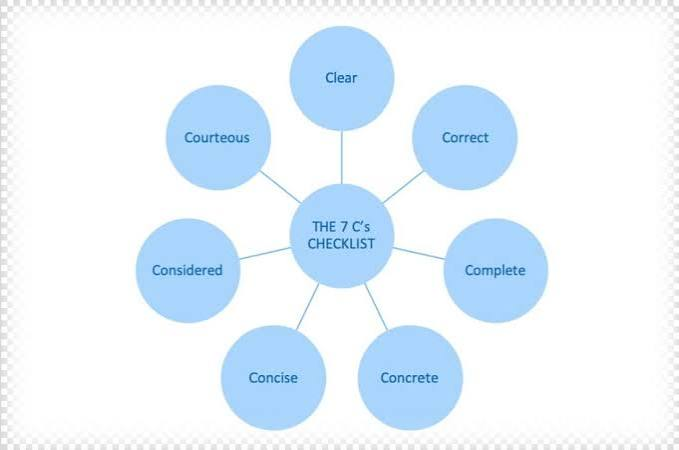
For example:
Urgent: Direct message or phone call
Quick question: Team chat
Detailed discussion: Project channel or shared document
Formal communication: Email
Important decision: Document it in the relevant project or knowledge base
These simple rules can dramatically reduce confusion.
Async Communication Is a Major Trend

Asynchronous communication allows people to respond when they’re available rather than expecting an immediate reply.
This is especially valuable for remote and international teams.
Examples include:
- Recorded video updates
- Project comments
- Shared documents
- Written status updates
- Scheduled messages
- Detailed email updates
Async communication can help reduce unnecessary meetings and give employees more control over their working day.
How AI Is Changing Workplace Communication

AI is becoming less of a separate feature and more of a layer built into everyday communication platforms.
Instead of manually searching through dozens of messages, employees may be able to ask an AI assistant to locate information.
A Instead of writing meeting notes, AI can help summarize discussions.
Instead of spending 20 minutes drafting a routine email, AI can provide a starting point.
The important thing is to treat AI as an assistant rather than an automatic replacement for human judgment.
Sensitive information should also be handled according to your organization’s privacy, security, and data-governance policies.
How to Choose the Right Communication Tools

There is no single best communication platform for every business.
A small creative team may need simple messaging and video calls.
A large enterprise may require advanced administration, security, integrations, compliance capabilities, and centralized documentation.
Before choosing a platform, consider:
Team Size
What works for five people may not work for 500.
Work Style
Are you office-based, remote, hybrid, or distributed internationally?
Communication Needs
Do you mainly need messaging, meetings, customer support, or project collaboration?
Budget
Look beyond the monthly subscription price. Consider training, integrations, administration, and the cost of maintaining multiple platforms.
Integrations
Make sure the platform connects with the tools your team already uses.
Security
Review authentication, permissions, data controls, and administrative capabilities before using a communication platform for sensitive business information.
A Simple Communication Stack for 2026
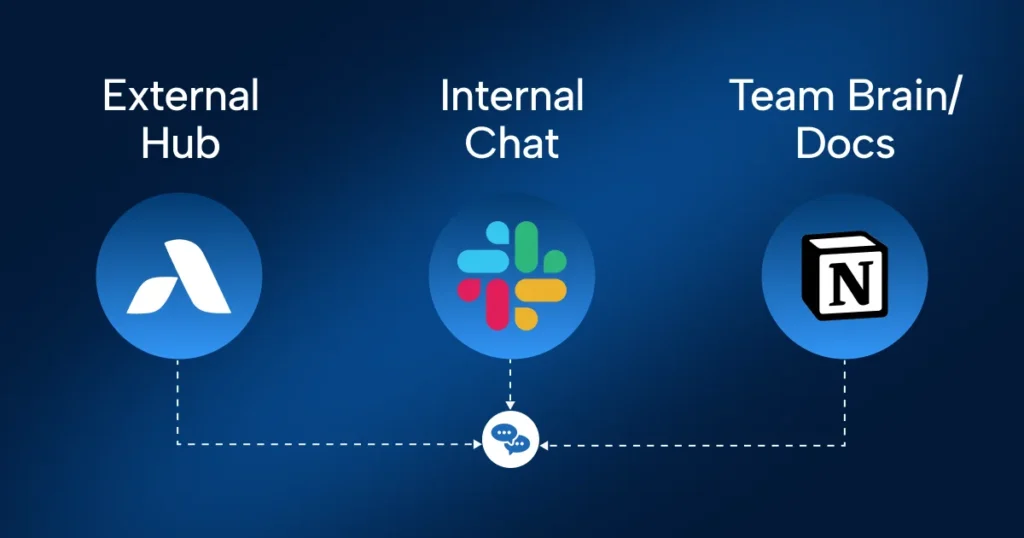
You don’t need dozens of platforms.
A simple setup might include:
Team chat → Quick internal communication
Video conferencing → Meetings and presentations
Shared documents → Collaboration and documentation
Project management → Tasks and deadlines
Calendar → Scheduling
Knowledge base → Long-term information
Automation → Repetitive workflows
This approach keeps your technology stack manageable while still supporting modern collaboration.
The Future of Communication Tools

The future of workplace communication is moving toward greater integration.
Instead of switching between disconnected apps, employees increasingly expect tools to work together.
The most useful platforms will likely focus on:
- AI-assisted communication
- Smarter search
- Automated meeting summaries
- Integrated project workflows
- Better asynchronous collaboration
- Cross-platform integrations
- Improved accessibility
- Stronger security controls
- Personalized notifications
- Unified workspaces
The winning tools won’t necessarily be the ones with the longest feature lists.
They’ll be the ones that remove friction from everyday work.

