Smart software and automated tools are steadily weaving their way into our daily routines, changing how we handle work, shop, communicate, and organize our schedules. What used to be expensive technology built only for giant corporations is now available on our phones and laptops.
While people often lump artificial intelligence and automation together, they do two different jobs:
- Artificial Intelligence (AI) acts as the brain. It makes sense of incoming information, spots patterns, understands text and speech, and drafts responses based on what it learns.
- Automation acts as the hands. It carries out routine tasks and keeps processes moving without someone needing to click every button manually.
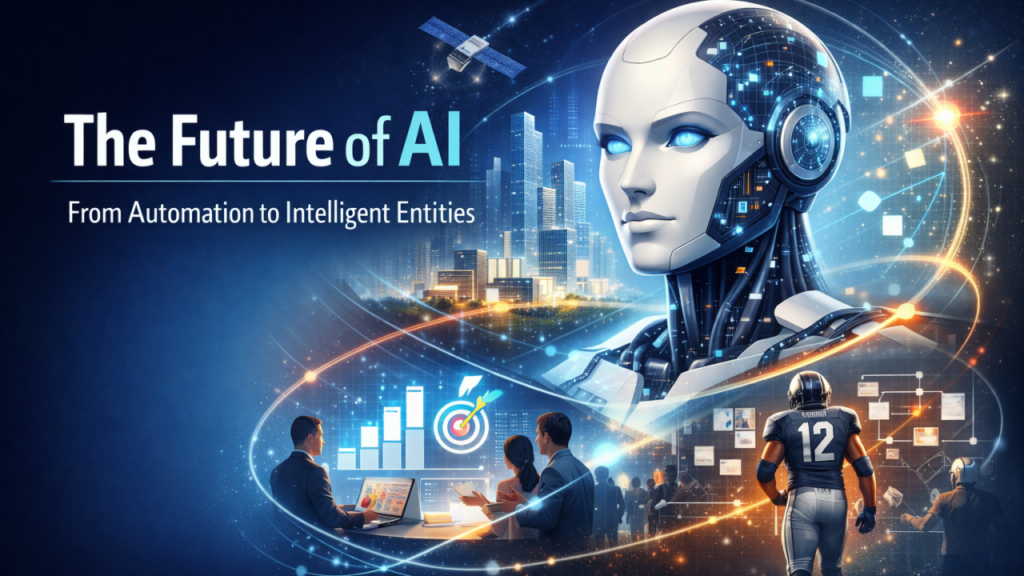
When you put them together, you get software that doesn’t just blindly follow fixed rules. It can assess new information and make practical choices as it works.
Understanding Artificial Intelligence
At its core, artificial intelligence refers to software built to handle tasks that used to require human thought. That includes reading text, identifying photos, transcribing speech, solving problems, and writing or creating graphics.
Most of us rely on AI every single day without giving it a second thought:
- Search engines predicting what we’re looking for based on messy search terms.
- Streaming apps suggesting movies or music based on past habits.
- Smartphones auto-tagging photos by place, date, or person.
- Businesses checking customer trends in real time to offer better support.
Generative AI takes things a step further. Instead of just organizing existing data, it writes drafts, designs images, composes sound, writes code, and builds outlines from short prompts. It has quickly become a handy partner for writers, programmers, business owners, and students.
What Automation Actually Does
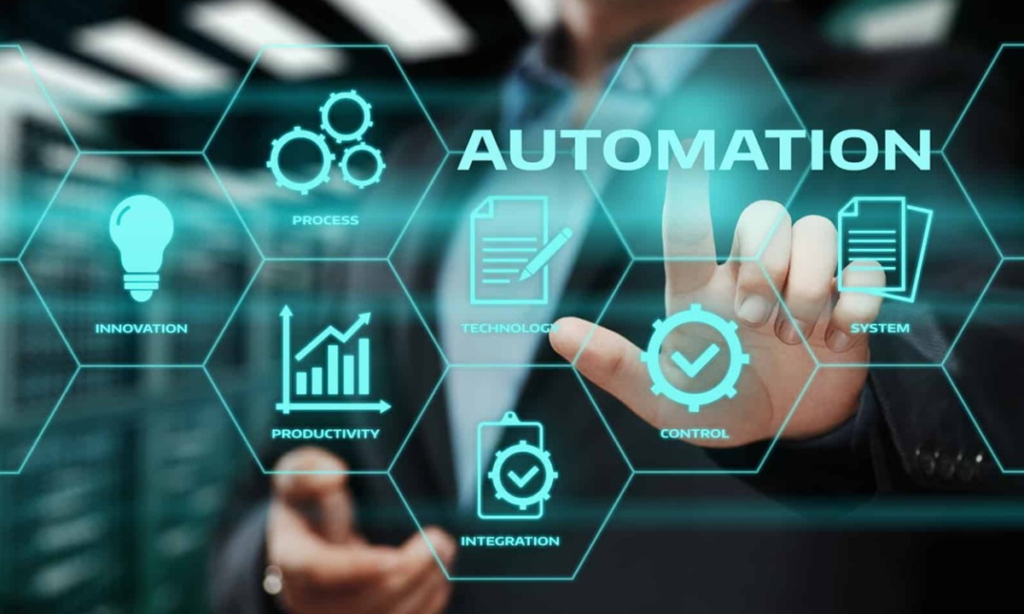
Automation is all about removing manual effort from repetitive chores. Basic, rule-governed automation has been around for years:
- A website form sending a quick confirmation email right after you hit submit.
- A calendar app sending a reminder 15 minutes before your doctor’s appointment.
- Finance software categorizing bank transactions based on set rules.
The big shift right now is that AI is making automation much more flexible. Old-school automation needs strict, predefined rules to work. AI-backed automation can handle messy, unstructured information and adapt when conditions change.
| Automation Style | How It Handles an Incoming Email |
| Traditional Rules | Sorts messages containing the word “invoice” into a specific folder. |
| AI-Powered | Reads the context to spot whether it’s an urgent complaint, a sales inquiry, or a routine bill. |
How AI and Automation Work Together
Combining intelligence with automatic execution makes complex workflows run much faster.
Take customer support as an example. When a ticket comes in, an AI system reads the message, grasps the underlying problem, gauges its urgency, and picks the right department to handle it. The automation system then kicks in—assigning the issue to an available team member, logging the note in the database, and setting a reminder for follow-up.
This cuts out hours of tedious admin work, letting teams focus on tasks that require real empathy, creativity, and judgment.
| Core Focus | Everyday Applications |
| Admin & Operations | Sorting emails, organizing files, and coordinating meeting schedules |
| Data & Tracking | Compiling reports, spotting market trends, and checking system health |
| Customer Experience | Personalizing updates, drafting quick replies, and triaging support requests |
The Rise of Autonomous AI Agents

Software is moving beyond simple chatbots into dedicated AI agents.
Standard chatbots mostly wait for you to ask a question before giving a single reply. An AI agent, on the other hand, can be given an overall goal and left to work through several connected steps to finish the job. Depending on the access you grant, an agent can research a topic, extract key details, connect to other web tools, and complete tasks with minimal hand-holding.
For a business, an agent might handle preliminary research, organize prospective leads, check code for bugs, or clean up back-office files. However, giving software this much leeway means keeping strong boundaries—human oversight and strict data access controls remain essential.
6 Practical Benefits of Combining Both Tools
- Saves time: Cuts down the hours spent on tedious, repetitive weekly admin work.
- Boosts daily output: Summarizes long documents and drafts written materials in seconds.
- Cuts down grunt work: Takes over manual data entry, file sorting, and routine record-keeping.
- Uncovers clearer insights: Spots trends and outliers hidden inside large amounts of information.
- Offers around-the-clock help: Answers common customer questions instantly, any time of day.
- Levels the playing field: Gives small businesses access to tools that used to require massive budgets.
Where You Already See Intelligent Automation
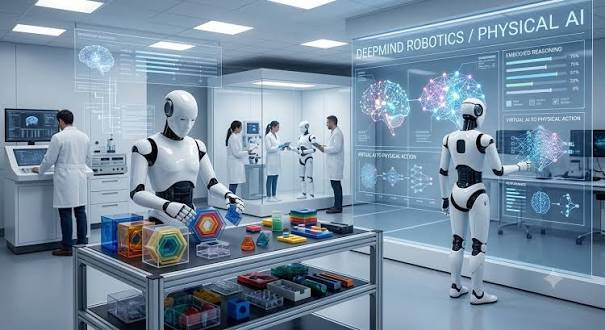
You don’t need to work in a tech role to benefit from these advances. They are already running quietly in the background of everyday life:
- Maps and Navigation: Monitoring traffic conditions and pointing out faster routes while you drive.
- Smart Home Tech: Adjusting thermostats, lights, and security systems based on your usual habits.
- Email Filters: Keeping spam out of your main view and pulling order receipts into separate tabs.
- Photo Apps: Grouping photos automatically by family members, pets, or travel destinations.
How Teams Put These Tools to Work
Different departments use smart software to streamline their day-to-day operations:
- Marketing: Outlining campaign ideas, drafting personalized newsletters, and tracking customer habits.
- Customer Service: Resolving simple FAQs automatically so agents can tackle complicated issues.
- Sales: Ranking prospective leads, summarizing call notes, and scheduling follow-up messages.
- HR & Staffing: Screening incoming resumes, managing new-hire paperwork, and organizing shift calendars.
- Finance: Categorizing expenses, flagging unusual charges, and pulling together monthly summaries.
- Software Engineering: Helping write basic code, finding software bugs, and drafting documentation.
Why Human Oversight Matters
As helpful as smart tools are, relying on them completely without checking their work is a mistake.
AI models can misread context, invent incorrect facts, or make poor calls if fed messy data. If an automated process relies on flawed rules, it will simply churn out errors much faster than a human would.
Keeping humans in the loop protects your work:
- Establish firm rules on what tasks software can do automatically and what needs a person’s approval.
- Lock down sensitive personal and company data with clear permission settings.
- Review automated setups regularly to make sure they are still delivering reliable results.
How to Get Started Step-by-Step
You don’t need to change how you work all at once. The best strategy is to pick one small headache and solve it first.
- Spot the bottleneck: Pick a repetitive, predictable task that eats up too much of your time each week.
- Select the right tool: Decide whether you need basic automation, a simple AI writer, or a combined tool. Good starter tasks include automated meeting scheduling, email filtering, or quick document summaries.
- Run a short test: Try out the new workflow for two weeks to see if it actually saves time and works reliably.
- Expand slowly: Once your first setup runs smoothly, move on to the next obvious task.
Focus on solving real daily problems rather than adopting new software just because it’s popular.
FAQ’s
1. What is AI automation?
AI automation combines artificial intelligence with automated workflows to complete tasks with less human effort.
2. How can AI automation improve productivity?
It can reduce repetitive work, organize information, speed up workflows, and save time.
3. Is AI automation useful for small businesses?
Yes. Small businesses can automate customer support, marketing, scheduling, data entry, and other routine tasks.
4. What are AI agents?
AI agents are systems that can understand goals, perform multiple steps, and complete tasks with limited human input.
5. Is human oversight still important?
Yes. Human review helps ensure accuracy, security, responsible decisions, and better control over automated processes.