

The mobile ecosystem has reached an incredible milestone. Android continues to power the majority of the world’s smartphones, serving as the digital backbone for billions of people every single day. Whether it is managing a busy workday, staying connected with family, streaming entertainment, or organizing personal finances, Android smartphones have evolved from simple devices into essential life companions.
What makes Android such a dominant force is its unmatched flexibility and open ecosystem. Unlike rigid platforms, Android gives users full control over their digital experience. From deep integration with Google services like Chrome and Translate to an endless library of both free and premium tools on the Google Play Store, Android offers a personalized fit for every type of user—from casual browsing to high-powered multitasking.
The Top 10 Essential Android Apps You Need
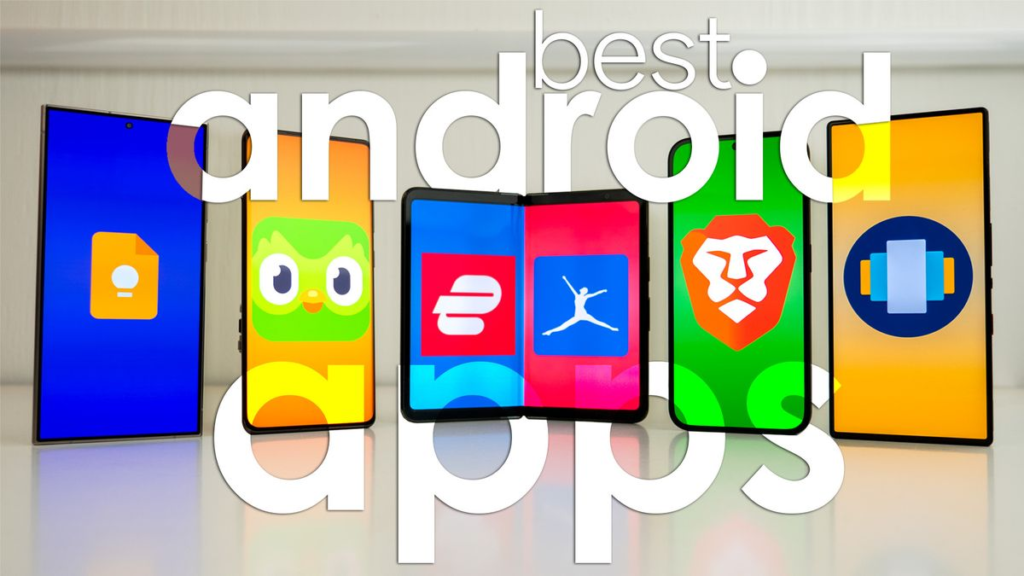
In 2026, the best Android apps go far beyond executing basic tasks. They focus on delivering speed, high-grade security, effortless cross-device syncing, and smooth performance. Here are ten top-tier apps that millions of people rely on daily.
       ESSENTIAL ANDROID APPS AT A GLANCE
 ┌──────────────────────────────────────────────┐
 │  PRODUCTIVITY & CLOUD  │ Google Drive, Files │
 │  SECURITY & PRIVACY    │ Bitwarden, Firefox  │
 │  CREATIVITY & MEDIA    │ Photoshop, VLC      │
 │  NAVIGATION & UTILITY  │ Maps, Pocket Casts  │
 └──────────────────────────────────────────────┘
1. Google Photos
- Primary Role: Cloud storage, photo backup, and smart media management.
- Standout Features: AI-assisted search, seamless cloud syncing across platforms, and instant sharing options.
- Why People Rely On It: It takes the anxiety out of losing precious memories. Whether you move to a new phone or switch between Android, Windows, or iOS, your media library stays fully intact and easily searchable without manual transfers.
2. Bitwarden
- Primary Role: High-security, open-source password manager.
- Standout Features: Zero-knowledge end-to-end encryption, multi-device synchronization, built-in password generator, and an ad-free interface.
- Why People Rely On It: Cyber threats and data breaches continue to climb. Bitwarden offers a simple, highly trustworthy way to generate, store, and auto-fill complex passwords across mobile devices and desktop web browsers without compromising privacy.
3. Files by Google
- Primary Role: Storage cleanup, file management, and offline sharing.
- Standout Features: Automated storage cleanup prompts, fast offline file transfers via Wi-Fi Direct, and lightweight background performance.
- Why People Rely On It: It keeps your internal storage organized and junk-free. Because it demands minimal phone memory, it runs fast even on budget-friendly smartphones.
4. Google Maps
- Primary Role: Turn-by-turn GPS navigation, transit information, and local discovery.
- Standout Features: Real-time traffic alerts, downloadable offline maps, eco-friendly driving routes, and public transit schedules.
- Why People Rely On It: Deeply embedded into the Android setup, it remains the most accurate and dependable mapping tool worldwide for daily commutes, road trips, and exploring new cities.
5. Pocket Casts
- Primary Role: Advanced podcast player for everyday listeners and power users.
- Standout Features: Trim silence, volume boost, custom playlists, and seamless cross-device progress syncing.
- Why People Rely On It: While many streaming apps feel cluttered, Pocket Casts offers a clean, distraction-free layout focused entirely on high-quality audio playback and effortless podcast discovery.
6. VLC for Android
- Primary Role: All-in-one local media player.
- Standout Features: Universal format support (MKV, MP4, AVI, MOV, FLAC, and more), zero advertisements, subtitle downloader, and network stream playback.
- Why People Rely On It: It plays virtually any video or audio file you throw at it without requiring extra codec downloads, making it the most reliable media player for offline entertainment.
7. Adobe Photoshop Express
- Primary Role: Fast, professional photo editing on mobile devices.
- Standout Features: Quick-fix filters, spot-healing tools, selective editing options, and direct social media exporting.
- Why People Rely On It: It puts powerful desktop-grade editing tools right at your fingertips, allowing creators to clean up shots, fix lighting, and publish polished photos in seconds.
8. Mozilla Firefox
- Primary Role: Privacy-first web browser alternative.
- Standout Features: Enhanced tracking protection, customizable add-on support, independent browser engine, and private tab isolation.
- Why People Rely On It: For users who prefer not to leave their entire digital browsing footprint with tech giants, Firefox offers robust defense against invasive trackers and annoying target ads.
9. Google Drive
- Primary Role: Cloud document storage, backup, and real-time collaboration.
- Standout Features: Deep integration with Google Docs, Sheets, and Slides; easy permissions management; and multi-platform access.
- Why People Rely On It: It acts as a central digital workspace. Students and working professionals can write, edit, and review files collaboratively from anywhere in the world.
10. Canva
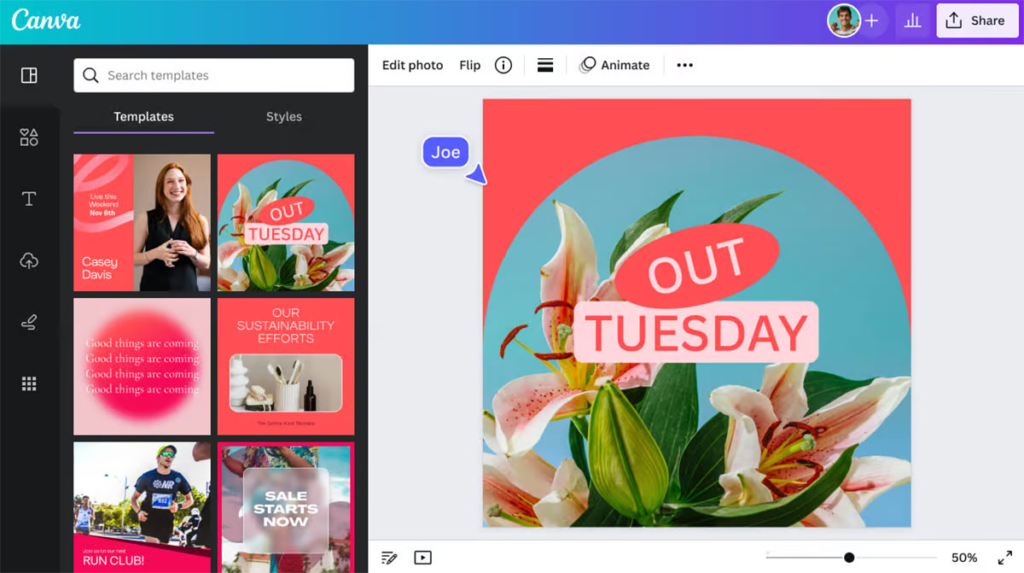
- Primary Role: Drag-and-drop graphic design and visual editing.
- Standout Features: Thousands of ready-made templates, brand kit tools, instant background removers, and collaborative social post creation.
- Why People Rely On It: You don’t need formal graphic design training to create clean presentation slides, social media graphics, or flyers directly on your phone screen.
Key Trends Shaping Mobile App Development
Behind every great app sits a changing landscape of development technologies. As mobile devices become more powerful, software development is rapidly adapting to meet higher expectations around speed, design, and intelligent functionality.
                  MOBILE DEVELOPMENT HORIZONS
 ┌─────────────────────────────────────────────────────────────┐
 │  INTELLIGENCE   ►   Artificial Intelligence & Machine Learning │
 │  PERFORMANCE    ►   5G Connectivity & Cross-Platform Frameworks│
 │  INTERACTION    ►   Voice Search, AR/VR & Smart Wearables       │
 │  SECURITY       ►   Blockchain Ledger & Biometric Encryption  │
 └─────────────────────────────────────────────────────────────┘
1. Artificial Intelligence and Personalization
Artificial Intelligence (AI) and Machine Learning (ML) are no longer novelty features; they are foundational elements of modern software. Today’s apps observe user habits to adapt in real time. From smart virtual assistants that draft replies to intelligent algorithms that curate your media feeds, AI makes mobile software feel personal, intuitive, and responsive.
2. High-Speed 5G Optimization
With global 5G networks broadly established, developers can build feature-rich apps without worrying about slow network speeds. High bandwidth and near-zero latency enable real-time cloud gaming, instant high-definition video streaming, and quick cloud backups without freezing or buffering.
3. Mixed Reality: AR and VR Integration
Augmented Reality (AR) and Virtual Reality (VR) are redefining how we shop, learn, and play. E-commerce platforms now let buyers preview how furniture looks in their actual living room before buying, while educational tools overlay 3D visual models on real-world backgrounds to make complex learning fun and interactive.
4. Designing for Foldable and Flexible Screens
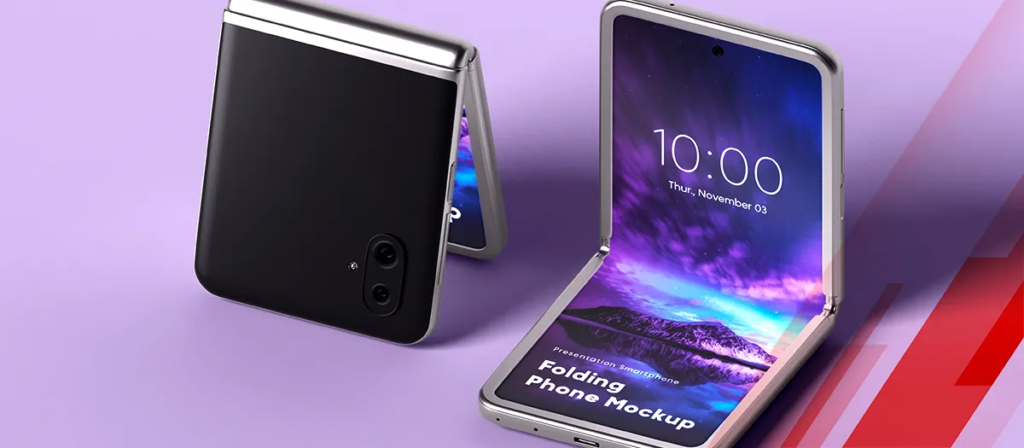
Foldable devices featuring multi-window capabilities and expanding screens are increasingly popular. Developers are shifting away from static layout designs toward dynamic, responsive interfaces that switch smoothly between small, compact cover screens and expanded, tablet-sized displays.
  Folded State (Compact)          Unfolded State (Expanded)
  ┌───────────────────┐           ┌─────────┬─────────┐
  │                   │  ──────►  │ App     │ Multi-  │
  │ Single App View   │  Unfold   │ Main    │ Tasking │
  │                   │           │ Screen  │ Panel   │
  └───────────────────┘           └─────────┴─────────┘
5. Advanced Digital Wallets and Mobile Payments
Contactless payments, tap-to-pay functionality, and encrypted digital wallets have become standard expectations. Modern payment integration focuses on simplifying checkout steps while strengthening defense layers using multi-factor checks, fingerprint scans, and facial recognition technology.
6. Cross-Platform Framework Growth
Frameworks like Flutter and React Native allow engineers to write code once and deploy it across both Android and iOS platforms simultaneously. This streamlined process cuts development time, lowers project costs, and ensures users enjoy a uniform feature set regardless of their choice of phone hardware.
7. Strict Data Security and Privacy Standards
Data safety sits top-of-mind for modern smartphone users. Modern apps enforce zero-knowledge encryption models, transparent user permission requests, and full compliance with global data protection laws (such as GDPR). Prioritizing safety is essential for earning user trust.
8. IoT and Wearable Synchronization
Smartphones function as the central control hubs for connected environments. Whether sync-matching workout metrics with a smartwatch or controlling home lighting and climate systems through smart home apps, smooth Internet of Things (IoT) connectivity is an absolute necessity.
9. Decentralized Blockchain Solutions
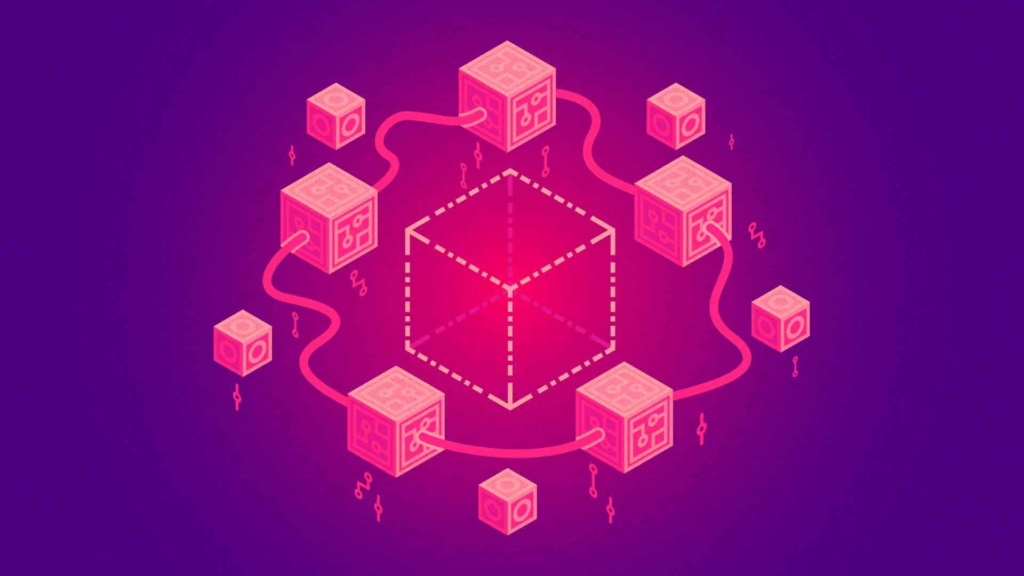
Beyond cryptocurrency trading, blockchain tech provides decentralized authentication and tamper-proof storage models. Healthcare apps, financial platforms, and digital contract managers use blockchain ledgers to keep sensitive information authentic, safe, and tamper-resistant.
10. Voice-First Controls and Voice Search
Hands-free interaction has evolved from a simple gimmick into a critical accessibility and convenience feature. Optimized voice recognition engines allow users to perform actions—like drafting notes, setting reminders, or ordering groceries—using natural voice commands.
Frequently Asked Questions
1. What makes Android the preferred mobile platform globally?
Android offers unrivaled customizability, a vast library of open applications, affordable device choices at every price point, and seamless compatibility with Google’s cloud ecosystem.
2. Are cross-platform apps as fast as native apps?
Yes. Modern development tools like Flutter and React Native compile directly down to native machine code, providing smooth animations, quick load times, and native-level performance.
3. How do password managers keep my stored data safe?
Reputable password managers use zero-knowledge, end-to-end encryption. Your sensitive passwords are encrypted locally on your phone using your master key before syncing, meaning nobody else—not even the app developers—can view your secrets.
4. How do foldable phones change how apps look and feel?
Foldable screens require dynamic, flexible design layouts. Apps must adjust on the fly as the display opens or closes, often offering side-by-side multitasking capabilities when unfolded.
5. Why are so many modern mobile apps adopting AI?
AI allows software to automate tedious routine tasks, predict what a user wants next, customize interface layouts, and offer helpful features like automated text generation and real-time photo enhancements.

