
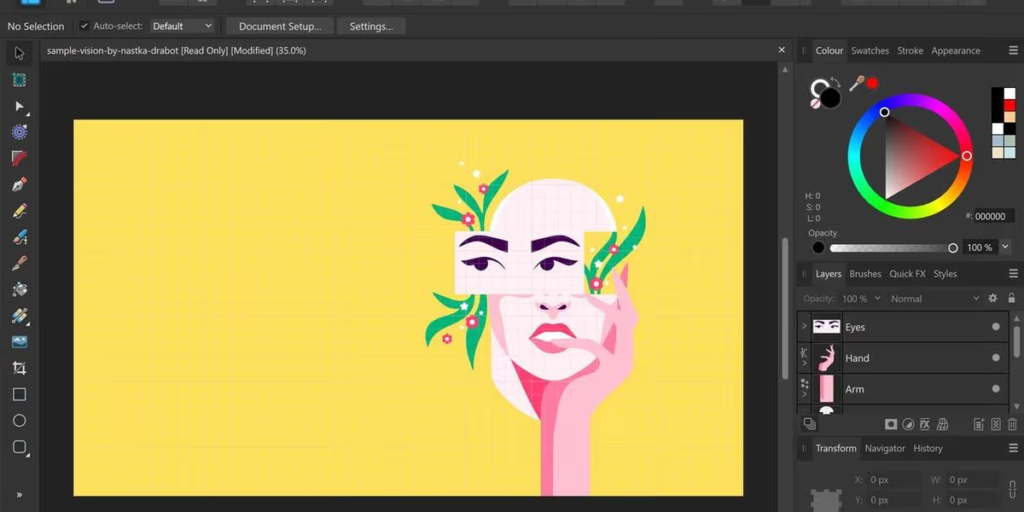
There are times when choosing the right graphic design software can feel like looking at a giant, cluttered toolbox.
Some tools target only seasoned pros designing complex logo systems, packaging and high-end print layouts. Some are built for marketers, small business owners and content creators that just want clean visuals quickly without having to spend weeks learning complex menus.
The best platform isn’t necessarily the most expensive or the most famous one. It’s just the one that allows you to get your ideas out of your head and into the world with the least amount of friction.
What Is Graphic Design, Anyway?

Before we get to the tools, we need to clarify what we’re actually trying to do.
Graphic design is the use of visuals to communicate a message. It is the typography, colour schemes, visual balance, imagery, and layout structure that communicate that message. Good design choices build trust, make complex ideas easy to understand, and help people remember what they saw.
Design isn’t just about making things look pretty. Pretty is good, but useful is better. The real magic is when a design looks polished and is actively helping someone understand a service, a report, a brand.
The major types of design tools
Design software doesn’t do the same thing for all of us. Most tools fall into one of four major categories:
Raster Editors – work at the pixel level. They are meant for photo retouching, image manipulation and digital painting.
Vector Editors: They use mathematical paths, not pixels. The designs you create here can be blown up to billboard size or shrunk down to fit on a business card and still look crisp. Ideal for logos and icons.
Layout Tools: Used for laying out text and images and to create a visual hierarchy for multi-page documents such as magazines, eBooks, and print brochures.
Web & UI/UX Tools: Designed for digital screens, wire framing, interactive prototyping and handoffs to web developers.
Top Design Software Options Compared
To give you an idea of how these tools stack up, here is a quick overview of some of the most widely used platforms:
| Software | Best For | Free Option? | Skill Level |
| Adobe Photoshop | Photo editing & image manipulation | Free Trial | Intermediate to Advanced |
| Adobe Illustrator | Logos, vector art, and icons | Free Trial | Intermediate to Advanced |
| Adobe InDesign | Print layouts, magazines, and multi-page books | Free Trial | Intermediate to Advanced |
| Adobe Express | Fast social graphics and simple assets | Yes | Beginner |
| Canva | Quick marketing materials & social posts | Yes | Beginner |
| Figma | Web design, UI/UX, and real-time collaboration | Yes | Beginner to Advanced |
| Affinity Suite | Professional design without a subscription | Free Trial / Paid | Intermediate to Advanced |
| GIMP | Free, open-source photo editing | Yes | Intermediate |
| Procreate | Hand-drawn digital illustration on iPad | No (One-time purchase) | Beginner to Advanced |
| CorelDRAW | Vector illustration, signage, and print | Free Trial / Paid | Intermediate to Advanced |
Deep Dive: Top 10 Design Programs
1. Adobe Creative Cloud
If you need a full ecosystem that has every deliverable you can think of, Adobe is still the industry standard. You can go from Photoshop (photos) to Illustrator (vector graphics) to InDesign (page layouts) and all that creative power is just unmatched. The tradeoff is a more difficult learning curve and a monthly subscription fee.
2. Figma
Figma has changed the way we do web and product design. It runs directly in the browser and lets teams collaborate in real time on UI components, wireframes, and prototypes. Ideal for digital creators, web designers and software teams.
3. Canva
Canva is made for non-designers who need to create good-looking graphics fast. With thousands of ready-made templates, drag-and-drop tools, and quick brand-kit features, it is the go-to choice for small business owners and social media managers.
4. CorelDRAW
A longtime favorite in print shops and signage businesses, CorelDRAW offers comprehensive vector design and page layout tools in a single application. It is a solid, professional alternative to Adobe Illustrator.
5. Affinity (Photo, Designer, Publisher)
The Affinity suite offers fast, professional-grade software for vector graphics, photo editing, and publication layout. It has earned a loyal following among creators who want high-end capabilities without being tied to a recurring subscription.
6. Procreate
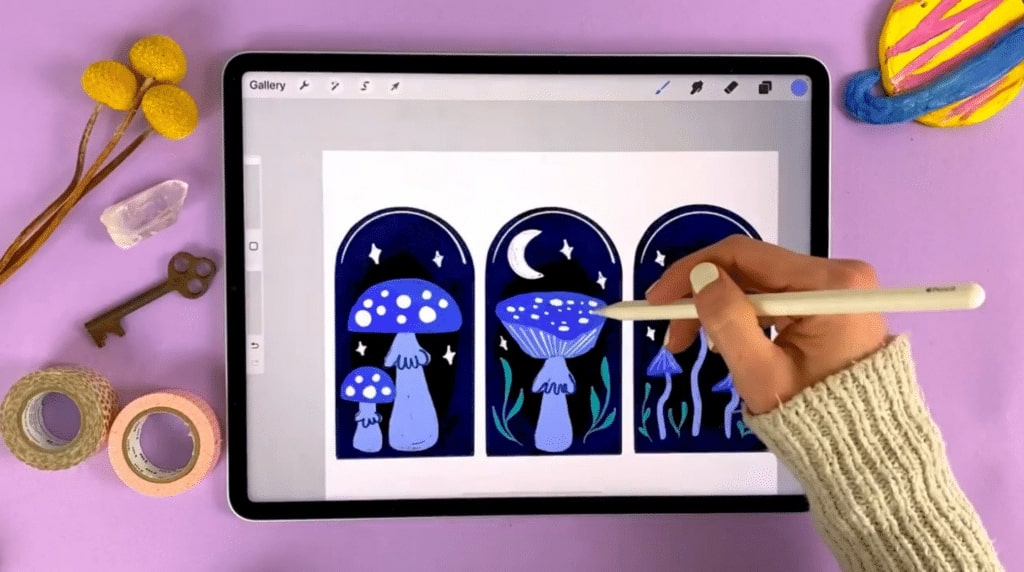
Exclusive to iPad, Procreate delivers a smooth, natural digital painting and drawing experience. When paired with an Apple Pencil, it feels like working on real paper, making it a favorite for illustrators and concept artists.
7. Inkscape
Inkscape is a completely free, open-source vector graphics editor. It uses SVG as its native format and gives users access to node editing, path operations, and vector tools without charging a penny.
8. Sketch
Sketch was built specifically for digital product design on macOS. It features a clean, focused workspace tailored to creating UI components, mobile screens, and web interfaces for Apple-focused design workflows.
9. GIMP
GIMP (GNU Image Manipulation Program) is a popular free alternative to raster editors. While its interface takes some getting used to, it handles photo retouching, image composition, and canvas painting surprisingly well.
10. Krita
Krita is a free, open-source application engineered specifically for digital painters, concept artists, and illustrators. It features advanced brush engines, stabilizer tools, and pop-up palettes tailored to artistic creation.
How to Choose the Right Tool for You
When deciding where to start, keep four key factors in mind:
- Your Project Type: Are you designing a scalable logo (vector), editing a photograph (raster), or creating a multi-page PDF (layout)? Choose the tool built specifically for that output.
- Your Experience Level: If you need graphics today, start with a template-driven tool like Canva or Adobe Express. If you want to build a long-term design career, invest time into industry tools like Illustrator or Figma.
- Your Budget: Decide whether you prefer a ongoing monthly subscription, a one-time purchase, or completely free open-source software.
- Collaboration Needs: If you need clients or teammates reviewing work live inside your design files, prioritize cloud-first tools with real-time editing like Figma.

