
The role of the finance professional has changed dramatically. Gone are the days when finance teams sat quietly in a back office, balancing spreadsheets once a month. Today, finance teams are directly involved in daily business operations. They are expected to act fast, keep cross-departmental projects organized, work hand-in-hand with sales and operations, and give leadership a clear view of company revenue in real time.
To meet these demands, companies are looking for tools that bridge the gap between sales, customer relationship management, and financial operations. This is why HubSpot has become a central tool for modern finance workflows.
While HubSpot built its reputation as a customer platform for marketing and sales, its growing toolkit—including invoicing, payment processing, subscription management, and workflow automation—makes it an ideal operational hub for finance-led teams. It doesn’t replace traditional accounting software, but it makes the daily movement of money and customer data run far more smoothly.
What “HubSpot Finance Solutions” Actually Mean
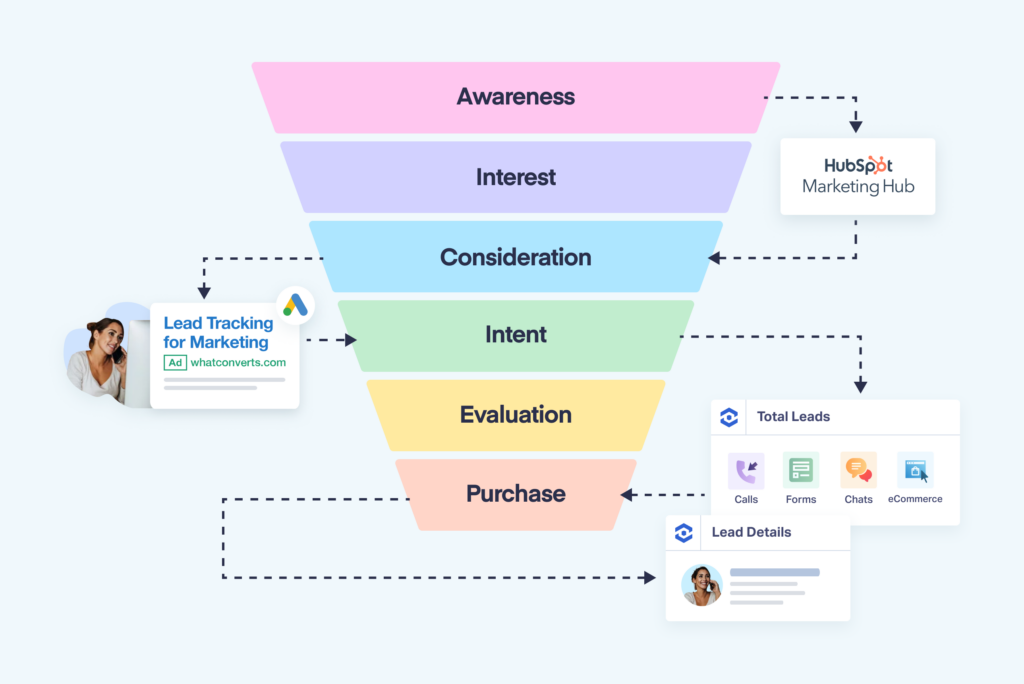
When professionals refer to “HubSpot finance solutions,” they aren’t talking about a full-fledged accounting package like QuickBooks, Xero, or NetSuite. Instead, they are referring to how HubSpot manages money-adjacent operations inside a CRM (Customer Relationship Management) platform.
In practice, HubSpot serves as the central hub for:
- Centralized Data: Storing financial contact information and historical deal records in one accessible location.
- Communication Tracking: Tracking customer-facing billing discussions and email exchanges.
- Invoicing: Generating digital quotes and turning them into active invoices.
- Payments: Collecting payments directly through digital channels.
- Cross-Team Visibility: Giving sales, legal, and finance teams a single, shared view of every account.
HubSpot’s core platform provides contact management, deal tracking, task scheduling, email logging, document sharing, and quote creation. For a finance team, this setup provides a solid operational foundation.
Finance work rarely happens in a vacuum. A billing question might start with a conversation between a client and a sales rep, pass through a legal review, and land on a finance manager’s desk. Without a shared system, resolving that issue requires endless email threads and manual follow-ups. By keeping these records on a single timeline, HubSpot cuts out the friction, giving everyone instant context.
Why Connected Customer and Financial Data Matters
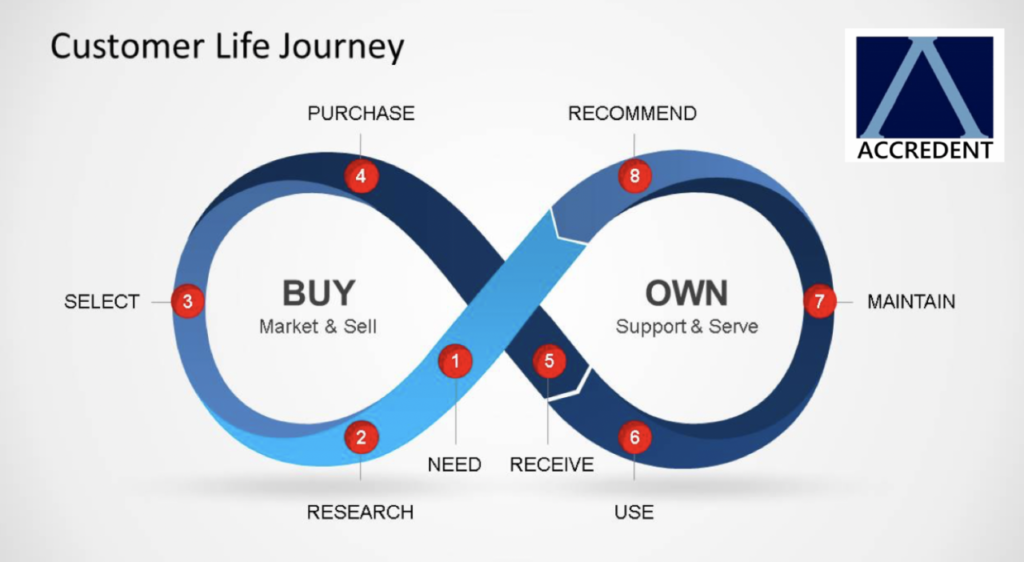
The biggest operational advantage HubSpot offers finance teams is unified information.
Traditionally, companies rely on fragmented software stacks: one tool for tracking sales leads, another for generating PDF quotes, a third for sending invoices, and an email inbox for chasing late payments. This disconnected setup slows down business operations and leads to costly manual mistakes.
By connecting these processes inside HubSpot, a transaction moves naturally from one stage to the next:
- Deal Closed: A sales representative marks a deal as “Closed/Won” in the CRM.
- Invoice Generated: The deal details automatically populate a line-item invoice without manual re-entry.
- Payment Collected: The customer receives a digital payment link or invoice and pays online via credit card or bank transfer.
- Record Updated: The payment status updates immediately across the CRM, notifying both sales and finance.
This connected flow saves time during handoffs and drastically cuts down on administrative back-and-forth. When everyone works from the same source of truth, teams spend less time chasing down missing details and more time serving customers.
Invoicing, Billing, and Global Payments Inside the CRM
Managing receivables efficiently is critical for maintaining healthy cash flow. HubSpot’s built-in billing and payment features directly address this by cutting out unnecessary steps between closing a contract and receiving funds.
Digital Invoicing
HubSpot allows users to build, send, and track custom invoices directly from a deal record or quote. Because the invoice pulls line items, contact details, and terms directly from the CRM, manual data-entry errors are virtually eliminated. Teams can see when an invoice was viewed, whether it remains unpaid, or if a payment has cleared.
Integrated Payments and Currency Support
Through HubSpot Payments and integrated processors like Stripe, companies can accept digital payments in over 130 currencies. Customers can settle their balances using major credit cards, debit cards, or direct ACH bank transfers.
Automated Subscription Billing
For companies operating on a recurring revenue model—such as SaaS providers, agencies, or retainer-based service firms—HubSpot supports recurring payments and subscription management. Renewal notices, recurring charges, and payment receipts happen automatically in the background.
By allowing clients to pay instantly via digital links on invoices, businesses remove payment friction and significantly reduce their average time to collect payments.

HubSpot for Financial Services Firms
Beyond supporting internal finance departments, HubSpot offers tailored functionality for financial services companies, including wealth management practices, commercial lenders, investment brokerages, and insurance firms.
Financial service relationships rely heavily on trust, clear communication, and precise timing. HubSpot’s CRM provides these firms with a structured platform to manage client lifecycles:
- Organized Client Histories: Keep detailed records of client communications, onboarding documents, meeting notes, and account milestones in one place.
- Automated Nurturing: Set up automated email workflows to check in with clients, send meeting reminders, or distribute quarterly market updates.
- Scalable Tiering: Smaller firms can begin using HubSpot’s free CRM tools to organize contacts and track deals without upfront software costs, upgrading to enterprise-level features as their client base grows.
For growing financial services practices, having an easy-to-use CRM makes it simple to standardize client onboarding and deliver a high-touch experience without adding administrative headcount.
Automation and Reporting for Lean Financial Operations

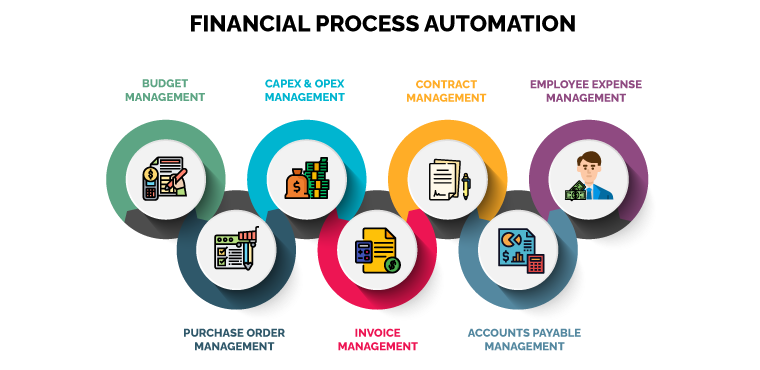
To run efficiently, finance teams need operational visibility and automated routine processes. HubSpot provides built-in workflow rules and customizable dashboards to help teams scale their operations.
Reducing Repetitive Manual Work
Manual tasks absorb valuable hours that could be spent on financial strategy and analysis. HubSpot’s automation engine handles these routine tasks automatically:
- Sending payment reminders to clients before an invoice becomes overdue.
- Updating deal statuses automatically when an invoice is marked as paid.
- Notifying internal team members when an account requires personal follow-up.
- Syncing customer data across connected business tools.
Comprehensive Revenue Reporting
Because HubSpot tracks customer interactions from the first marketing touchpoint all the way through to final payment, its reporting engine offers a complete view of business growth.
Finance leaders can build custom reporting dashboards to monitor:
- Monthly Recurring Revenue (MRR) and Annual Recurring Revenue (ARR).
- Sales pipeline forecasts based on deal stages and historical close rates.
- Outstanding receivables and invoice age distribution.
- Customer Lifetime Value (LTV) relative to acquisition costs.
Rather than waiting for end-of-month accounting adjustments to see how the business is performing, leadership can review real-time revenue metrics at any moment.
Clarifying the Boundaries: What HubSpot Does Not Replace
While HubSpot excels at managing customer-facing financial workflows, it is important to be clear about what the system is not designed to do.
Key Distinction: HubSpot is a CRM and revenue operations platform, not a general ledger system. It does not replace core accounting software.
| HubSpot CRM & Revenue Tool (Front-End Focus) | Full Accounting System (Back-End Focus) |
| Digital Invoicing & Quotes | General Ledger Management |
| Payment Collection Links | Accounts Payable (Vendor Bills) |
| Subscription Management | Payroll Processing |
| Real-time Sales Reporting | Tax Compliance & Audit Trails |
| Shared Team Communications | Formal Balance Sheet Statements |
A healthy tech stack pairs HubSpot with a dedicated accounting system. HubSpot manages the “front end” of revenue—handling quotes, collecting payments, sending invoices, and logging customer history. Meanwhile, the back-end accounting software handles formal bookkeeping, vendor accounts payable, payroll, tax compliance, and official financial statements.
Using HubSpot alongside an accounting tool gives businesses the best of both worlds: a fast, customer-friendly platform for daily operations, backed by a compliant accounting engine for core bookkeeping.
Practical Everyday Use Cases for Finance Teams
To understand how HubSpot functions in daily business operations, consider these common workplace scenarios:
Scenario 1: Resolving a Billing Dispute Rapidly
A customer reaches out with a question about an invoice charge. Instead of emailing sales reps to ask what was promised during negotiations, the finance manager opens the customer’s CRM profile. There, they can instantly view the original contract, signed quote, previous email discussions, and payment history. The issue is resolved on the spot during a single call.
Scenario 2: Automated Payment Reminders
Instead of manually tracking unpaid bills in a spreadsheet and writing individual reminder emails, the finance team sets up an automated workflow. When an invoice reaches 5 days past due, HubSpot automatically sends a friendly reminder email with a direct payment link attached. If the balance remains unpaid at 15 days, a task is automatically generated for an account manager to follow up directly.
Scenario 3: Seamless Sales-to-Finance Handoffs
When a customer signs a sales quote online, HubSpot automatically generates a corresponding digital invoice and emails it to the client’s billing department. The sales rep is notified that the deal is closed, while the finance team sees the new pending revenue land on their receivables dashboard—all without a single manual message or data export.
Why HubSpot Finance Workflows Matter

Modern businesses are working hard to simplify their technology stacks, eliminate manual overhead, and cut down operational delays. Finance departments are expected to move quickly, communicate clearly across teams, and support digital payment methods.
HubSpot meets these needs by bringing customer data, revenue pipelines, invoicing, and payment processing into a single platform. Support for multiple currencies, automated billing, and clean design make it an attractive choice for growing companies.
Furthermore, HubSpot’s tier structure—starting with a free CRM that carries no time limits—allows businesses to test these workflows in real-world scenarios before investing heavily in enterprise upgrades. It offers a practical, modern approach to building a connected financial operation.
Frequently Asked Questions
1.Is HubSpot a full accounting software?
No. HubSpot is a customer platform and CRM with built-in tools for invoicing, payments, quotes, and billing workflows. It handles front-end revenue operations and integrates with back-end accounting tools like QuickBooks, Xero, or NetSuite for formal bookkeeping and tax reporting.
2.How does invoicing work inside HubSpot?
HubSpot allows users to generate digital invoices directly from deal records or quotes. Invoices can be customized, emailed straight to clients, and paid online via credit card, debit, or bank transfer using HubSpot Payments or Stripe.
3.Can HubSpot handle recurring billing and subscriptions?
Yes. HubSpot supports recurring payments and subscription management, allowing businesses to automatically charge customers on a scheduled basis and manage ongoing retainer agreements within the CRM.
4.Is the free HubSpot CRM useful for financial operations?
Yes. The free tier includes contact management, deal tracking, quotes, and basic tasks with no time limit. It gives small teams and financial practices a risk-free way to organize client communications and streamline administrative handoffs before upgrading.
5.How does HubSpot improve collaboration between finance and sales?
Because sales and finance work inside the same CRM system, both teams have complete visibility into deal statuses, issued quotes, active invoices, and payment histories. This shared view cuts out unnecessary status check emails, speeds up resolution times, and ensures everyone stays aligned.