In today’s fast-moving workplace, staying organized is more important than ever. Whether you are managing personal tasks, leading a cross-functional team, or running a multinational business, keeping track of moving parts can become overwhelmingly challenging without a structured framework. That is precisely where digital workflow tools come into play. These centralized platforms help you systematize operations, automate highly repetitive manual work, bridge communication gaps, and keep complex projects moving smoothly toward completion.
With an array of options available, choosing the right workflow tool can make a profound difference in how efficiently your day-to-day operations run. In this comprehensive guide, we will explore what workflow tools are, analyze their core business benefits, evaluate the top-tier platforms dominating the landscape, and provide actionable strategies to boost your organizational productivity.
What Are Workflow Tools?
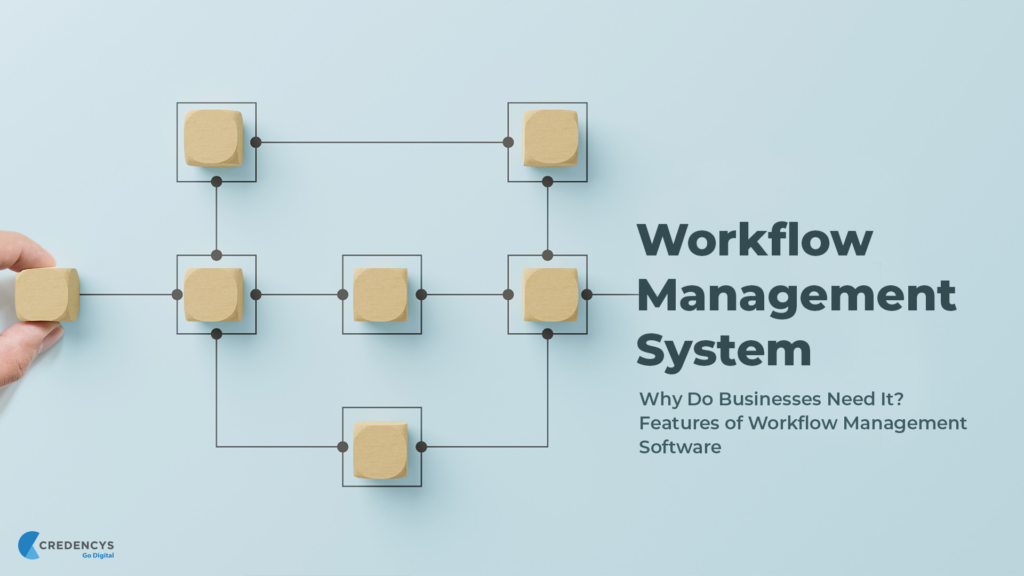
Workflow tools are specialized software applications designed to help individuals and collaborative teams structure tasks, manage multifaceted projects, and automate routine business processes. Instead of relying on fragmented spreadsheets, chaotic email threads, or easily lost handwritten notes, these modern platforms unify all operational data into one singular, accessible digital workspace.
Most comprehensive workflow platforms allow you to execute several critical actions:
- Create and assign specific tasks to individual team members.
- Establish hard deadlines, milestones, and shifting priority levels.
- Track live project progress through visual, interactive dashboards.
- Collaborate seamlessly with internal and external stakeholders.
- Centralize file sharing and real-time document co-authoring.
- Trigger automated sequences for repetitive, predictable tasks.
- Monitor labor productivity using built-in analytics and data reports.
By keeping operational data highly organized and completely transparent, workflow tools eliminate workplace confusion, reduce communication friction, and drastically improve overall operational throughput.
Why Workflow Tools Matter
As modern businesses scale, managing multiple parallel projects, overlapping deadlines, and diverse teams becomes increasingly complex. Workflow tools demystify these intricate processes by providing a clear, logical architecture for project planning and execution.
| Core Benefit | Operational Impact |
| Centralized Architecture | Eliminates scattered data by housing all files, updates, and tasks in one searchable hub. |
| Synchronized Collaboration | Empowers teams to communicate contextual updates directly inside specific tasks. |
| Optimized Efficiency | Shifts human focus away from administrative overhead and toward high-value creative tasks. |
| Total Operational Clarity | Grants leaders and stakeholders real-time visibility into project bottlenecks and resource allocation. |
| Risk and Error Mitigation | Standardizes recurring procedures, reducing human error caused by manual oversight. |
Top Workflow Tools to Boost Productivity
ClickUp

ClickUp has earned its reputation as one of the most versatile, all-in-one workflow management platforms on the market. It is engineered to replace multiple disparate applications by combining task management, document creation, time tracking, goal setting, and team collaboration into a single, highly customizable interface.
The platform relies on a hierarchical structure (Spaces, Folders, Lists, and Tasks) that allows businesses to mold the software around their existing corporate architecture rather than forcing the team to adapt to rigid software constraints. Furthermore, its native AI-powered features assist in summarizing long comment threads, writing project updates, and generating subtasks automatically, making it an excellent fit for data-heavy operations.
- Key Features: Custom dynamic dashboards, native time tracking, real-time doc collaboration, goal tracking, multi-tier automation, and embedded AI productivity agents.
- Best For: Fast-growing startups, creative agencies, remote-first teams, and enterprise businesses seeking a unified digital ecosystem.
Asana
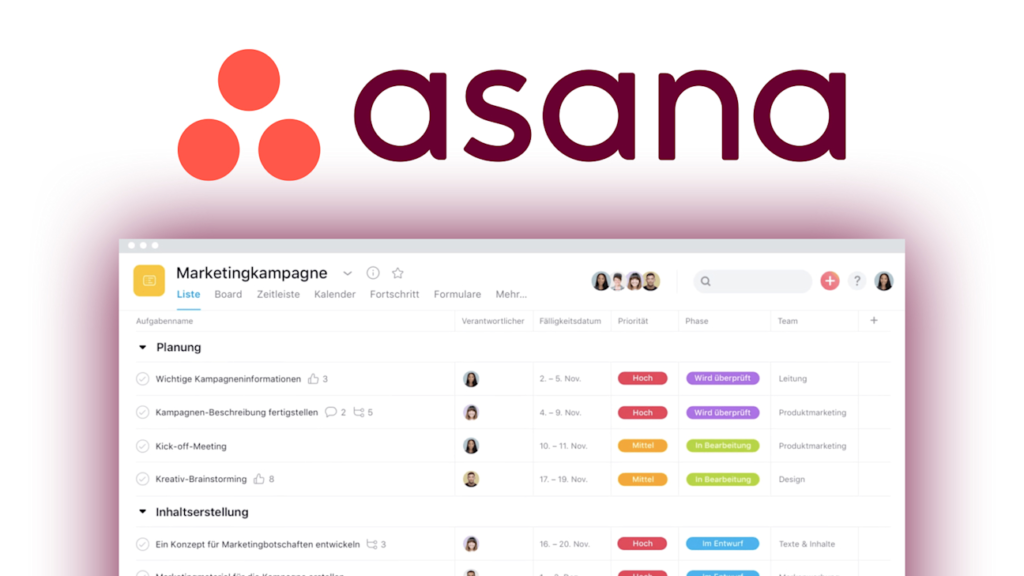
Asana excels at demystifying complex, multi-step projects by mapping them out into highly digestible visual formats. It strikes an exceptional balance between powerful project architecture and user-friendly design, making it highly favored by teams that require robust timeline tracking without a steep learning curve.
The platform is built around accountability. With its clean List, Board, Calendar, and Timeline (Gantt chart) views, users can instantly see how their individual tasks connect to broader company initiatives. Asana’s advanced workflow builder allows managers to create intricate automation rules, such as automatically shifting task ownership when a project stage changes, ensuring that work handoffs occur without a hitch.
- Key Features: Interactive project timelines, dependent task assignments, custom form intake sheets, multi-homing tasks, and advanced workload management tools.
- Best For: Marketing departments, agile project managers, product launch teams, and structured business operations.
Trello
Trello revolutionized the project management space by popularizing the digital Kanban board system. Utilizing a visually intuitive “Cards, Lists, and Boards” metaphor, Trello turns task management into an accessible, drag-and-drop experience that mimics moving physical sticky notes across a whiteboard.
Every card on a Trello board acts as a self-contained ecosystem housing checklists, attachments, due dates, and conversation logs. While it appears simple on the surface, Trello contains deep functionality through its built-in automation engine, Butler, and its vast library of “Power-Ups,” which allow users to integrate external tools like Slack, Google Drive, and GitHub directly into their visual boards.
- Key Features: Visual drag-and-drop boards, customizable card checklists, automated Butler commands, and an expansive ecosystem of third-party integrations.
- Best For: Freelancers, independent content creators, educational planners, and small teams requiring lightweight tracking.
Monday.com
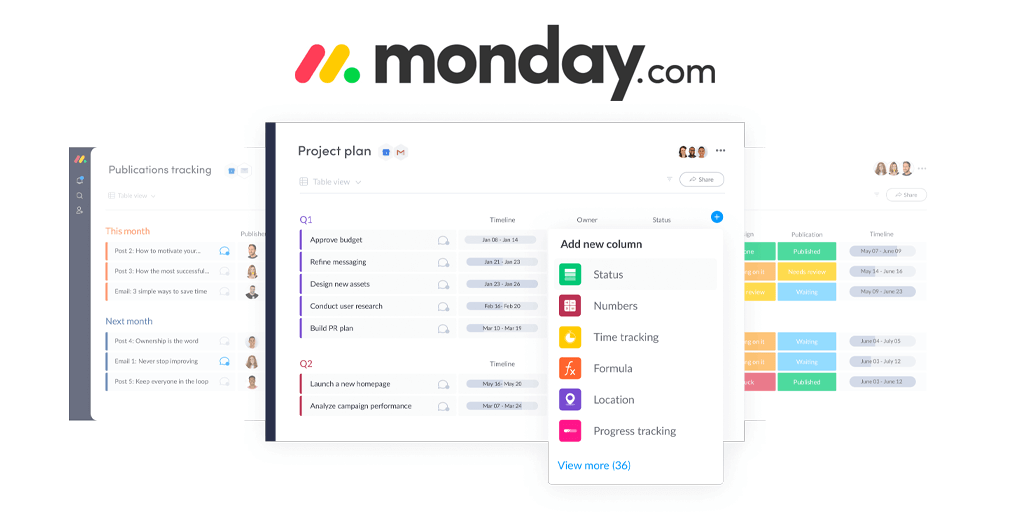
Monday.com brands itself as a Work Operating System (Work OS), meaning it is highly modular and capable of being sculpted to serve almost any operational use case. Whether you are managing an HR onboarding pipeline, a software development sprint, a real-time sales CRM, or a creative production schedule, this platform adapts to your specific data requirements.
The defining strength of Monday.com lies in its highly visual data rows and columns. Users can color-code statuses, track budgets, calculate time differentials, and trigger complex cross-platform automations with just a few clicks. Its robust reporting suite allows executives to pull high-level insights from multiple boards simultaneously, making it easier to manage cross-departmental resources.
- Key Features: Highly customizable data grids, cross-board reporting, automated notification formulas, resource allocation views, and secure guest access permissions.
- Best For: Medium to large organizations with distinct departments needing tailored, interconnected workflows.
Notion
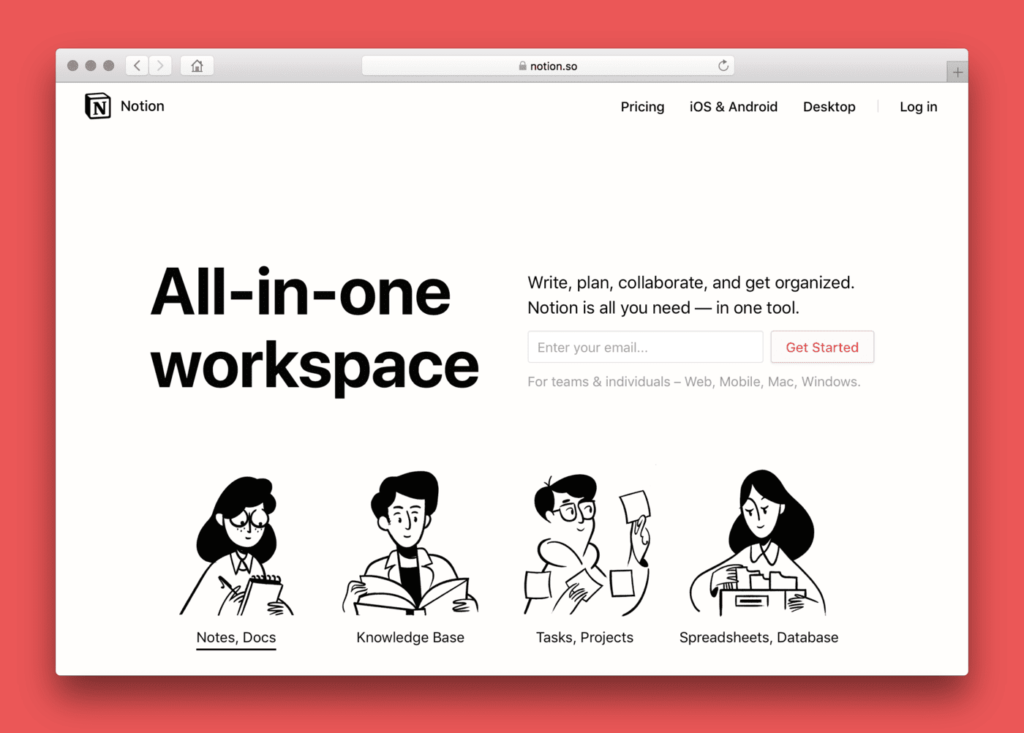
Notion takes a fundamentally different approach to workflow management by blending a powerful relational database engine with an open-ended, block-based note-taking application. It functions as a flexible digital canvas, allowing users to build their own custom wikis, document repositories, and task trackers from absolute scratch.
For teams that rely heavily on documentation, Notion serves as both the company knowledge base and the active project management hub. A single page can contain an embedded database, a embedded video, a rich-text standard operating procedure (SOP), and a collaborative checklist. Its native AI capabilities allow users to instantly brainstorm ideas, edit tone, edit code blocks, or extract action items from meeting notes directly inside the document.
- Key Features: Relational databases, hierarchical nested pages, company wiki creation, customizable workspace templates, and contextual AI writing assistants.
- Best For: Knowledge-driven teams, software startups, individual researchers, and documentation-heavy organizations.
Airtable
Airtable beautifully bridges the gap between the familiar simplicity of a traditional spreadsheet and the immense computational power of a relational database. If your workflows revolve around managing structured data sets—such as inventory logs, content editorial calendars, or event speaker databases—Airtable offers unmatched flexibility.
Users can input information into a spreadsheet-style grid, but then instantly view that exact same data as a Kanban board, a chronological timeline, a calendar, or a clean gallery view. Airtable’s true superpower lies in its ability to link different tables together, allowing a change in an “Automation Client” table to automatically update fields across an “Invoices” table and a “Project Tasks” table simultaneously.
- Key Features: Relational data linking, custom interface designers, multi-view data toggles, advanced formula fields, and powerful low-code API integrations.
- Best For: Content operations, digital asset management, logistical planners, and data-driven operational teams.
Features to Look for in a Workflow Tool
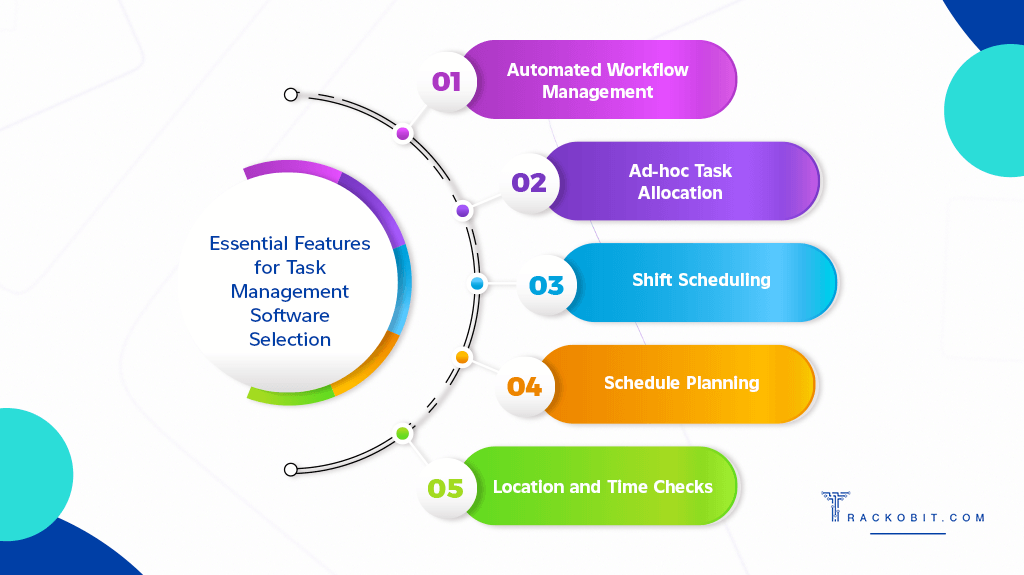
Selecting the ideal platform from an ever-growing sea of software options requires a clear framework of evaluation. Not every workflow engine is built to handle the same operational burdens. To ensure long-term software viability, verify that your chosen platform includes the following essential architectural elements:
- Granular Task and Project Architecture: The tool must allow you to break down large initiatives into manageable milestones, parent tasks, and nested subtasks.
- No-Code Automation Builders: Look for platforms that offer intuitive “If This, Then That” triggers to automate recurring assignments and status changes without requiring custom code.
- Contextual Team Collaboration: The software should allow users to tag teammates, leave voice notes, and resolve threads directly inside the relevant task card.
- Dynamic Data Visualizations: A robust system must offer multiple ways to view the same data, including Gantt charts, Kanban boards, and shared team calendars.
- Deep Third-Party Integrations: Ensure the tool connects natively with your existing digital stack, such as email clients, cloud storage providers, and messaging apps.
- Advanced Reporting and Analytics: Leadership teams require high-level dashboards that track team velocity, completed task ratios, and project bottlenecks.
- Embedded AI Utilities: Modern workflows benefit immensely from integrated artificial intelligence that can summarize project statuses, draft task descriptions, and predict delays.
How to Choose the Right Workflow Tool
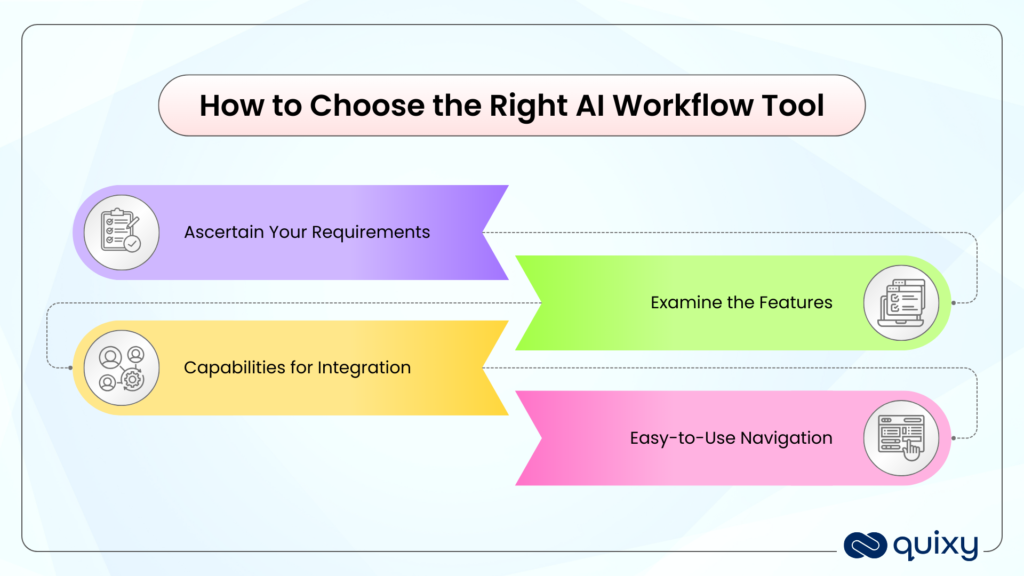
Before committing your financial resources and training hours to a new software platform, it is critical to step back and evaluate your organization’s unique structural needs. Avoid the temptation to purchase a tool simply because it has the most features; instead, select the platform that solves your specific operational pain points.
To guide your decision-making process, gather your leadership team and answer these strategic framework questions:
- What is the precise scale of our user base? A solo freelancer requires a radically different layout than a matrixed organization with hundreds of concurrent users.
- What level of automation complexity do we require? Determine if you simply need basic automated email notifications or if your operations require deep, multi-app database synchronizations.
- Will multiple distinct departments utilize this system? If marketing, engineering, and finance all need to use the same platform, prioritize highly customizable options like Monday.com or ClickUp.
- Does the software align with our current technology stack? Check the integration marketplace of the tool to ensure it communicates smoothly with software you already use daily.
- What is the realistic learning curve for our team? If your team is not highly tech-savvy, opting for an ultra-flexible tool like Notion might lead to tool abandonment, whereas Trello might ensure immediate adoption.
- What is our long-term budgetary allocation? Factor in user licensing costs, add-on features, and AI usage tiers to ensure the tool remains financially viable as your business scales.
Tips for Improving Productivity with Workflow Tools
Deploying a world-class workflow tool is only half the battle; true operational efficiency is unlocked through consistent, disciplined execution. Even the most advanced software will fail to deliver results if your team treats it as an optional digital notepad.
To maximize your return on investment and build a high-performing operational culture, implement these practical, proven strategies across your workspace:
- Standardize Recurring Digital Processes: Build explicit, reusable templates for tasks that happen regularly, ensuring no critical step is ever skipped.
- Enforce Strict Task Accountability: Never leave a task unassigned or without a clear, realistic due date. Ambiguity is the enemy of execution.
- Offload Administrative Burdens to Automation: Set up automation rules to handle mundane tasks, such as moving completed tasks to an archive folder or notifying managers of overdue items.
- Establish a Single Source of Truth: Mandate that all project-related conversations, file sharing, and status updates occur strictly inside the workflow platform rather than via text or email.
- Conduct Regular Workflow Audits: Schedule monthly or quarterly reviews of your digital workspaces to archive completed projects, delete redundant tags, and optimize broken automation sequences.
- Provide Continuous Team Training: As workflow platforms introduce new features or updates, host brief alignment sessions to ensure your team is utilizing the software to its maximum potential.