The Ultimate Guide to Workflow Tools for Faster and Smarter Work explores how modern workflow tools help teams overcome workplace challenges, improve collaboration, organize tasks, streamline projects, boost productivity, and increase overall business efficiency.
This is exactly why smart workflow tools have shifted from being a nice option to an absolute survival requirement for modern teams. Whether you are running a small local startup, managing a fully remote team across multiple time zones, or overseeing a massive enterprise project, the right software acts like an invisible manager. It organizes the chaos, takes over the boring administrative chores, and gives your team the mental space to focus on meaningful, high-value work.
What Exactly Are Workflow Tools?
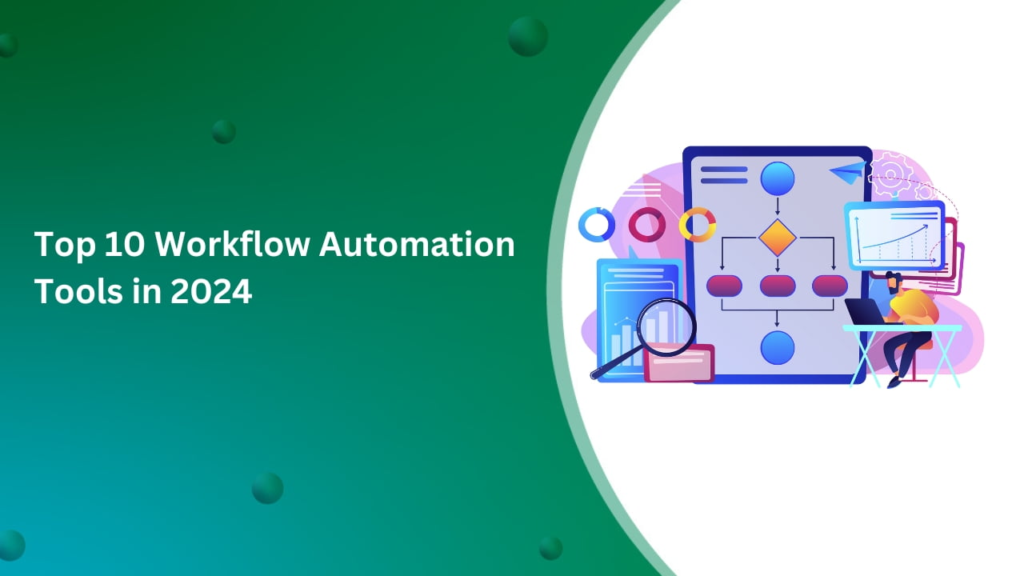
In plain terms, workflow tools are digital workspaces designed to help individuals and teams map out, track, and complete their daily tasks without driving themselves crazy. Instead of relying on scattered sticky notes, messy personal notebooks, or chaotic email threads, these platforms provide a single, unified source of truth for an entire organization.
Think of them as the digital nervous system of your business. When a new project kicks off, these tools let you break it down into bite-sized steps, assign clear ownership to specific teammates, set realistic deadlines, and watch the progress happen in real time. By bringing your files, conversations, and timelines into one visible space, you completely eliminate the frustrating guesswork that usually slows down a busy team.
Why Teams Are Desperately Snapping Up These Tools
The way we work has become fast-paced and highly fragmented. With the explosion of hybrid schedules and remote roles, you can no longer just lean over your desk to ask a coworker for a quick update on a project. Without a structured digital workflow system in place, tasks inevitably slip through the cracks, deadlines get missed, and team communication breaks down completely.
[Scattered Emails & Chats] ──► ( The Chaos Trap: Lost Files & Misread Deadlines )
                                             │
                                             ▼
[Centralized Workflow Hub] ──► ( Clear Priorities, Open Tracking, Peace of Mind )
When a company adopts a centralized workflow hub, the cultural shift is immediate. It provides absolute clarity and operational transparency. Employees no longer have to waste time sitting through agonizing “status update” meetings just to tell managers what they did yesterday. Instead, everyone can log in, look at a visual dashboard, and instantly understand what needs their urgent attention right now, keeping the entire company perfectly aligned.
Project Management: Transforming Chaos into Order
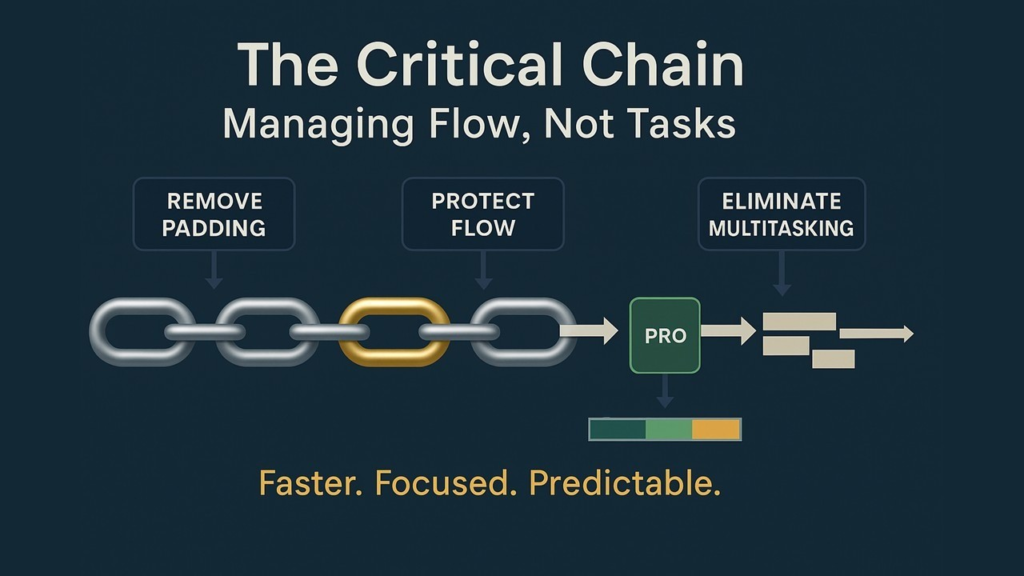
When people think of workflow software, project management platforms are usually the first things that come to mind. These platforms excel at taking a massive, intimidating goal—like launching a brand-new website or onboarding a major client—and turning it into an orderly, step-by-step game plan.
The market in 2026 features a few dominant, highly reliable tools that cater to different working styles:
- Asana: Perfect for teams that love clean structure. It allows you to build detailed project roadmaps, set up clear task dependencies, and track company goals across separate departments.
- Trello: The ultimate visual canvas. Using a simple card-based system, it lets you drag and drop tasks across customizable columns (like “To-Do,” “In Progress,” and “Done”) in a way that requires zero training to master.
- ClickUp: A massive, feature-rich workspace designed for teams that want to customize absolutely everything and keep docs, goals, and tasks inside a single app.
- Monday.com: Known for its vibrant, color-coded dashboards that make it incredibly easy for managers to visualize team capacity and spot project bottlenecks before they delay a launch.
- Jira: The undisputed heavyweight champion for software engineering teams, built specifically to handle complex agile development sprints and technical bug tracking.
Team Collaboration: Keeping the Human Connection Alive

A project plan is completely useless if your team cannot talk to one another naturally while executing it. Collaboration workflow tools are built to bridge the physical distance between workers, ensuring that remote and hybrid teams can brainstorm and share ideas just as easily as if they were sitting around a real conference table.
Platforms like Slack and Microsoft Teams have effectively replaced internal corporate email by organizing daily conversations into focused, searchable chat channels. Rather than sending a formal email chain to five executives, you can drop a quick message in a project channel and get a decision in seconds. Meanwhile, tools like Notion and Google Workspace act as collaborative digital sandboxes where multiple people can write, edit, and comment on files simultaneously, transforming static documentation into a live, evolving conversation.
Workflow Automation: Putting Routine Chores on Autopilot
One of the greatest drains on modern human energy is what software experts call “data shuffling”—the mind-numbing act of copying information from an email, pasting it into a spreadsheet, and then manually pinging a coworker to let them know it’s done. Workflow automation tools exist to permanently banish these robotic tasks from your daily routine.
[New Form Submitted] ──► [Zapier / Make Automation] ──► [Auto-Create CRM Profile]
                                                                  │
                                                                  ▼
[Team Notification]  ◄── [Attach Clean Contract]   ◄── [Generate Fresh Invoice]
Using friendly, no-code platforms like Zapier and Make, anyone can build smart digital bridges between completely unrelated applications. You can easily set up a rule that says: “The moment a new client signs a contract in DocuSign, automatically create a profile for them in our CRM, generate a fresh invoice, and drop a celebration note into our team Slack channel.” By letting software handle these repetitive handoffs, you save hundreds of hours of manual labor and eliminate the risk of human data entry errors.
The 2026 Frontier: AI-Powered Workspaces

We cannot talk about modern productivity without diving into the incredible impact of Artificial Intelligence. In 2026, AI is no longer a futuristic novelty; it has become a deeply integrated, highly proactive co-pilot inside our favorite daily workflow tools.
Modern platforms powered by Asana Intelligence, Notion AI, and Microsoft Copilot do far more than just wait for you to type a command. They actively scan your workspace to summarize long, rambling meeting transcripts, prioritize your overflowing daily to-do list based on urgency, draft quick project updates, and even catch missing details in a contract. This intelligent layer dramatically cuts down on your daily administrative workload, allowing human workers to spend less time managing software and more time solving complex business problems and building creative strategies.
Knowledge Management: Building Your Company Encyclopedia
Every business produces a mountain of internal knowledge—things like training manuals, marketing guidelines, IT troubleshooting steps, and customer service scripts. If this vital information lives only inside individual employees’ heads or scattered desktop folders, your company will suffer from major operational delays every time someone takes a vacation or leaves the company.
Document and knowledge management tools like Google Drive, Notion, Confluence, and SharePoint act as a centralized, fully searchable digital encyclopedia for your business. By organizing your files into clean, shared spaces, you ensure that a new hire can instantly find the exact answers they need without having to constantly interrupt senior team members, creating a much faster and more independent onboarding experience.
Finding the Perfect Tool for Your Unique Team

With so many incredible software choices available today, many organizations fall into the trap of buying too many platforms at once. This creates a messy environment where employees feel overwhelmed and information gets scattered across five different places.
To find your perfect fit, it helps to compare the core strengths of the top players on the market:
| Software Platform | Its Absolute Superpower | Best Suited For |
| ClickUp | Packs absolutely everything into one flexible app. | Teams wanting to cut down on separate app subscriptions. |
| Asana | Tracks complex task connections beautifully. | Mid-sized companies managing multi-layered projects. |
| Monday.com | Uses bright, highly visual dashboards. | Managers who need to track team timelines at a glance. |
| Zapier | Connects separate apps together with zero code. | Automating repetitive data sharing between systems. |
| Notion | Blends notes, databases, and wikis perfectly. | Creative teams that need a shared company brain. |
Navigating the Human Side of Software Adoption

Even if you purchase the most expensive, advanced workflow software on the planet, it will completely fail to deliver results if your team refuses to actually use it. Employee resistance to change is the number one reason software implementations fall apart. People love their comfortable old habits, and being forced to learn a brand-new interface can feel incredibly frustrating when you are already busy.
To pull off a smooth transition, you must focus heavily on the human element. Never dump a new tool on your team overnight without a clear plan. Instead, launch short, friendly training sessions, explain exactly how the software will make their daily lives easier, and pick a few internal “software champions” to help coworkers look up answers when they get stuck. Most importantly, focus on simplifying your real-world workflows first before you try to automate them inside a computer program; automating a broken, messy process will just leave you with a faster version of a broken, messy process.
A Look Toward Tomorrow’s Digital Workspace
As technology continues its rapid march forward, our daily workflow tools are bound to become even more contextual, fluid, and intuitive. The future of productivity belongs to fully autonomous, interconnected software agents.
Instead of a human having to manually click through a dashboard to set up a project timeline, you will be able to speak to your system in plain, everyday language. You might say: “We just signed a new retail client; set up our standard onboarding track, assign the legal tasks to Sarah, and schedule our kickoff meeting for next Thursday.” The AI will instantly read your team’s real-time calendars, build the entire project framework from scratch, and send out the invites automatically, turning your software from a passive digital checklist into a deeply capable business partner.