In today’s fast-moving digital world, simply putting your nose to the grindstone isn’t enough anymore. The real secret to thriving isn’t just about grinding out more hours—it’s about working smarter. Whether you are a writer, designer, marketer, student, or entrepreneur, the tools you bring into your daily workflow act like the soil in a garden; they can either stunt your growth or help your ideas blossom.
We often think of creativity as a wild, natural gift—something you’re either born with or you’re not. But the truth is, creativity behaves a lot like a river. It flows best when it has a clear channel. Modern creative tools aren’t here to replace your unique spark; they are here to clear away the digital weeds and repetitive chores so you can focus on what you do best: thinking, dreaming, and problem-solving.
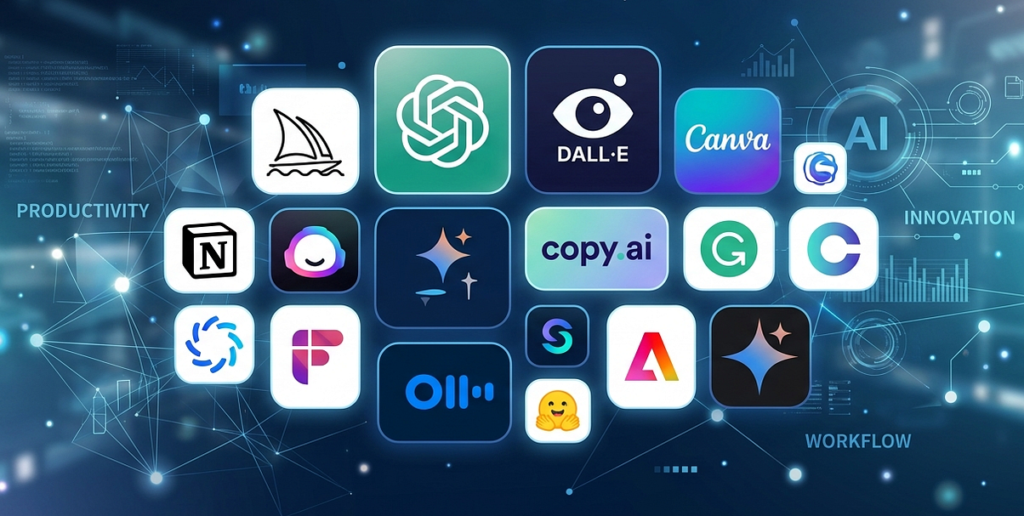
With countless apps flooding the market, it’s easy to get lost in a jungle of software. To save you the trial and error, here are 10 powerful creative tools that can genuinely breathe fresh life into your daily work.
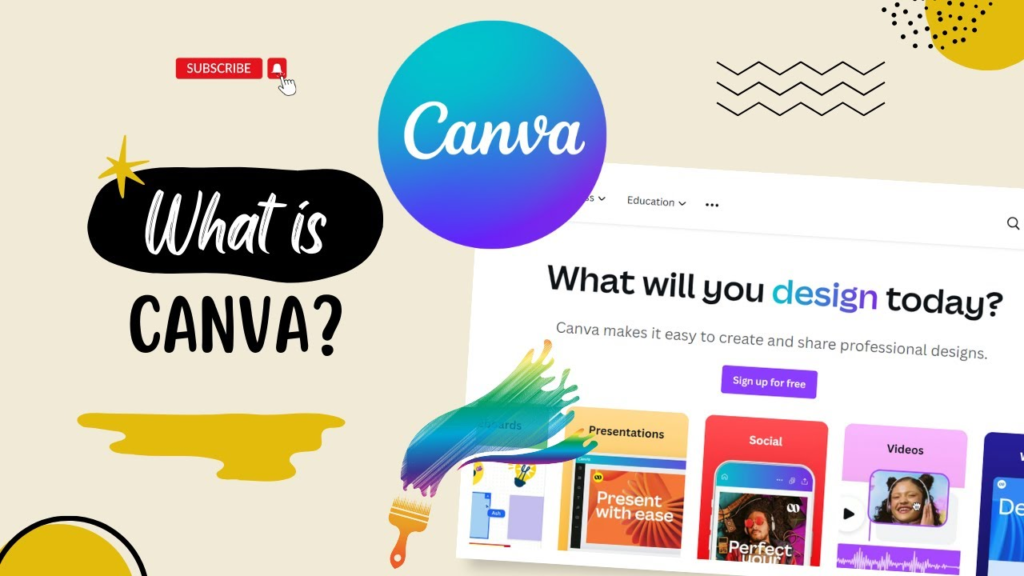
Canva: Cultivating Effortless Design
Visual storytelling is everything right now. From social media posts to presentations, we all need our work to catch the eye. But let’s be honest: not everyone has the time or the natural eye to master complex design software.
Canva is a breath of fresh air for non-designers. With its intuitive drag-and-drop system, it removes the steep learning curve entirely. Think of it like using building blocks—you can plant your ideas into beautiful, pre-made templates and watch them come to life in minutes. It’s an absolute lifesaver for small business owners and freelancers who need to create polished visuals on the fly without breaking a sweat.
Notion: A Sanctuary for Your Thoughts
For creative souls, ideas usually strike like lightning—randomly and when you least expect it. Without a proper place to gather them, those brilliant thoughts can easily evaporate into thin air.
Notion acts like a personal digital greenhouse where you can scatter your seeds of thought and organize them as they grow. It seamlessly blends note-taking, project management, and daily to-do lists into one clean space. The best part? It is completely fluid. You can shape your workspace to match the natural rhythm of your mind, keeping your projects organized and right at your fingertips.
Adobe Photoshop: For Deep Creative Roots
While quick tools are great, some projects demand deeper roots and finer craftsmanship. For heavy-duty visual storytelling, Adobe Photoshop remains the gold standard.
It’s the tool of choice for photographers trying to capture the perfect mood, and designers crafting intricate digital art. Yes, it has a steep learning curve, and it takes time to master. But the level of control it gives you over layers, textures, and lighting allows you to shape an image exactly the way you see it in your mind’s eye.
Grammarly: Polishing Your Natural Voice
Words have weight. Whether you’re sending a quick email, writing a blog post, or pitching a client, clear communication is the bridge between your thoughts and the outside world.
Even the most seasoned writers get tangled up in typos or awkward phrasing when they’re in the zone. Grammarly acts like a supportive editor sitting right next to you. It doesn’t just catch spelling slips; it helps your natural voice shine through by suggesting ways to smooth out rough sentences. It gives you that extra bit of confidence before you hit send.
Trello: Mapping Out the Horizon
When you’re juggling multiple creative projects, it’s easy to feel overwhelmed by the sheer volume of moving parts.
Trello brings a sense of calm to the chaos by laying everything out visually. Using a simple board-and-card system, you can watch your projects move from a tiny seed (“To Do”) to full bloom (“Completed”). It takes the guesswork out of your day, showing you exactly where your energy needs to go next.
Pro-Tip: Trello is incredibly grounding for teams. When everyone can see the horizon, collaboration feels less like a chore and more like a shared journey.
Figma: Weathering the Creative Storm Together
Great ideas rarely grow in isolation. They need feedback, collaboration, and a bit of friction to truly shine.
Figma has completely changed the game for design teams by allowing multiple people to work inside the same digital canvas simultaneously. It completely eliminates the headache of emailing file versions back and forth. You can brainstorm, tweak, and polish a website or app design in real-time alongside your teammates, making the entire process feel collaborative and alive.
ChatGPT: A Spark for Writer’s Block
We’ve all stared at a blank page, waiting for inspiration to strike while feeling completely drained.
Think of ChatGPT not as a replacement for your human intellect, but as a friendly brainstorming partner. When you hit a wall, you can use it to bounce ideas around, generate rough outlines, or break down complex topics into digestible pieces. The magic happens when you combine AI’s sheer speed with your unique human perspective, emotions, and life experiences.
Google Workspace: The Ecosystem of Teamwork
In any collaborative environment, you need tools that feel natural and frictionless.
Google Workspace (Docs, Sheets, and Slides) has become the backbone of modern teamwork for a reason: it just works. Because everything lives in the cloud, multiple minds can shape a document at the exact same time. It removes the clunkiness of old-school office software, allowing your team’s workflow to move forward naturally.
Miro: Digital Landscapes for Brainstorming

Sometimes, words aren’t enough to capture a big vision. You need to see the whole landscape to make sense of it.
Miro provides a massive, infinite digital whiteboard where your team can map out ideas using sticky notes, sketches, and flowcharts. It’s the perfect tool for those chaotic, beautiful brainstorming sessions where you’re trying to connect the dots and figure out how a complex project fits together.
Loom: Bringing Human Touch to Digital Chats
Let’s face it: our calendars are drowning in unnecessary meetings that could have easily been handled with a quick explanation.
Loom lets you record your screen and your face at the same time, allowing you to send a short video message instead of booking a 30-minute call. It preserves the warmth of human speech, tone, and expression—things that easily get lost in text—while giving everyone the freedom to watch and respond whenever it fits into their own natural workflow.



Finding Your Unique Ecosystem
With so many tools out there, it’s easy to get caught up in the hype and download everything at once. But a cluttered digital desktop is just as paralyzing as a cluttered mind. The goal isn’t to use all of these tools; it’s to find the ones that naturally fit your environment.
Before adopting a new tool, take a step back and ask yourself:
- Where does my day usually get stuck or bogged down?
- What repetitive tasks are draining my creative energy?
- Do I need better organization for my thoughts, or smoother communication with my team?