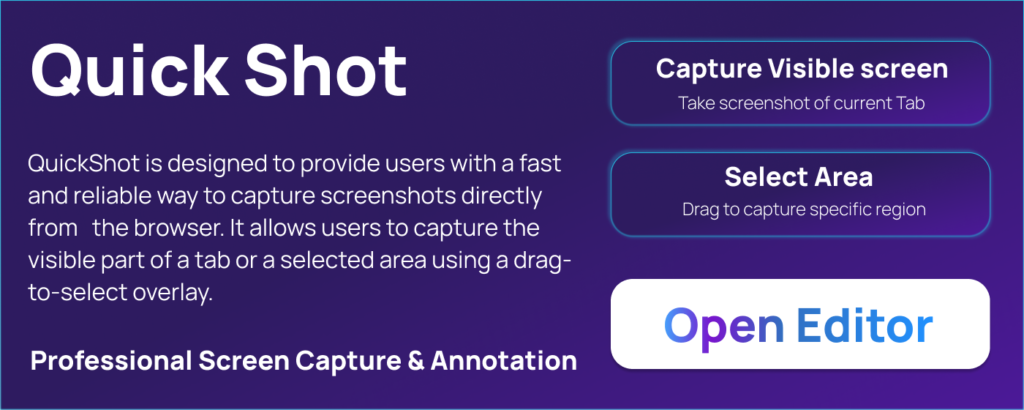
In today’s digital world, screenshots are a daily necessity. Whether you’re a content creator, developer, student, or remote worker, capturing and sharing screen content quickly matters. That’s where QuickShot – Advanced Screen Capture comes in. It’s a lightweight Chrome extension designed to make screen capturing fast, simple, and secure—without leaving your browser. altftool.com
Let’s break down what makes QuickShot a powerful tool for everyday users.
What is QuickShot?
QuickShot is a Chrome extension that lets you capture screenshots instantly, edit them inside the browser, and share or download them without any hassle. Unlike heavy desktop software, QuickShot works directly in Chrome and focuses on speed, privacy, and usability.
If you want a tool that’s simple yet powerful, QuickShot is built exactly for that. altftool.com
Powerful Screen Capture Features
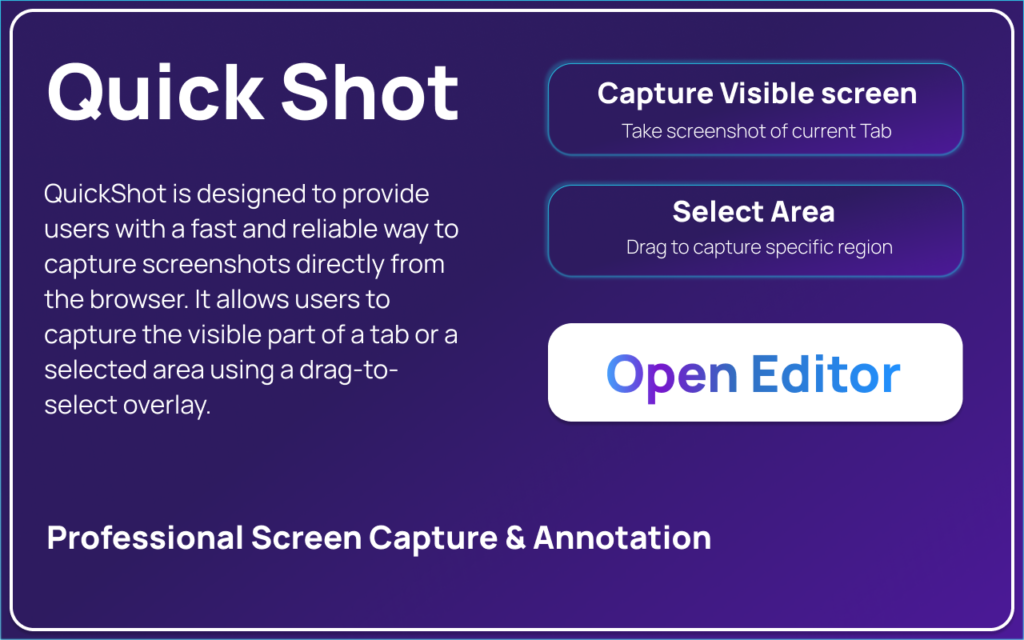
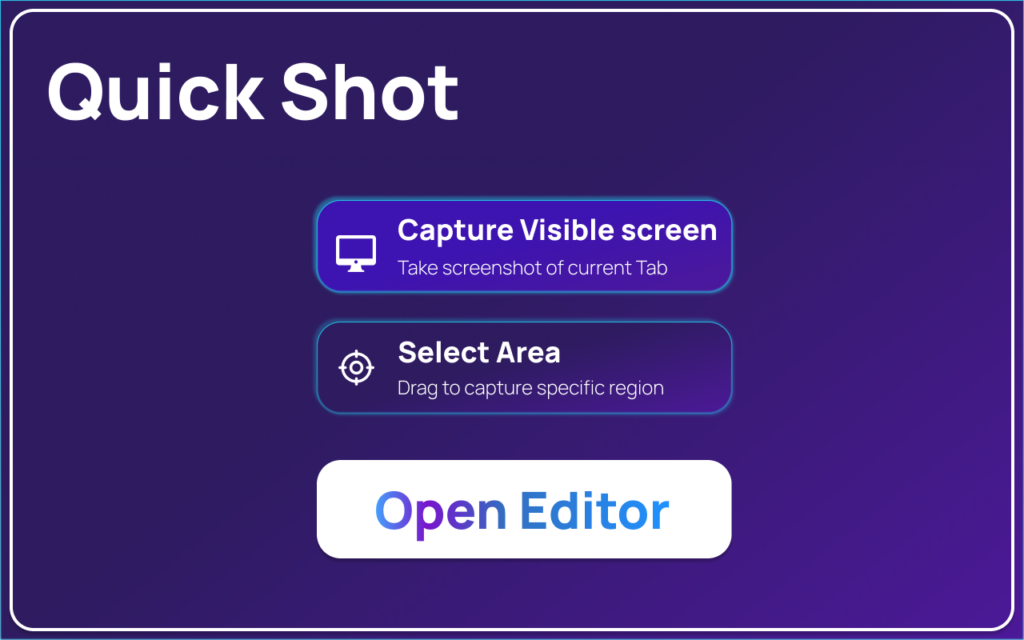
QuickShot offers flexible capture options, so you can grab exactly what you need.
1. Capture Visible Area
You can capture the visible portion of the current webpage with just one click. This is perfect for articles, dashboards, or web content you want to save quickly.
2. Capture Selected Region
Need only a specific section? QuickShot lets you select a custom area with precision, so you don’t have to crop later.
3. Keyboard Shortcuts
For power users, keyboard shortcuts make capturing even faster. You can take screenshots without touching your mouse, saving valuable time.
Built-in Screenshot Editor
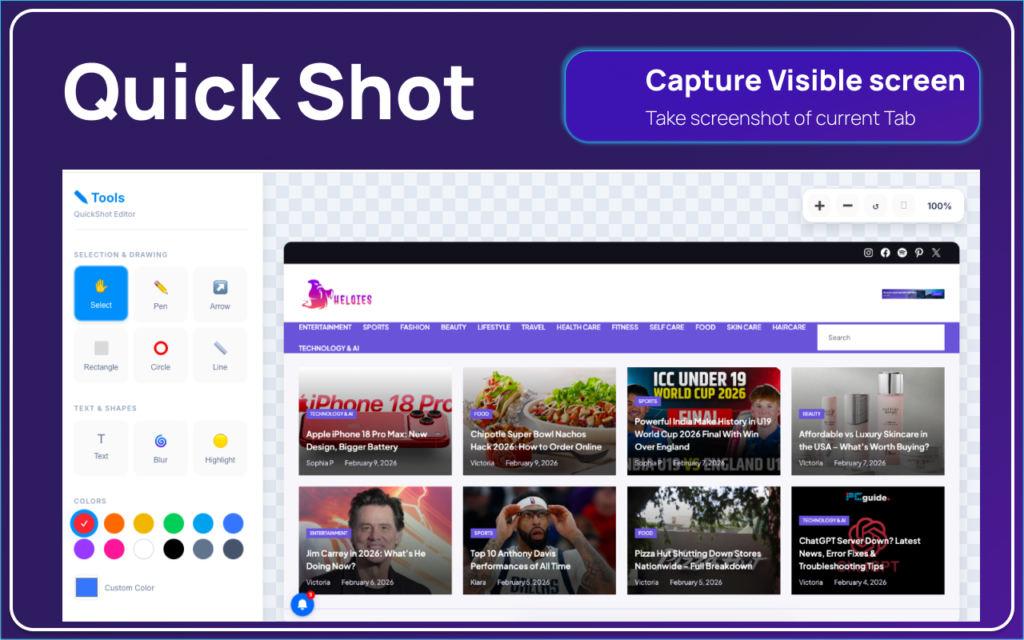
One of QuickShot’s strongest features is its built-in editor, which opens instantly after capturing.
Editing Tools Included:
- Freehand drawing for quick notes
- Arrows, rectangles, circles, and lines to highlight areas
- Text labels to explain screenshots
- Blur tool to hide sensitive information
- Highlight tool for important sections
- Undo and redo actions for easy editing
- Zoom and alignment tools for precise annotation
This means you don’t need Photoshop or extra apps. Everything happens inside Chrome. altftool.com
Save and Share Options
After editing, QuickShot makes sharing effortless.
- Download as PNG for high-quality images
- Copy image to clipboard for instant pasting in chats, emails, or documents
- No watermark added, so your screenshots look clean and professional
Privacy and Security Focus
Privacy is a big concern today, and QuickShot takes it seriously.
- Built on Chrome Manifest V3 standards
- All processing happens locally in your browser
- No data is uploaded to external servers
- No tracking or analytics
This makes QuickShot a safe choice for professionals handling confidential information. altftool.com
Why QuickShot is Worth Using
QuickShot stands out because it combines speed, editing power, and privacy in a lightweight package. You don’t need bulky software or online tools that upload your screenshots. Everything happens instantly inside your browser.
It’s ideal for:
- Bloggers and content creators
- Developers and designers
- Students and teachers
- Remote teams and professionals
- Anyone who takes frequent screenshots
Final Thoughts: QuickShot – Advanced Screen Capture is a simple yet powerful Chrome extension that makes screenshot capturing effortless. With built-in editing tools, fast shortcuts, and strong privacy standards, it’s a great choice for anyone who wants a clean and efficient screenshot workflow. altftool.com
If you’re tired of switching between apps just to edit screenshots, QuickShot is definitely worth trying.
QuickShot #ScreenCapture #ChromeExtension #ScreenshotTool #WebTools #ProductivityTools #TechTools #BrowserTools #ScreenshotEditor #ContentCreatorTools #DeveloperTools #RemoteWorkTools