In today’s fast-moving digital world, speed matters. Whether you are a content writer, student, blogger, freelancer, or office professional, the ability to type quickly and accurately directly impacts productivity. Every extra minute spent correcting mistakes or searching for keys adds up over time.
That is where Word Typing – Typing Practice Game stands out. Designed as a compact browser extension, it transforms simple typing practice into a structured, performance-driven system. More than just a typing test, it is a focused training tool built to sharpen speed, improve accuracy, and build strong keyboard familiarity — all within a clean popup interface.
If faster content creation is your goal, this extension provides a practical and measurable way to achieve it.
Why Typing Speed Still Matters in Content Creation
Typing is the foundation of digital communication. From writing blog posts and emails to preparing reports and social media content, most modern tasks rely on efficient keyboard use.
When your typing skills improve, several things happen:
- Ideas flow without interruption
- Editing time decreases
- Productivity increases
- Confidence improves
Instead of thinking about where the keys are, your hands move naturally. That flow state is essential for writers and professionals who produce content regularly.
The Word Typing extension is built specifically to develop that consistency.
Core Motive Behind Word Typing – Typing Practice Game
The extension is designed with a clear objective:
To help users improve typing speed, accuracy, and keyboard familiarity through structured, timed practice sessions — while providing real-time performance tracking.
Everything inside the extension supports this goal. There are no distractions, no unnecessary features, and no complicated setup. Just focused typing practice backed by measurable results.
Key Features That Make It Powerful
1. Timed Practice Modes
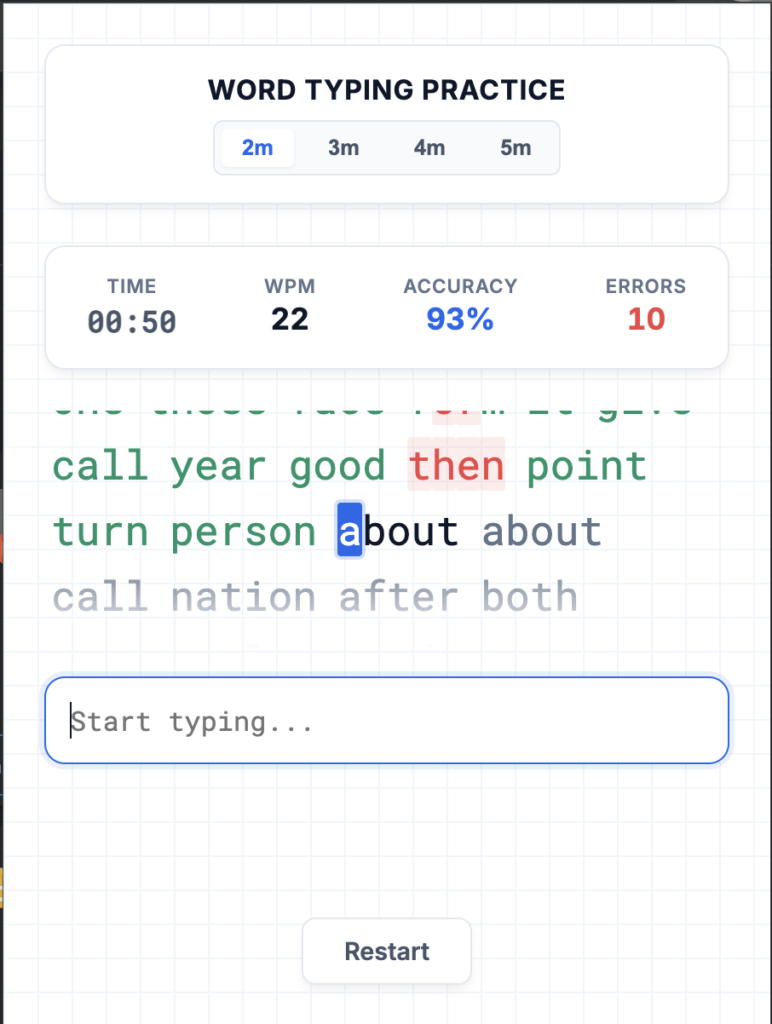
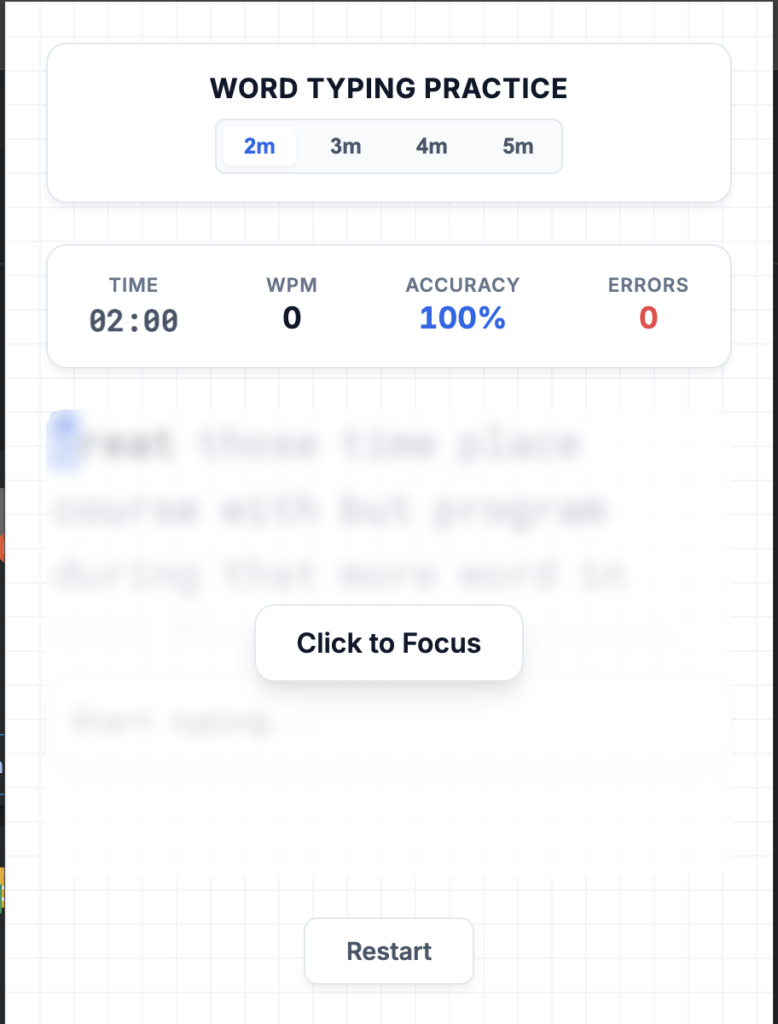
Users can select between 2, 3, 4, or 5-minute sessions.
Short sessions are ideal for quick daily practice, while longer sessions help build endurance and consistency. This flexibility makes it suitable for beginners and advanced typists alike.
2. Real-Time WPM Calculation
Words per minute (WPM) is displayed dynamically as you type.
This live calculation keeps you aware of your performance and motivates you to maintain or increase your pace. Seeing your speed update in real time adds a performance-driven mindset to each session.
3. Accuracy Tracking
Speed alone is not enough. Accuracy determines quality.
The extension calculates your typing accuracy percentage based on correct keystrokes. This ensures that you are not simply typing fast but typing correctly.
4. Error Counter
Mistakes are tracked clearly through an error counter.
By identifying how many incorrect characters you type during a session, the tool helps you understand where improvement is needed. This awareness leads to better focus and gradual refinement.
5. Dynamic Word Generation
Each session generates a new random set of words.
This prevents memorization and encourages genuine skill development. Since the content changes every time, your brain stays engaged and adaptable.
6. Character-Level Feedback
As you type, correct letters and incorrect letters are highlighted instantly.
This immediate feedback trains muscle memory and helps correct mistakes on the spot. Instead of discovering errors at the end, you adjust while practicing.
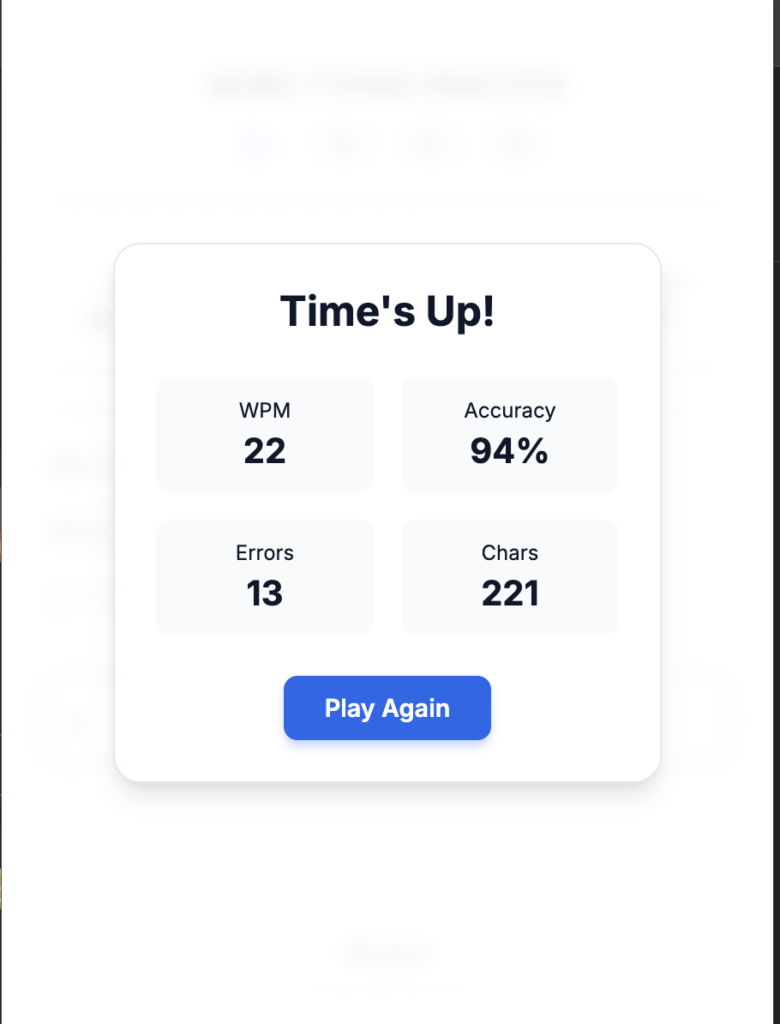
7. Session Results Modal
At the end of each session, a results summary appears showing:
- Final WPM
- Accuracy percentage
- Total errors
- Correct characters typed
This structured review turns casual typing into performance-based training.
8. Local Processing
One of the most valuable aspects of this extension is that it works entirely offline.
No internet connection is required. No external APIs are used. All processing happens locally within the browser.
This ensures:
- Faster response time
- Complete privacy
- Zero dependency on external systems
How It Works: Simple Step-by-Step User Flow
The extension follows a straightforward and intuitive process.
Step 1: Install and open the Word Typing extension popup.
Step 2: Select your preferred typing duration (2 to 5 minutes).
Step 3: Start typing — the timer begins automatically.
Step 4: Receive real-time feedback on WPM, accuracy, and errors.
Step 5: Complete the session and review your final performance results.
Step 6: Restart to begin a new practice session and track improvement.
The simplicity of this flow makes it easy to integrate into a daily routine.
How This Extension Speeds Up Content Creation
Regular practice using this tool can directly influence your content workflow in several ways:
Better Typing Rhythm
You develop consistent keystroke patterns, reducing pauses and hesitation.
Fewer Corrections
Improved accuracy means less time spent editing basic typing mistakes.
Stronger Focus
Timed sessions train your brain to concentrate without distractions.
Increased Output
When typing becomes automatic, you can produce more content in less time.
Over weeks of consistent practice, even a small increase in WPM can translate into hours saved each month.
Who Should Use Word Typing – Typing Practice Game?
This extension is ideal for:
- Bloggers and content creators
- Students preparing assignments
- Remote workers and freelancers
- Office professionals
- Anyone preparing for typing-based exams
If your daily tasks involve writing, this tool can strengthen your core skill: typing efficiently.
Building a Daily Typing Habit
To maximize results, consistency matters more than intensity.
A simple strategy:
Practice for 3 to 5 minutes before starting your workday.
Track your WPM and accuracy over time. Focus on gradual improvement rather than sudden jumps. Even a 5 WPM increase can significantly reduce workload pressure.
Final Thoughts
Word Typing – Typing Practice Game is more than a basic typing tool. It is a focused productivity enhancer built around measurable improvement.
Its timed sessions, real-time feedback, accuracy tracking, and offline functionality make it a practical solution for anyone serious about faster content creation.
In a world where digital communication defines professional success, sharpening your typing skill is not optional — it is essential. And this extension offers a structured, distraction-free way to master it.
This article is written for informational and educational purposes only. Performance improvements may vary depending on individual practice consistency and existing typing skill levels. The extension does not guarantee specific WPM outcomes but provides tools to support structured practice and skill development.
#WordTyping #TypingPractice #ContentCreation #ProductivityTools #BrowserExtension #DigitalSkills #OnlineLearning #WritingTools #Anslation #Carrerbook #AltfTool #Extansion