
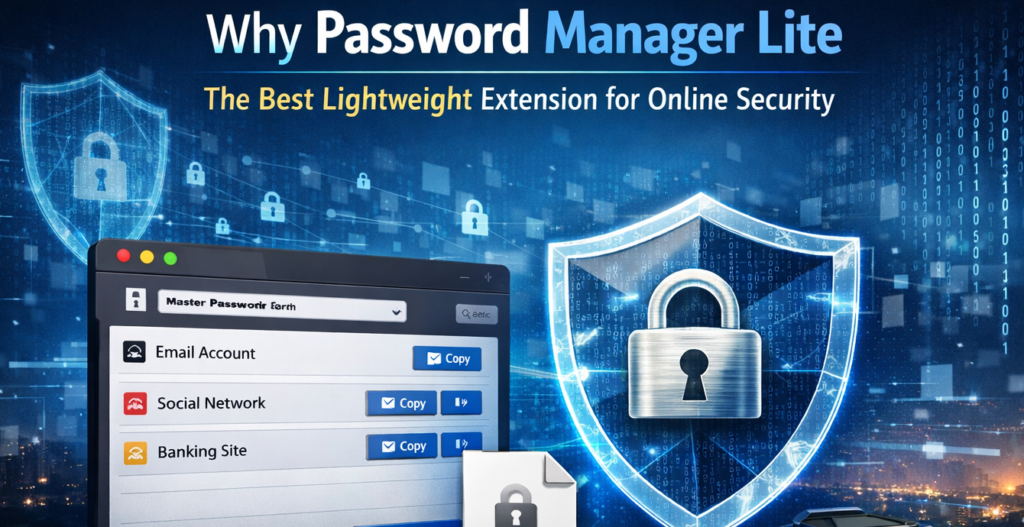
A Simple Solution to a Real Problem
I used to keep my passwords scattered everywhere — some saved in the browser, a few written in notes, and others reused across multiple websites (which, honestly, is never a good idea). I wanted something secure but not complicated. Most password managers I tried felt heavy, required sign-ups, or constantly pushed cloud sync features I didn’t necessarily need.
That’s when I started using Password Manager Lite, and the difference was immediate. It felt clean, focused, and refreshingly simple. No unnecessary dashboards. No external accounts. Just a secure vault inside my browser that works exactly the way it should.
Fully Local Security That Builds Real Trust
One of the biggest reasons I prefer Password Manager Lite is that everything stays local. There’s no cloud sync, no external servers, and no background data transmission. All my credentials remain stored directly inside my browser.
In a time when data breaches and leaks are common headlines, knowing that my information isn’t being transmitted anywhere gives me peace of mind. It’s designed specifically for users who value privacy and want complete control over their data.
Strong AES-256 Encryption for Serious Protection
Security isn’t just about convenience — it’s about encryption. Password Manager Lite uses AES-256 encryption with AES-GCM and PBKDF2 key derivation. In simple terms, that means your stored credentials are encrypted using one of the strongest encryption standards available today.
When I set up my master password, it felt reassuring knowing that it becomes the key to unlocking everything. Without it, the vault remains inaccessible. That extra layer of security makes a big difference.
Master Password Protection: Your Vault, Your Control
The setup process is straightforward. After installing the extension, you create a master password. This password becomes your gateway to the vault.
Every time I unlock it, I know that only I have access. There’s no email recovery system or external reset link involved — which means responsibility stays in my hands. It encourages better password habits and personal accountability.
Smooth Credential Management Without Complexity
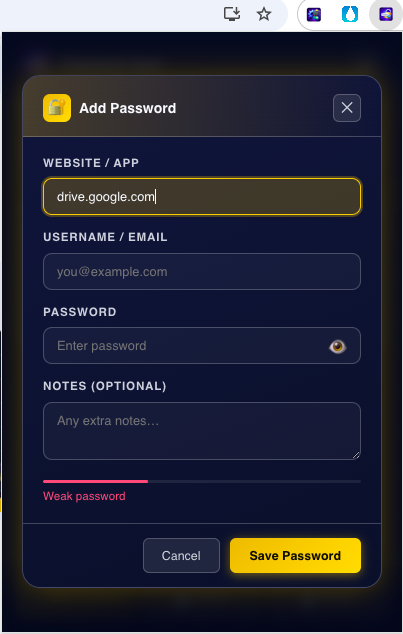
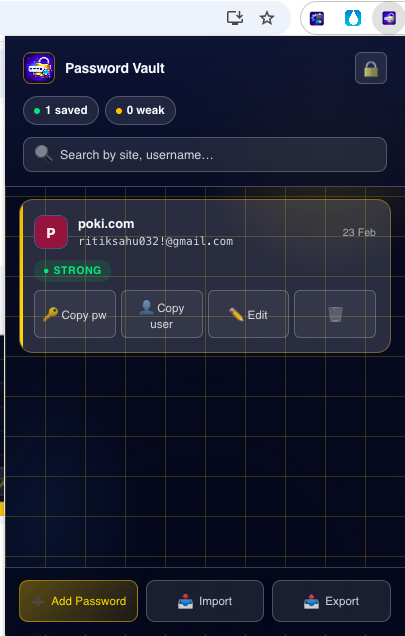
What I love most is how practical it feels in daily use. Adding login credentials is simple — just enter the website, username, and password. Editing or deleting entries takes seconds.
The search functionality is surprisingly helpful. Instead of scrolling endlessly, I just type the website name or username and find what I need instantly. The one-click copy feature is another small but powerful convenience. It saves time and confirms the action immediately.
Backup & Restore for Extra Safety
Even though everything is stored locally, Password Manager Lite allows encrypted JSON backup and restore. That means I can export my vault securely and keep a backup copy offline.
If I ever switch browsers or devices, I can simply import my encrypted file. It adds flexibility without compromising the “local-first” approach.
Password Strength Indicator That Encourages Better Habits
Before using this extension, I rarely thought about how strong my passwords were. The built-in password strength indicator gives visual feedback when creating new credentials.
It’s a subtle but effective feature. It nudges you toward stronger, more secure passwords without being intrusive. Over time, it genuinely improves your security habits.
Offline, Lightweight, and Distraction-Free
Another reason I consider Password Manager Lite the best lightweight extension is its performance. It doesn’t slow down the browser. It doesn’t require internet connectivity to function. It doesn’t track anything.
It simply works.
For users who want a no-frills, privacy-focused solution, that simplicity is powerful.
How It Works in Real Life
From installation to daily usage, the flow feels natural: You install the extension, set your master password, add your credentials, and unlock the vault whenever needed. Searching, copying, editing, and exporting all happen within a few clicks. There’s no learning curve, which makes it perfect even for non-technical users who still care about online security.
Final Thought
After trying multiple tools over the years, I’ve realized that the best security tools are the ones that stay out of your way while doing their job perfectly. Password Manager Lite does exactly that.
It’s secure, private, lightweight, and practical. If you’re someone who values local storage, strong encryption, and simplicity over flashy features, this extension might be exactly what you need to take control of your online security.
The Ultimate Gmail Performance Dashboard by AltF
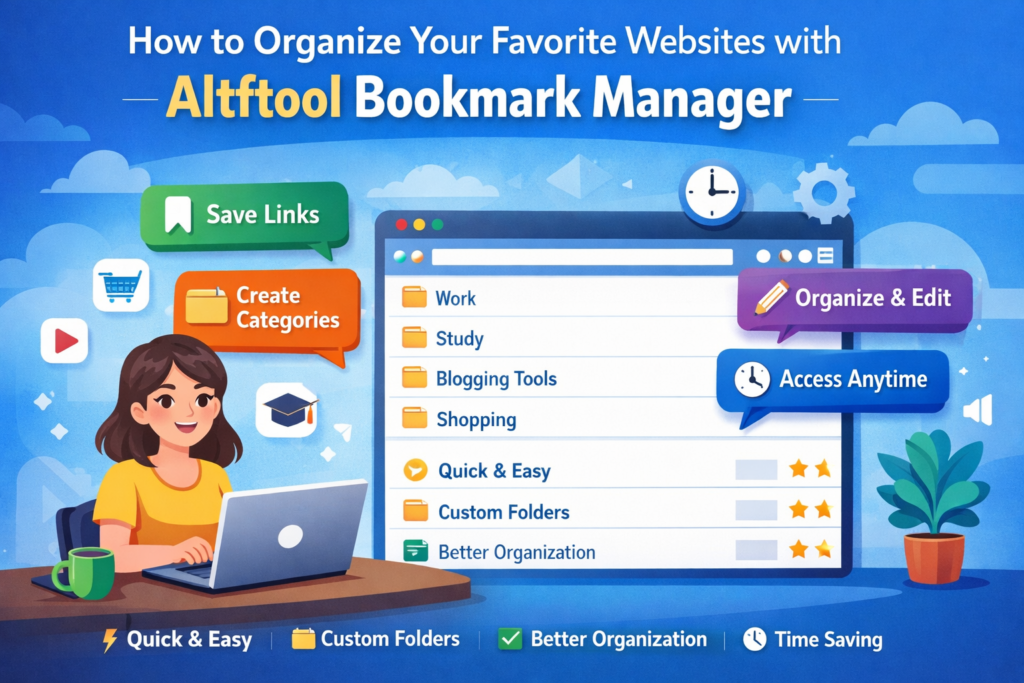
How to Organize Your Favorite Websites with Altftool Bookmark Manager
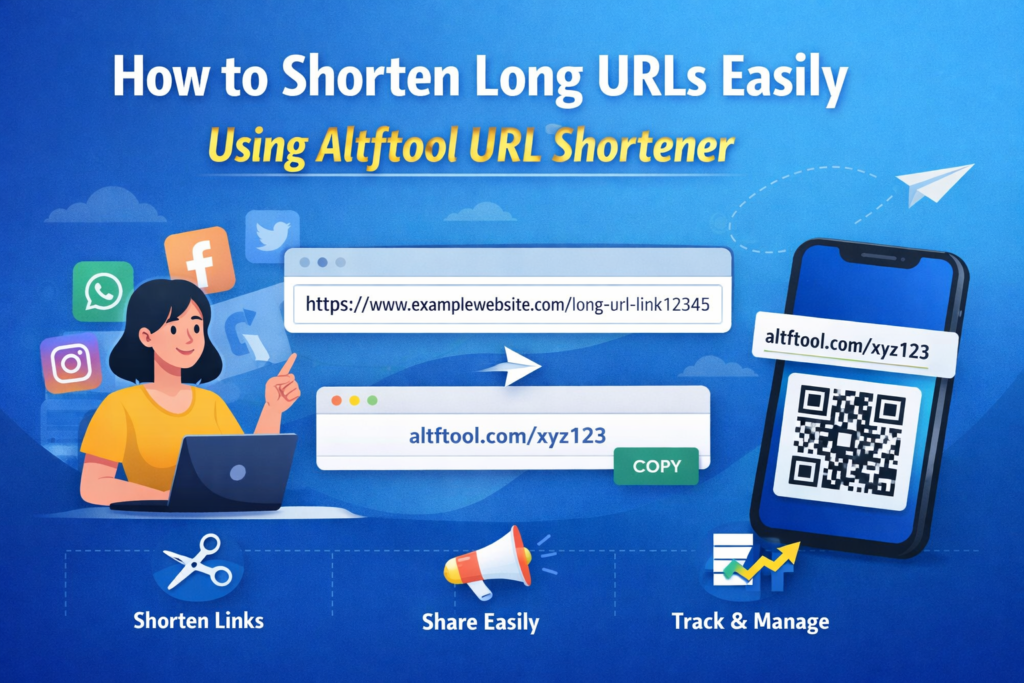
How to Shorten Long URLs Easily Using Altftool URL Shortener

Master Your Precision: Play Aim Trainer Pro Now
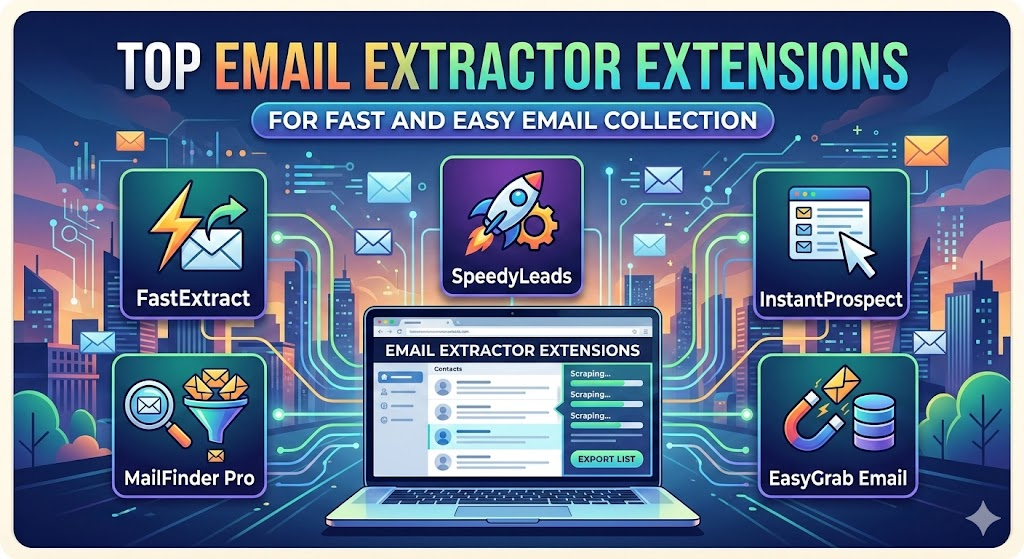
Top Email Extractor Extensions for Fast and Easy Email Collection
How to Record Your Screen in One Click Using a Lightweight Chrome Extension
Disclaimer : This article is based on personal experience and informational understanding of the extension’s features. Users should evaluate their own security requirements before choosing any password management solution. Always create a strong master password and store backup files securely.
#PasswordManager #OnlineSecurity #CyberSafety #DataPrivacy #BrowserExtension #TechTools #DigitalSecurity #Carrerbook #Anslation

