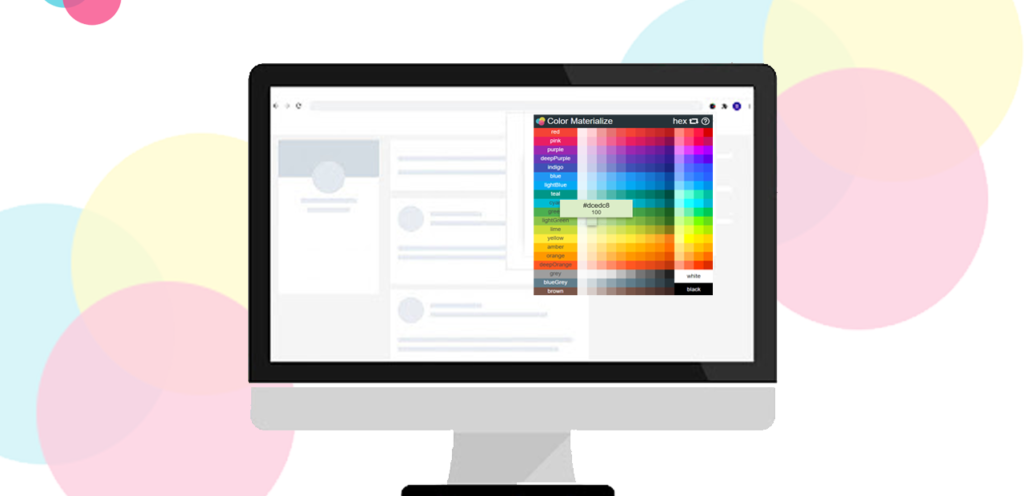
Design precision starts with the right color. Whether you’re building a website, designing an app interface, or refining UI elements, accurate color values matter.
Pixel Perfect Color Picker, available on AltFTool.com, is a lightweight Chrome extension that allows you to pick exact color values from any visible pixel inside your browser window — instantly and securely.
Built for developers and designers, this extension delivers professional-level color accuracy without relying on heavy software or third-party websites.
What is Pixel Perfect Color Picker?
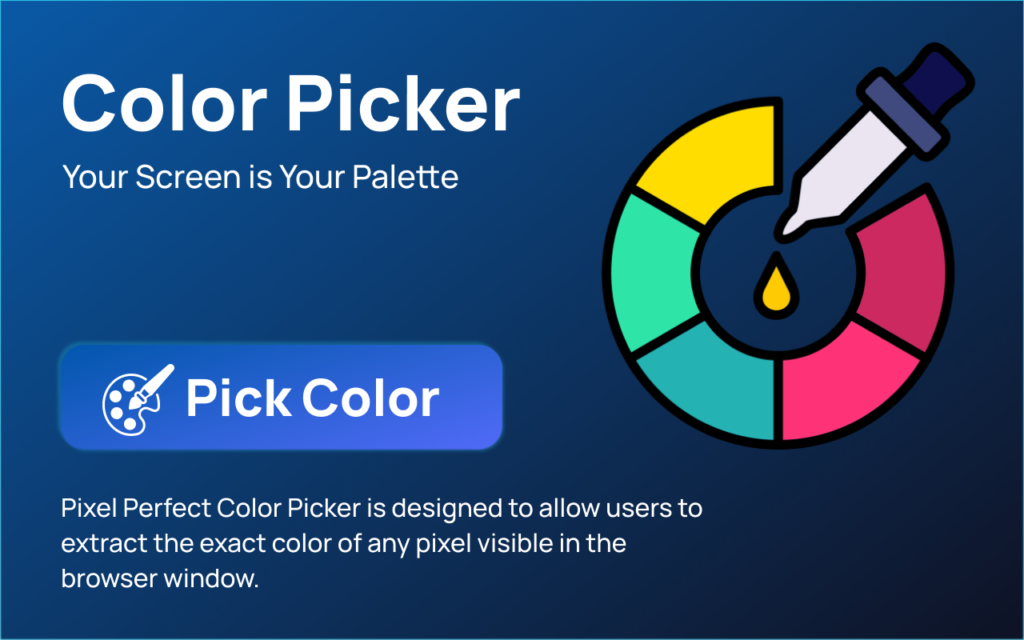
Pixel Perfect Color Picker is a Chrome extension that uses the native Chromium EyeDropper API to capture precise color values directly from your screen.
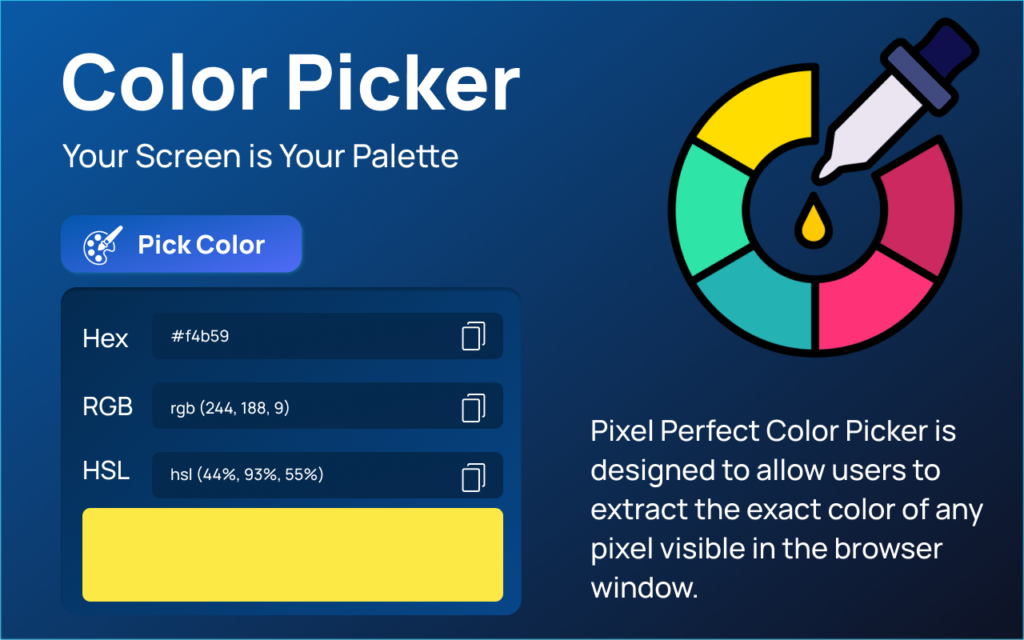
Instead of taking screenshots or using bulky design software, you can simply activate the picker and select any visible pixel to instantly get its color values in multiple formats.
Everything works locally inside your browser — fast, simple, and privacy-focused.
Why Choose Pixel Perfect Color Picker?
While premium tools like Adobe or advanced design platforms offer full design ecosystems, many users only need quick and precise color extraction. For that purpose, this extension delivers speed, accuracy, and privacy — without subscription costs.

Key Features
| Feature | Description |
|---|---|
| Native Chromium EyeDropper API | Picks exact pixel colors directly from the visible browser window with high precision. |
| Multi-Format Color Display | Instantly shows color values in HEX, RGB, and HSL formats. |
| One-Click Copy | Quickly copy any color value to clipboard. |
| Local Color History | Saves recently picked colors for quick reuse. |
| Lightweight Design | Minimal interface with no unnecessary clutter. |
| Fully Offline Processing | No internet dependency after installation. |
| Privacy-First Architecture | No tracking, no analytics, no data sharing. |
| Manifest V3 Built | Developed using modern Chrome security standards. |
Benefits of Using This Extension
- Saves time during UI development
- Improves design consistency
- Reduces dependency on heavy tools
- Enhances productivity
- Keeps workflow lightweight
- Ensures full data privacy
- Works instantly inside Chrome
Pros & Cons
Pros
- Extremely lightweight
- Fast and accurate
- Privacy-focused
- No subscription required
- Simple user interface
Cons
- Works only inside Chrome
- Designed specifically for web-visible pixels
Content Security & Compliance
This extension is developed following Chrome Extension Manifest V3 standards and implements a strict Content Security Policy (CSP). It avoids inline scripts, dynamic script injection, and the use of eval, relying solely on packaged local resources. These measures ensure that the extension complies with modern Chrome security requirements, making it a safe and reliable tool for developers and designers.
Comparison: Pixel Perfect Color Picker vs Paid Tools
| Feature | Pixel Perfect Color Picker | Paid Design Tools |
|---|---|---|
| Cost | Free (via AltFTool.com) | Monthly/Annual Subscription |
| Installation Size | Lightweight | Heavy Software |
| Speed | Instant Browser-Based | Depends on Software Performance |
| Privacy | Fully Local Processing | Often Cloud Sync Enabled |
| Color Formats | HEX, RGB, HSL | Multiple Formats |
| History Storage | Local Browser Storage | Cloud or Local |
| Setup Complexity | One-Click Install | Software Installation Required |
| Tracking | No Tracking | May Include Analytics |
Version 1.0.0 Highlights
- Native EyeDropper integration
- HEX, RGB, HSL display
- Clipboard copy support
- Local recent color history
- Secure Manifest V3 implementation
Who Should Use This Extension?
Pixel Perfect Color Picker is designed for frontend developers, UI and UX designers, web and product designers, graphic designers, and anyone who regularly works with web color codes. If you often need accurate HEX, RGB, or HSL values from websites, design references, prototypes, or UI mockups, this extension helps you capture exact colors instantly. It simplifies your workflow, saves time, and eliminates the need for heavy design tools just to extract color values.
Privacy & Security
Pixel Perfect Color Picker is built with a strict privacy-first approach. It does not track users, collect analytics, make network requests, or store any personal data. There is no remote JavaScript execution, and the extension does not rely on any external servers.
All processing happens entirely locally within your browser, ensuring that your data remains private and secure.
The only information stored is your recently picked colors, which are saved using Chrome’s local storage and never leave your device.
Final Review : Pixel Perfect Color Picker is a practical and efficient solution for developers and designers who need fast, accurate color values without installing bulky design software. Its local processing model ensures complete privacy while maintaining high performance.
Overall Rating: 5 / 5
Performance: ⭐⭐⭐⭐⭐
Ease of Use: ⭐⭐⭐⭐⭐
Security: ⭐⭐⭐⭐⭐
Feature Value: ⭐⭐⭐⭐☆
Pixel Perfect Color Picker delivers fast, accurate color detection with a clean and simple interface. The native EyeDropper integration ensures precise results, while instant HEX, RGB, and HSL display makes it highly practical for developers and designers.
FAQs
#PixelPerfectColorPicker #ColorPicker #AltFtool #ChromeExtension #Carrerbook #Anslation #WebDesignTools #UIDesign #UXDesign #FrontendDevelopment #WebDevelopment