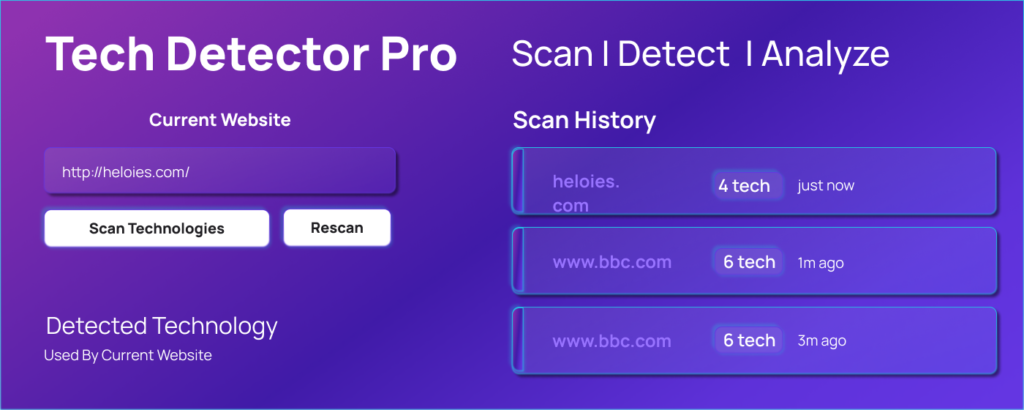
A simple tool that gives deep insights into website technology stacks.
Understanding how a website is built can be extremely useful, whether you are a developer, designer, student, or business analyst. Tech Detector Pro is a powerful browser extension that helps you instantly identify the technologies used by any website with just one click.
This tool makes it easy to explore the frontend frameworks, backend servers, analytics tools, and hosting platforms behind modern websites. Instead of guessing or manually inspecting code, you get clear, organized insights instantly.
What Is Tech Detector Pro?
Tech Detector Pro is a lightweight browser extension that analyzes the current webpage and reveals its complete technology stack. It scans the page structure, scripts, and metadata to detect frameworks, libraries, CMS platforms, analytics tools, and more.
This extension is perfect for anyone who wants to learn how websites are built or evaluate technical platforms quickly.
What Tech Detector Pro Can Detect
With a single click, Tech Detector Pro can identify:
- Frontend frameworks and libraries like React, Vue, Angular, and more
- Backend technologies and servers such as Node.js, PHP, Apache, or Nginx
- Content Management Systems (CMS) like WordPress, Shopify, or Joomla
- Analytics and tracking tools including Google Analytics and tracking scripts
- Hosting providers and CDNs like Cloudflare, AWS, or other hosting platforms
- CSS frameworks and UI libraries such as Bootstrap or Tailwind
- JavaScript libraries and dependencies used on the webpage
This makes it a powerful research and learning tool.
How Tech Detector Pro Works
Using Tech Detector Pro is simple:
- Open any website in your browser
- Click the Tech Detector Pro extension icon
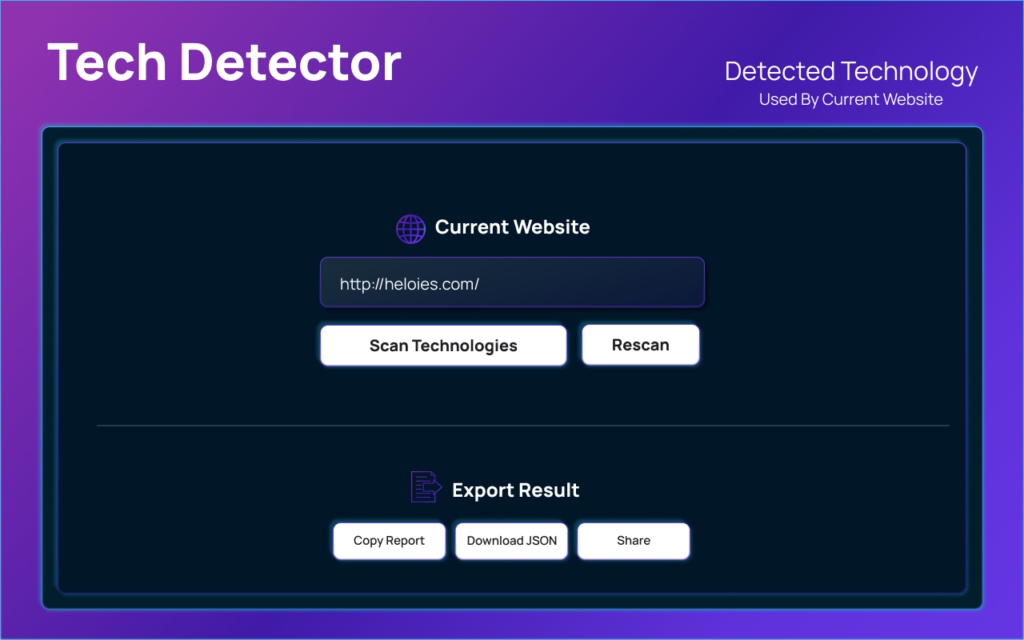
- Press the Scan button
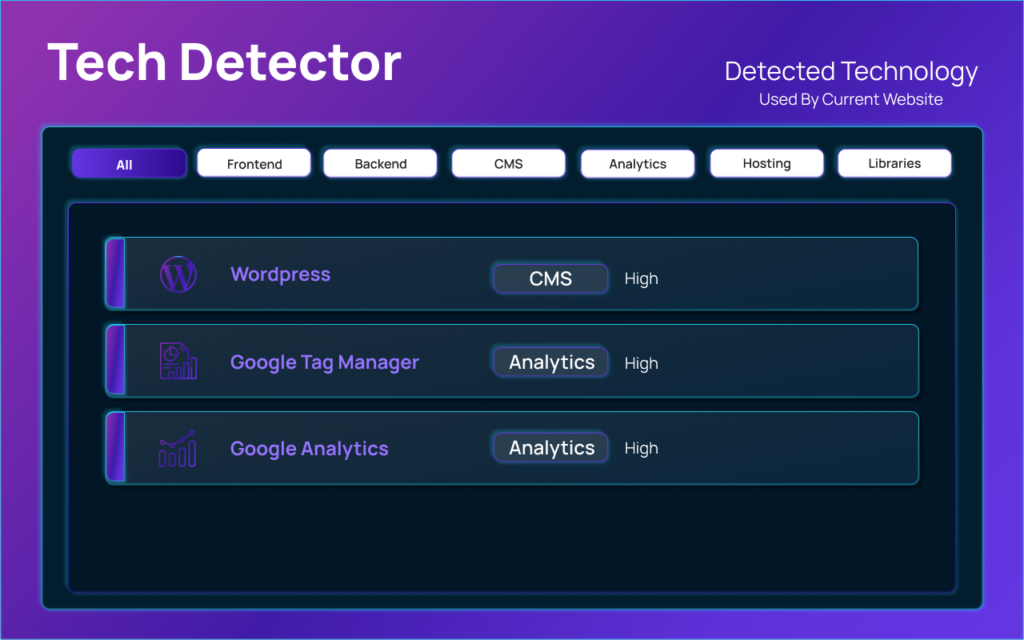
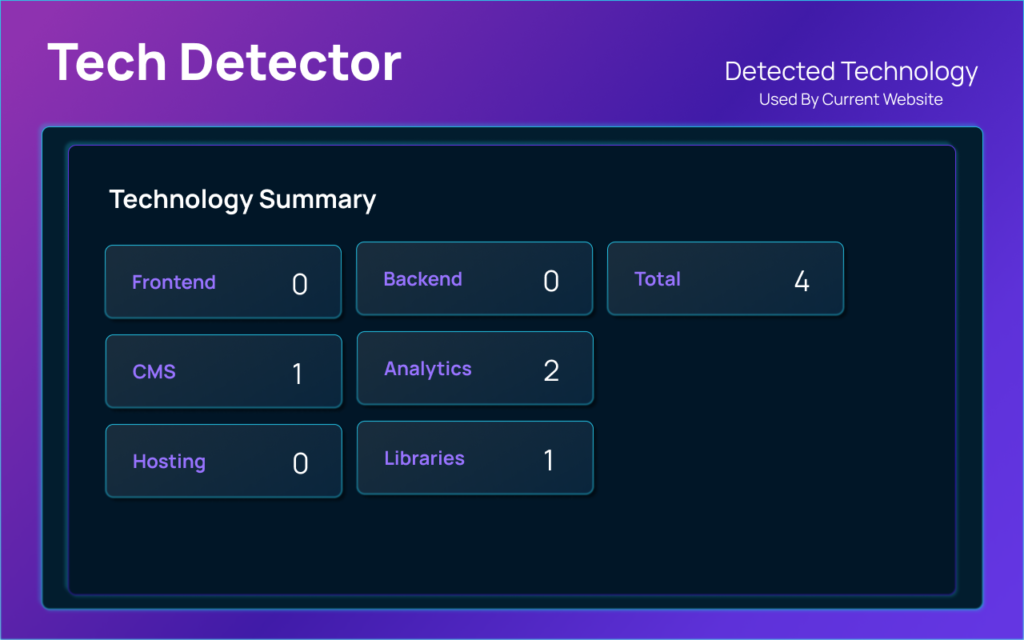
- View the detected technologies organized by category
Within seconds, you get a detailed breakdown of the website’s tech stack.
Key Features of Tech Detector Pro
One-Click Website Analysis
You can scan any website instantly by clicking the extension icon. No coding or technical skills are required.
Organized Results by Category
All detected technologies are grouped into categories, making the results easy to understand and analyze.
Scan History
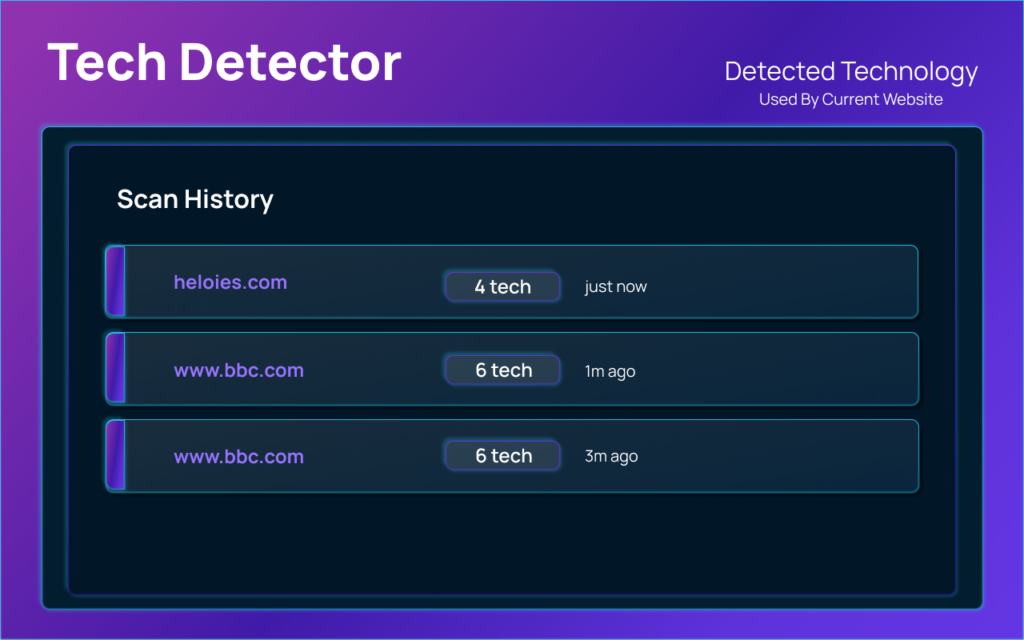
Tech Detector Pro keeps a history of your recent scans, so you can revisit previous results without rescanning.
Export and Share Reports
You can copy the detected technology list, download it as JSON, or share reports with your team or clients.
Privacy-Focused Design
All analysis happens locally in your browser. No data is collected, stored, or sent to external servers.
Clean and Modern Interface
The extension has a simple, modern UI that is easy to use for beginners and professionals alike.


Who Should Use Tech Detector Pro?
Tech Detector Pro is ideal for:
- Developers researching how websites are built
- Designers learning which tools and frameworks are popular
- Students studying web technologies and real-world implementations
- Recruiters evaluating technical platforms used by companies
- Business analysts analyzing technology adoption trends
Privacy and Security
Tech Detector Pro is built with privacy in mind:
- No external tracking or data collection
- No personal information stored or transmitted
- All processing happens locally in your browser
This ensures complete security and peace of mind while scanning websites.
Final Verdict on Tech Detector Pro: Tech Detector Pro is a must-have extension for anyone curious about how websites work behind the scenes. Whether you are learning web development, researching competitors, or analyzing technology trends, this tool gives you instant insights without any technical hassle.
#TechDetectorPro #WebDevelopmentTools #TechStack #ChromeExtension #WebsiteAnalysis #Frontend #Backend #Developers #Anslation #Carrerbook