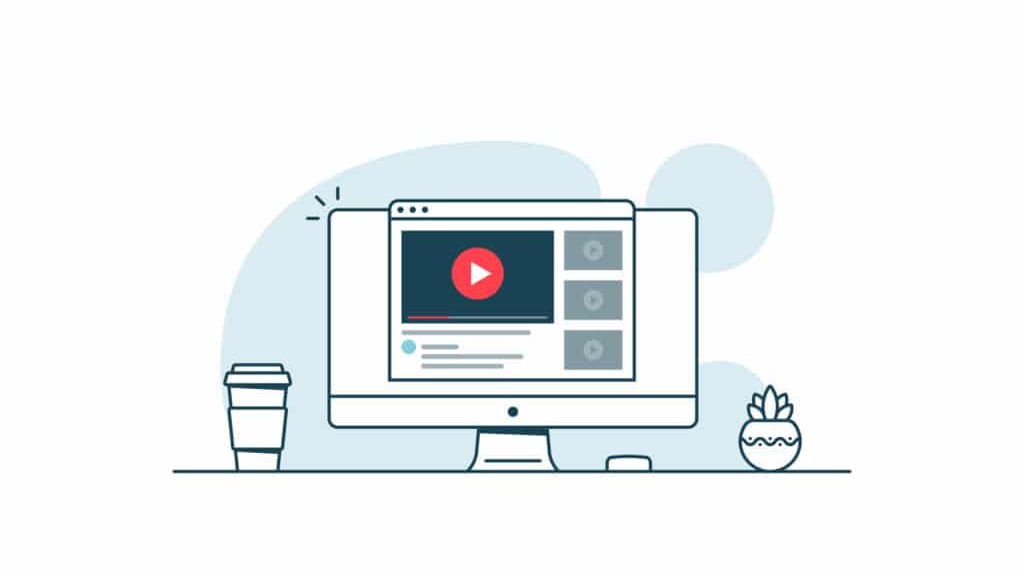
In today’s digital world, creating tutorials, presentations, or recording online meetings has become essential. Simple Screen Recorder is a lightweight Chrome extension designed to make screen recording quick, easy, and secure. Available on altftool.com, this extension allows users to capture their screen, application windows, or browser tabs without the need for heavy software or external servers.
Whether you’re a student, content creator, or professional, Simple Screen Recorder is perfect for anyone who wants fast, one-click recording and instant local downloads.
“Finally, a screen recorder that is fast, easy, and respects my privacy.”
What is Simple Screen Recorder?
Simple Screen Recorder is a Chrome extension that enables users to record their screen with just a few clicks. Unlike many other tools, it does not rely on external servers or cloud storage. Your recordings stay locally on your device and are automatically downloaded in WebM format.
The extension is popup-based, meaning everything happens in a simple popup window without any background scripts, making it fast, lightweight, and privacy-friendly.
Key Features of Simple Screen Recorder
| Feature | Description |
|---|---|
| Screen Capture | Record the entire screen, a specific window, or a browser tab using the getDisplayMedia API. |
| Audio Support | Captures system audio if the browser allows permission, perfect for presentations or tutorials. |
| WebM Video Recording | Uses the MediaRecorder API to save videos in lightweight, high-quality WebM format. |
| Real-Time Timer | Displays the recording duration in MM:SS format for easy monitoring. |
| Recording Status Indicator | Visual cues show when recording is active. |
| Automatic Download | Once finished, recordings are automatically saved with timestamped filenames. |
| Stream Cleanup | Stops all media tracks immediately after recording ends to free up resources. |
| Popup-Based Design | Entirely self-contained in the browser popup without external APIs. |
How to Use Simple Screen Recorder
- Click the Simple Screen Recorder extension icon in Chrome.
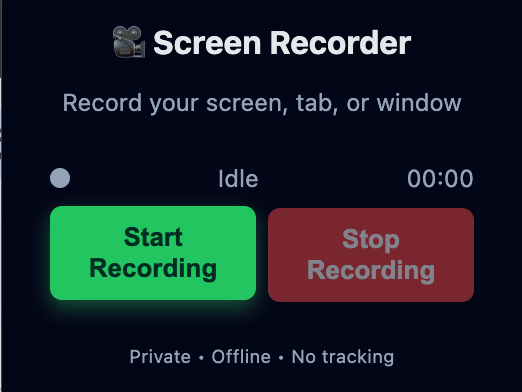
- Click “Start Recording” in the popup.
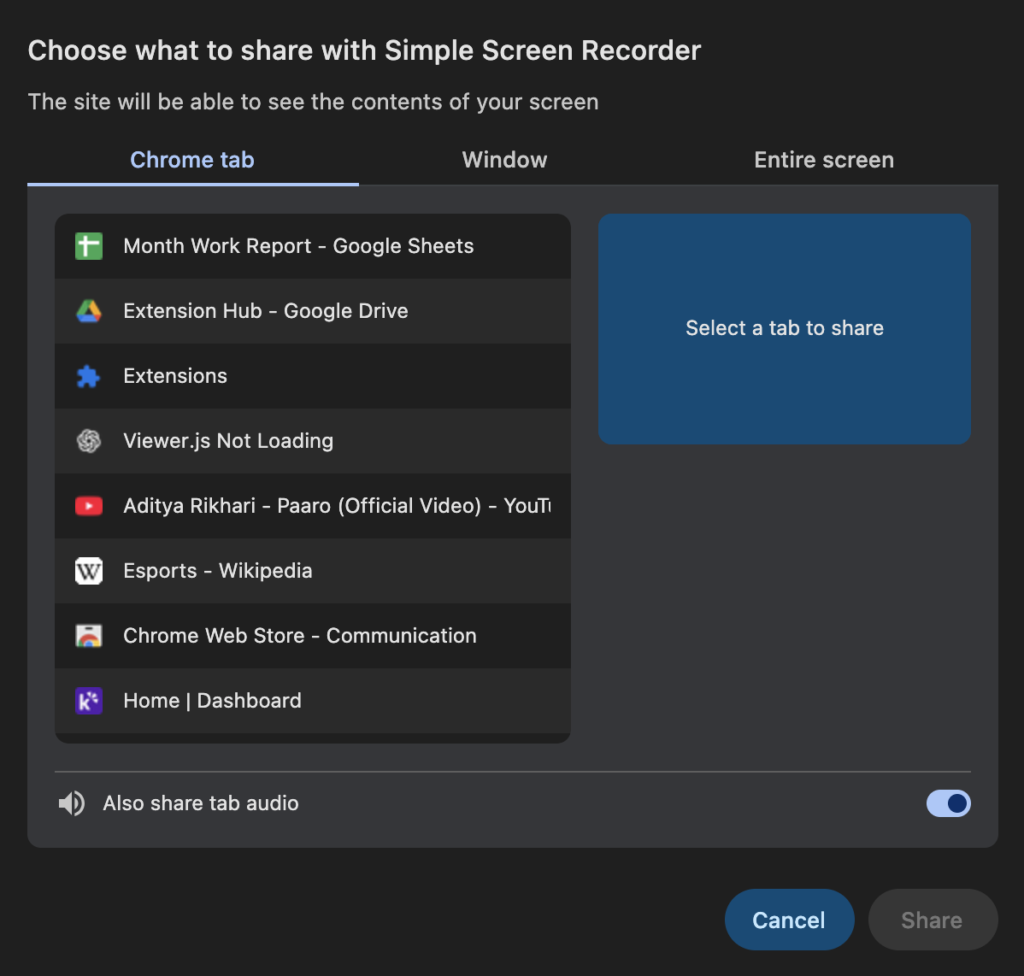
- Choose whether to record the screen, window, or tab from the browser prompt.
- Recording starts automatically, and the timer begins counting.
- Click “Stop Recording” once finished.
- The recorded video automatically downloads as a WebM file on your device.
Benefits of Simple Screen Recorder
- Beginner-Friendly: No technical knowledge is required. Anyone can start recording in seconds.
- Lightweight & Fast: No heavy software or installations needed; works directly in Chrome.
- Privacy-Safe: All recordings are saved locally, without using external servers or APIs.
- Automatic Downloads: Videos are instantly saved with timestamped filenames.
- Versatile Use: Ideal for online classes, YouTube tutorials, software demos, business presentations, and bug reporting.
- Real-Time Monitoring: Timer and recording indicators give you full control while recording.
Why Choose Simple Screen Recorder?
Unlike many screen recording tools that are paid, heavy, or rely on cloud services, Simple Screen Recorder combines simplicity, speed, and privacy in a single, lightweight extension. It is ideal for users who want a hassle-free experience with quick, one-click screen recording, local file storage without uploading to any servers, and no complicated settings or installations. Whether you need to record tutorials, presentations, or meetings, this extension allows you to capture your screen fast, securely, and effortlessly, making it the perfect choice for anyone looking for an efficient Chrome-based recording solution.
Conclusion : Simple Screen Recorder is a powerful yet simple tool for anyone who wants fast and secure screen recording directly from their browser. Its popup-based design, automatic downloads, and privacy-focused approach make it stand out from other screen recording tools.
Whether you’re creating tutorials, recording meetings, or capturing presentations, Simple Screen Recorder ensures a smooth, reliable, and hassle-free recording experience.
Explore it today on altftool.com and start recording with just one click!
“Perfect for quick tutorials and online classes — no complicated setup required.”
Call-to-Action
Ready to start recording quickly, safely, and effortlessly? Download Simple Screen Recorder today from altftool.com and experience the easiest screen recording directly from your Chrome browser!
rating: 5 / 5 ⭐⭐⭐⭐⭐
Simple Screen Recorder is highly appreciated for its ease of use, speed, and privacy focus.
#SimpleScreenRecorder #ScreenRecording #ChromeExtension #Carrerbook #Anslation #OnlineTutorials #WebMRecording #QuickRecording #PrivacySafe #OneClickRecording #TechTools #ContentCreators