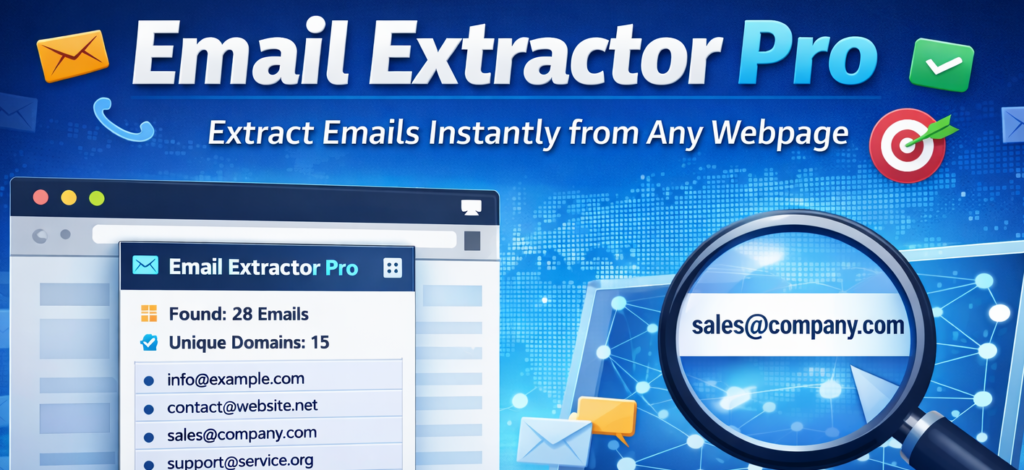
In the world of digital marketing and online research, collecting accurate contact information can feel overwhelming. I’ve personally spent hours manually copying email addresses from websites for outreach campaigns, collaborations, and research lists. That’s exactly why using an email extraction tool changed my workflow completely. Email Extractor Pro, an extension by ALTFTool, made the entire process faster, cleaner, and far more organized.
Let me walk you through how I use it and why it genuinely improved my productivity.
What Is Email Extractor Pro?
Email Extractor Pro is a browser extension designed to extract email addresses from any active webpage and display them in a clean popup interface. What I personally love about it is that everything works locally in the browser. That means your extracted data is not uploaded to any server, ensuring privacy and security.
Instead of manually searching through page content, the tool scans the webpage instantly and pulls all valid email addresses into one organized list.
Features That Actually Make a Difference
When I first started using it, I thought it would just extract emails — but it actually does much more:
One-Click Extraction
With just one click, the extension scans the entire webpage and pulls available email addresses within seconds.
Duplicate Removal
This is a huge time saver. If a website repeats the same email multiple times (which happens often), the extension automatically filters duplicates so your list stays clean.
Smart Placeholder Filtering
Many websites use example domains like “test@example.com.” The extension intelligently excludes those, so you don’t waste time on fake contacts.
Live Statistics
It shows the total number of emails found and even the number of unique domains. I find this especially helpful when analyzing business directories or listing pages.
Flexible Copy Options
You can copy individual email addresses or use “Copy All” to grab everything instantly.
CSV Export
If you’re building a list for outreach or importing into a CRM, you can download the emails in CSV format along with domain information.
Local Storage
All results are saved securely using chrome.storage.local, meaning everything stays inside your browser.
Step-by-Step: How I Use It
Here’s exactly how I extract emails automatically:
Step 1: Open a webpage containing email addresses.
This could be a business directory, company website, blog contact page, or event listing.
Step 2: Click the Email Extractor Pro extension icon.
The popup opens instantly.
Step 3: Click “Extract Emails from Page.”
Within seconds, the extension scans the page and displays all detected email addresses.
Step 4: Review the results.
I check the total emails found and domain statistics to understand the quality of the data.
Step 5: Take action.
I either copy specific emails, use “Copy All,” export them as a CSV file, or clear results before moving to another page.
The entire process usually takes less than a minute.
Why It Improved My Workflow
Before using this extension, collecting 50–100 emails could take me over an hour. Now, it takes just minutes. The automatic duplicate removal and filtering features eliminate manual cleaning work. Exporting to CSV also makes it easy to organize data for email outreach campaigns.
Most importantly, since everything is processed locally, I feel confident about data privacy.
Important Things to Remember
While extracting emails is useful for research and outreach, it’s important to use the data ethically. Always follow email marketing laws, respect privacy regulations, and avoid sending spam. Responsible usage builds long-term credibility and trust.
The Ultimate Gmail Performance Dashboard by AltF
The Gmail Analytics Extension by AltF Tool is a productivity-focused browser extension designed to provide users with…
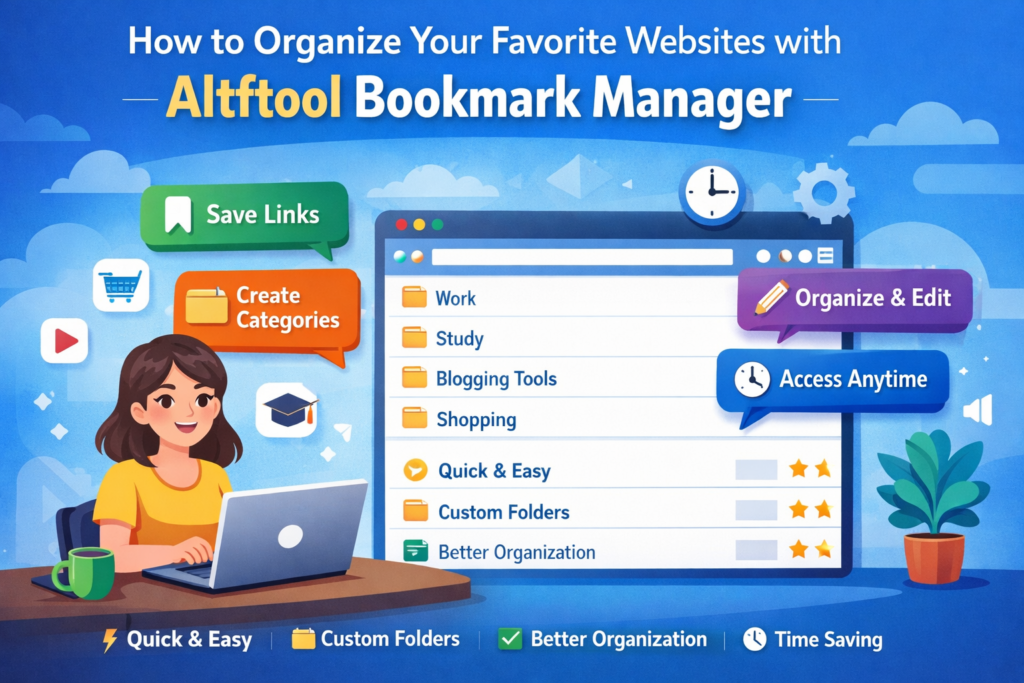
How to Organize Your Favorite Websites with Altftool Bookmark Manager
In today’s digital world, we visit dozens of websites every day for work, learning, shopping,…
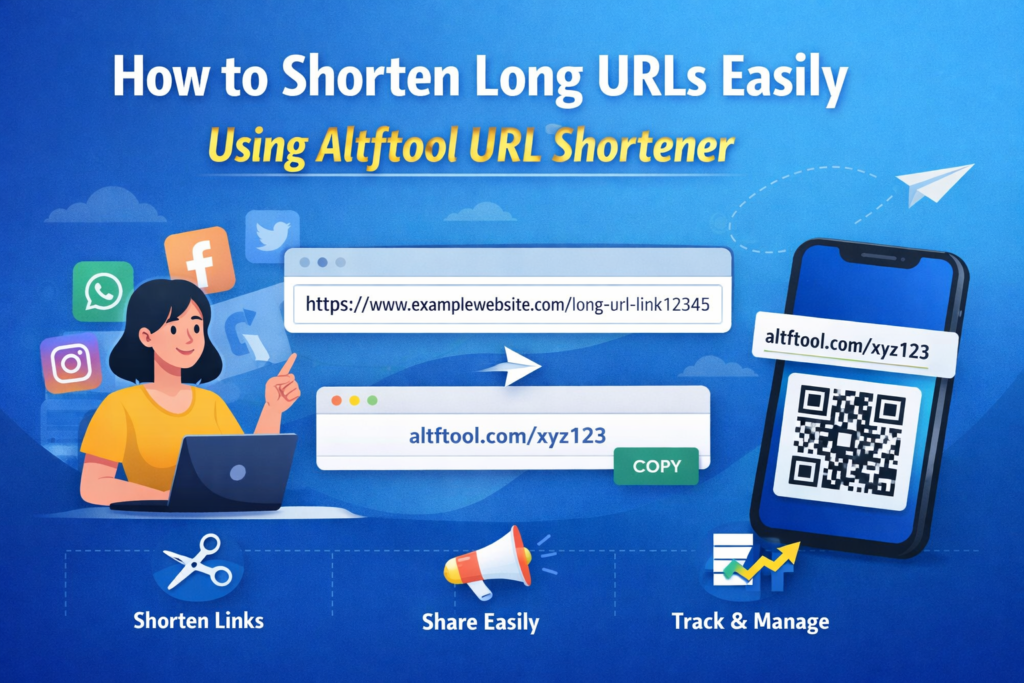
How to Shorten Long URLs Easily Using Altftool URL Shortener
In today’s digital world, sharing links has become a daily activity. Whether you are sharing…
Master Your Precision: Play Aim Trainer Pro Now
Aim Trainer Pro is a web-based utility hosted on AltFTool designed to help users test and…

Top Email Extractor Extensions for Fast and Easy Email Collection
In today’s digital world, collecting contact information efficiently is essential for marketers, researchers, business owners,…
How to Record Your Screen in One Click Using a Lightweight Chrome Extension
Screen recording has become an essential tool for professionals, educators, developers, and content creators. Whether…

Final Thoughts
If you regularly collect contact information for business, marketing, or research purposes, Email Extractor Pro can significantly streamline your workflow. It’s simple, fast, privacy-focused, and removes the repetitive manual effort from email collection. Personally, it has saved me hours every week and made my outreach process more structured and efficient.
Disclaimer : This article is for informational purposes only. Users are responsible for ensuring compliance with applicable data protection and email marketing laws when using email extraction tools.
#EmailExtractor #ALTFTool #LeadGeneration #DigitalMarketing #ProductivityTools #ChromeExtension #Carrerbook #Anslation