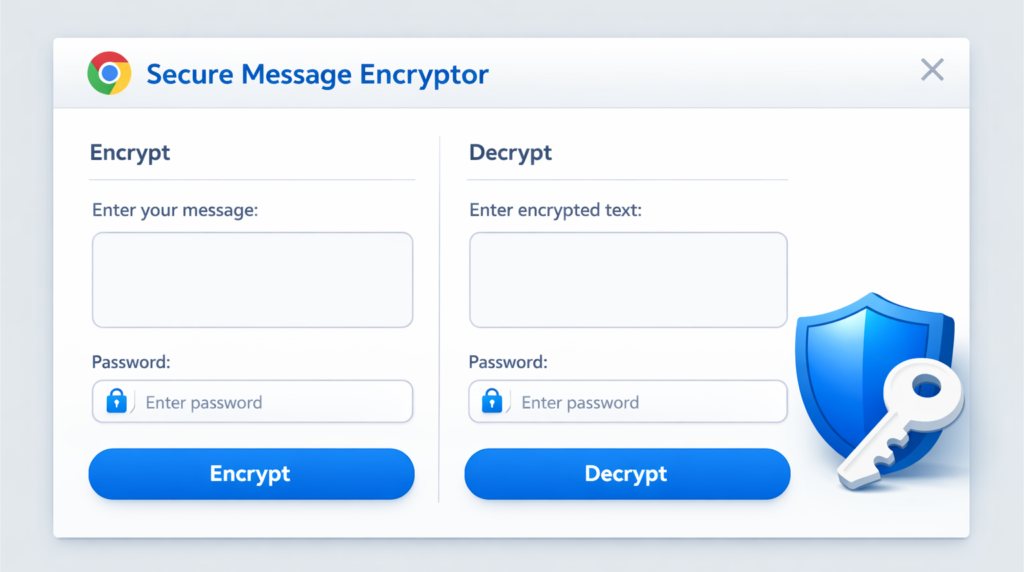
The Secure Message Encryptor is a lightweight, privacy-focused Chrome extension designed to provide instant, military-grade encryption for your sensitive text. Whether you are sending confidential details over email or securing notes locally, this tool ensures your data remains readable only by those with the secret key.
Built with a “Zero-Knowledge” philosophy, every operation happens entirely within your browser. This means your passwords, plain text, and encrypted messages never leave your device and are never transmitted to any external servers.

Key Features and Benefits
- Instant Encryption & Decryption: Seamlessly convert sensitive information into secure ciphertext and back again using a single interface.
- Privacy by Design: The extension operates fully offline. There is zero data collection, no tracking, and no background telemetry.
- Native Web Crypto API: Utilizes the industry-standard AES-GCM algorithm, providing authenticated encryption that ensures both confidentiality and data integrity.
- Password-Based Protection: Leverages PBKDF2 key derivation so you can use memorable passwords without relying on hardcoded or pre-shared keys.
- Zero Permissions: Unlike many extensions, the Secure Message Encryptor requires no special browser permissions, ensuring your browsing habits remain private.
- Modern Interface: A clean, fast, and lightweight UI designed to integrate perfectly into your daily digital workflow.
How the Security Layer Works
The extension employs a multi-layered security approach to ensure that even if an attacker gains access to the encrypted output, they cannot easily bypass the protection.
| Security Component | Implementation Detail | Purpose |
|---|---|---|
| Key Derivation | PBKDF2 with SHA-256 | Transforms your password into a cryptographically strong key. |
| Iteration Count | 100,000 Iterations | Protects against brute-force attacks by making key derivation computationally expensive for attackers. |
| Encryption Algorithm | AES-GCM (256-bit) | A high-performance, modern standard for secure data encryption. |
| Salting & IV | Randomly Generated | Ensures that the same message encrypted twice with the same password will result in different ciphertext. |
Simple Explanation: Think of it like a high-tech digital vault. Your password is the combination, but before it opens the door, the extension “strengthens” that combination 100,000 times to make it impossible for others to guess. Every time you lock something away, the “lock” changes slightly (using a unique Salt and IV), making it even more secure.
Usage Instructions
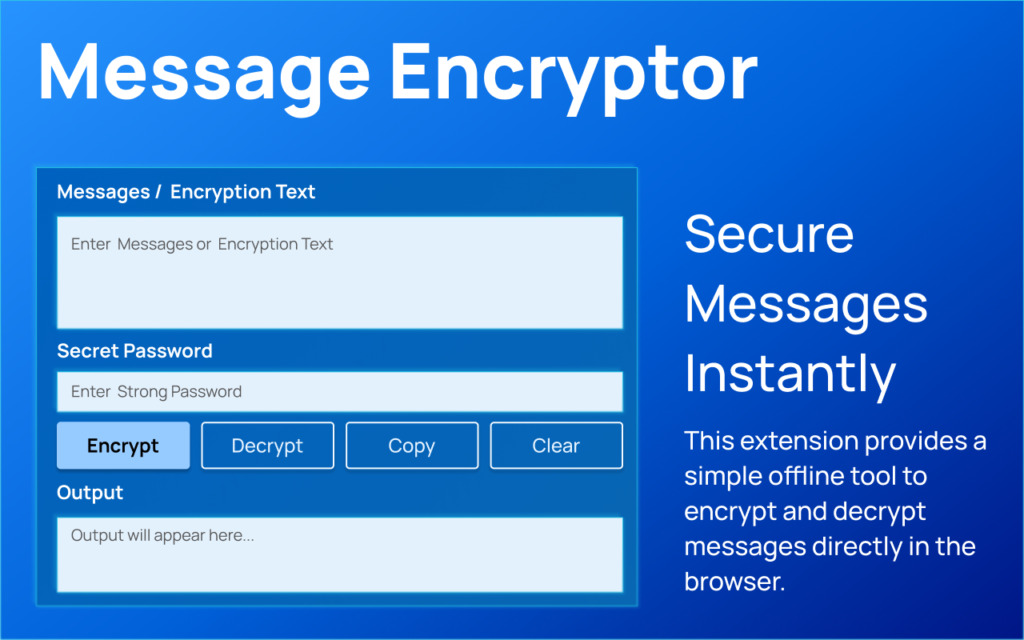
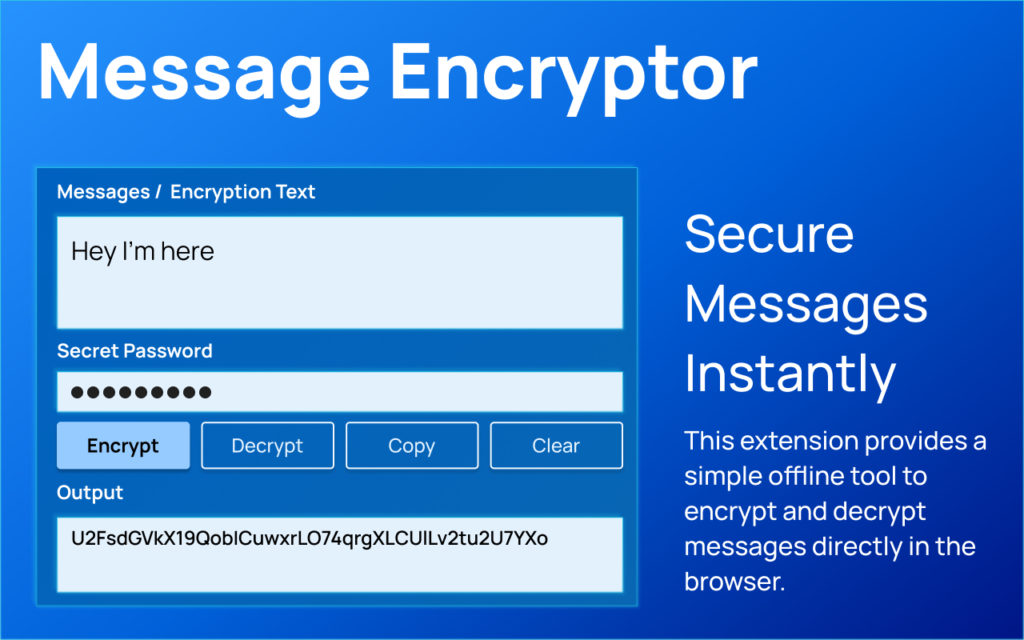
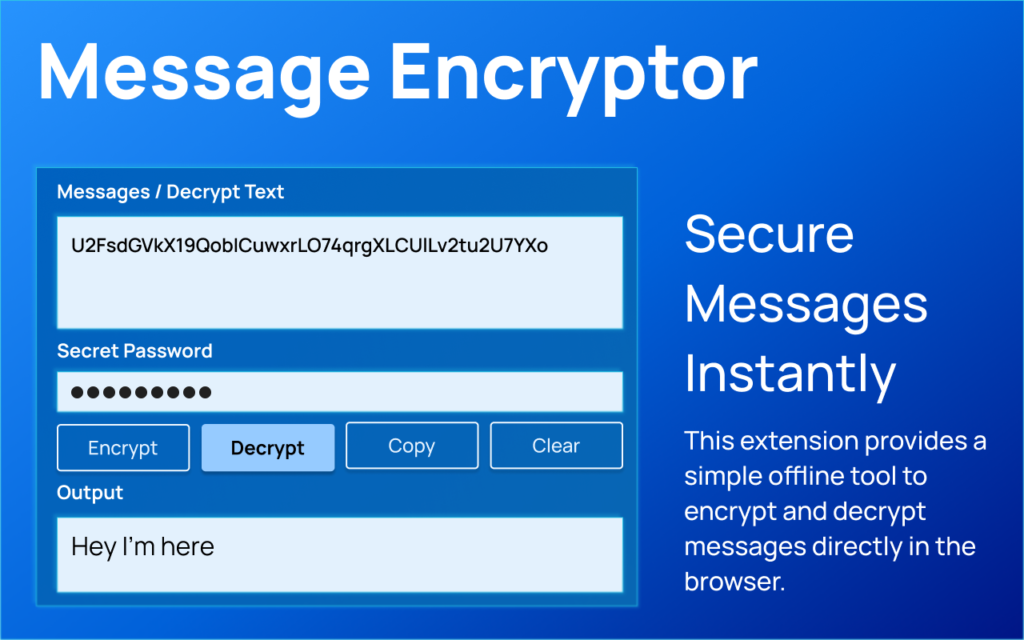
- Encrypting a Message: Enter your secret text, provide a strong password, and click “Encrypt.” The extension will provide a Base64 encoded string that you can safely share.
- Decrypting a Message: Paste the encrypted Base64 string into the decrypt field, enter the correct password, and your original message will be revealed instantly.
Summary of Privacy
The Secure Message Encryptor does not collect, store, or transmit any personal data. It is a local-only tool designed for users who prioritize security and simplicity in their digital toolkit.
I have completed the content generation based on the technical details provided and the layout of the AltFTools website.
#SecureMessageEncryptor #CyberSecurity #DataPrivacy #ChromeExtension #AES256 #EncryptionTool #WebCryptoAPI #AltFTools #OnlineSafety #PrivateCommunication #SecureMessaging #BrowserTools #Anslation #Carrebook