
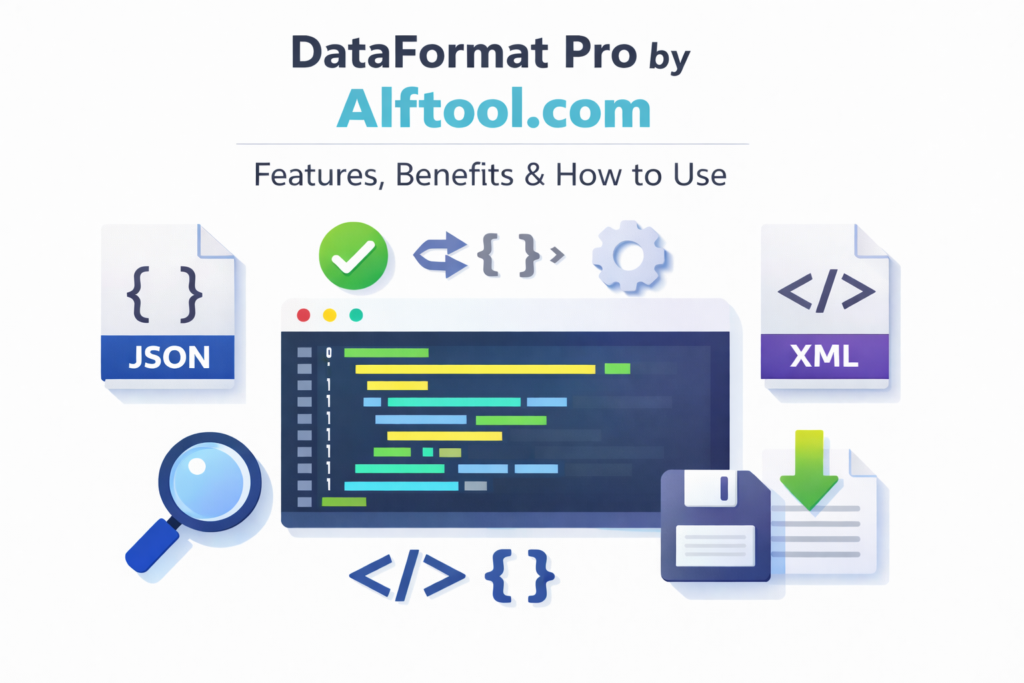
Working with JSON and XML is common for developers, but messy and unformatted data can make debugging and testing difficult. DataFormat Pro by Altftool.com is a professional JSON/XML formatter extension designed to turn unstructured data into clean, readable, and validated code within seconds.
It combines formatting, validation, conversion, and syntax highlighting in one powerful tool — making it ideal for modern development workflows.
What is DataFormat Pro?
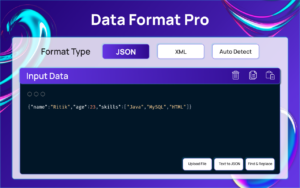
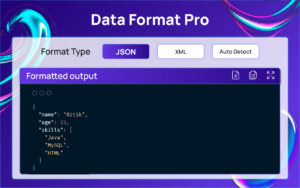
DataFormat Pro is a browser extension that helps you format, validate, and convert JSON and XML data instantly. It automatically detects the data type and applies proper formatting without requiring manual selection.
Unlike many online tools, it works completely offline and does not collect user data, ensuring full privacy and security.
Key Features
Smart Auto-Detection
The extension instantly detects whether your input is JSON or XML and formats it accordingly. It supports deeply nested and complex structures, saving time and reducing formatting errors.
Beautiful Syntax Highlighting
Color-coded syntax improves readability and makes it easier to understand large datasets. Multiple premium themes are available, and users can customize the appearance based on their preference.
Advanced Formatting Controls
You can customize indentation (2 spaces, 4 spaces, or tabs), sort JSON keys alphabetically, beautify or minify data with one click, and handle self-closing XML tags easily.
Built-in Developer Tools
DataFormat Pro also includes validation, JSON ↔ XML conversion, Find & Replace functionality, text-to-JSON conversion, escape/unescape HTML entities, and line numbers with character count. These tools make debugging and editing much faster.
Web Page Integration
The extension can automatically detect JSON or XML data on web pages. With click-to-format options and quick tooltips, developers can analyze API responses directly in the browser.
Flexible Export Options
Formatted output can be copied to the clipboard or downloaded as a file. Large datasets can be expanded for better viewing.
Benefits of Using DataFormat Pro
- Saves time with instant formatting
- Improves readability of complex data
- Enhances productivity with all-in-one tools
- Ensures privacy with offline functionality
- Provides a clean, modern, and fast interface
For developers who regularly handle structured data, this extension significantly simplifies daily tasks.
How to Use DataFormat Pro
Using the extension is simple:
- Install DataFormat Pro from Alftool.com.
- Open the extension from your browser toolbar.
- Paste your JSON or XML data into the input field.
- The tool will automatically detect the format.
- Click Format to beautify or Minify to compress the data.
- Validate, convert, or export the output as needed.
Within seconds, messy code becomes structured and readable.
FAQ – DataFormat Pro by Altftool.com
Final Thoughts
If you are an API developer, frontend engineer, backend developer, DevOps professional, or student learning JSON/XML, DataFormat Pro is a must-have extension. It not only formats data but also provides powerful tools that streamline development workflows.
With smart detection, advanced formatting options, and complete privacy, DataFormat Pro stands out as a reliable and efficient JSON/XML formatter for 2026 and beyond.
#DataFormatPro #JSONFormatter #XMLFormatter #DeveloperTools #WebDevelopment #Altftool #Carrerbook #Anslation

