In today’s digital world, extracting data from websites is a common need for students, researchers, marketers, and developers. But most web scraping tools require coding skills, complicated setups, or paid subscriptions. That’s where U-Scrap (Quick Web Scraper Extension) comes in.
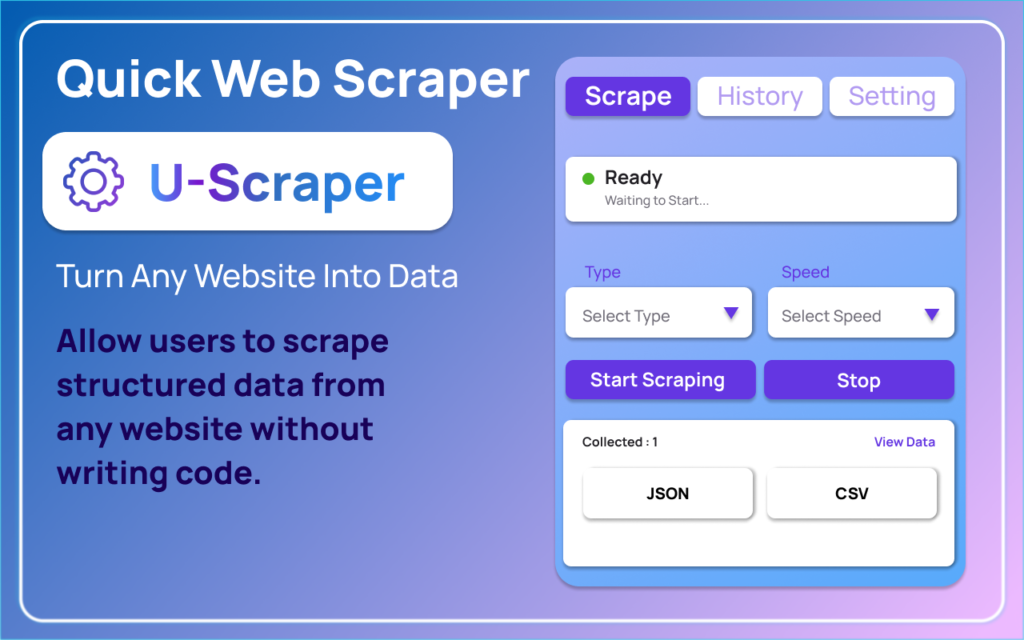
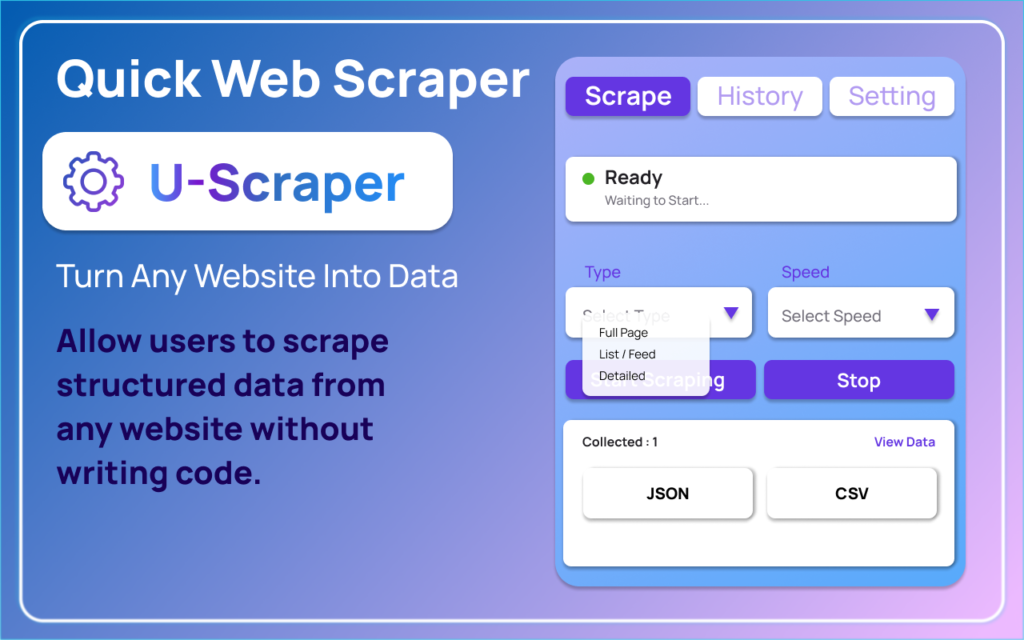
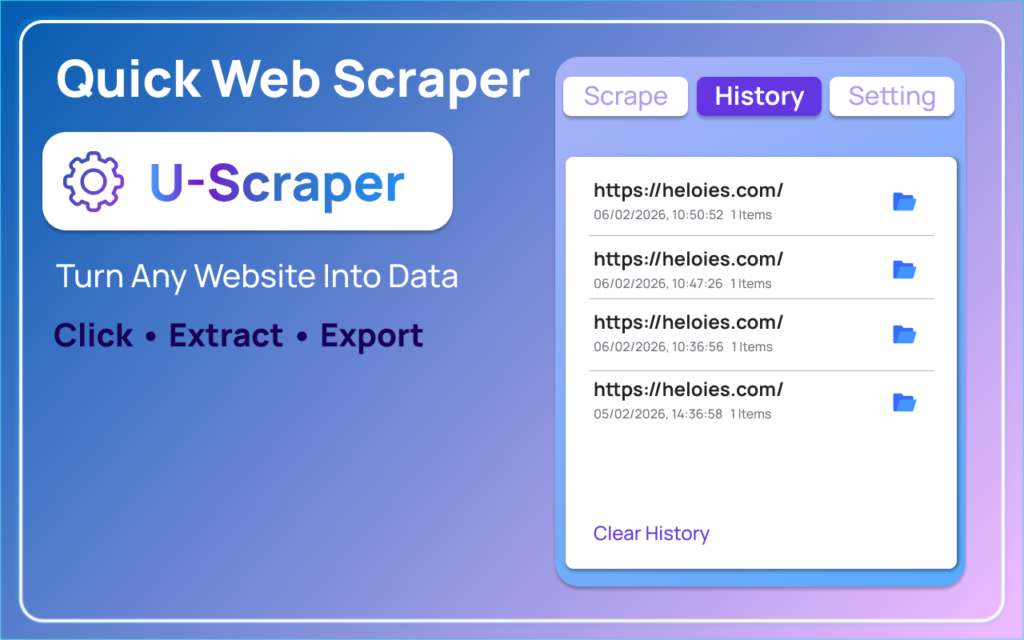
U-Scrap is a lightweight Chrome extension that lets you scrape any webpage with just one click—no coding required. It instantly extracts structured data like headings, paragraphs, links, images, and tables, and lets you export the results in JSON or CSV format for further use.
What is U-Scrap Extension?
U-Scrap is a simple and fast web scraping Chrome extension designed for users who want quick access to webpage data without technical complexity. It works directly in your browser and processes everything locally, making it secure and privacy-friendly.
With U-Scrap, you can turn any webpage into structured data within seconds.
Key Features of U-Scrap Extension
One-Click Web Scraping
With a single click, U-Scrap scans the active webpage and extracts structured elements automatically.
Structured Data Preview
Before exporting, you can preview the extracted content to ensure accuracy.
Export to JSON and CSV
Easily download scraped data in JSON or CSV formats for research, analysis, or automation workflows.
Optional Pagination Support
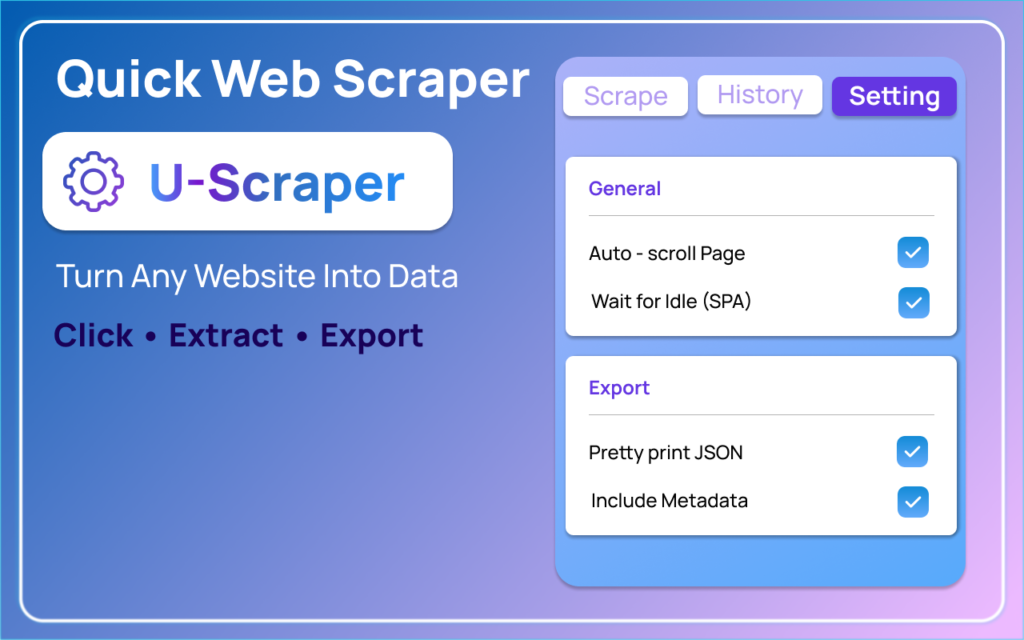
When enabled, U-Scrap can scrape multiple pages automatically, saving time on repetitive tasks.
Local-First Processing
All scraping happens directly in your browser. No cloud storage, no external servers, and no third-party data sharing.
Chrome Manifest V3 Security
Built with Chrome Manifest V3, ensuring modern security and performance standards.
How U-Scrap Works
Using U-Scrap is extremely simple:
- Open any HTTP or HTTPS webpage in Chrome.
- Click the U-Scrap extension icon.
- Press “Start Scraping”.
- Preview the extracted structured data.
- Export the results as JSON or CSV.
No coding, no setup, and no technical skills required.
Privacy and Security: Fully Transparent
Privacy is a major concern when using browser extensions. U-Scrap is designed with transparency and user control in mind.
No automatic background scraping
No tracking or analytics
No data sent to external servers
Works only after user interaction
No personal data collection
Everything stays on your device, giving you full control over your data.
Who Should Use U-Scrap?
U-Scrap is perfect for:
- Students collecting research data
- Developers testing or extracting webpage content
- SEO experts analyzing website structure
- Researchers and analysts gathering structured datasets
- Content creators extracting headings, links, and media
Whether you need quick data extraction or structured web content, U-Scrap makes the process effortless.


Why Choose U-Scrap Over Other Web Scrapers?
Many web scraping tools are complex, expensive, or require programming knowledge. U-Scrap focuses on simplicity, speed, and privacy.
- No coding required
- Instant results
- Lightweight and fast
- Fully local processing
- Clean and modern interface
It’s designed for anyone who wants quick web data extraction without technical barriers.
Conclusion:U-Scrap Extension is a powerful yet simple web scraping tool that delivers instant structured data with a single click. With privacy-first design, modern Chrome security standards, and easy export options, it’s an ideal solution for anyone who needs quick and reliable web scraping without coding.
If you’re looking for a free, fast, and secure web scraper, U-Scrap is definitely worth trying.
#UScrap #WebScraper #ChromeExtension #NoCodeTools #DataExtraction #ScrapingTool #JSONExport #CSVExport #WebAutomation #ResearchTools #altftools.com #Anslation #Carrerbook