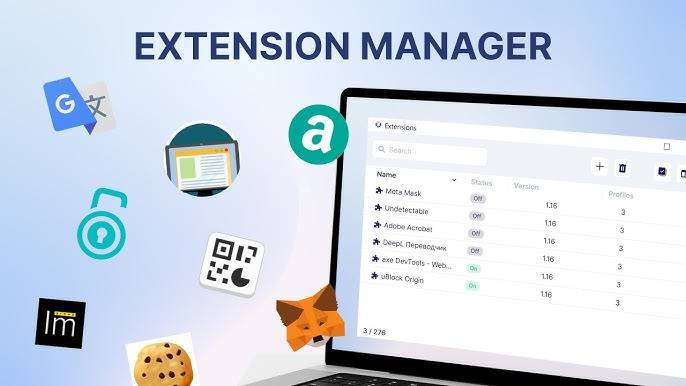
In today’s fast-moving digital workflow, most users depend on multiple browser extensions for productivity, security, development, research, and marketing tasks. However, managing them through the default extension page of browsers like Google Chrome can often feel slow, cluttered, and inefficient.
That’s where Extension Manager, available on AltFTool, makes a real difference. This Extension provides a centralized, fast, and lightweight dashboard that allows users to manage all installed extensions with complete control and zero complexity. If you are reviewing tools on AltFTool.com, this extension clearly stands out for its simplicity, speed, and privacy-first design.
Overview
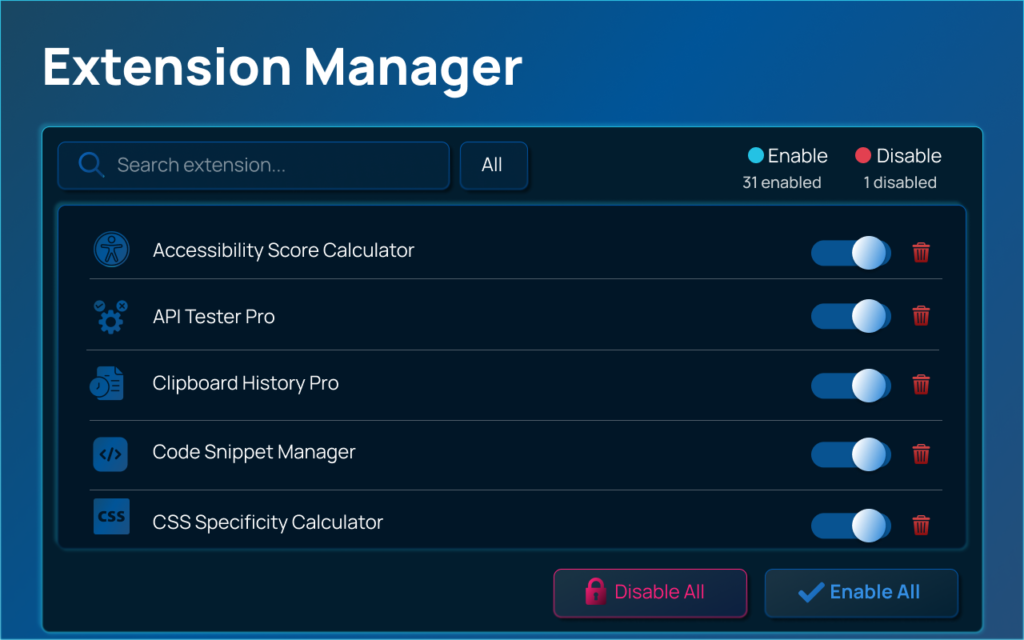
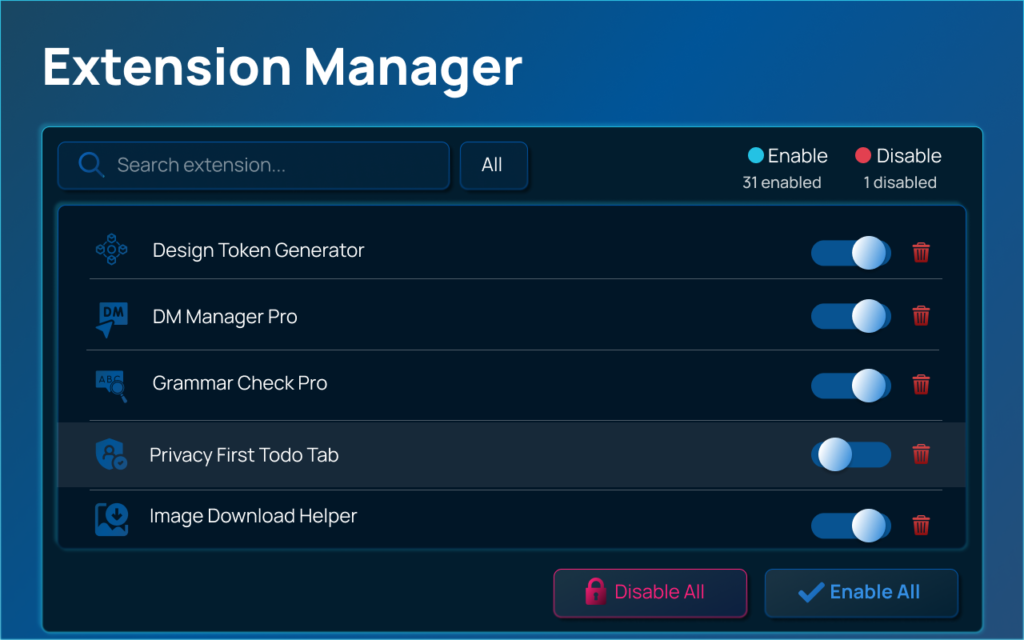
Extension Manager acts as a smart control panel for all your installed browser extensions. Instead of navigating through complicated internal browser settings, users can enable, disable, search, filter, and uninstall extensions directly from one clean and responsive interface.
The Extension is built with a clear focus on functionality and efficiency. There are no unnecessary design elements or distracting features—just a structured and performance-oriented dashboard that helps users take instant action. It is especially useful for individuals who frequently switch between work setups, troubleshoot browser slowdowns, or manage multiple extensions for different projects.
Key Features
Extension Manager available on AltFTool.com offers performance-focused features designed to simplify daily browser management:
- One-Click Enable / Disable – Instantly toggle any extension without refreshing pages or navigating through settings.
- Real-Time Search – Quickly locate extensions by typing their name or related keywords.
- Bulk Actions – Enable all or disable all extensions in one click, ideal for troubleshooting or performance testing.
- Smart Filtering – View extensions based on status: All, Enabled, or Disabled.
- Direct Uninstall Option – Remove unnecessary extensions immediately from the dashboard.
- System Protection Detection – Identifies policy-locked extensions that cannot be disabled for security reasons.
These features significantly reduce manual effort and save valuable time, especially for users managing a large number of extensions.
Privacy & Security
One of the strongest aspects of Extension Manager is its strict privacy-first approach. The extension operates entirely on your local machine and does not connect to external servers. This ensures complete control and transparency.
- No tracking
- No browsing history collection
- No personal data storage
- No background data transfer
It only uses essential permissions such as Management (to control extensions) and Storage (to save interface preferences). There is no hidden data collection, making it a reliable and secure solution for privacy-conscious users.
Performance & Technology

Extension Manager is built using Manifest V3 and vanilla JavaScript, ensuring optimized performance and minimal resource consumption. It does not continuously run in the background when not in use, which helps maintain overall browser speed.
Compared to traditional extension management pages, it loads faster, responds instantly, and provides a distraction-free environment. For users who value both system performance and a clean interface, this tool offers a balanced and efficient solution.
Comparison with Paid Extension Managers
Many paid extension management tools provide additional features such as cloud syncing, advanced analytics, or enterprise-level automation. However, these often come with subscription costs and sometimes include usage tracking.
Extension Manager on AltFTool.com focuses on what truly matters:
- Free to use
- No subscription required
- No data collection
- Lightweight structure
- Covers all essential management needs
For the majority of users, these core features are more than enough. Unless someone requires advanced enterprise-level syncing or analytics, this tool provides a practical and cost-effective alternative to heavy paid solutions.
Uses & Practical Benefits
Extension Manager proves highly useful in real-world situations. Developers can disable extensions quickly while testing websites. Digital marketers can switch between tool sets during campaigns. Office professionals can temporarily disable distractions for focused work. Students can manage study-related tools without clutter.
Its major benefits include:
- Faster troubleshooting
- Improved browser performance
- Organized extension control
- Time-saving bulk management
- Reduced system load
For users managing more than 5–10 extensions regularly, this tool becomes not just helpful but essential for smoother workflow management.
Overall Helpfulness
Extension Manager is more than just a convenience feature—it is a productivity enhancer available directly through AltFTool.com. It simplifies browser management, strengthens privacy, and improves overall system efficiency. By reducing unnecessary navigation and offering instant control, it enhances the overall browsing experience in a meaningful way.
Overall Rating & Review
Rating: 5 / 5 ⭐⭐⭐⭐⭐
Based on its clean design, fast performance, privacy-focused functionality, and zero-cost accessibility on AltFTool.com, Extension Manager earns a strong rating. It delivers exactly what users need without overwhelming them with complex or unnecessary features.
FAQs
#BrowserExtensions #ExtensionManager #AltFTool #ProductivityTools #Carrerbook #Anslation #PrivacyFirst #SmartBrowserControl #TechTools #BrowserOptimization