

Choosing the right color might seem like a small task, but in design and development, precision makes all the difference. A slightly incorrect HEX code can break brand consistency. A mismatched RGB value can affect accessibility and user experience. That is why having a reliable, accurate color picker inside your browser is not just convenient, it is essential.
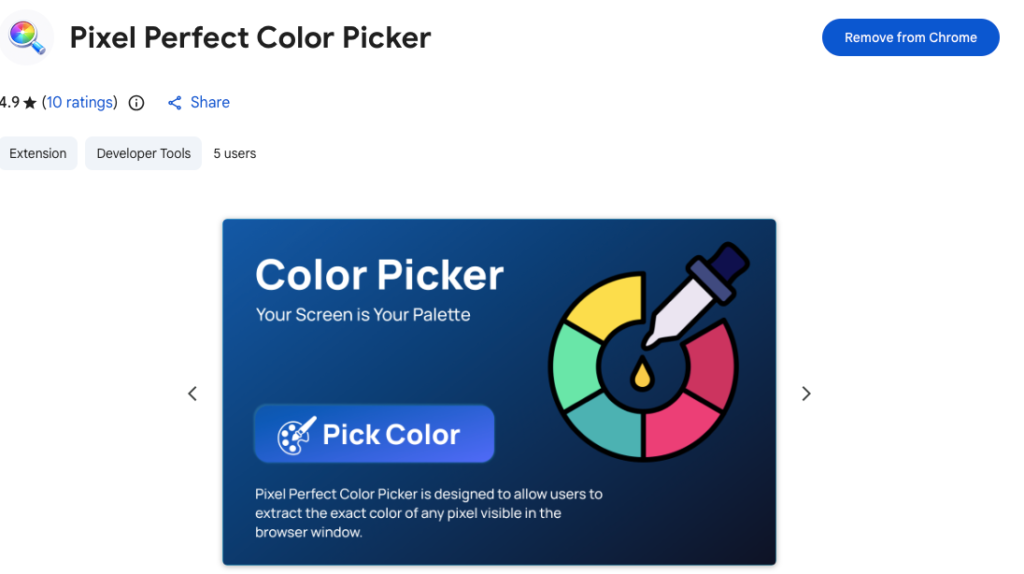
Pixel Perfect Color Picker stands out as a lightweight, privacy-focused Chrome extension built specifically for professionals who need fast and accurate color data without depending on external tools or websites. If you are searching for a color picker that combines precision, simplicity, and security, this guide will walk you through its powerful features, key benefits, and practical expert tips.
What Makes Pixel Perfect Color Picker the Best Choice
Not all color picker extensions are built the same. Some rely on complex interfaces. Others require unnecessary permissions. Many depend on external services. Pixel Perfect Color Picker focuses on what truly matters: accuracy, speed, and privacy.
It allows you to pick exact colors from any visible pixel inside your browser window and instantly retrieve HEX, RGB, and HSL values. Everything happens locally, directly within Chrome, making your workflow smoother and more secure.
Powerful Features That Improve Your Workflow
1. Native Chromium EyeDropper Integration
The extension uses the native Chromium EyeDropper API to detect and capture color values directly from the screen. This ensures high precision and seamless performance within the browser environment.
Because it relies on built-in browser capabilities, the color detection process feels natural and reliable.
2. Instant HEX, RGB, and HSL Values
As soon as you select a pixel, the extension displays the color in multiple formats:
- HEX for quick CSS styling
- RGB for design and development adjustments
- HSL for better control over tone and lightness
There is no need for manual conversion or additional tools. The values are ready to use immediately.
3. One-Click Copy to Clipboard
Efficiency is critical when working on live projects. With one click, you can copy any color format directly to your clipboard and paste it into your code, style sheet, or design system.
This small feature saves significant time over the course of a project.
4. Local Color History
Recently picked colors are saved locally, allowing you to reuse them quickly. This is especially helpful when building consistent interfaces or working within a defined brand palette.
You do not have to re-sample the same color repeatedly. Your recent selections are always available.
5. Clean and Minimal Interface
The extension keeps distractions out of the way. The interface is simple, focused, and easy to use. There are no unnecessary settings or complicated menus. Everything is designed to support speed and clarity.
How It Works
Using Pixel Perfect Color Picker is straightforward:
- Open the extension popup.
- Click “Pick Color.”
- Select any visible pixel on the screen.
- Instantly view the selected color in HEX, RGB, and HSL formats.
- Copy the value you need or choose from your recent color history.
During color selection, the browser temporarily minimizes the popup so you can pick a pixel accurately. Once the color is selected, the popup automatically restores itself. This thoughtful interaction keeps the experience smooth and uninterrupted.
Key Benefits for Developers and Designers
Faster Design Decisions
Instead of guessing or manually inspecting styles, you can extract exact values instantly. This accelerates debugging, prototyping, and UI refinement.
Improved Consistency
When building design systems or maintaining brand guidelines, precise color replication is essential. The extension ensures that the colors you use match exactly what you see.
Streamlined Workflow
Because everything happens inside the browser, there is no need to switch between tools or rely on third-party websites. Fewer steps mean fewer mistakes.
Reliable Privacy Protection
Unlike many extensions, Pixel Perfect Color Picker follows a strict privacy-first approach:
- No tracking
- No analytics
- No network requests
- No remote code execution
- No personal data collection
All processing occurs locally within the browser. The extension stores only recently picked color values using Chrome’s local storage, and that data never leaves your device.
Choosing tools that respect your privacy is just as important as choosing tools that improve productivity.
Built for Modern Chrome Standards
The extension is built using Chrome Extension Manifest V3, ensuring compliance with modern security standards. It follows strict Content Security Policy guidelines:
- No inline scripts
- No dynamic script execution
- No eval functions
- No remote JavaScript
- Only packaged local resources
This approach enhances security and ensures compatibility with Chrome’s latest requirements.
Permissions Explained Clearly
Transparency builds trust.
Pixel Perfect Color Picker requests only one permission: storage. This permission is used solely to save recently picked colors locally for your convenience.
No additional permissions are required. There is no access to browsing history, no background data collection, and no hidden activity.
Expert Tips for Getting the Most Out of It
- Use HSL values when adjusting shades and tones in design systems. It provides more intuitive control over color variations.
- Build a habit of reviewing your recent color history to maintain visual consistency across multiple pages.
- When debugging CSS issues, compare picked values directly with your stylesheet to quickly identify mismatches.
- Use the extension during competitor analysis or inspiration research to accurately capture brand palettes for study.
These small practices can significantly improve the quality and speed of your work.
Final Thought
The best tools are not always the most complex. They are the ones that solve a specific problem efficiently and reliably. Pixel Perfect Color Picker does exactly that. It delivers precise color data instantly, keeps your workflow inside the browser, and protects your privacy at every step.
For developers and designers who value accuracy, simplicity, and security, this extension is more than a convenience. It is a practical upgrade to your daily workflow.
This article is for informational purposes only. Features and specifications described are based on the current version of Pixel Perfect Color Picker and may change with future updates. Users should review the extension details and permissions in the Chrome Web Store before installing.
#ColorPickerExtension #WebDevelopment #FrontendDevelopment #UIDesign #UXDesign #WebDesign #ChromeExtension #DesignTools #ProductDesign #PrivacyFocused #Anslation #Carrerbook #ALTFTOOL #Extansion

