Artificial intelligence is no longer something confined to science-fiction movies or high-tech research labs. It has quietly worked its way into everyday work. From drafting emails and organizing information to generating images, researching topics, and planning projects, AI is helping people handle tasks that once took up hours of their day.
What makes these tools practical is that you do not need a background in programming to use them. Most applications are designed for everyday use. Students rely on them to break down difficult concepts, writers turn to them when stuck on a blank page, and small business owners use them to take care of repetitive administrative chores. Creators are also finding new ways to use AI for articles, visuals, slide decks, video scripts, and brainstorming.
Even with all these capabilities, one fact remains clear: AI is an assistant, not a substitute for human judgment. It can help you move faster, but you still need to decide what is accurate, meaningful, and right for your specific situation.
Why AI Tools Are Gaining Ground
The main driver behind the popularity of AI is simple: it saves time. Think about the small, routine jobs that fill an ordinary workday. Writing a quick response might take five minutes. Sorting meeting notes takes longer. Outlining a project or summarizing a lengthy report can eat up an entire morning when you already have a full schedule. None of these tasks are particularly hard, but together they add up and create friction in your day.
AI helps clear that backlog. You can give a tool a pile of messy notes and ask it to organize them into bullet points. You can share a topic and ask for a logical outline. You can also use it to simplify complex phrasing or create a rough first draft.
The goal is not to hand over your work entirely. Often, the biggest value AI provides is getting you past the starting line. Once you have a basic framework, you can bring your own knowledge, context, and decisions to finish the job properly.
| Daily Task | Traditional Approach | AI-Assisted Approach |
|---|---|---|
| First Drafts | Staring at a blank screen, writing word by word | Generating a fast outline or rough structure to edit |
| Reading Reports | Reading long files line by line | Scanning key summaries to pinpoint critical sections |
| Design Concepts | Building graphics from scratch in complex tools | Generating quick mockups to refine manually |
| Basic Troubleshooting | Searching forums endlessly for error messages | Translating bug reports into readable explanations |
Practical Ways to Apply AI to Your Work
1. Writing and Brainstorming
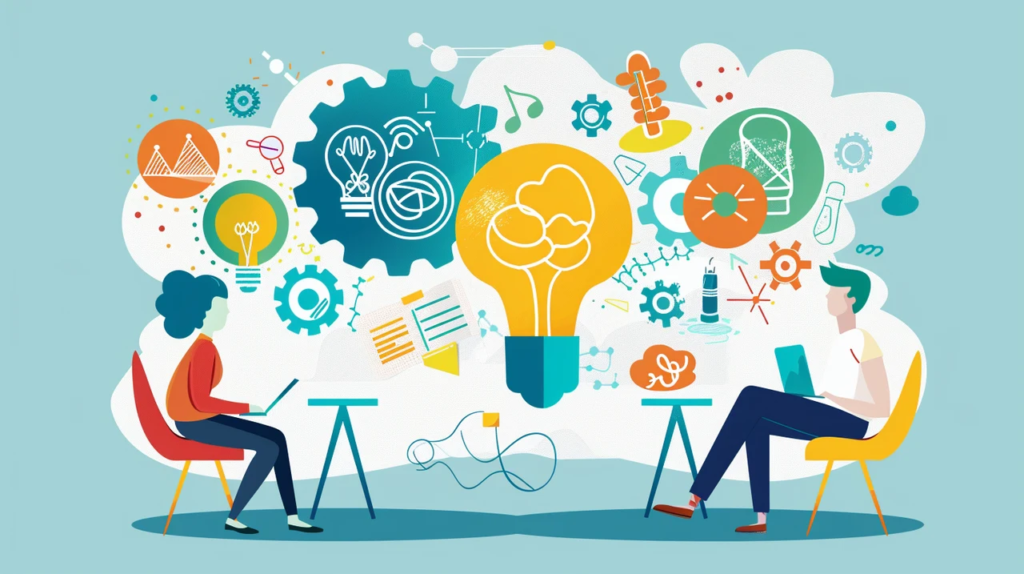
Drafting written content is one of the most common ways people use AI. Whether you are working on an email, a blog entry, a product description, a caption, or a report, starting from scratch is often the hardest step. You might know your main point but struggle to find a clean opening line or a logical flow.
AI works well as a sounding board here. You can ask it for headline variations, section ideas, alternate introductions, or simple ways to explain a technical term. You can take the parts that work and build your own piece around them.
The key is to avoid treating the initial output as a final product. Text generated by AI can often feel repetitive, rigid, or overly formal. Adding personal examples, tweaking sentence structures, and using your usual vocabulary makes the piece sound natural. Your voice should always lead the content.
2. Managing Information and Notes
Research quickly becomes overwhelming when you have to sift through endless documents. Long reports, research papers, and pages of loose notes take time to review line by line, especially when you just need a high-level overview.
AI helps speed up this initial review. You can use it to pull out central arguments, define terms, or categorize information. For instance, rather than reading a thirty-page document top to bottom right away, you can generate a short summary to identify which sections deserve a careful read.
Meetings also produce a massive amount of spoken information that is easily lost. Automated transcription tools can turn recorded calls into organized notes, highlight action items, and list key decisions. However, keep in mind that automated summaries can miss nuances or drop important details. When accuracy is critical, always double-check the original text or audio.
3. Rough Visuals and Slide Planning
Creating visuals used to require technical design experience or specialized software. Modern design tools now allow anyone to experiment with images, visual layouts, and presentation structures. This is particularly useful for small teams, marketers, and independent creators who need regular visual assets.
Putting together a solid presentation requires picking out core ideas, ordering them logically, and keeping text readable. AI can help during the outline stage by suggesting slide layouts, talking points, and speaker notes based on your core message.
- Input Core Ideas: Provide your main points and target audience to the tool.
- Review Output: Check the suggested slide structure and speaker notes.
- Refine Content: Fact-check figures, remove filler words, and adjust tone.
- Final Styling: Match fonts, colors, and layout to your existing branding.
An automatically generated layout or image should rarely be used as-is. An image might look nice on its own but fail to convey the message you need, or a slide design might look too busy for your audience. Use AI to generate options, but rely on your own eye to select what actually fits.
Operations and Technical Work
1. Technical Support and Coding

AI has become a handy reference tool for developers and technical workers. Programmers use these tools to interpret unfamiliar code snippets, debug error messages, explore fix options, or write repetitive boiler-plate code.
For beginners, this removes a lot of early frustration. Instead of getting blocked by a syntax error, they can ask for a plain-language explanation and work through the issue step by step. Experienced developers use it to speed up routine tasks. However, code generated by AI needs careful testing. It can look completely correct on the surface while containing logical errors, edge-case bugs, or security vulnerabilities.
2. Streamlining Routine Business Tasks
You do not need a large-scale project to benefit from basic automation. Small, recurring tasks often yield the best time savings. You can use AI to convert random notes into a neat action list, draft meeting agendas, or break a project down into manageable steps.
Running a business involves balancing dozens of administrative details every day. AI can help draft responses to common customer inquiries, outline regular updates, or compile status reports. Connected automation tools can also pass data between apps—like adding form entries directly into a master spreadsheet. These small adjustments keep operations running smoothly, provided a person oversees the outcome.
Boundaries and Safety
Data Privacy and Security
While these tools are convenient, you must be careful about what data you feed into them. Account passwords, private client details, financial figures, internal conversations, and sensitive business documents should never be pasted into external tools without authorization.
If your workplace has an established AI or data protection policy, stick to it strictly. A moment of caution prevents serious privacy issues and compliance problems down the road.
Fact-Checking Output
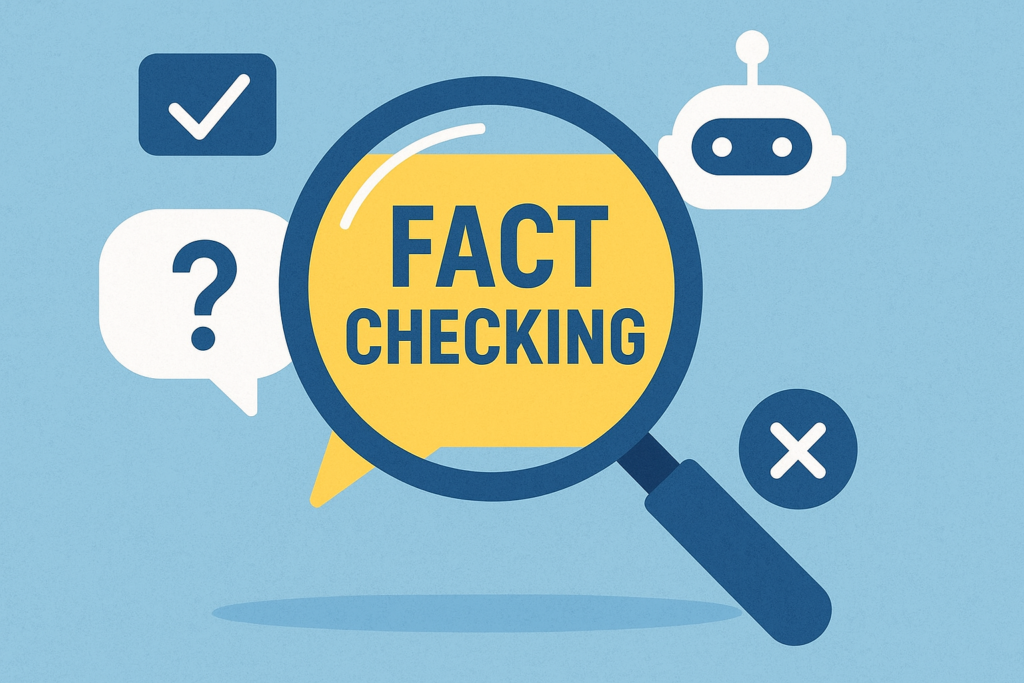
A major limitation of language models is their tendency to state incorrect information with total confidence. An AI can misinterpret context, pull in outdated data, leave out crucial facts, or confuse similar details.
In informal brainstorming, a small error matters very little. In legal, medical, financial, or technical work, inaccurate details carry real consequences. Always verify claims, figures, and facts against trustworthy source materials before sharing or publishing.
Preserving Your Voice
When people rely completely on AI to produce their writing, everything starts to sound the same. The grammar might be correct and the structure clean, but the content lacks personality.
To avoid generic writing, treat AI responses as raw material. Change phrases that sound mechanical, share actual experience, and write the way you naturally speak. Think about what your reader actually needs to hear and what insights you can offer that a computer cannot.
Automation is great for predictable tasks, but it falls short when empathy and human understanding are required. A customer dealing with a frustrating problem wants a real person who listens, not a canned response. Keep human decision-making at the core of customer service, creative decisions, and business strategy.
Getting Started Responsibly

If you are new to these tools, do not worry about adopting every platform available. Pick one specific challenge in your current routine. If drafting emails takes up too much time, try a writing assistant. If you spend hours organizing notes, try a summarization tool.
Focus on learning how that single tool functions. Pay attention to where it gives great results and where it makes mistakes. Once you feel comfortable, you can decide whether adding another tool makes sense. Master a few useful applications rather than juggling a dozen unused subscriptions.
AI will continue to change how we organize work, write, and solve problems. Repetitive tasks will become faster, and creative tools will become more accessible. However, core human strengths—critical thinking, empathy, real-world context, clear communication, and judgment—remain irreplaceable. The greatest advantage comes from using AI to support your work, not letting it do your thinking for you.
FAQs
1. What are AI-powered tools?
AI-powered tools use artificial intelligence to help with tasks such as writing, research, design, planning, and productivity.
2. Can beginners use AI tools?
Yes. Many AI tools are designed for everyday users and do not require programming or advanced technical knowledge.
3. Can AI replace human creativity?
No. AI can provide ideas and assistance, but human creativity, judgment, and personal experience remain important.
4. Is AI-generated information always accurate?
No. AI can make mistakes or provide outdated information, so important facts should be checked with reliable sources.
5. How should I start using AI?
Start with one tool that solves a real problem you have, learn how it works, and add other tools only when they provide genuine value.